
Microsoft Patents a Tool That Pulls Scattered File Content Into One Meeting View
Imagine grabbing a chart from one spreadsheet, a paragraph from a Word doc, and a bullet list from a slide deck, then hitting one button to share them all as a single clean view in your Teams meeting. That's the core idea in this Microsoft patent.
What Microsoft's presenter focus mode actually does
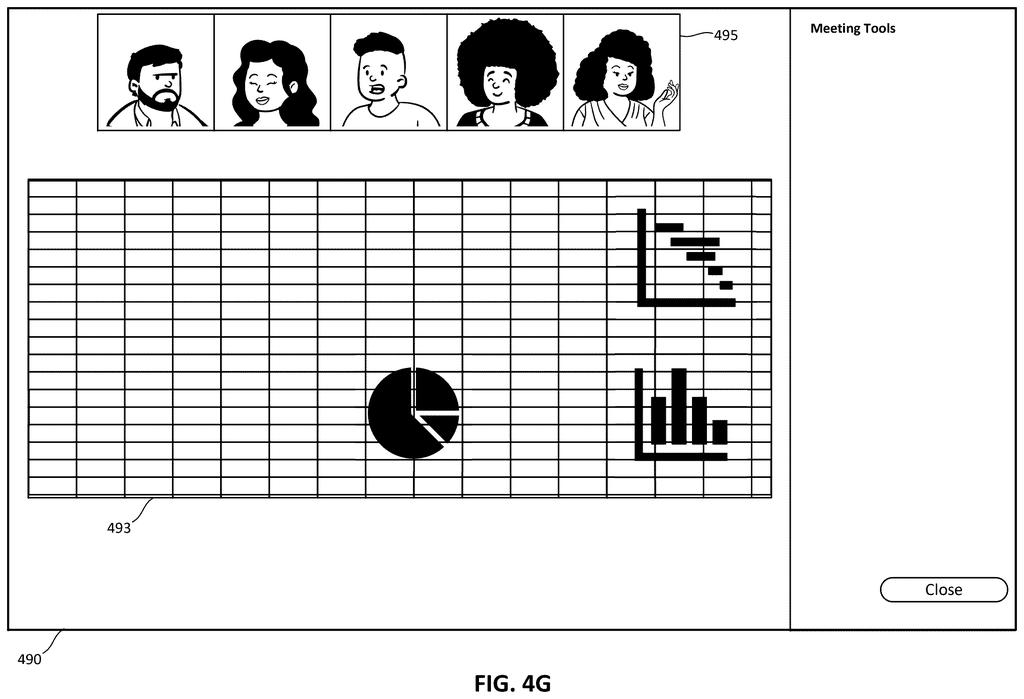
Picture a meeting where you need to reference three different files at once. Right now, you'd either share your whole screen (clutter included) or frantically switch between windows while your audience tries to follow along. Microsoft's patent describes a different approach: you select the specific pieces of content you want, from any number of files, and the system assembles them into one tidy graphic that everyone in the meeting sees.
Think of it like cutting out sections from different magazines and pasting them onto a single board, except the software does it instantly and preserves the original formatting. You pick what matters, and your audience only sees what you chose.
The system captures not just the text or data from each selection, but also the formatting, so a bolded header from a slide or a colored cell from a spreadsheet looks the same in the shared view as it did in the original file.
How the system captures and rebuilds your selections
The patent describes a server-side system that sits between a presenter's device and an online meeting platform (think Microsoft Teams). Here's the flow:
- The presenter selects content from multiple locations across one or more files, those selections are sent to the system as user selection information.
- The system analyzes each selection to pull out both the raw data and its associated formatting (font, color, layout, etc.).
- That information is packaged into data structures (organized containers of information the software can reliably read and rebuild).
- When the presenter sends a sharing command, the system generates a single graphical representation combining all the selections and pushes it to both the presenter's screen and every attendee's screen.
The key technical detail is that formatting is preserved through the extraction and reconstruction process, not just the raw text. So a table from Excel or a callout box from PowerPoint should appear in the shared view with its visual identity intact.
The system is described as running through an online meeting platform, meaning it integrates at the infrastructure level rather than as a simple screen-sharing overlay.
What this means for Teams and online presentations
For anyone who regularly presents data across multiple documents in video calls, this addresses a genuinely annoying problem. Sharing your full screen exposes everything on your desktop; switching between apps mid-meeting is disruptive; and copying content manually into a new slide takes time you often don't have before a call.
Microsoft Teams is the obvious home for this feature, and it fits a broader pattern of Microsoft embedding productivity tools directly into the meeting experience rather than treating the meeting as a separate activity. If this ships, it could make ad-hoc presentations significantly less chaotic, especially for analysts, consultants, and anyone whose workflow involves pulling numbers from multiple sources at once.
This is a practical quality-of-life patent, not a flashy AI play. The problem it solves is real and familiar to anyone who has fumbled through a screen share during a meeting. Whether it ships as a discrete Teams feature or gets folded into something like Copilot-assisted presenting, the underlying idea is useful enough to be worth watching.
There are more where this came from
We read every patent application Big Tech publishes and send you the ones worth knowing. Plain English, free, every week.
The drawings
17 drawing sheets from US 2026/0222236 A1 · click any drawing to enlarge


Want this weekly breakdown for a company we don't cover? Patentlyze Pro →
Be the first to weigh in