
Microsoft Patents a Way to Show Private and Public Meeting Chats at Once
Ever wished you could whisper to a colleague during a meeting without losing track of the main group chat? Microsoft is patenting a system that lets you see both conversations at the same time — or flip between them with a tab.
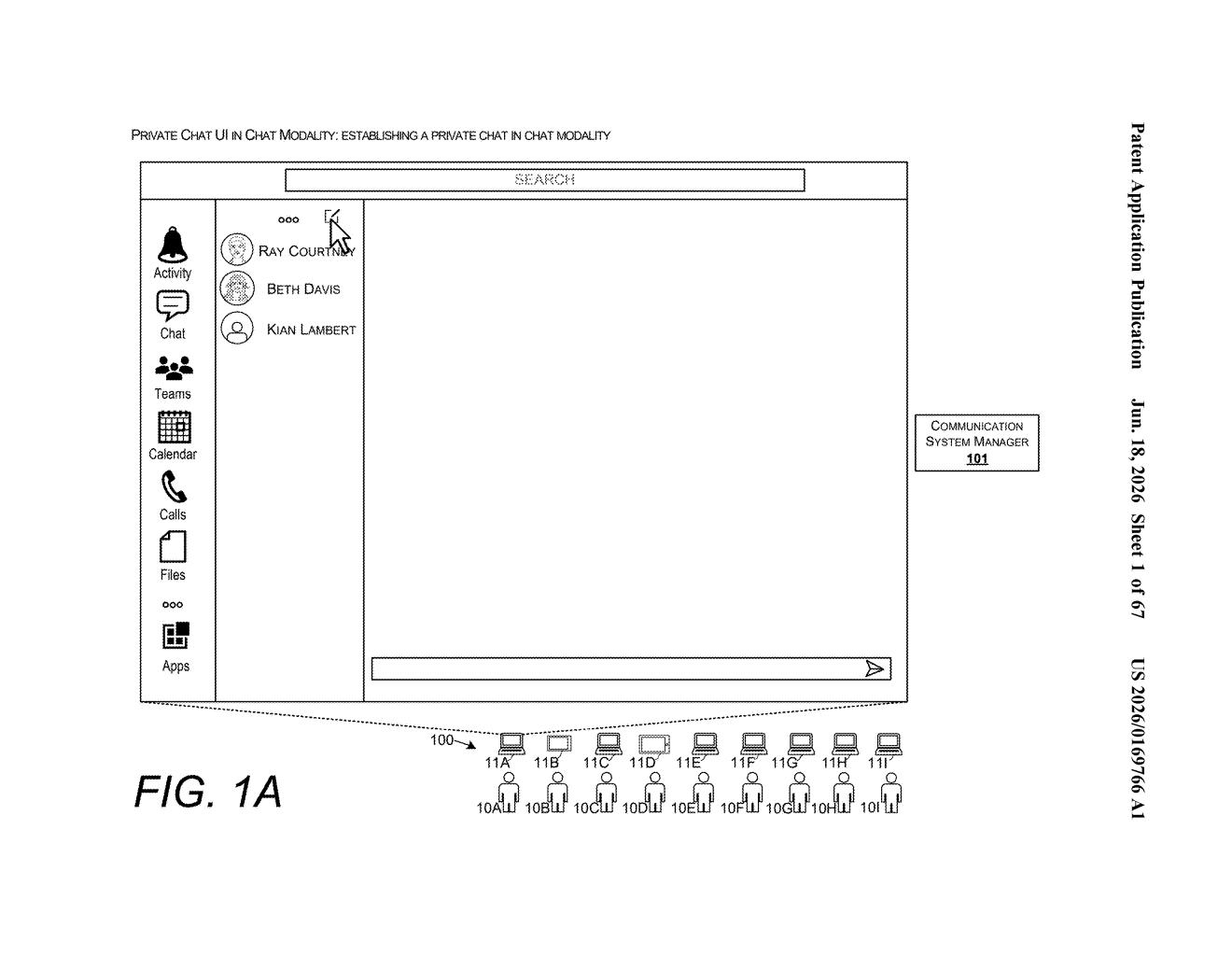
What Microsoft's dual meeting chat view actually does
Picture a big company all-hands on Teams. There's the main chat where everyone types questions, but a few managers also have a private side conversation going on. Right now, keeping up with both is awkward — you're either in one or the other.
Microsoft's patent describes a chat layout that lets people who are included in a private group see both conversations at once. You'd either get an immersive view — where private and public messages are woven together in one timeline, color-coded so you know which is which — or a tab view, where you click between the two threads like browser tabs.
Critically, if you're not in the private group, you'd only ever see the public chat. The system handles permissions automatically, so there's no risk of accidentally exposing a side conversation to the whole room.
How the meeting object controls who sees which messages
The patent introduces a meeting object — essentially a behind-the-scenes record that tracks who's in a meeting, when it starts and ends, and crucially, who has permission to see what.
When someone creates a private side chat during a meeting, the meeting object is updated to grant access to that specific subset of participants. Everyone else stays locked out — their devices simply never receive the private messages.
For users who are in the private group, the system offers two display options:
- Immersive view: Private and public messages are merged into a single chronological feed, sorted by timestamp. Visual indicators (think colored labels or icons) distinguish which messages came from which thread.
- Tab view: The two chats are separated into tabs, so you switch between the public thread and the private thread without them overlapping.
The permissions are re-evaluated each time a user switches views, so the meeting object is always the authority on who can read or send in either thread. The system is designed for a meeting modality — meaning it's scoped to live meeting contexts, not general messaging.
What this means for Teams users in large meetings
For anyone who runs or participates in large meetings — think all-hands calls, client briefings, or cross-team standups — the friction of managing a side conversation in a separate window is real. This patent points toward a Teams feature that brings those two conversations into a single, permission-aware interface.
The deeper play here is access control built into the UI itself. Rather than relying on users to manually manage separate chat windows or rooms, the meeting object architecture means the app enforces who sees what automatically. That's meaningful for enterprise customers who care about information boundaries during sensitive discussions.
This is a practical, unglamorous UX fix for a genuinely annoying problem in video meeting software. It's not a dramatic product shift, but the permission-layer architecture described here is the kind of infrastructure work that quietly makes enterprise chat tools more trustworthy. If this ships in Teams, it'll matter most to power users running complex meetings — not casual callers.
There are more where this came from
We read every patent application Big Tech publishes and send you the ones worth knowing. Plain English, free, every week.
Want this weekly breakdown for a company we don't cover? Patentlyze Pro →