
IBM Files Patent for an App That Guesses Your Next Click and Places Tips There
Most software hides its own help in places you never look. IBM's patent application describes a system that guesses where you are headed, puts a tip in your path, and then checks whether you took the hint.
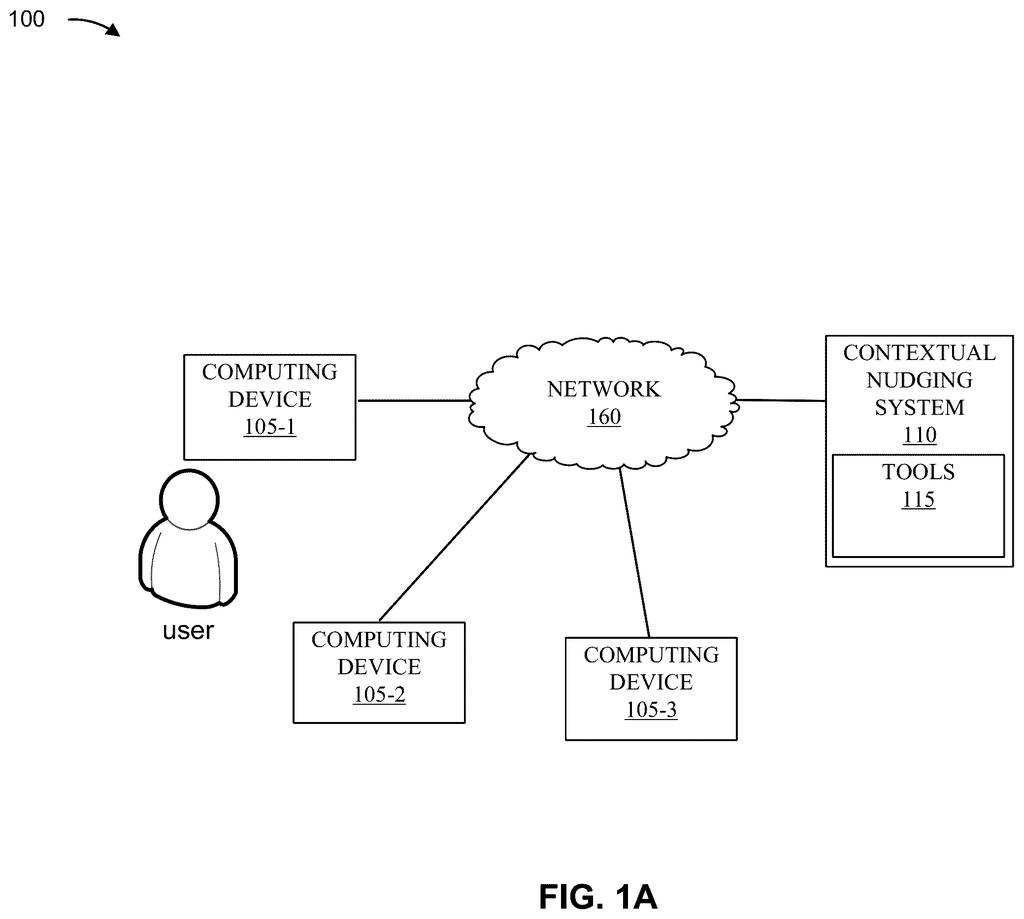
What IBM's contextual nudging system does
Imagine you just started using a new work app. There is a training button somewhere on the screen, but it sits in a corner you never glance at, so you never press it. Your veteran coworker has the same button in the same corner and ignores it too.
IBM's patent application describes software that sorts you into one of three groups: a prospective user, a new user, or an experienced user. It then predicts where you are likely to go next, using statistics built from your past clicks and from people like you. A tip, prompt or image pops up in a part of the screen you tend to notice, in a form (text, picture or audio) you tend to respond to.
Afterward, the software watches what you do. If you ignore the tip, it tries a different style next time.
… determining a most likely action path the user will take using Bayesian statistics, wherein the most likely action path is determined based on the data …
Translation: The system uses probability math to guess what the user will do next based on their past activity.
How IBM predicts your next click and acts
The filing calls the tips nudges. The system first figures out who you are in terms of experience. If it has little or no information about you, you count as a prospective user. If you have finished fewer tasks than a set number, you are new. Past that number, you are experienced.
Next, software helpers called tools pull data from stored records: your past actions, path histories and a screenshot of the app's current screen. The system uses Bayesian statistics (a way of updating a prediction as new evidence arrives) to estimate the most likely route you will take through the app.
Then it picks a nudge and a spot on the screen, based on your predicted path and your context. The filing describes several extras:
- A language-model helper that summarizes what you did, plus a checking agent and a judge agent that score the nudge.
- A measure of your receptivity to each nudge type, so a second nudge can switch style if the first one failed.
- Task scores for completion, speed and success, and nudges ranked by task priority.
- Keeping the nudged part of the screen redrawing at full speed while the rest redraws less often.
The same nudge can also show up on a second device of yours, such as a phone.
Why IBM's nudges matter for workplace software
If you use work software, you know the pattern: training prompts, feature tours and tip banners that you wave away without reading. This filing is about making those prompts land, by learning which kind of nudge you respond to and where on the screen you look. In theory, that means fewer irrelevant pop-ups and more help at the moment you need it.
The filing also describes pointing nudges at teams, asking the right person for input at the right step of a workflow. For a company like IBM, which sells software and AI services to businesses, that could make its products feel less like a maze. The filing mentions one example: a nudge to set up an AI agent after the system spots high memory usage.
This is the 423rd IBM filing we've tracked since May in our IBM coverage, a corpus that includes applications like tracing text to its AI source and swapping blurry screens for text.
To guess your next move, the software watches everything: your clicks, your history, and in one version, screenshots of your own screen. That is a steep price to pay for a helpful tip.
The irony is that the system justifies itself partly by saving resources, since it only updates the screen when something is worth showing. But each suggestion passes through a chain of AI steps that write, review, and score it, and that overhead may cost more than the savings it is meant to produce.
The design does have one saving grace: when you ignore a nudge, it backs off and tries a different approach rather than repeating itself. That single behavior is what makes the surveillance bargain feel, if not light, at least honest.
Get our take in your Top Stories
Liked this breakdown? Add Patentlyze as a preferred source on Google, and our plain-English take shows up more often in your Top Stories the next time IBM patent news breaks.
There are more where this came from
We read every patent application Big Tech publishes and send you the ones worth knowing. Plain English, free, every week.
The drawings
11 drawing sheets from US 2026/0340419 A1 · click any drawing to enlarge


Show the other 3 sheets


Want this weekly breakdown for a company we don't cover? Patentlyze Pro →
Be the first to weigh in