
Samsung Patents an AI System That Picks Your Split-Screen Partner App
Samsung wants your phone to stop making you dig through app lists every time you want to multitask — an AI model would just suggest the most logical second app the moment you open your recents screen.
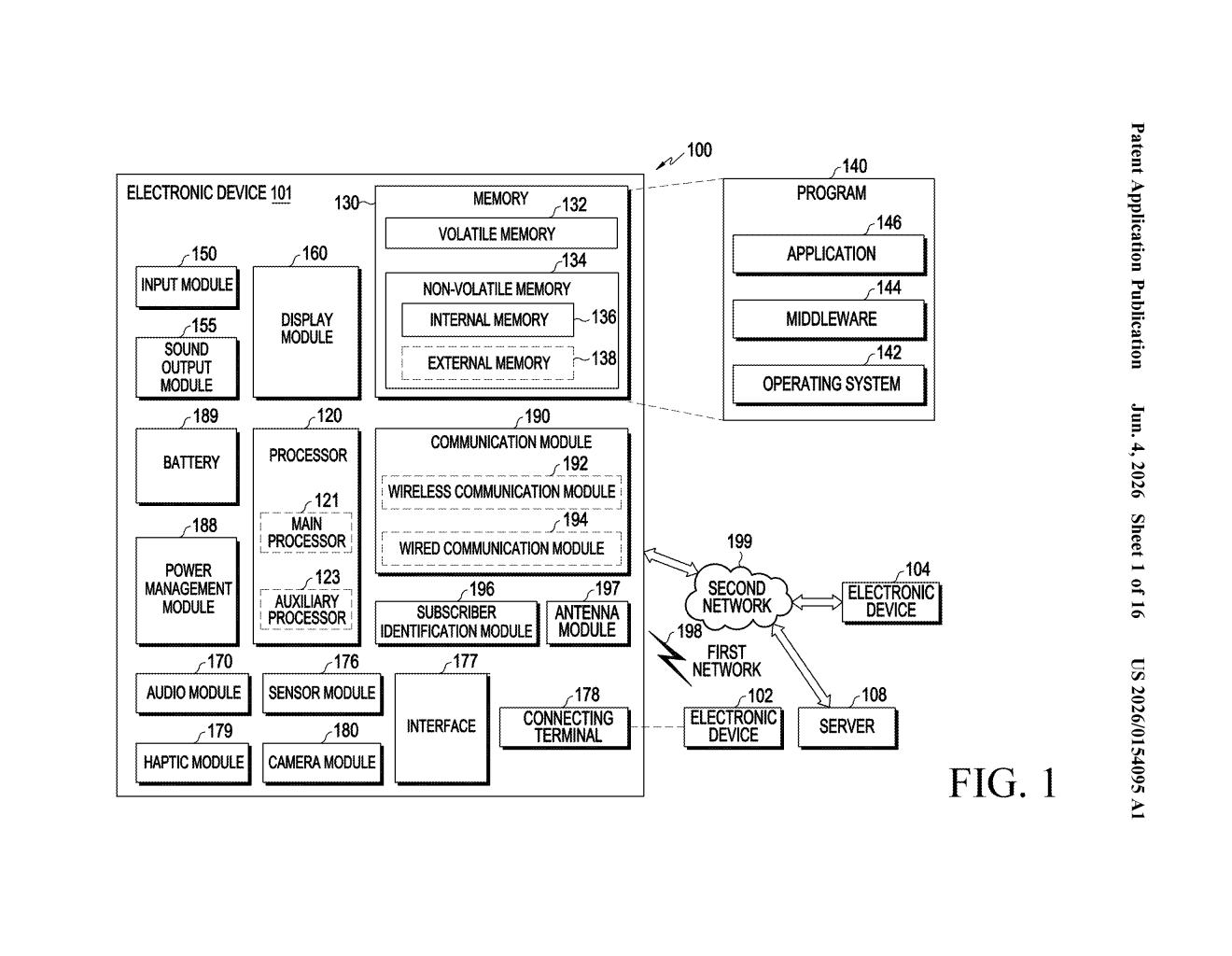
What Samsung's AI split-screen suggestion actually does
Picture this: you pull up your recent apps, tap on Spotify, and instead of manually hunting for a second app to pin beside it, your phone immediately nudges you — "Hey, want to open Maps too?" — because it's learned that you usually listen to music while navigating. That's the core idea here.
Samsung's patent describes a split-screen system where an AI model watches which app you select from your recents tray, then surfaces a recommendation bubble for a second app it thinks you'd want to run alongside it. You tap the bubble, and both apps open in a side-by-side view automatically.
Right now, setting up split screen on Android is a multi-step chore — long press, drag, pick, repeat. This would compress all of that into a single extra tap, with the phone doing the thinking about which second app to suggest based on your habits.
How the AI model selects and surfaces the paired app
The patent describes a three-step interaction loop built around the recents screen (the app switcher you get when you swipe up and hold, or tap the square button).
- Step 1 — App selection: The user taps a thumbnail in the recents list for the first app they want to open.
- Step 2 — AI recommendation: The device displays a UI object — essentially a suggestion card or badge — that recommends a second app. That recommendation is generated by an AI model that takes into account information related to the first app (think: app category, time of day, usage history, or past pairing behavior).
- Step 3 — Split-screen launch: If the user taps the recommendation object, both apps launch simultaneously in a split screen mode, each occupying a distinct area of the display.
The patent doesn't specify whether the AI runs on-device or in the cloud, or detail the exact model architecture. What it does make clear is that the pairing logic is personalized — the second app is chosen based on information related to the first application, not just a static preset list. This implies some form of learned user behavior or contextual inference (drawing conclusions from usage patterns over time).
What this means for multitasking on Galaxy devices
Split screen is one of those features that's been on Android for years but never really took off, largely because the setup friction is too high for casual use. If Samsung can reduce that to one tap with a genuinely useful AI suggestion, it could meaningfully shift how people use multitasking on Galaxy phones and tablets — especially on foldables like the Galaxy Z Fold, where the larger screen makes split-screen layouts actually comfortable.
For Galaxy Tab and DeX users who already lean on multitasking, an AI layer that remembers your preferred app combos could feel like a real quality-of-life upgrade. The risk, of course, is that the suggestions are annoying or wrong — which would make the feature feel intrusive rather than helpful.
This is a modest but genuinely useful UX improvement baked around a sensible AI use case — the kind of thing that actually ships and gets used, unlike flashier AI demos. Samsung already has a history of iterating on its recents screen and multitasking UI, so this fits naturally into the Galaxy software roadmap. Whether the AI suggestions are good enough to avoid becoming an annoyance is the whole ballgame here.
There are more where this came from
We read every patent application Big Tech publishes and send you the ones worth knowing. Plain English, free, every week.
Want this weekly breakdown for a company we don't cover? Patentlyze Pro →