
Samsung Patents a Screenshot Tool That Shows Only the Editing Options You Actually Need
Samsung is patenting a screenshot interface that reads what's in your capture before showing you editing options, hiding buttons that would be useless for that particular image.
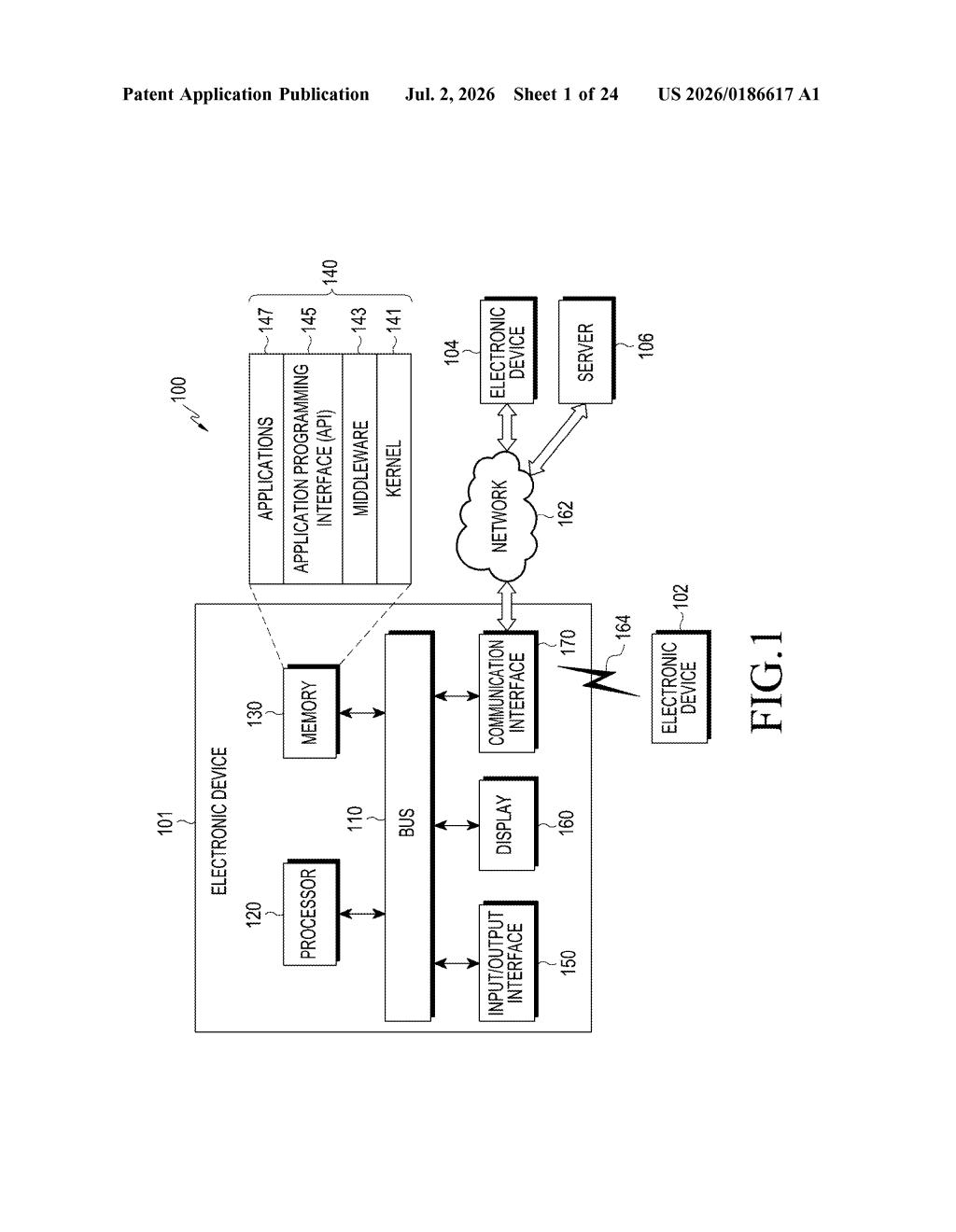
What Samsung's context-aware screenshot UI actually does
Imagine you screenshot a photo of your dog, and your phone immediately offers you a "copy text" button. There's no text in the picture, so the button does nothing useful. It's clutter. Samsung's patent is a fix for exactly that.
The idea is simple: when you take a screenshot, the phone checks whether the captured image contains any text. If it does, a "extract text" button appears in the toolbar. If it doesn't, that button is hidden entirely. You only see the tools that make sense for what you just captured.
This kind of adaptive interface is already common in photo apps, but applying it to the core screenshot experience on a phone is a deliberate quality-of-life move. It keeps the screenshot pop-up from feeling like a crowded menu.
How the device detects text and adjusts the icon set
The patent describes a portable communication device (read: a phone) that captures a screenshot of whatever app is currently on screen, then displays a floating overlay with multiple action icons for processing that image.
The key mechanism is conditional icon rendering. The device analyzes the captured image to determine whether it contains text. Based on that determination:
- If text is detected, an icon for text extraction is included in the floating toolbar.
- If no text is detected, that same icon is omitted entirely from the toolbar.
The broader patent also describes a floating UI (a small, movable overlay) that shows "scrap information" tied to content a user has interacted with, suggesting this connects to a wider Samsung feature for saving and organizing clipped content from across apps.
The claim is structured around a portable communication device with a display, memory, and processors running the logic, which is standard patent architecture for a smartphone software feature.
What this means for Galaxy phone screenshot workflows
For Galaxy phone users, this speaks directly to Samsung's screenshot toolbar, which already appears after you capture a screen. Right now, that toolbar offers a fixed set of options regardless of what you captured. A version that reads the content and adapts the menu is a measurable improvement in day-to-day usability, especially for anyone who regularly pulls text out of screenshots.
More broadly, the patent hints at Samsung building a more context-aware editing layer into its Android skin. Pairing screenshot capture with automatic content analysis brings it closer to Apple's Live Text and Google Lens-style functionality, but integrated into the native screenshot flow rather than a separate tool.
This is a small but genuinely useful UX patent. It won't redefine smartphones, but adaptive interfaces that hide irrelevant controls are the kind of detail that separates a polished experience from a cluttered one. Samsung has real competitive incentive to improve here, and this is a concrete, shippable approach.
There are more where this came from
We read every patent application Big Tech publishes and send you the ones worth knowing. Plain English, free, every week.
Want this weekly breakdown for a company we don't cover? Patentlyze Pro →
Be the first to weigh in