
Adobe Patents a Lens Blur Tool That Keeps In-Focus Edges Looking Natural
Getting a camera-like background blur in editing software sounds simple, but the edges where sharp subjects meet blurry backgrounds have always been a headache. Adobe's new patent tackles exactly that problem.
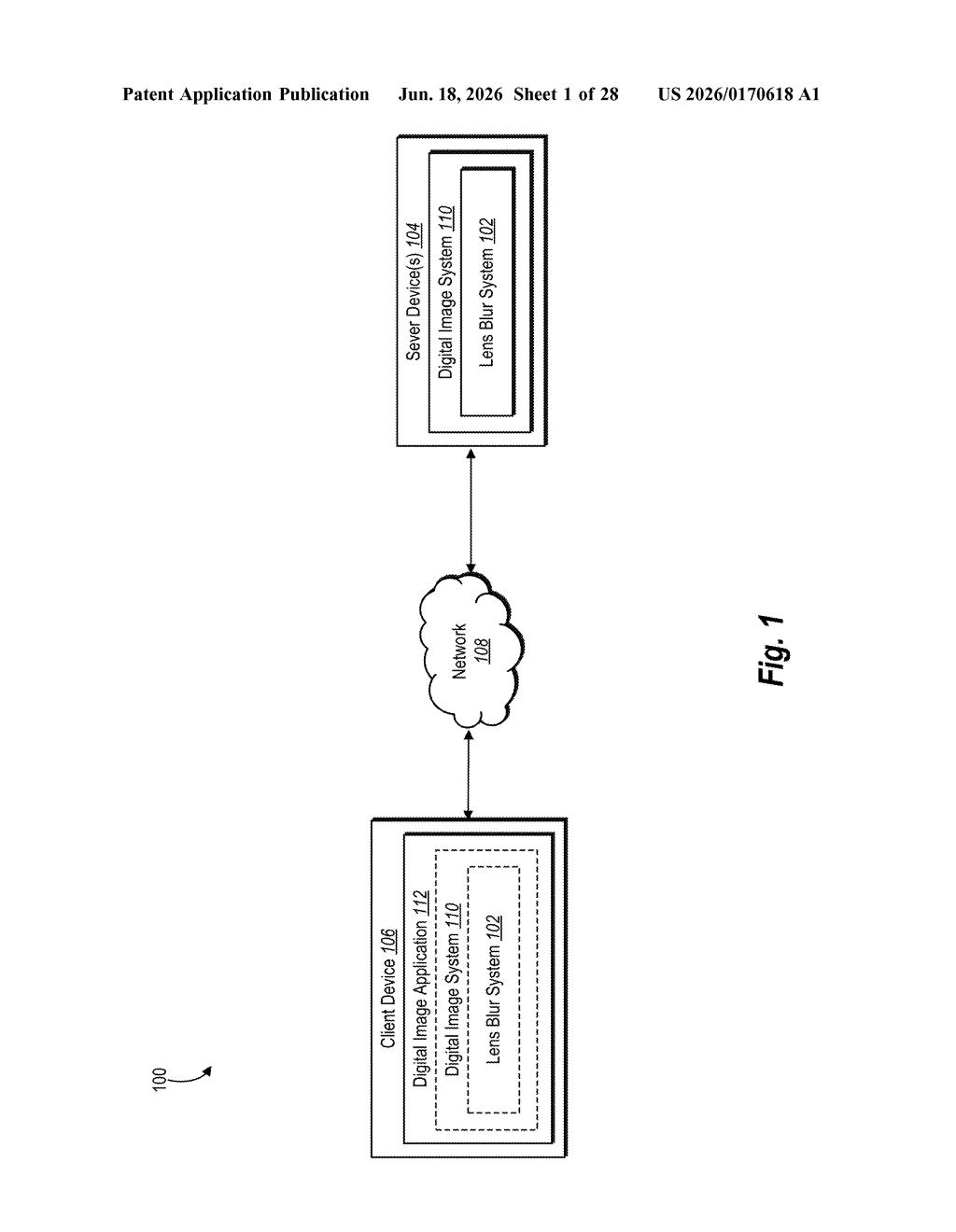
What Adobe's new lens blur effect actually does
Imagine you've taken a photo where everything is in focus, but you want to add that professional "portrait mode" look — where the subject is sharp and the background melts into a soft blur. The tricky part is the boundary between the sharp and blurry areas. Most software either makes those edges look cut-out and fake, or accidentally blurs parts that should stay crisp.
Adobe's patent describes a tool that lets you select which part of a scene should stay in focus — say, a face at a certain distance from the camera — and then calculates the blur around it in a way that handles those tricky edges more accurately. It uses depth information (a map of how far each part of the image is from the camera) to figure out what belongs in the foreground and what belongs in the background.
Critically, the effect is described as non-destructive, meaning your original photo stays untouched underneath. You can dial the blur up or down, shift the focus zone, and the software recalculates rather than permanently changing pixels. That's the kind of flexibility professional editors expect from tools like Photoshop or Lightroom.
How the focal matte and layered depth map work together
The patent describes a three-step pipeline for generating a realistic lens blur inside a photo editing application.
Step one: the focal matte. When you pick a focus zone using a slider or selection tool, the system creates what it calls a focal matte — essentially a grayscale mask that marks which pixels are "in focus" and which are not, based on depth values in the image. Think of it like a stencil that knows the distance of every pixel from an imaginary camera.
Step two: the layered depth map. The system then splits depth information into two separate layers — foreground depth values (things closer to the camera than your focus zone) and background depth values (things farther away). Keeping these separate is key to handling the boundary between a sharp subject and a blurry background correctly, instead of blending them together and creating a muddy edge.
Step three: splatting. The actual blur is applied using a technique called splatting — a rendering method where each pixel "spreads" its color outward based on how out-of-focus it is, simulating the way a real camera lens physically diffuses light. The layered depth map guides this process so that foreground pixels and background pixels spread in the right directions and don't incorrectly bleed into the sharp in-focus zone.
What this means for photographers and photo editors
For photographers and designers, the practical payoff is a blur effect that behaves more like an actual camera lens — particularly at the edges where sharp subjects meet blurry surroundings. That boundary has long been the tell that separates a convincing fake bokeh from an obvious one.
The non-destructive nature of the tool matters just as much as the quality. If Adobe ships this in Photoshop or Lightroom, you'd be able to adjust your focus zone after the fact without re-doing any work — something that currently requires a lot of manual masking and layer management. For anyone who shoots on a smartphone and wants to punch up a flat photo, this kind of tool could make a meaningful difference without a steep learning curve.
This is a real, practical improvement to a tool that professional editors actually use — not a flashy AI concept. The specific problem it solves (edge artifacts at the in-focus/out-of-focus boundary) is a well-known pain point, and the layered depth map approach is a sensible engineering answer. It's worth watching for a Photoshop or Lightroom release.
There are more where this came from
We read every patent application Big Tech publishes and send you the ones worth knowing. Plain English, free, every week.
Want this weekly breakdown for a company we don't cover? Patentlyze Pro →