
Adobe Patents a Portal System That Teleports Design Shapes Across a Canvas
Imagine dragging a shape into a doorway on one side of your canvas and watching it emerge — transformed — out of a completely different doorway somewhere else. That's the core idea behind Adobe's latest design patent.
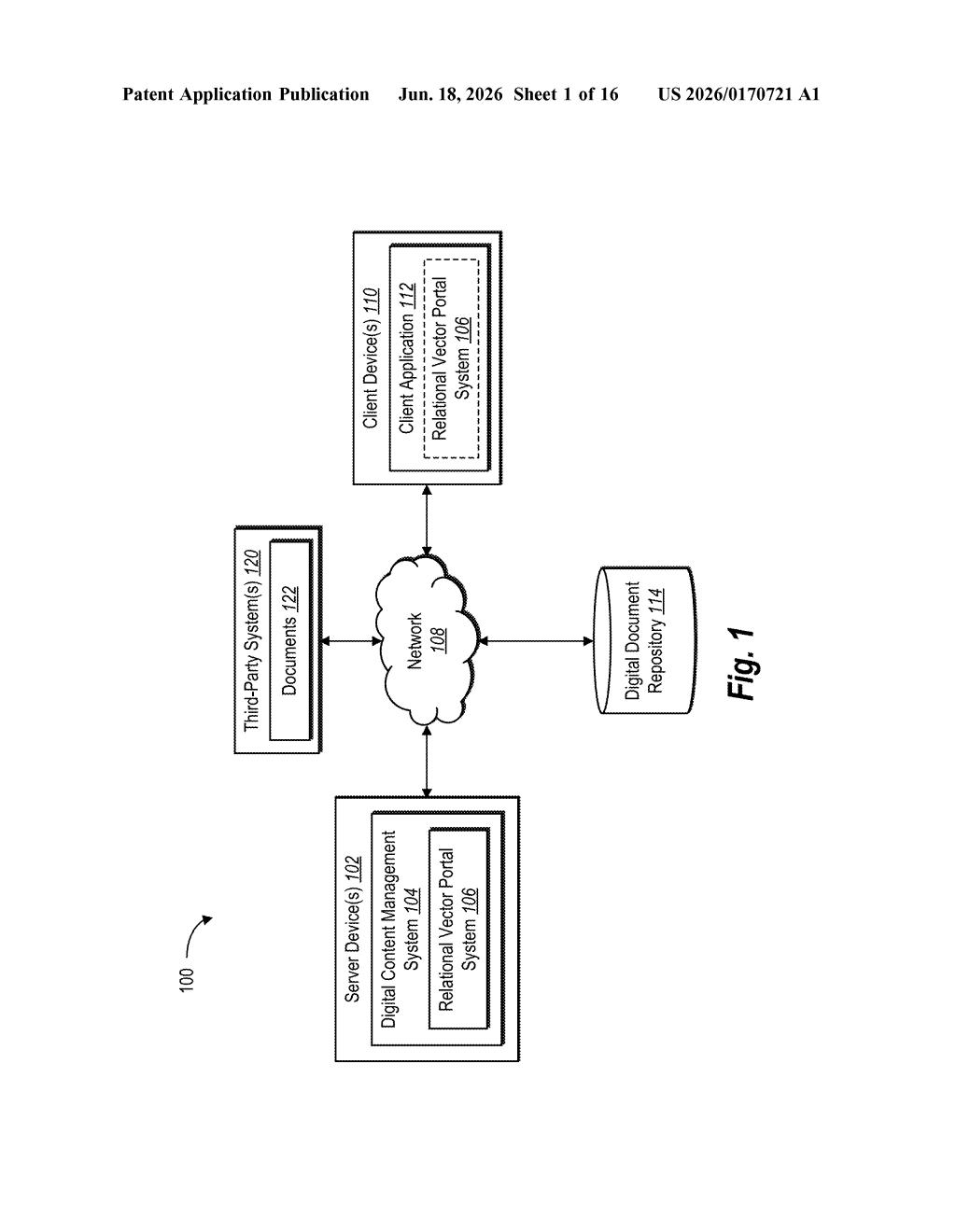
What Adobe's shape-portal tool actually does for designers
Picture a graphic designer working on an animation or layout. They want a logo to slide off one part of the screen and reappear in a new position, with a different size or style. Right now, pulling that off usually means manually duplicating the shape, hiding parts of it, and faking the transition by hand.
Adobe's patent describes a tool that does this automatically using a pair of linked 'portals.' You draw an entry gate on your canvas, link it to an exit gate somewhere else, and then drag your shape toward the first gate. As the shape crosses the entry line, the part that's gone through disappears from the original spot and reappears — potentially resized, recolored, or repositioned — coming out of the exit gate.
The result is that spatial and style transitions that used to take multiple manual steps could be set up in seconds, just by placing two markers on a canvas and dragging a shape through one of them.
How the entry and exit portals split and redirect vector objects
The patent describes a system built around two linked on-screen markers — an entry portal and an exit portal — placed on a design canvas.
The entry portal is aligned to a vector path (a mathematical line or curve that defines the edge of a shape or a motion track). When a user drags a vector object so it begins crossing that line, the system splits the object into two pieces: the part that has crossed the threshold and the part that hasn't.
- The portion that crosses the entry portal is hidden at the entry point.
- A transformed copy of that same portion appears at the exit portal — potentially with a different position, scale, rotation, or visual style applied.
- The remaining portion of the shape stays visible at the entry portal, creating a natural-looking split or transition effect.
In practical terms, this gives designers a way to create effects like shapes morphing as they 'travel through' a gate, or objects that appear to teleport from one canvas region to another while mid-drag. The 'relational' part of the name means the two portals stay mathematically linked, so changes to one automatically update the other.
What this means for motion and graphic design workflows
For motion designers and illustrators, this kind of portal tool could cut down significantly on the manual work of building transition effects. Today, animators often fake these kinds of 'shape crossing a boundary' moments with a combination of masks, duplicate layers, and frame-by-frame adjustments. A purpose-built portal primitive inside a tool like Adobe Illustrator or After Effects would make that a one-step operation.
The broader angle here is that Adobe has been investing in making its vector tools more animation-friendly for years. A portal system fits naturally into motion graphics workflows — think a character's hand reaching through a frame, or a logo that transforms as it slides into position — and could eventually show up as a native feature in the Creative Cloud suite.
This is a genuinely clever idea for designers who work with motion and animation — the portal metaphor is intuitive, and the underlying mechanic of splitting a vector object at a threshold line solves a real, fiddly problem. Whether Adobe ships this as a discrete tool or folds the logic quietly into existing animation features, it's worth tracking.
There are more where this came from
We read every patent application Big Tech publishes and send you the ones worth knowing. Plain English, free, every week.
Want this weekly breakdown for a company we don't cover? Patentlyze Pro →