
Apple Patent Reveals iPhones Scanning Rooms and Displaying Symbolic Object Icons
Instead of showing you a live camera view of your room, Apple has patented a scanner that strips the feed away entirely and replaces it with simple icons representing whatever objects it detects. It's a surprisingly bold design choice for a company whose devices are built around beautiful displays.
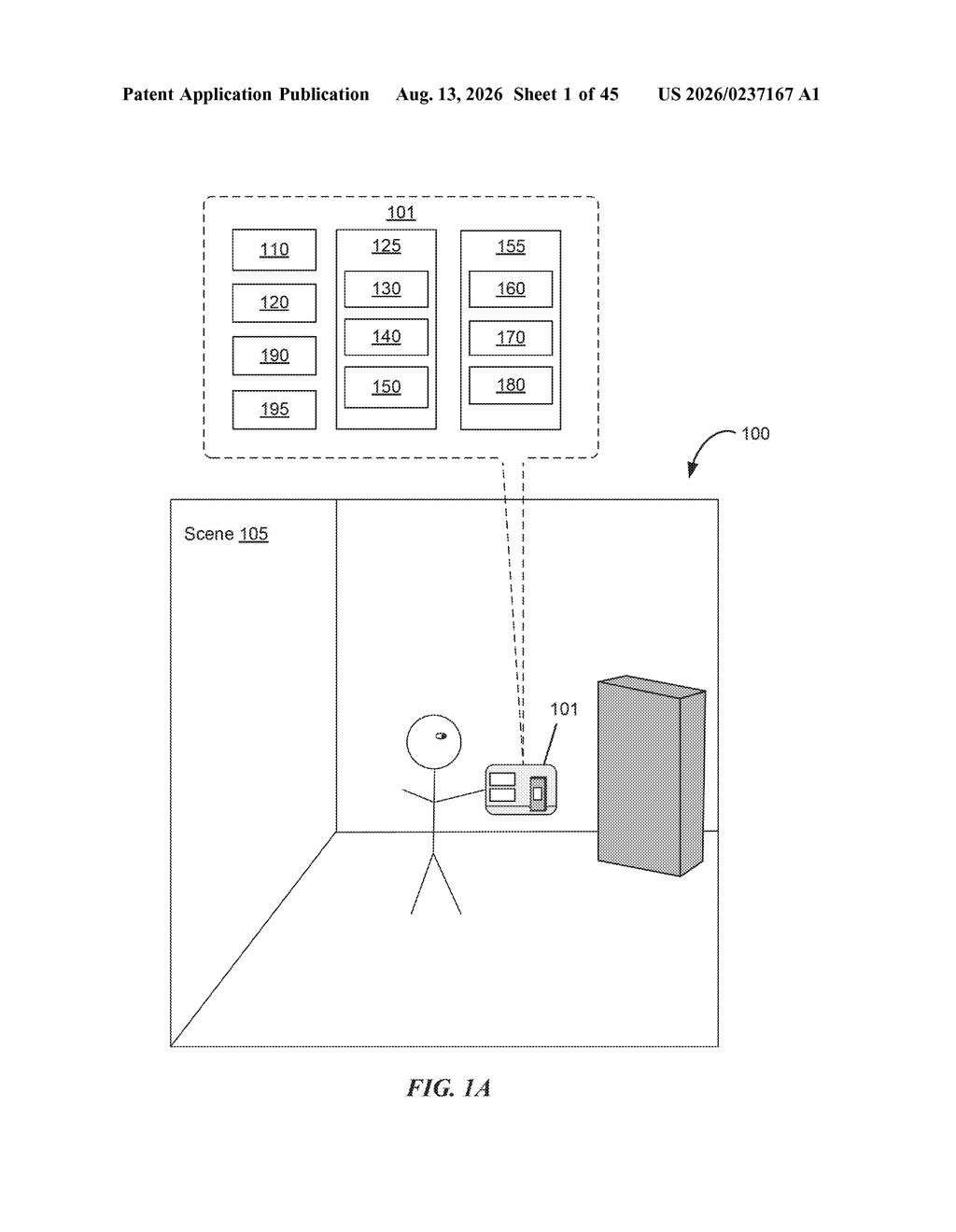
What Apple's room-scanning icon display actually does
Ever tried to set up a piece of furniture using an app, only to lose track of what the camera was even looking at? Apple has been thinking about that problem.
This patent describes a scanning system where, instead of showing you a live video feed from your camera, the device shows you a clean set of symbolic icons for each object it detects in your physical space. Think of it like a radar display rather than a security camera. The system also tells you when to move your phone or device to a better angle, based on what it has and hasn't picked up yet.
On top of that, the patent covers different kinds of feedback depending on which scanning mode is active, plus specific alerts when something notable happens in the space, like an object entering or leaving a zone. The goal seems to be a calmer, more guided scanning experience rather than a raw camera view that can feel cluttered and confusing.
… symbolic representations of detected objects are displayed without displaying a representation of the physical environment.
Translation: The phone can show you simple icons for items in your room instead of showing a live video feed of your surroundings.
How Apple's scanner switches modes and fires alerts
At its core, this patent covers three distinct ideas bundled into one scanning system.
Symbolic-only display: The device detects objects in the physical environment using its optical sensor (the camera) but, instead of rendering a camera preview on screen, it draws symbolic representations, think icons or simplified shapes, of those objects. This keeps the interface clean and lets the system highlight what it has recognized without the visual noise of a live video feed.
Guided repositioning prompts: When the system determines that certain objects haven't been fully captured, it generates a prompt telling the user to move the sensor to a different position. The prompt is driven by what has already been detected, so the guidance is reactive and specific rather than a generic 'move around the room' instruction.
Mode-dependent feedback and spatial event alerts: The patent distinguishes between different active scan modes, each of which triggers different types of feedback (audio, visual, haptic cues are all candidates). Separately, when a spatial event occurs, meaning the sensor detects a change in the physical environment, the system picks from a set of different alerts based on what the sensor is currently seeing. This means the device can react differently to, say, a person walking into frame versus a surface moving out of range.
What this means for Apple's spatial computing push
Apple Vision Pro and the broader spatial computing category live or die on how well a device understands the physical space around it. A scanner UI that guides users through capturing a room, confirms what it has seen with icons, and reacts in real time to spatial changes is exactly the kind of foundational plumbing that makes AR and mixed-reality features feel reliable rather than flaky. If scanning a room takes thirty seconds and ends with a clear confirmation, people will actually do it.
This filing sits squarely in software and interaction design territory, which means the underlying hardware, cameras, depth sensors, and the spatial computing chips Apple already ships, probably exists already. The shortest path from this patent to a real feature is a software update, not a new device launch. That makes it closer to shippable than most spatial computing patents, and it fits a pattern of Apple sharpening the day-one setup experience for its spatial platforms, a topic covered regularly in Big Tech patent news on spatial computing and AR interface design.
The symbolic-display idea is the most interesting design decision here: hiding the camera feed and showing only icons is a real departure from how every current scanning app works, and it suggests Apple thinks live camera UI is cognitively expensive for users setting up spatial environments. The guided-repositioning feature is more incremental but could meaningfully reduce the 'did it actually scan that corner?' anxiety that plagues room-mapping today. Because this is pure software behavior on existing sensor hardware, the barrier to shipping is low, and the interaction patterns are specific enough to suggest a feature already in late design.
There are more where this came from
We read every patent application Big Tech publishes and send you the ones worth knowing. Plain English, free, every week.
The drawings
45 drawing sheets from US 2026/0237167 A1 · click any drawing to enlarge


Want this weekly breakdown for a company we don't cover? Patentlyze Pro →
Be the first to weigh in