
Samsung Patents a Camera UI That Previews Image Effects by Scene Zone
Instead of scrolling through filters and hoping for the best, Samsung's new patent lets your camera automatically segment a scene — sky, subject, background — and show you tailored effect previews for each zone before you ever tap the shutter.
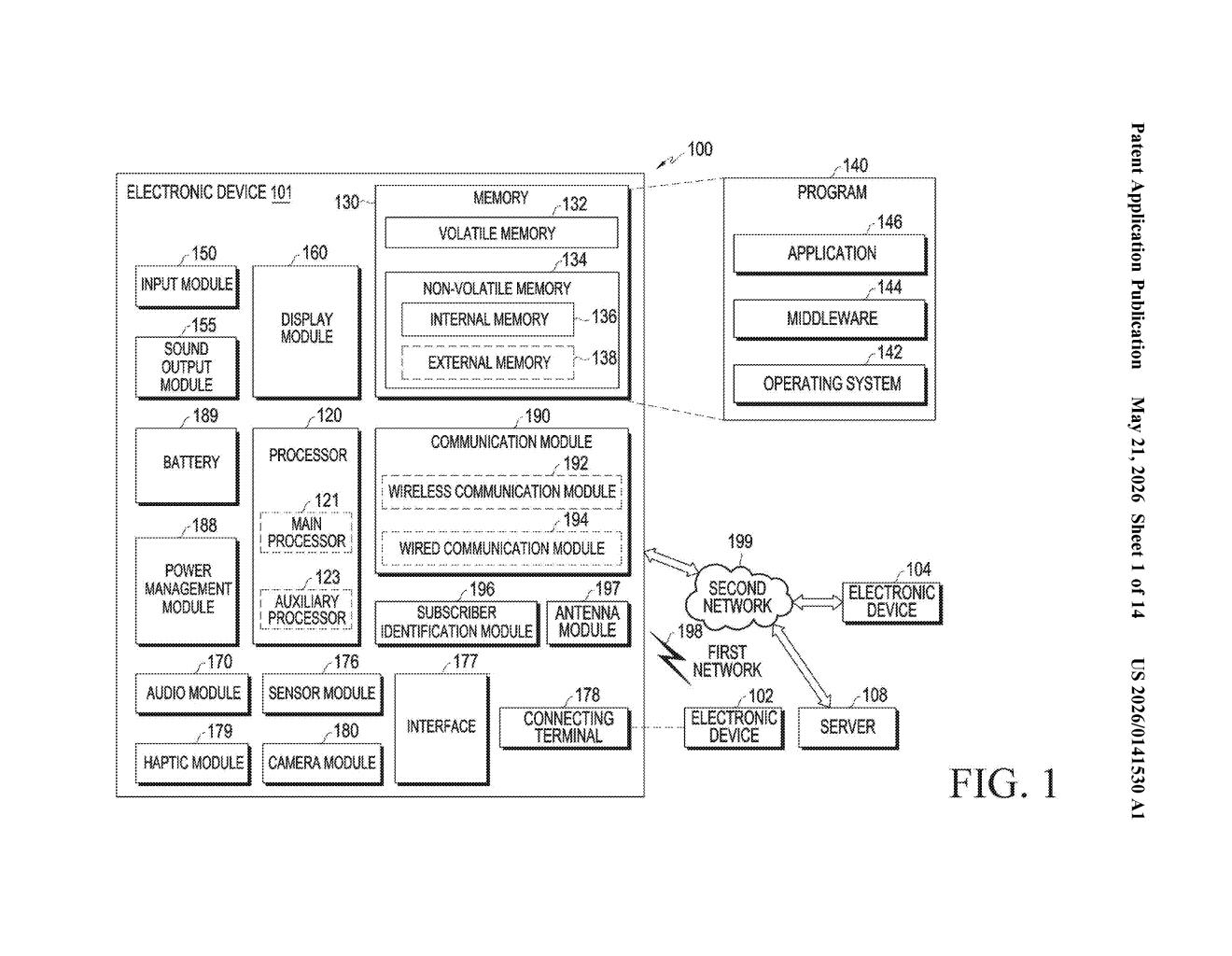
What Samsung's zone-based filter preview actually does
Imagine you're lining up a photo of a friend at a café. Right now, most camera apps let you swipe through filters that apply to the whole image at once — so you're stuck choosing between a moody preset that flatters your friend but washes out the background, or a vibrant one that pops the surroundings but overexposes their face.
Samsung's patent describes a system that fixes this. Your camera looks at the live viewfinder, automatically splits the scene into zones — like the main subject, nearby objects, and the background — and then shows you a row of small preview thumbnails alongside your live view. Each thumbnail has already applied a different effect to that specific zone.
You tap a thumbnail you like, and only that zone gets the effect applied while everything else stays untouched. You can even mix and match — selecting different effects for different parts of the same image. It's essentially non-destructive, zone-aware filter selection, all happening in real time through the camera app.
How the segmentation and side-panel previews work
The core of the system is image segmentation (an AI technique that identifies and outlines distinct regions in a photo, like separating a person from a wall behind them). When you open the camera, the processor continuously segments the live viewfinder feed into a main object, one or more auxiliary objects, and a background.
When you tap or designate a specific zone in the viewfinder, the system identifies which image effects are relevant to that zone and generates multiple second images — small previews displayed in a panel adjacent to the main live view — each showing that zone with a different effect applied.
The key technical detail in the independent claim: at least one of those preview thumbnails contains separately selectable sub-areas, each with a different effect applied within the same thumbnail. This means you're not just picking one effect per zone — you can pick different treatments for different parts of a zone within a single selection action.
- Selecting a preview (or a sub-area within it) applies the chosen effect only to the designated partial area
- All remaining areas of the live image are kept unchanged
- The result is displayed as a composite third image in the main viewfinder area
The architecture keeps the live camera feed, the segmentation logic, and the effect-preview generation running in parallel, which suggests this is designed for real-time or near-real-time performance rather than a post-capture editing workflow.
What this means for Galaxy camera editing UX
For Galaxy users, this kind of zone-aware, preview-first editing could meaningfully close the gap between shooting and editing — the kind of workflow that currently requires jumping to a separate app like Lightroom or Snapseed. If it ships, it would let you make intentional, localized creative choices before you capture, not after.
More broadly, it signals Samsung doubling down on the camera UI as a creative canvas rather than just a capture tool. The segmentation-plus-preview combo is a direct response to how people actually edit photos: they want to keep the sky dramatic while softening the subject, or pop a specific object's color without wrecking the rest of the frame. Building that workflow directly into the viewfinder — rather than post-processing — is a meaningful UX direction for the Galaxy S and Z series.
This is a genuinely useful UX idea that solves a real friction point in mobile photography. The detail about sub-selectable areas within a single preview thumbnail is the clever bit — it's not just 'filters per layer,' it's 'filters per micro-region, previewed live.' Whether Samsung can execute this smoothly enough to actually ship it in Galaxy Camera without lag is the real question, but the concept is solid.
Get our take in your Top Stories
Liked this breakdown? Add Patentlyze as a preferred source on Google, and our plain-English take shows up more often in your Top Stories the next time Samsung patent news breaks.
There are more where this came from
We read every patent application Big Tech publishes and send you the ones worth knowing. Plain English, free, every week.
Want this weekly breakdown for a company we don't cover? Patentlyze Pro →