
Apple Patents a Browser Feature That Swaps Page Sections on Tap
Apple has filed a patent for a browser interaction where tapping a button on part of a web page replaces what you're looking at with a different, related section, no new tab, no scroll, just a clean swap. It sounds simple, but the claim covers some specific conditional logic about which replacement content appears based on what you were viewing first.
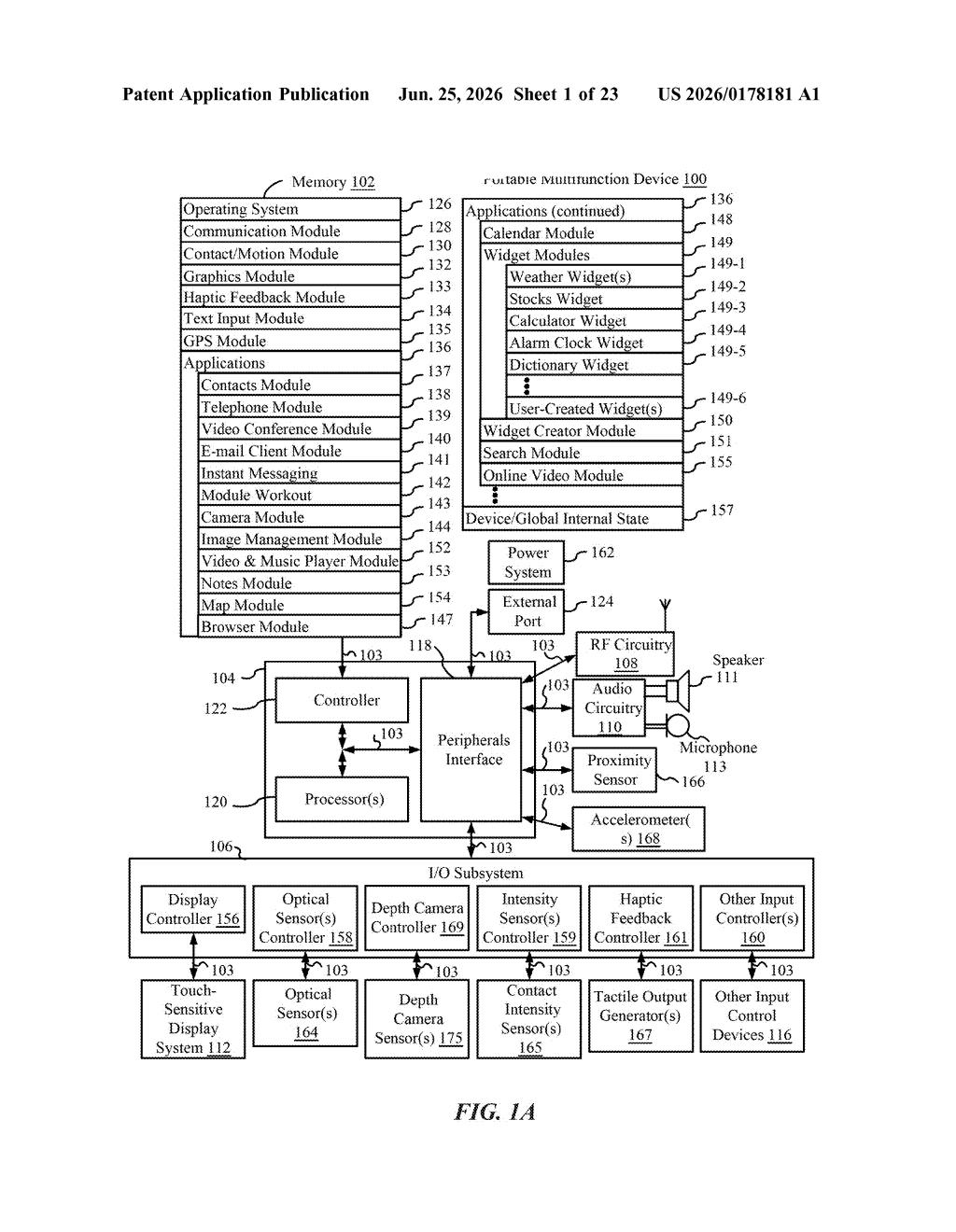
What Apple's content-swapping web feature actually does
Imagine you're reading a news article and there's a small button next to a paragraph that says "see more context." Instead of opening a new tab or jumping to a different part of the page, tapping that button makes the paragraph you were reading disappear and shows you a different block of content in its place.
That's roughly what this Apple patent describes. The key detail is that which replacement content appears depends on which section you were looking at. If you were on section A, you get section B. If you were on section C, you get section D, and importantly, section B stays hidden.
This is essentially a context-aware content switcher built into a browser. Think of it like a "flip side" button attached to specific parts of a web page, where each part of the page has its own distinct flip side.
How the display logic decides which section to show
The patent describes a method running on a computer system with a display and input devices (think a browser on an iPhone or Mac). The browser renders a portion of web content alongside a small user interface element, a button or icon, tied to that specific content block.
When you tap that element, the system checks which content block you were viewing:
- If it was the first portion, it hides that content and shows a second portion in its place.
- If it was the third portion, it hides that content and shows a fourth portion, but critically, it also keeps the second portion hidden.
The claim's emphasis on what is not shown is deliberate. Each swap is exclusive: the replacement content appears only in place of the content that triggered it, and previously substituted content from other triggers doesn't leak through.
This pattern suggests a structured, conditional display layer sitting on top of standard web rendering, likely inside a browser engine or a Safari-specific content rendering component.
What this means for how Safari handles web pages
For Safari users, this could mean a cleaner way to explore layered web content, think articles with expandable fact-checks, product pages with spec comparisons, or educational content where you flip between a simplified and detailed explanation, all without navigating away or losing your place on the page.
For Apple, this falls squarely in the Safari and WebKit territory, where the company has been building out reader-mode and content-manipulation features for years. A context-aware swap system could also be useful in visionOS browser contexts, where spatial constraints make traditional link-following or tab-switching more disruptive.
This is a narrow, incremental UI patent, it describes a specific conditional content-swap behavior, not a wholesale reinvention of how browsers work. The underlying idea (show different content based on context) is not new, but the exact logic Apple is claiming, with explicit rules about which content stays hidden during each swap, is specific enough to be worth noting for anyone building interactive web readers or browser extensions.
There are more where this came from
We read every patent application Big Tech publishes and send you the ones worth knowing. Plain English, free, every week.
Want this weekly breakdown for a company we don't cover? Patentlyze Pro →