
Google Patents a Screenshot Tool That Copies Text and Keeps Its Formatting
Copying text from a screenshot has always meant losing all the formatting. Google is patenting a way to fix that, pulling text out of an image and dropping it into a document exactly as it looked on screen.
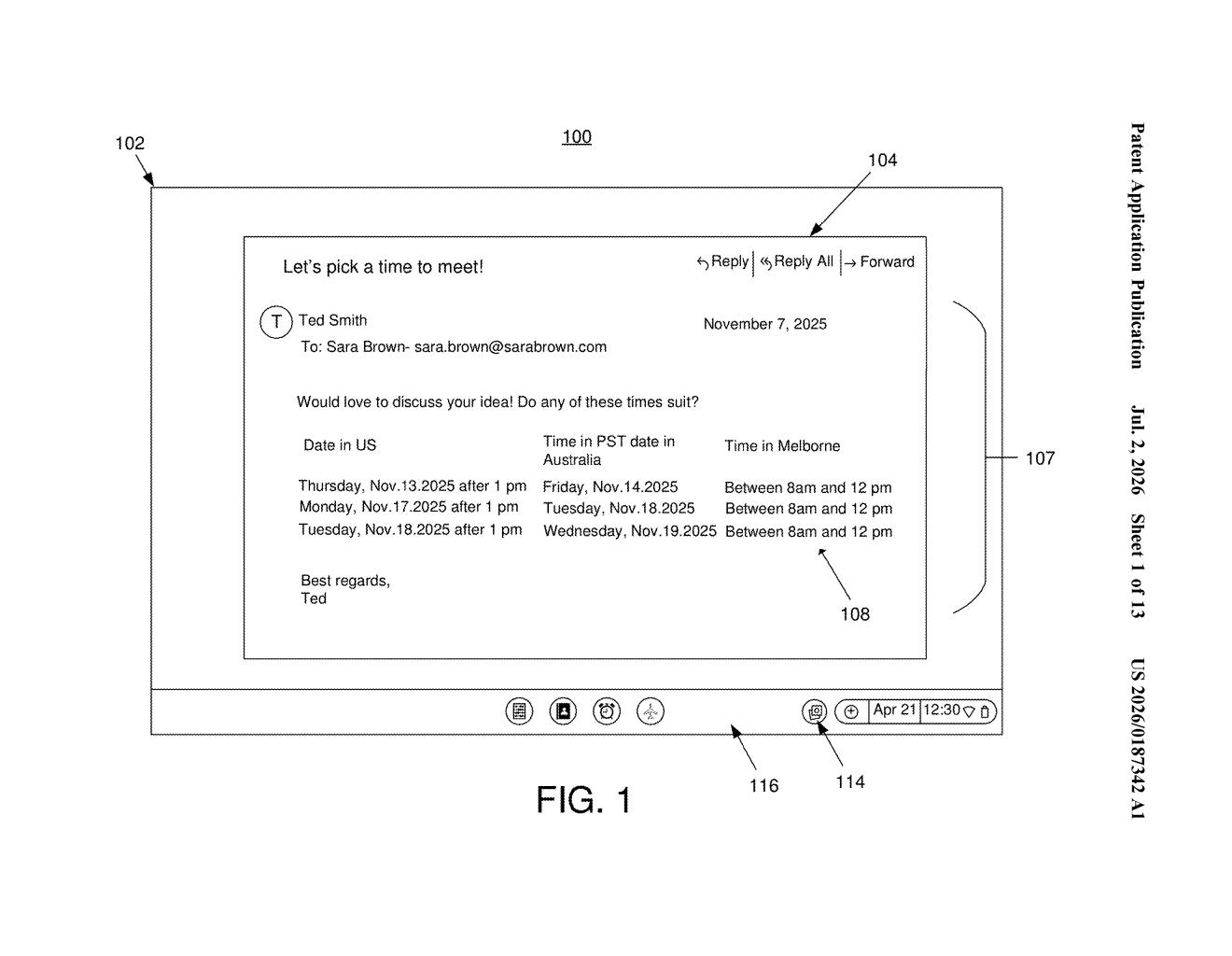
What Google's screenshot-to-text tool actually does
Imagine you're reading a PDF or a web page and you want to grab a chunk of text for your own document. You take a screenshot, but the moment you try to copy from it, everything useful disappears: the bold headings, the font sizes, the italics. You end up re-typing and re-formatting by hand.
Google is patenting a tool that looks at a screenshot and figures out not just what the text says, but how it was styled: the font weight, size, color, and layout. When you choose to paste it somewhere like Google Docs, the formatting comes along for the ride.
The system works entirely from the image itself, so the original document doesn't need to be open or even accessible. If you can see it on screen, you can capture it and paste it with its style preserved.
How Google reads formatting from raw image data
The patent describes a three-step pipeline. First, the system performs text extraction from image data, meaning it reads the words from a screenshot or screen capture using optical character recognition (OCR, the technology that turns pictures of text into editable characters).
Second, it goes beyond raw OCR by determining formatting style from the same image. That means analyzing visual properties in the pixel data to infer things like:
- Font size and weight (bold vs. Regular)
- Text color and background contrast
- Layout properties such as indentation or column structure
Third, the system surfaces a paste option to the user. Selecting it inserts the extracted text into a second, target document while preserving the detected formatting style, so the pasted content looks like it was typed in by hand with all styling applied.
The claim is deliberately broad: it covers any device display rendering a source document, and any second document as the destination. That scope covers scenarios from copying a formatted table out of a locked PDF all the way to grabbing a styled heading from a web page you can't select text from directly.
What this means for Google Docs and Workspace users
For anyone who works in Google Docs, Slides, or Workspace day-to-day, this would close one of the most annoying gaps in document editing. Right now, screenshots are a dead end for formatted text. A tool like this would make them a live source you can actually pull from.
Strategically, it strengthens Google's pitch that Workspace is a complete productivity environment. If your phone camera or screen recorder can feed cleanly formatted content straight into a doc, that's one more reason to stay inside Google's ecosystem rather than jumping to a desktop app. It also hints at tighter integration between Google Lens (which already reads text from images) and Workspace editing tools.
This is a modest but genuinely useful quality-of-life fix for document workers, not a flashy AI announcement. The core OCR idea is well-established; the real value here is the formatting inference and the one-click paste flow. If it ships inside Google Docs or Lens, most people will use it without ever knowing a patent was involved.
There are more where this came from
We read every patent application Big Tech publishes and send you the ones worth knowing. Plain English, free, every week.
Want this weekly breakdown for a company we don't cover? Patentlyze Pro →
Be the first to weigh in