
Microsoft Patent Reveals AI Tool That Strips Webpages to Your Preferences
Most browser reading modes strip out ads and sidebars, but they still show you everything else. Microsoft's new patent describes a mode that goes further, hiding even parts of the main article text that don't match your personal interests.
What Microsoft's personalized reading mode actually does
Imagine you open a long news article about a product launch. Half of it covers technical specs you don't care about, and the other half covers the price and availability you actually came for. Normally, you'd scroll through the whole thing. Microsoft's patent describes a browser feature that would read your profile and surface only the sections relevant to you, hiding the rest.
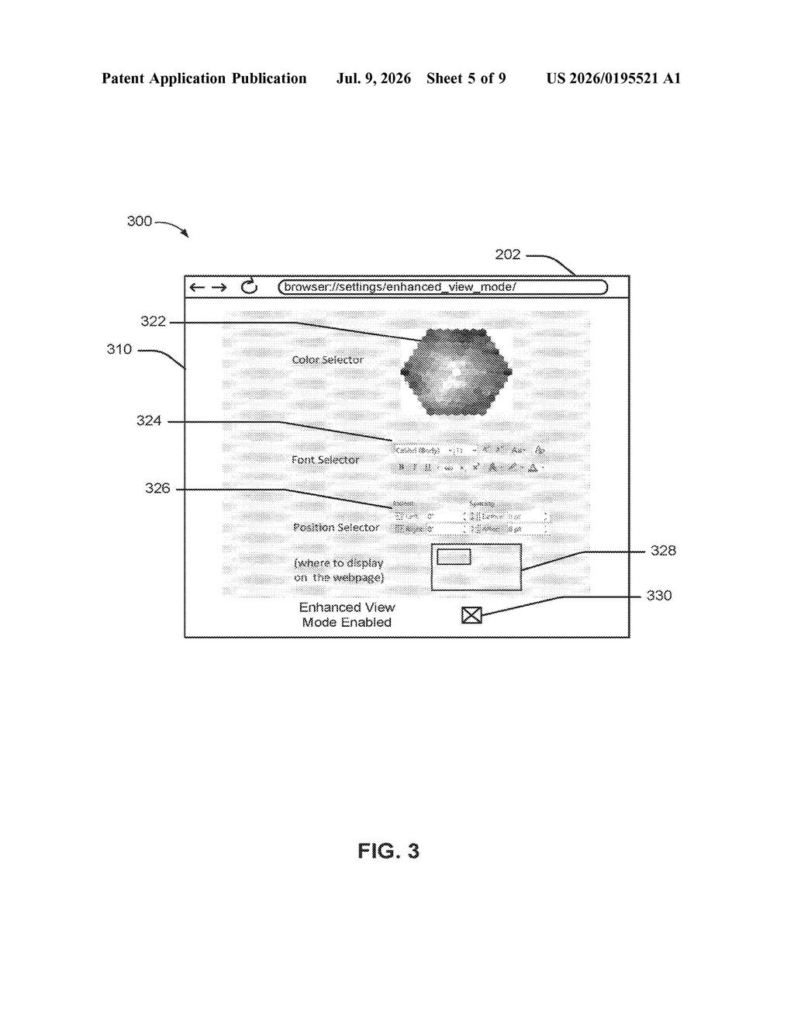
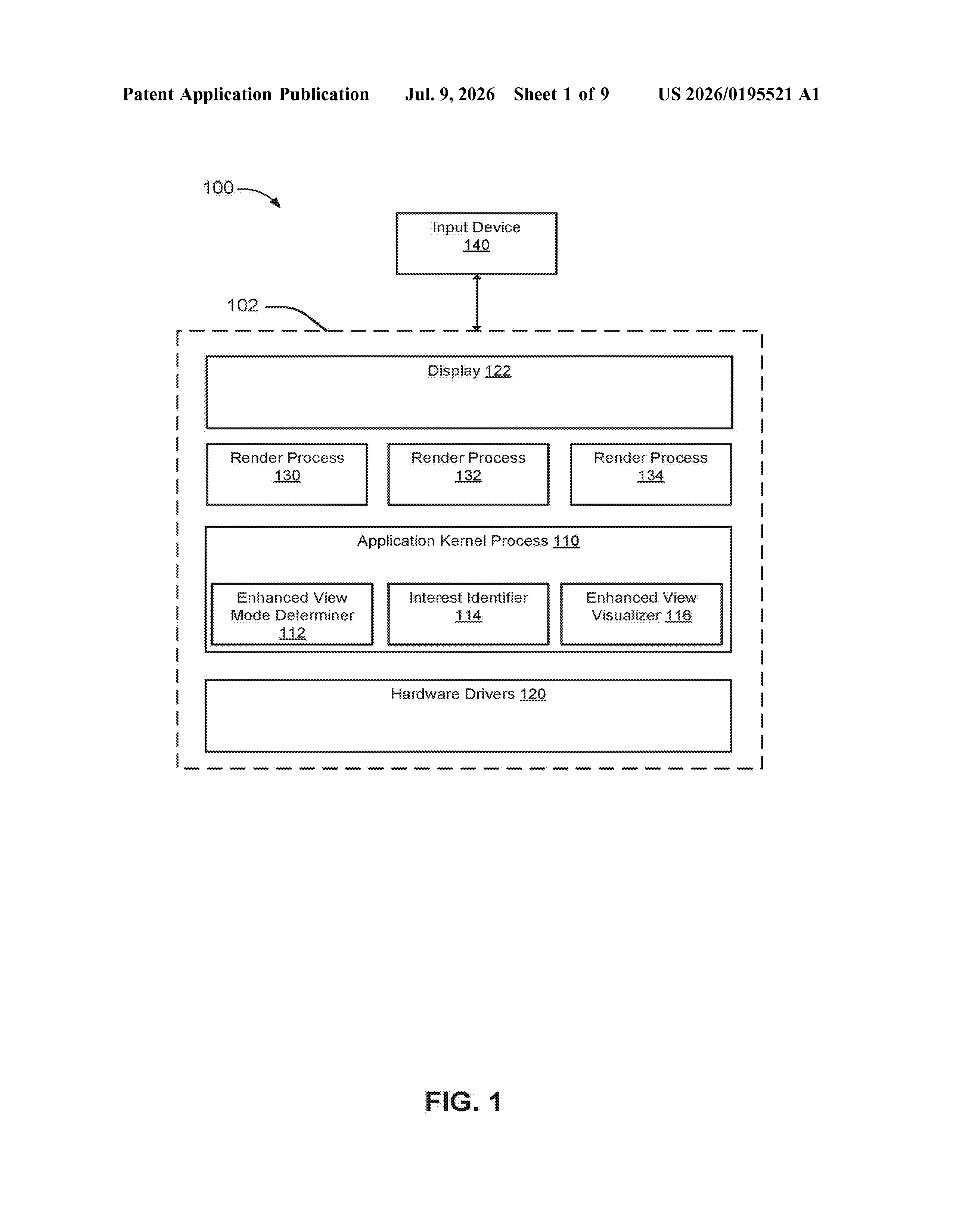
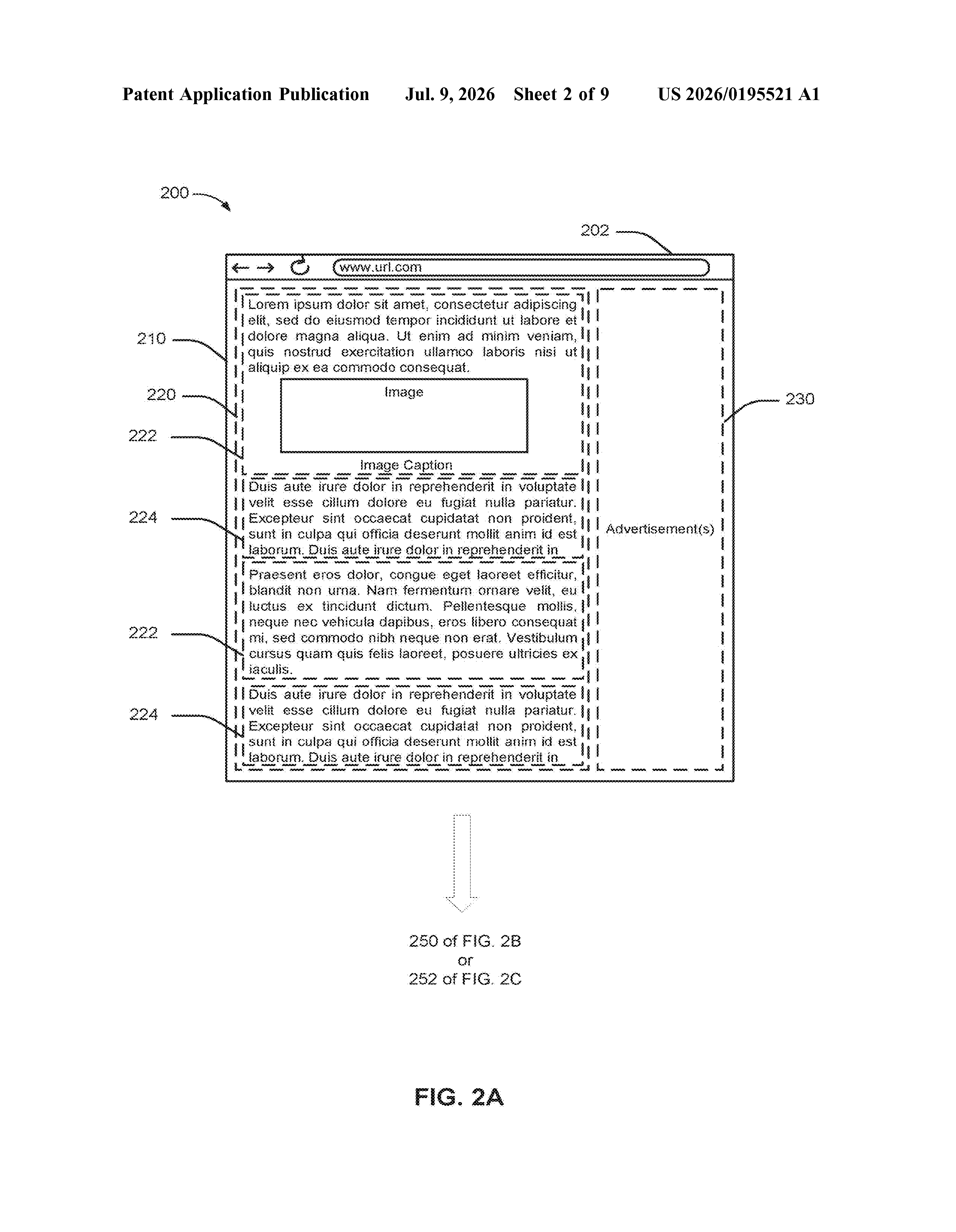
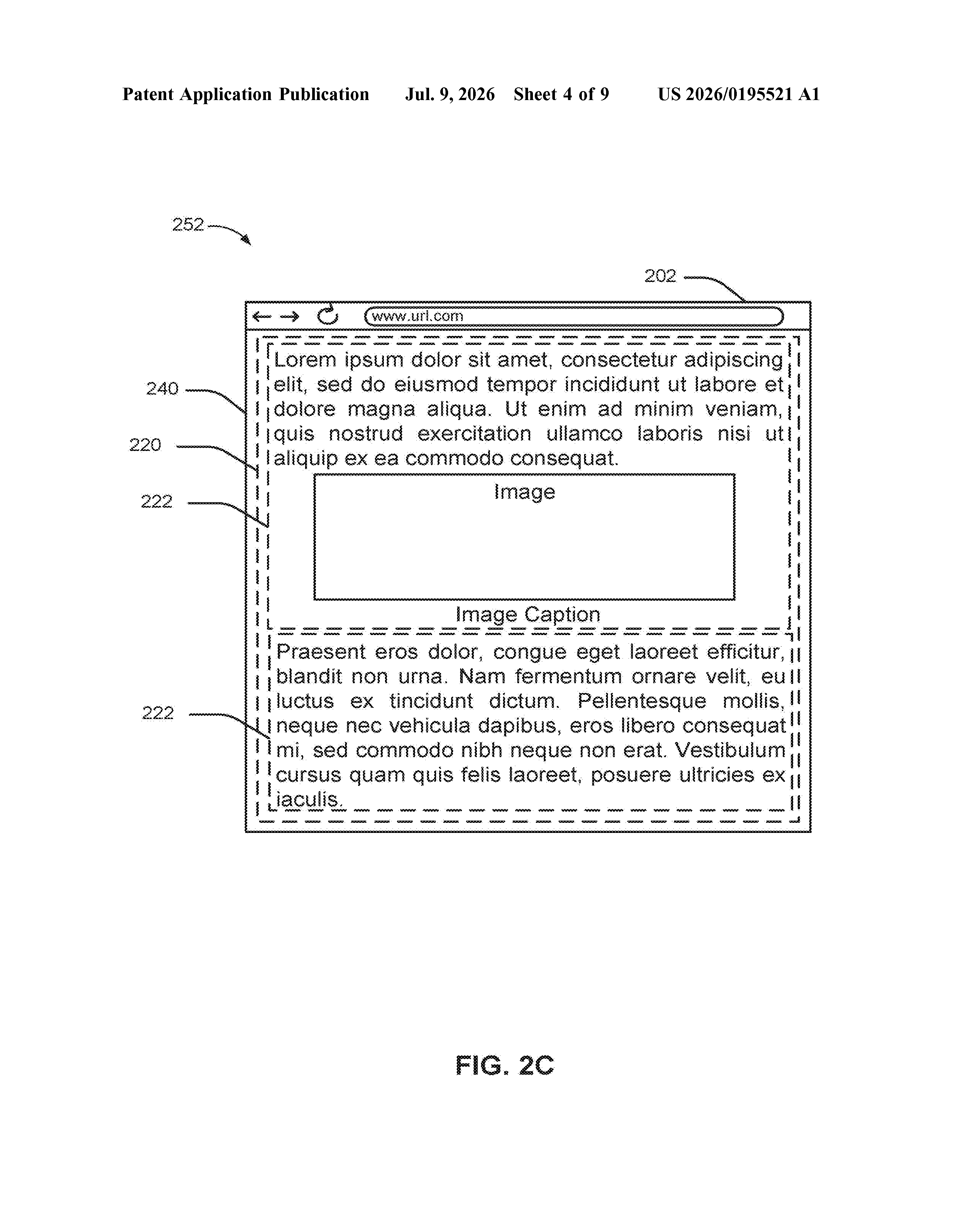
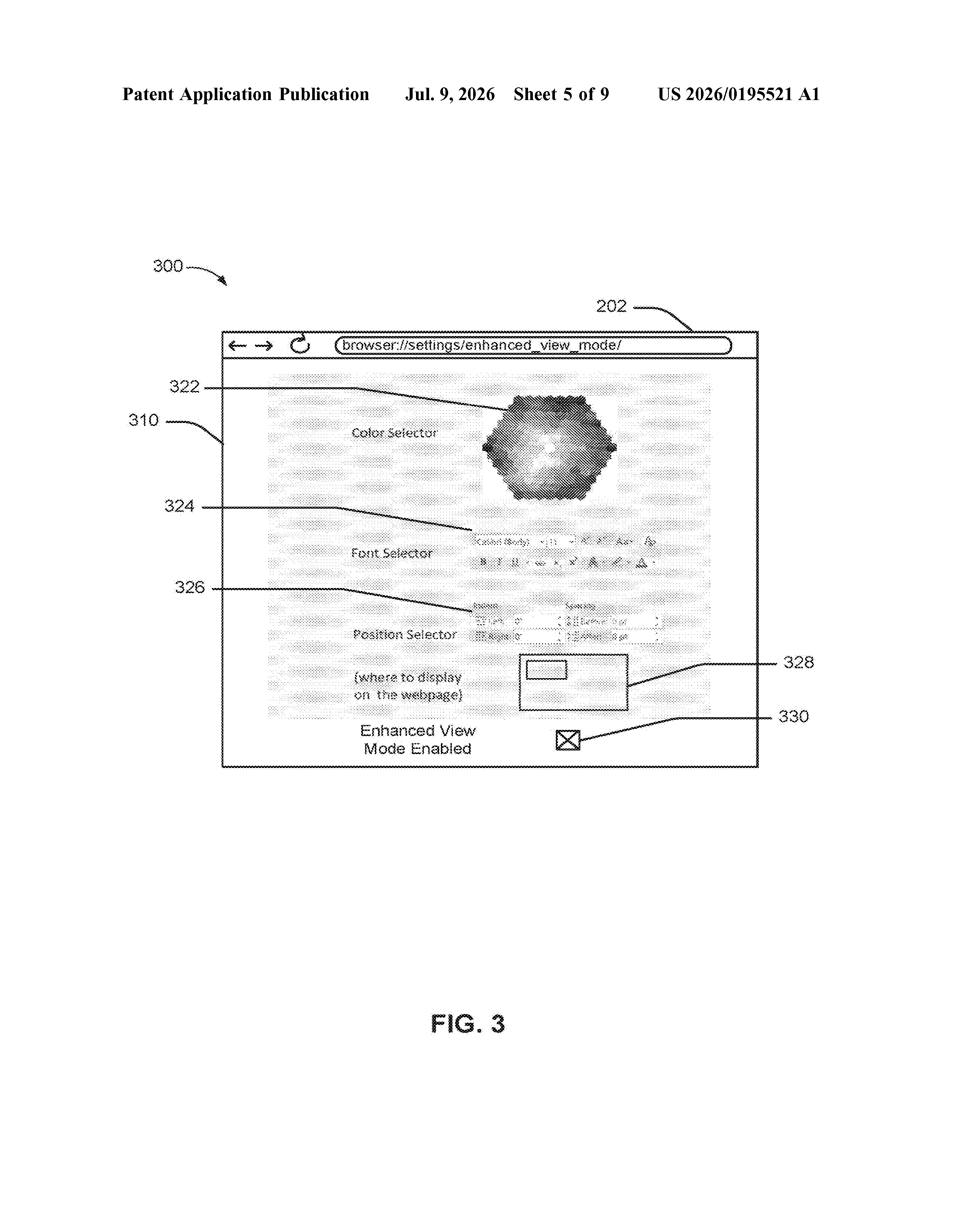
When you turn on this "enhanced view mode," your browser would scan the page, sort the content into primary material (the main article) and secondary material (ads, sidebars, related links), and then hide both the secondary stuff and the parts of the main article that don't match your interests. The sections it thinks you care about get shown normally, or possibly highlighted in a different way.
Think of it like a highlight reel of a webpage, built specifically for your reading habits, without you having to do any manual filtering yourself.
How the browser decides what to show and what to hide
The patent describes a computing device, most likely a laptop or desktop running a web browser, that can operate in two modes at once on a single webpage.
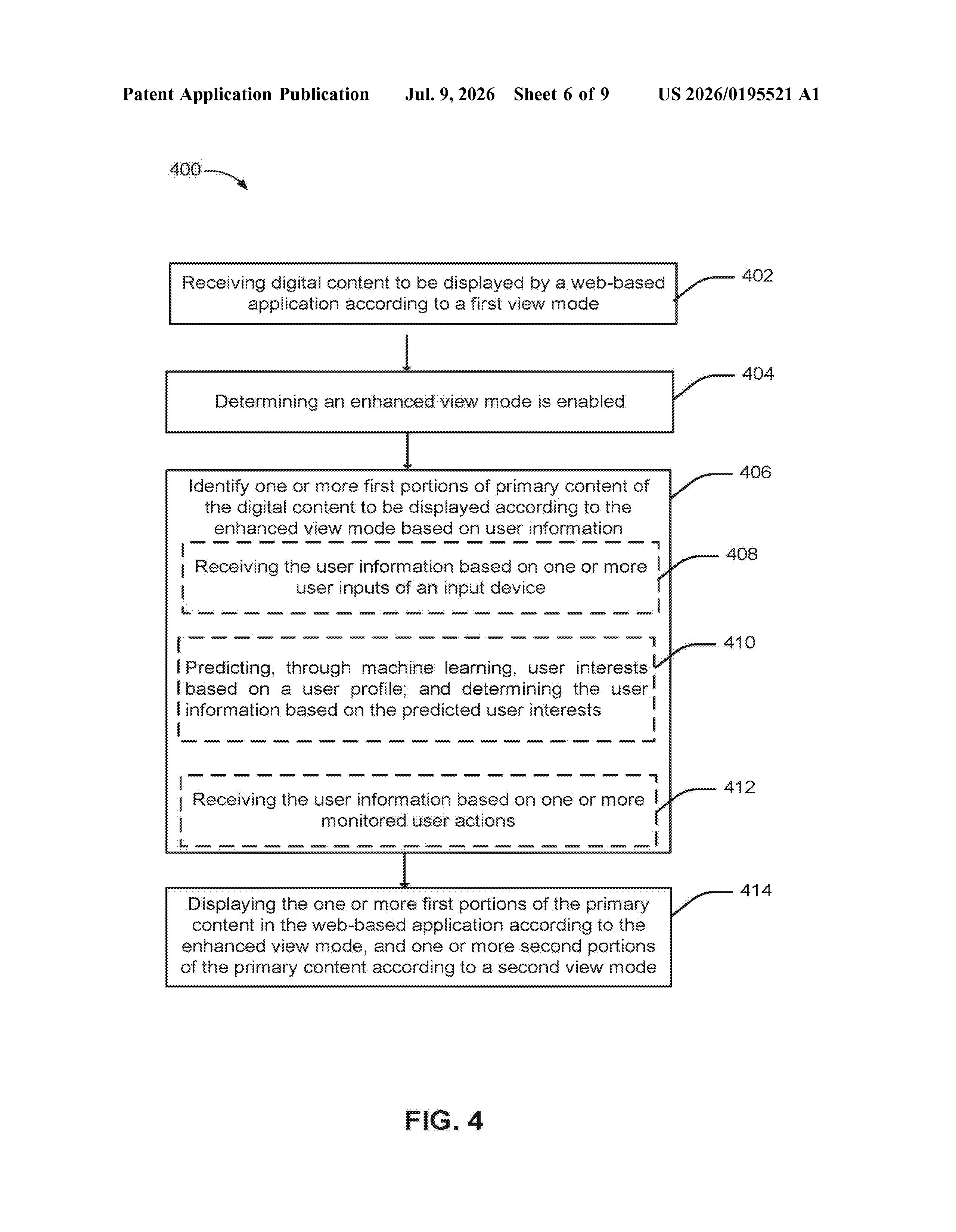
When the enhanced mode is triggered, the browser performs two layers of filtering:
- Primary vs. Secondary content detection: The system identifies which parts of the page are the main article (primary content) versus supporting elements like ads, navigation menus, and sidebars (secondary content).
- User-profile matching: Within the primary content, the system checks a user profile (a stored record of the user's preferences or behavior) and picks out specific text portions that align with that profile.
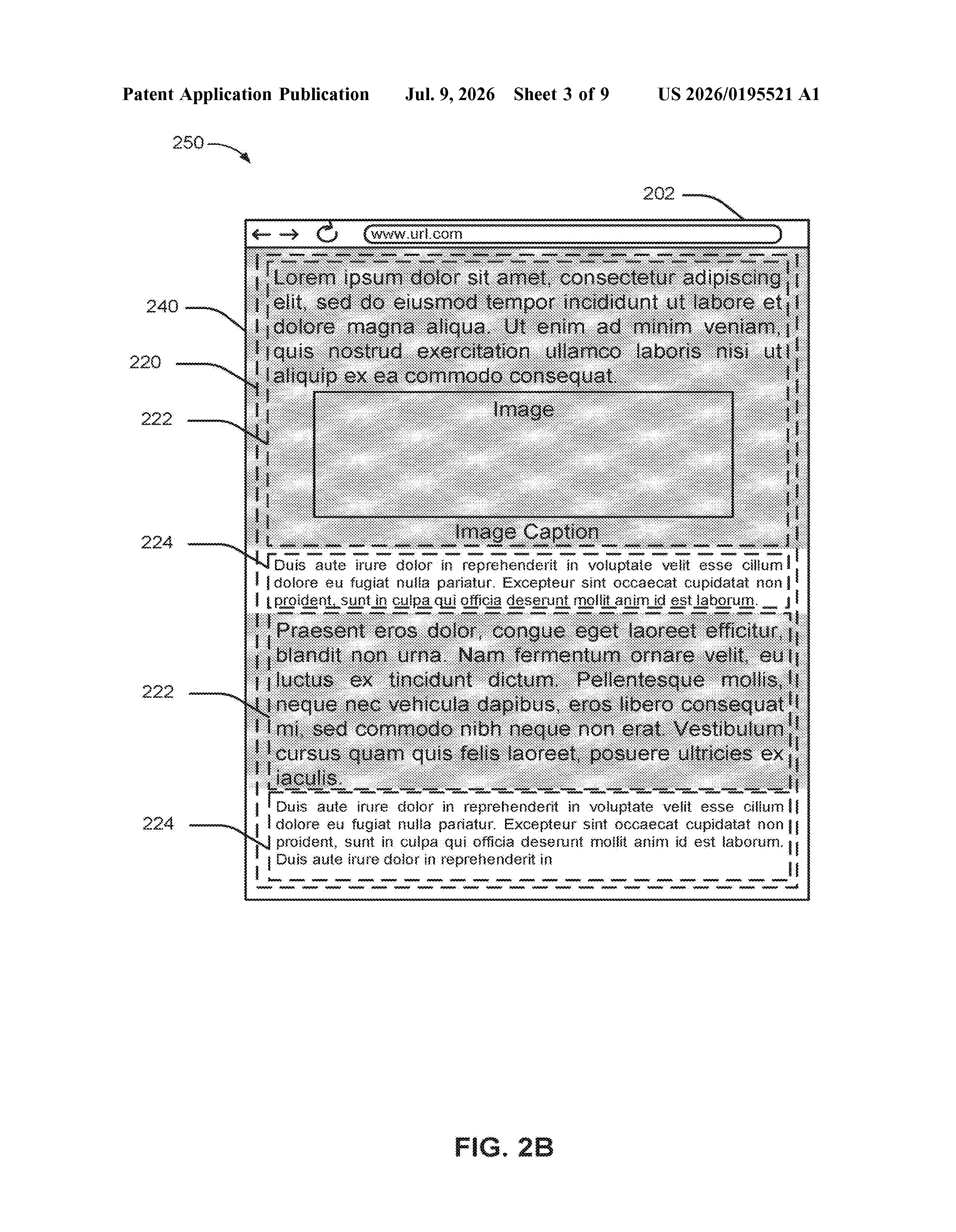
- Selective display: The matched text portions are shown in the enhanced view mode, unmatched parts of the main article are hidden, and most secondary content is removed entirely.
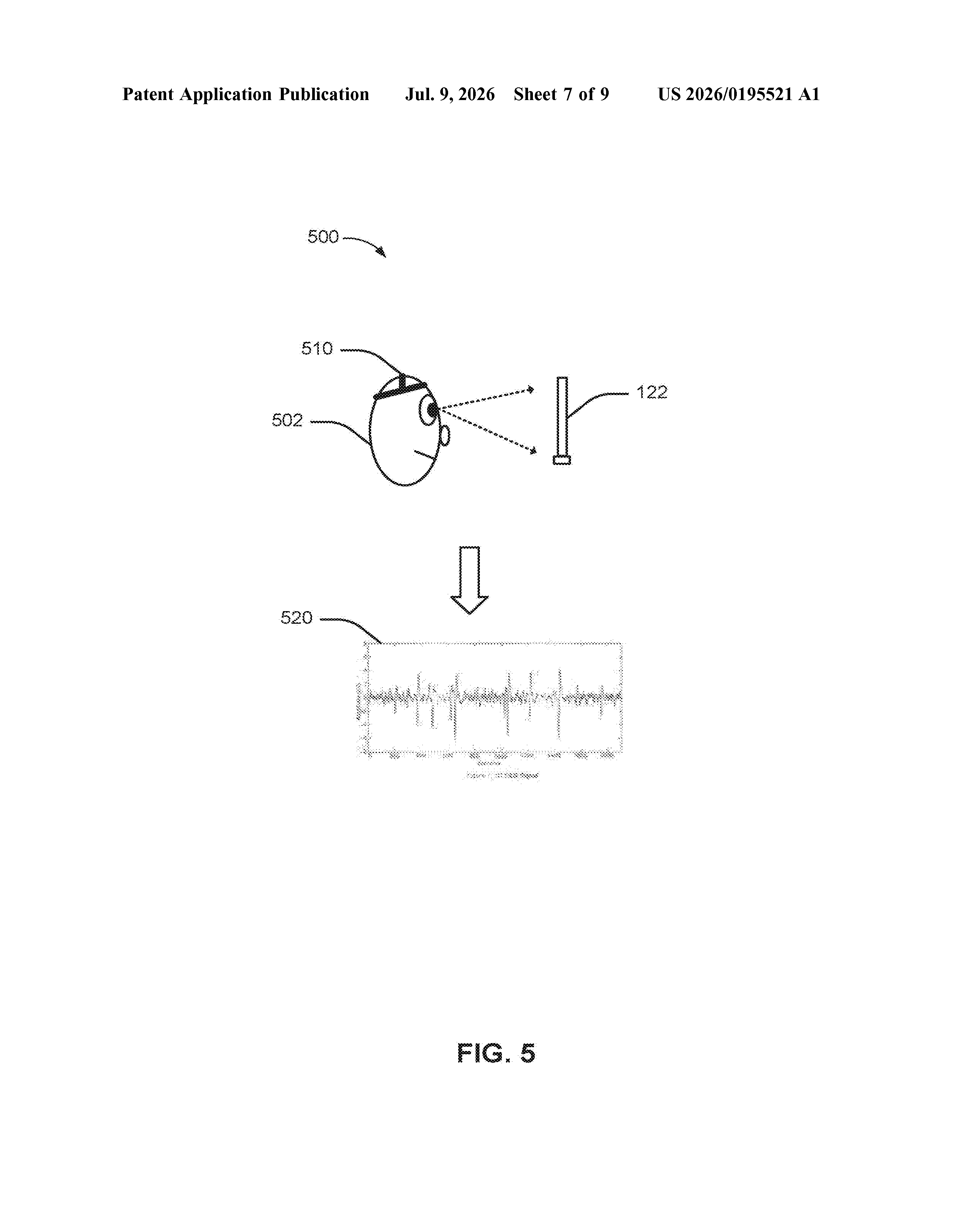
Critically, the patent allows different parts of the same page to be shown in different modes simultaneously. So a matched section might appear in a clean, focused layout while other sections are simply not rendered at all. The user profile driving these decisions could be built from past reading history, stated preferences, or other behavioral signals the browser has collected.
What this means for how we read the web
Browser reading modes have been around for years (Safari's Reader, Firefox's Reader View, Edge's Immersive Reader), but they all treat the main article text as a single block you either read or skip. This patent describes something more granular: a system that treats individual paragraphs or sections as units and filters them based on who you are, not just what the page looks like.
For everyday readers, that could mean shorter, more focused reading sessions. For Microsoft, it positions Edge as a browser that goes beyond cosmetic cleanup and into genuine personalization. The risk, of course, is that hiding parts of an author's article raises questions about whether readers are getting a complete or accurate picture of what was written.
This is an incremental but genuinely interesting idea built on top of existing reading-mode tech. The personalization angle is the real bet here: Microsoft is essentially saying that the next step for browsers isn't just removing clutter, it's removing content that isn't relevant to the specific person reading. Whether that's useful or unsettling depends a lot on how transparent the filtering is to the user.
There are more where this came from
We read every patent application Big Tech publishes and send you the ones worth knowing. Plain English, free, every week.
The drawings
9 drawing sheets from US 2026/0195521 A1 · click any drawing to enlarge
Want this weekly breakdown for a company we don't cover? Patentlyze Pro →
Be the first to weigh in