
Apple Patents a System That Pulls Contact Details Out of Your Messages
Every day, people text you a new phone number or meeting time, and you manually copy it into your contacts or calendar. Apple has patented a way to do that for you automatically, while making it clear which details came from a message and which ones you entered yourself.
How Apple's message-scanning contact suggestions work
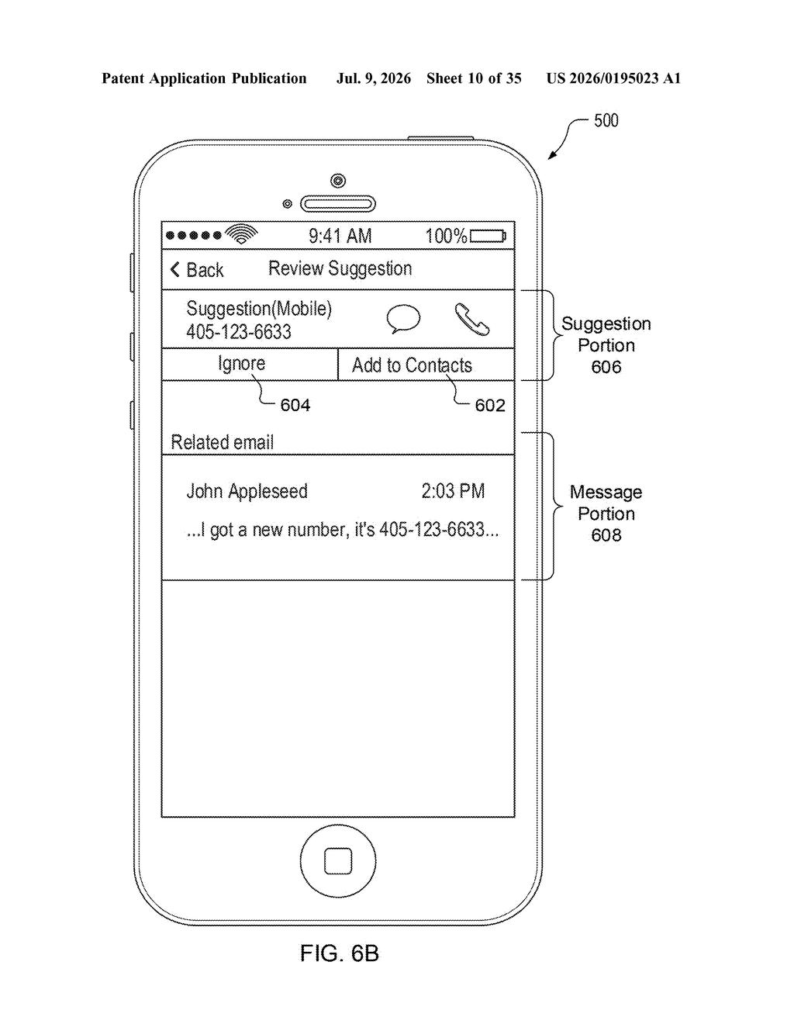
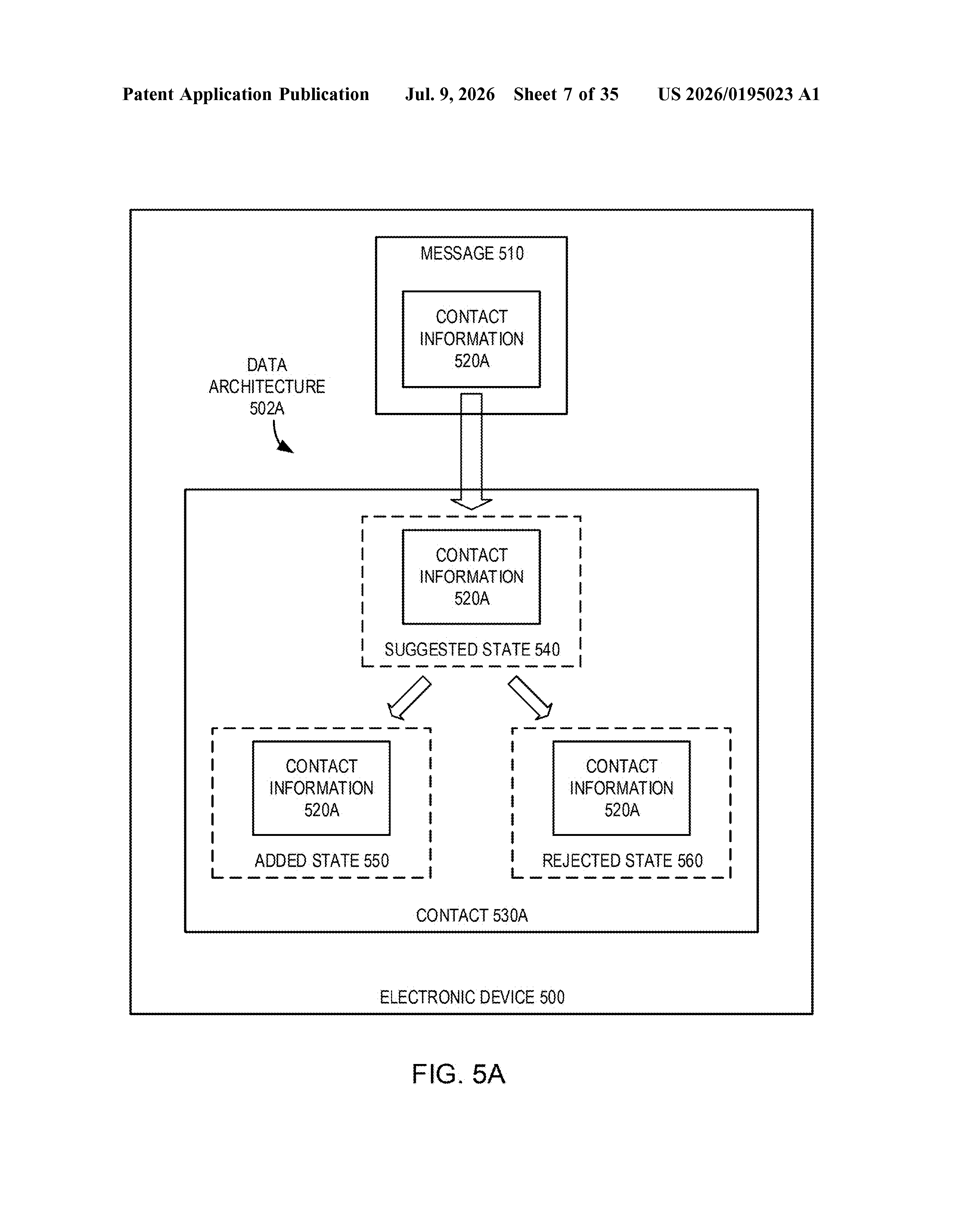
Imagine a friend texts you their new work number. Right now, you'd have to copy it, open Contacts, find their entry, and paste it in yourself. Apple's patent describes a phone that reads that message and surfaces the new number directly inside the existing contact card, visually marked as a suggestion rather than a confirmed detail.
The key design choice here is transparency. Your contact card would show both the number you already have on file and the new one pulled from the message, with a small indicator making clear which is which. You tap the suggested number to confirm it or simply ignore it if it's not relevant.
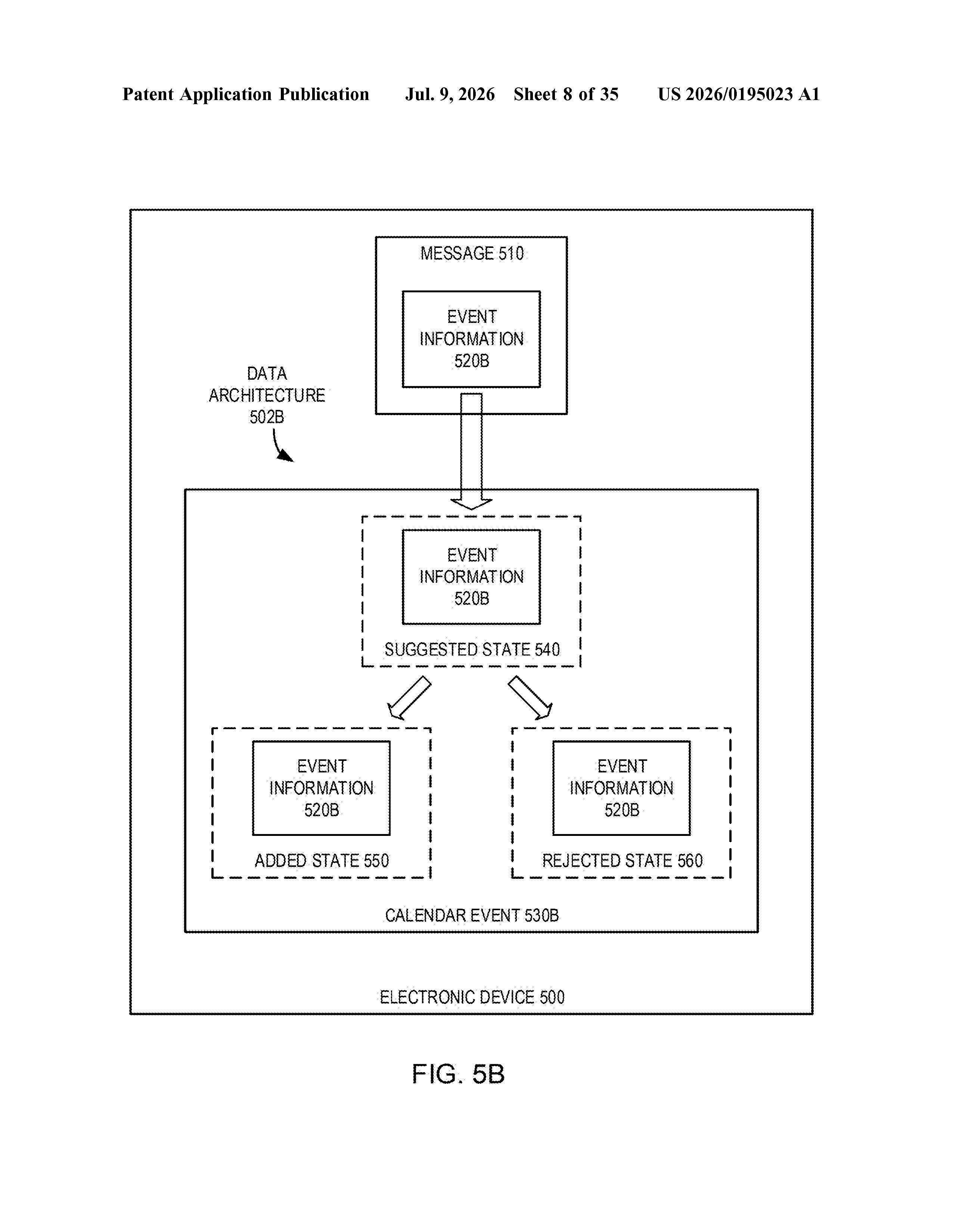
The same idea extends to calendar events. If someone messages you details about a meeting, the phone could generate a suggested calendar entry without you lifting a finger. You stay in control of what actually gets saved.
How the device flags and displays suggested contact info
The patent describes an on-device message analysis system that scans incoming messages for contact information (phone numbers and email addresses) and calendar event details. When it finds something new tied to an existing contact, it doesn't silently overwrite your data; instead, it flags the new item as suggested.
When you open that person's contact card, the display shows both pieces of information side by side:
- The confirmed detail you already have on file, shown normally with no special marker.
- The suggested detail extracted from the message, shown alongside a distinct UI object (a badge or indicator) that makes its origin clear.
Tapping the suggested item replaces the contact view with a second interface offering actions tied to that specific piece of information, like calling the new number or sending an email to the new address. If you do nothing, the suggestion sits in place, searchable but not promoted to your permanent record unless you confirm it.
The system is also described as making these suggestions searchable, meaning a suggested contact or event would appear in search results just as a manually entered one would, while still being visually distinguishable.
What this means for iPhone's Contacts and Messages apps
For everyday iPhone users, this is the kind of friction-reducing feature that sounds small but adds up fast. Anyone who has ever missed a meeting because a time change came via text, or lost a contact's new number because they forgot to update it, would benefit from a phone that does that bookkeeping automatically.
From a strategic angle, this fits Apple's broader push to make its built-in apps (Contacts, Calendar, Messages) work as a tightly connected system rather than separate silos. The explicit design choice to flag suggestions rather than silently apply them also reflects Apple's ongoing positioning around user control and data transparency, which matters as regulators pay closer attention to how devices handle personal communications.
This is a genuinely useful, well-scoped idea. The detail that matters most is the side-by-side display with a clear visual distinction between confirmed and suggested data; that's what separates a helpful feature from one that corrupts your address book. Whether Apple ships this as a Siri suggestion, a Contacts feature, or something inside Messages is an open question, but the underlying problem it solves is real and common.
There are more where this came from
We read every patent application Big Tech publishes and send you the ones worth knowing. Plain English, free, every week.
The drawings
35 drawing sheets from US 2026/0195023 A1 · click any drawing to enlarge
Want this weekly breakdown for a company we don't cover? Patentlyze Pro →
Be the first to weigh in