
Apple Patents a Screenshot Tool That Reacts to How You Captured It
Apple is patenting a screenshot system that doesn't just capture your screen — it figures out what you intended to do with the screenshot based on how you triggered it, then jumps straight to the right mode.
What Apple's two-mode screenshot system actually does
Imagine you take a screenshot on your iPhone. Right now, you almost always get the same small thumbnail in the corner no matter how you captured it. Apple's patent describes a system that makes the device respond differently depending on which method you used to take the screenshot.
If you use one type of input — say, a specific button combination or gesture — the device immediately opens a full screenshot editing interface so you can mark it up, crop it, or annotate it right away. If you use a different input type, you get the familiar small thumbnail preview overlaid on whatever you were doing, so you can keep going without interruption.
The idea is that your capture method signals your intent. Grabbing a quick screenshot to send to a friend is different from capturing something you want to annotate and share in detail, and your device could tell the difference automatically without making you dig through menus afterward.
How the input type determines which screenshot mode appears
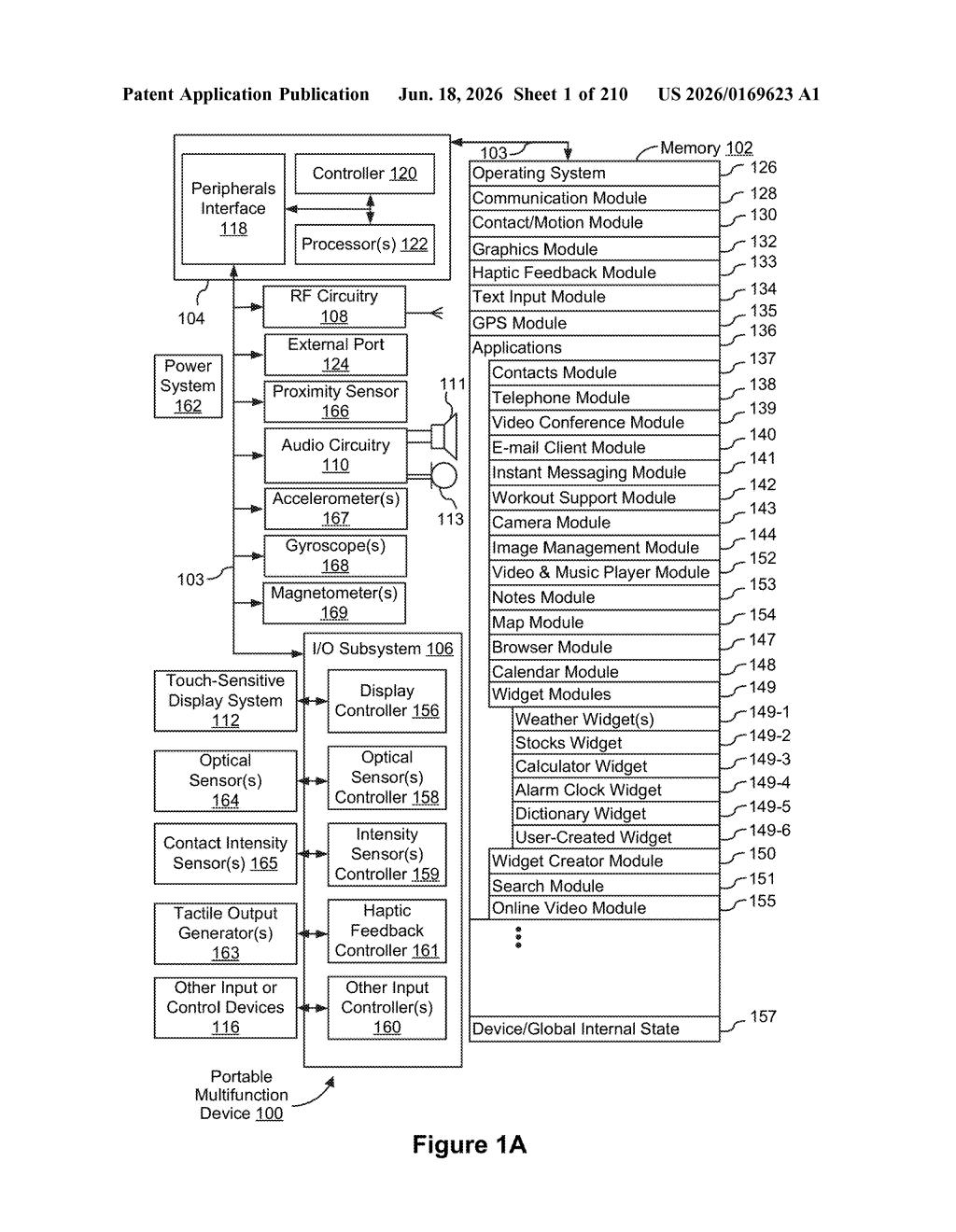
The patent describes an electronic device — phone, tablet, or computer — that monitors how a screenshot is triggered (the specific button press, gesture, or input method) and uses that to decide which post-capture experience to show.
- First input type: launches a full screenshot editing interface that fills the screen and includes the captured image, ready for markup and annotation.
- Second input type: displays a small thumbnail representation of the screenshot overlaid on the current content, matching the existing iOS behavior where you can tap the thumbnail to edit later or ignore it.
The broader patent application also covers a drawing interface with a more technical erasing mechanic. When you erase part of a drawn object with a pixel erase tool, the system breaks the object into disconnected segments. A subsequent object erase then removes only the isolated segment you tap — not the whole original drawing. Think of cutting a rope in two: touching one piece afterwards only removes that piece, not both.
Together, both features reflect the same underlying design principle: the device infers your intent from the type of action you performed, not just the action itself, and tailors its response accordingly.
What this means for iPhone and iPad screenshot workflows
For everyday iPhone and iPad users, this kind of input-aware response removes a friction point that's easy to overlook until it's gone. You currently have to make a second decision after every screenshot — open it, or dismiss it? If your capture method already encodes that decision, the device skips the prompt entirely.
The drawing-tool eraser mechanic is the less flashy piece but could matter significantly for Apple Pencil users and anyone working in Notes, Freeform, or third-party drawing apps on iPad. Selectively deleting disconnected parts of a stroke without redrawing anything is the kind of precision that separates a good digital drawing tool from a great one.
This is a polish patent, not a vision patent — Apple is solving a real but small annoyance in the screenshot workflow. The smarter angle is actually the drawing eraser mechanic, which shows genuine thinking about how artists and note-takers interact with vector-style objects. Neither part will make headlines at a product launch, but both reflect the kind of interaction-design refinement Apple actually ships.
There are more where this came from
We read every patent application Big Tech publishes and send you the ones worth knowing. Plain English, free, every week.
Want this weekly breakdown for a company we don't cover? Patentlyze Pro →