
IBM Patents a Terminal That Suggests What to Type Next
The command line is famously a blank slate — you type, it responds, and then you're on your own. IBM wants to change that by building a terminal that reads its own output and offers you clickable options for what to do next.
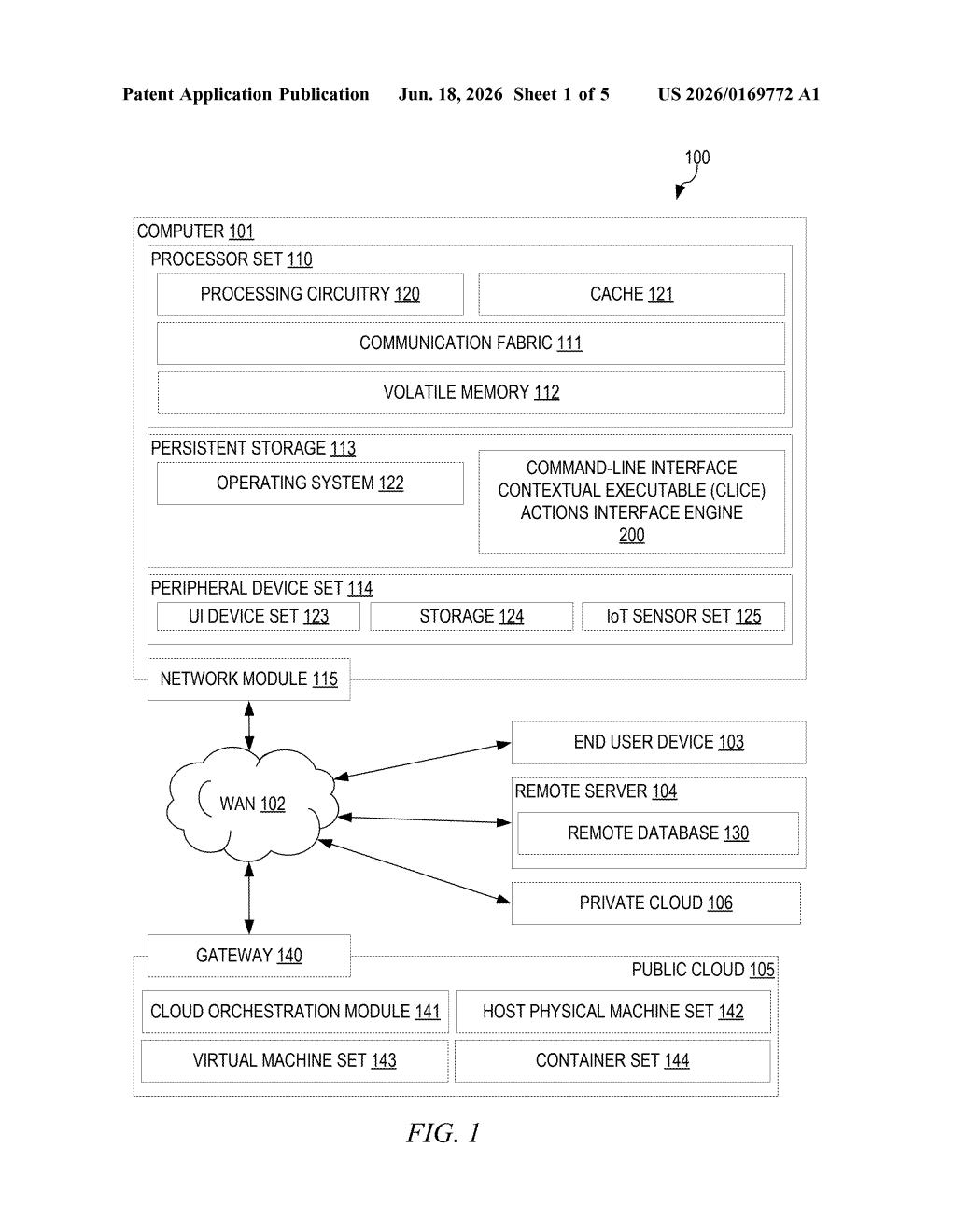
What IBM's self-suggesting terminal actually does
Imagine you run a command in a terminal window to list all the files in a folder. Normally, you'd get a wall of text back, and it's up to you to know what to type next. IBM's patent describes a terminal that would look at that output, figure out which parts are meaningful — say, a filename, a server address, or a process ID — and then show you a small menu of actions you could take on each one.
Click on a filename and you might see options like "open," "delete," or "check permissions." Click on a server address and you might get "ping" or "connect." The system figures out what those actions should be based on the type of thing you've selected, then runs the corresponding command automatically when you choose one.
The goal is to make the command line less intimidating and less dependent on you memorizing dozens of commands. Instead of knowing the exact syntax to copy a file path or restart a service, you'd point and click — and the right command fires behind the scenes.
How the CLI parses output and generates action menus
The patent describes a multi-step process that wraps around a standard command-line interface (CLI — the text-based terminal window developers use to run programs).
- Execute a command: The system runs a normal CLI command and captures its text output.
- Parse the output: An analysis layer scans the output and identifies "components" — structured pieces of data like IP addresses, file paths, process IDs, or status codes.
- Map actions to components: For each identified component, the system looks up what actions make sense. A file path might map to "copy," "move," or "delete" commands; a running process ID might map to "stop" or "inspect."
- Augment the display: The terminal re-renders its output with that metadata attached. When a user clicks or selects a component in this enriched output, a UI element (like a dropdown or context menu) appears listing the available actions.
- Auto-execute: Choosing an action from the menu automatically constructs and runs the correct CLI command without the user having to type it.
The patent doesn't specify a particular AI model, but the action-identification step — figuring out which actions apply to which kind of output — is the core intelligence being claimed here.
What this means for developer tooling and CLI workflows
The command line has always had a steep learning curve. Knowing the right command, the right flags, and the right syntax is a skill that takes years to build. If IBM can build this into its developer tools or cloud CLI products (like the IBM Cloud CLI), it could meaningfully lower the barrier for less experienced operators working in cloud infrastructure or enterprise IT.
There's also a broader trend here: both Microsoft (with its Copilot integrations in Windows Terminal) and GitHub (with Copilot CLI suggestions) are pushing in a similar direction. IBM's approach is distinct in that it operates on the output of commands rather than predicting what you'll type next — which is a different, potentially complementary angle on the same problem.
This is a genuinely useful idea for anyone who's ever stared at terminal output wondering what command comes next. It's not a flashy AI demo — it's workflow tooling — but that's exactly why it could actually ship and get used. The real question is whether IBM builds this into a product people already use, or whether it sits in a patent filing while Microsoft's Terminal and GitHub's Copilot CLI eat the market.
There are more where this came from
We read every patent application Big Tech publishes and send you the ones worth knowing. Plain English, free, every week.
Want this weekly breakdown for a company we don't cover? Patentlyze Pro →