
IBM Patents a Way to Edit AI-Generated Content by Drawing on It
Instead of typing out a long explanation of what you want to change in an AI-generated document or image, IBM's new patent lets you just draw on it, and the system figures out the rest.
What IBM's annotation-to-AI-edit system actually does
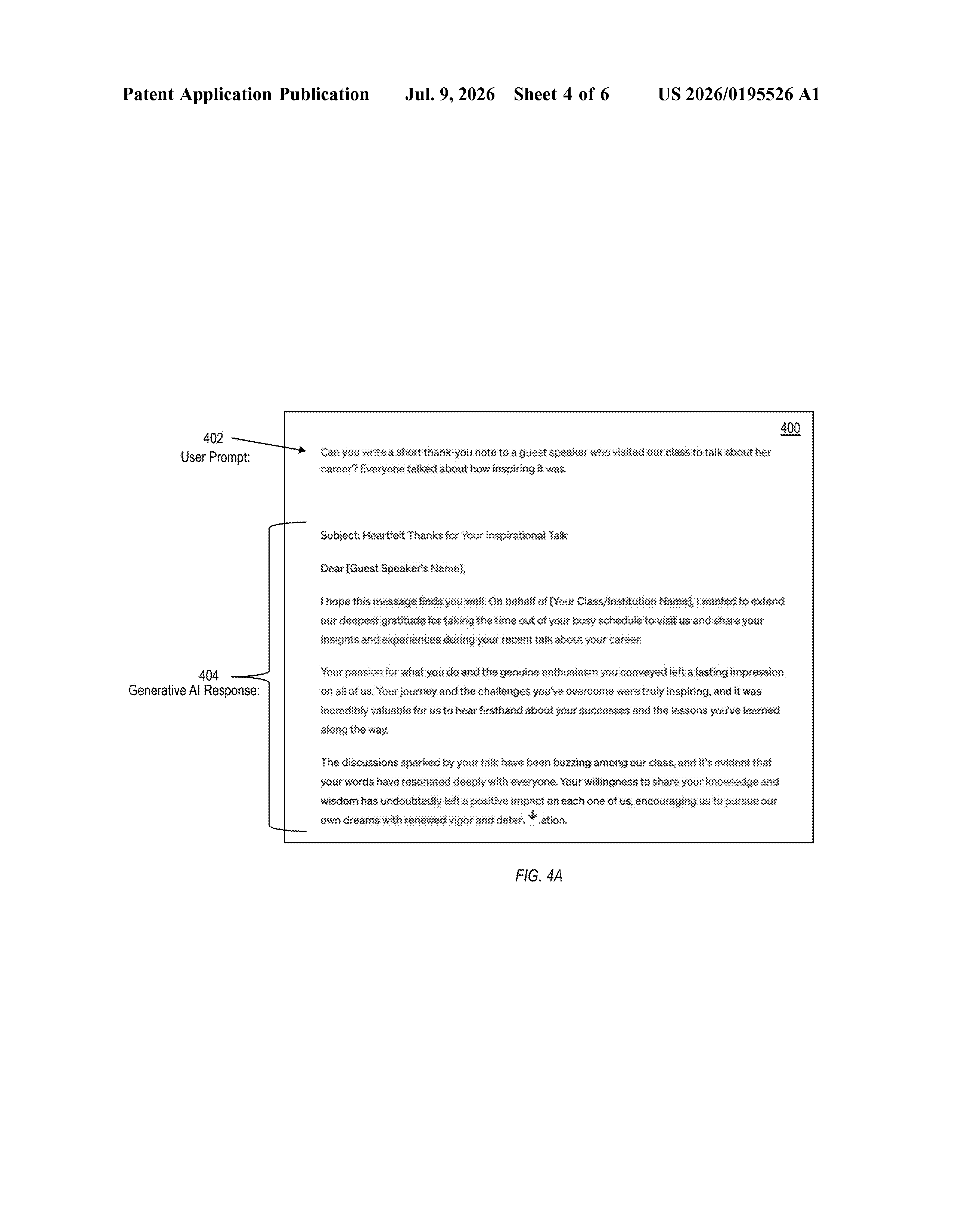
Imagine an AI writes you a business report, but a few sections are wrong and one paragraph needs to move. Right now, you'd have to type out detailed instructions to fix each problem. IBM's patent describes a different approach: you mark up the content directly, the way you'd scribble notes on a printed page, and the system reads your marks and makes the edits automatically.
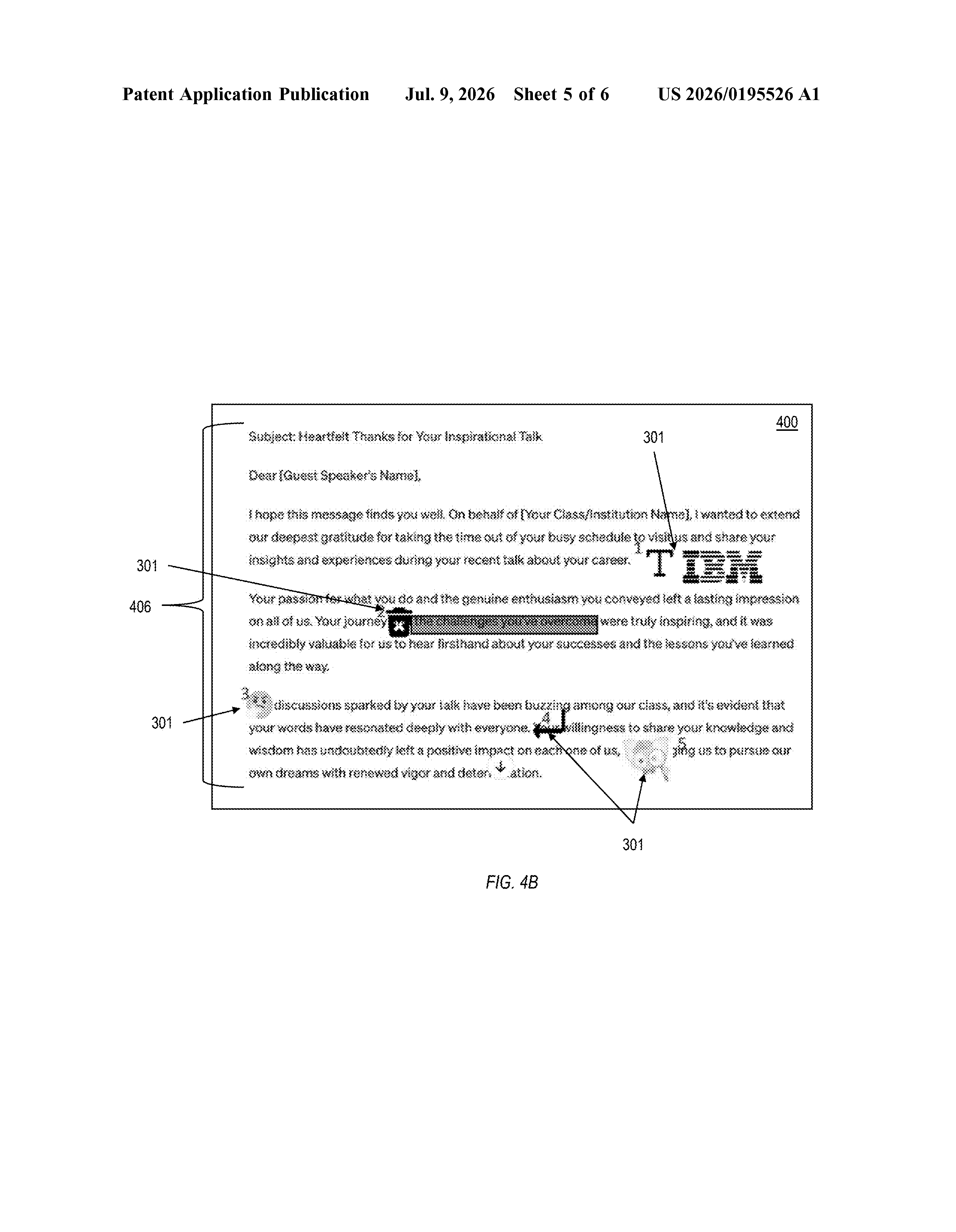
The way it works is you ask an AI to create something, like a document, a design, or a summary. When it comes back, you draw on it. Maybe you cross out a section, circle something that needs expanding, or arrow a block of text to a new spot. The system looks at each mark you made, figures out what kind of change it represents, and translates it into instructions the AI can act on.
The AI then works through those instructions one at a time and hands back a revised version that reflects all your annotations. You never had to rephrase anything in writing.
How IBM converts your scribbles into AI instructions
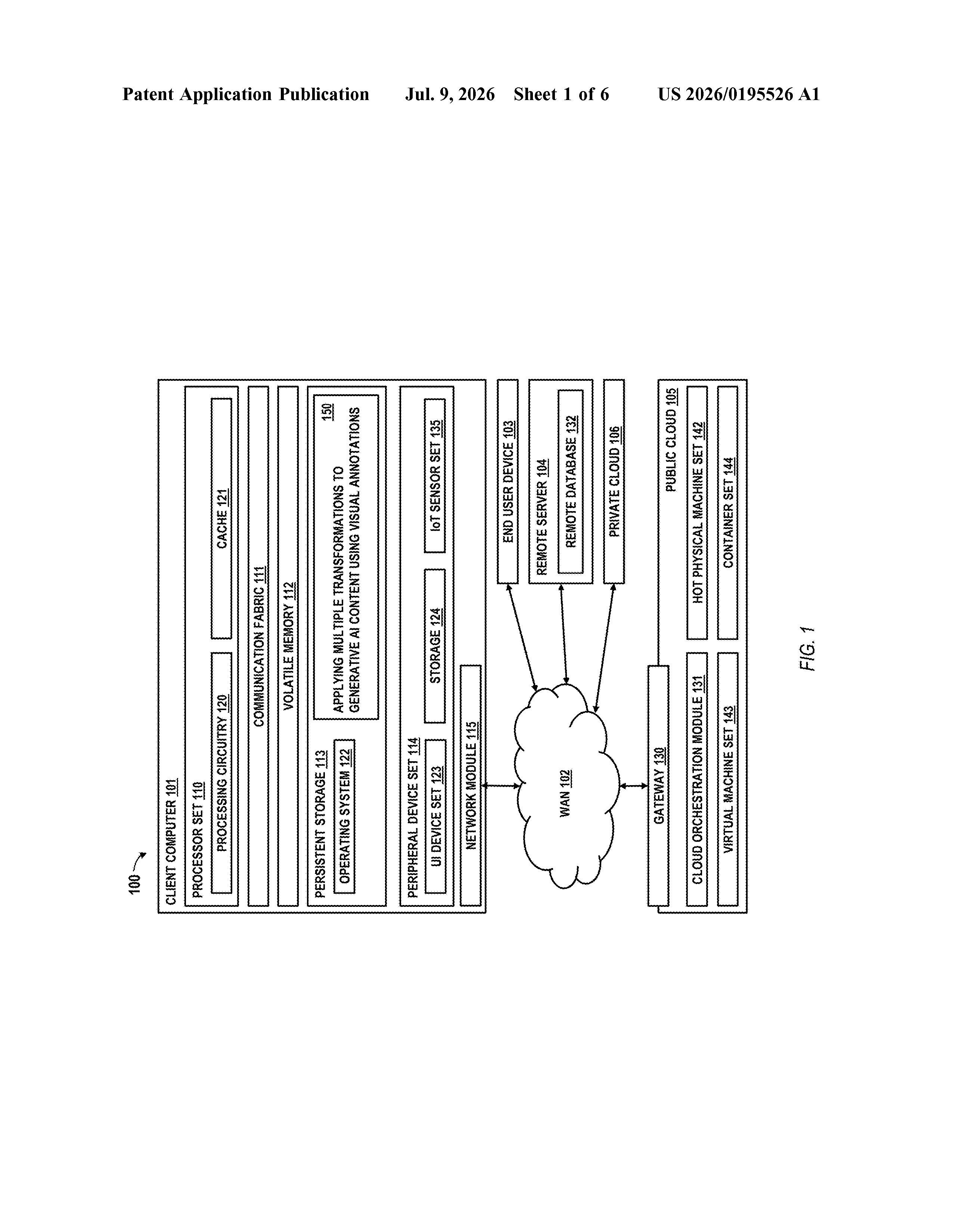
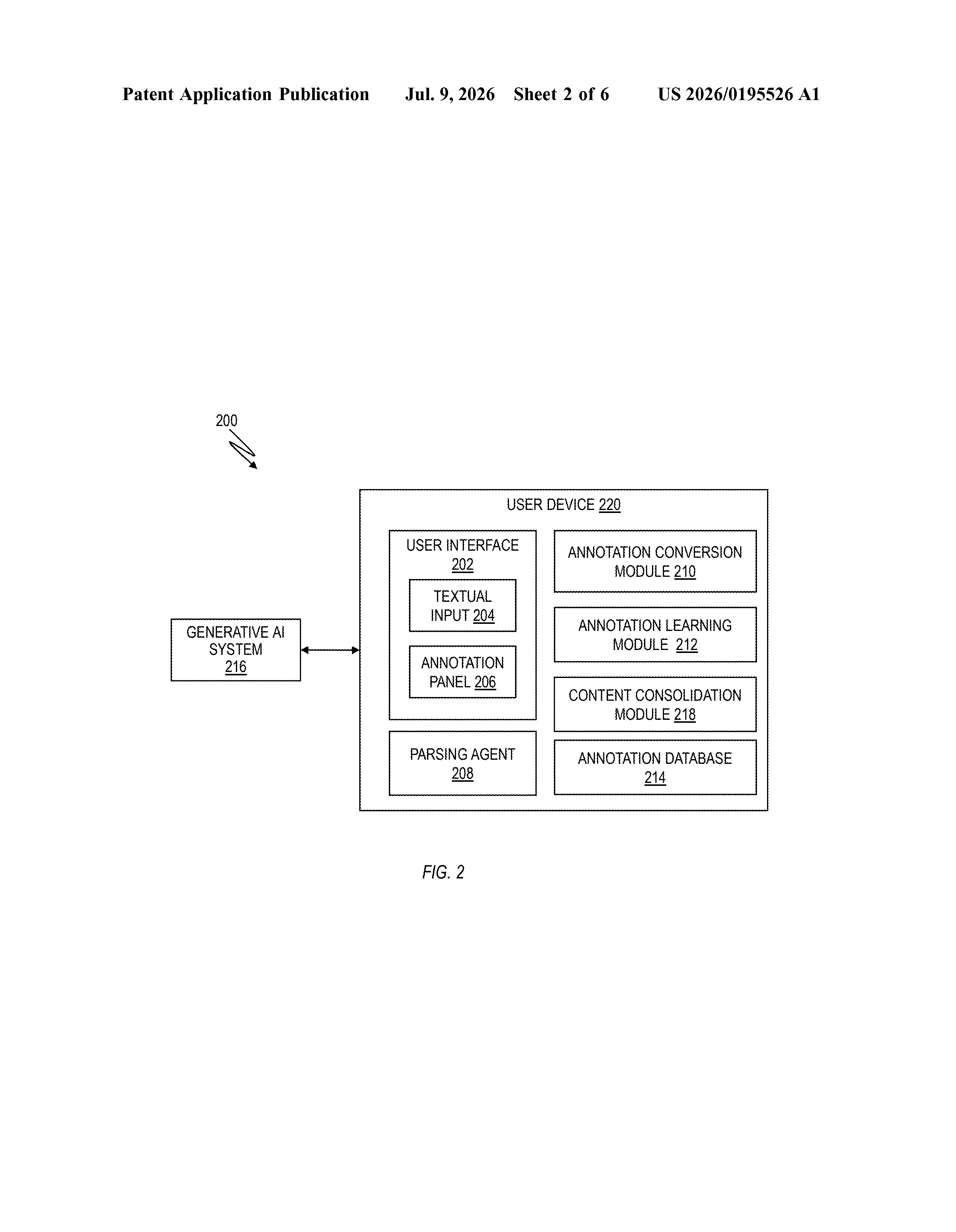
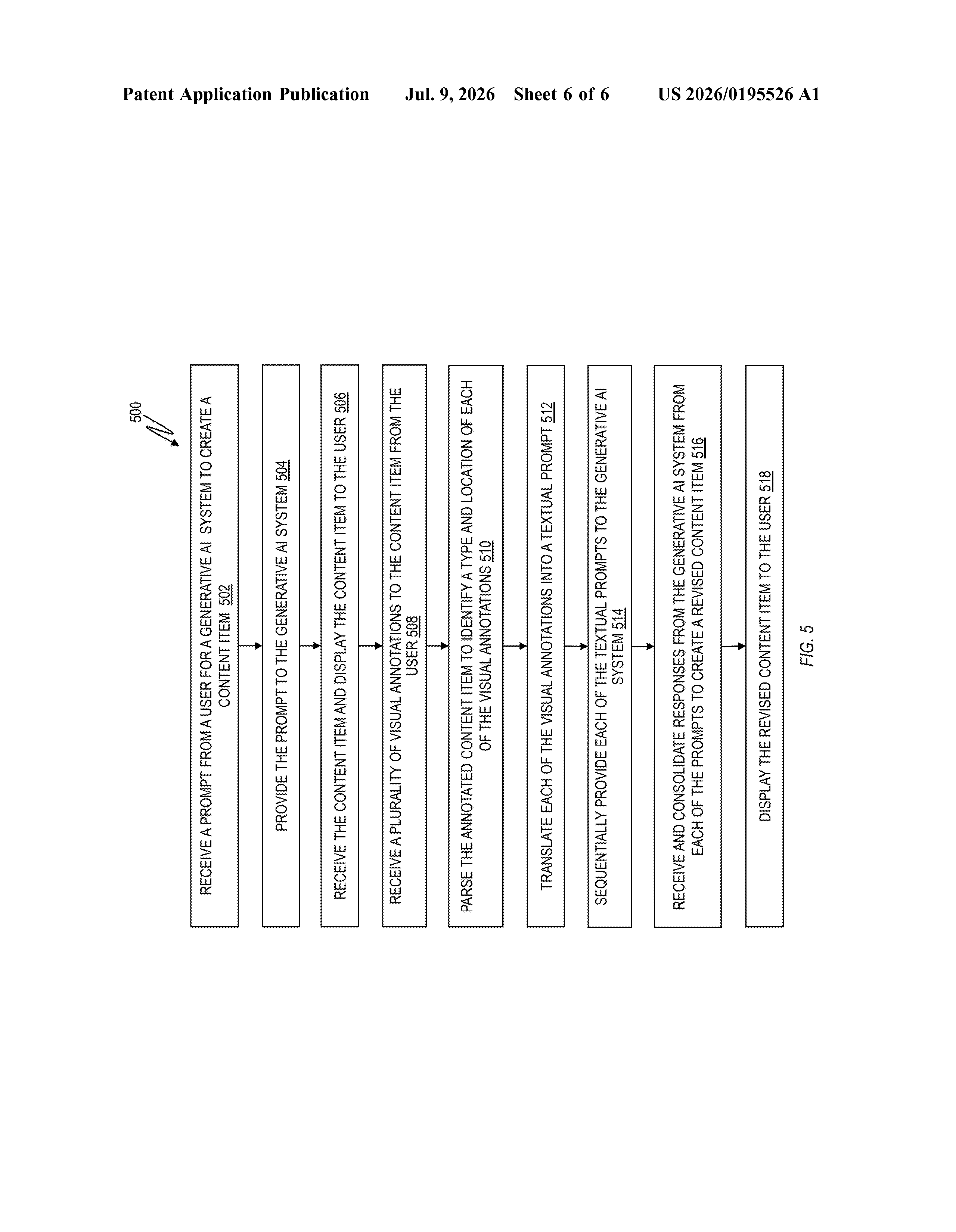
The patent describes a pipeline with several stages. First, a user submits a prompt to a generative AI system, which produces a content item (a document, image, or other output) that gets displayed back to the user.
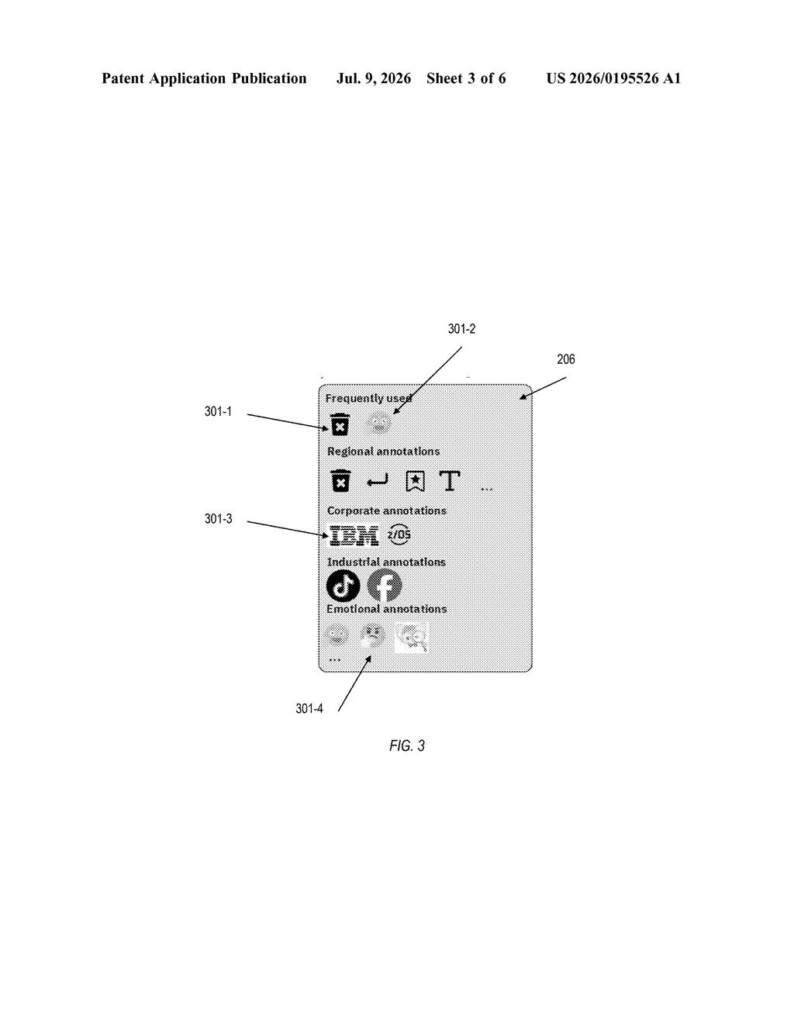
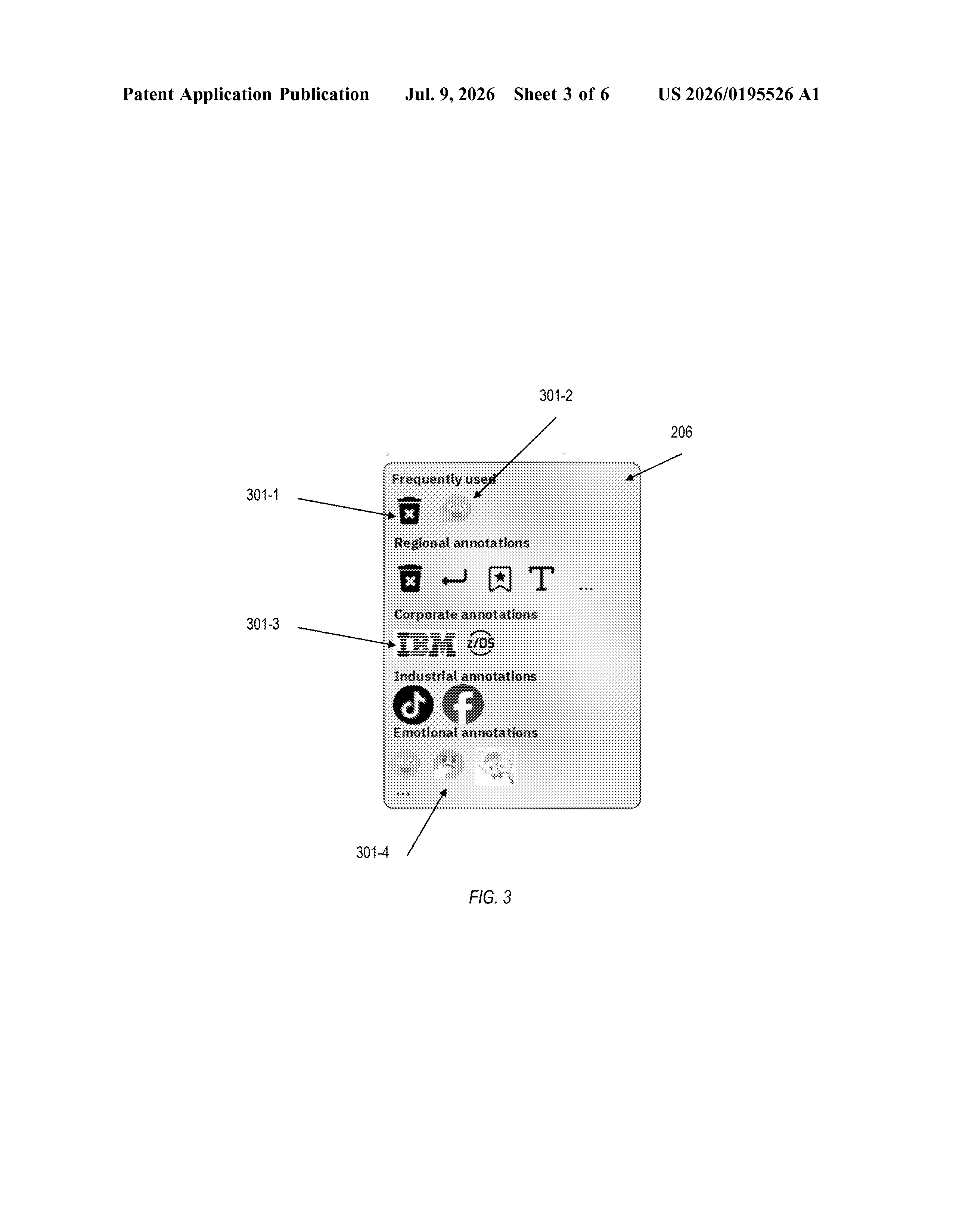
The user then applies visual annotations directly to that content. These might be standard markup symbols (strikethroughs, circles, arrows, margin notes) or freehand drawings. The system parses this annotated version to determine two things about each mark: its type (what kind of change it signals) and its location (where in the content it applies).
Each annotation is then translated into a text-based call, meaning a structured instruction the AI system can read and act on, essentially converting a visual gesture into a written command behind the scenes. These calls are sent to the AI sequentially, one by one, so changes can build on each other without conflicting.
Finally, the AI's responses to all those instructions are consolidated into a single revised content item, which is displayed to the user. The claim covers the full loop:
- Prompt in, content out
- User annotates that content
- System parses, translates, and queues the edits
- AI processes each edit and returns a clean revised version
What this means for AI writing and design tools
Most AI editing tools today require you to describe changes in text, which can be slow and imprecise. IBM's approach treats visual markup as a first-class input method, which could make AI editing feel a lot closer to how people already review and revise documents on paper or in tools like Google Docs. If this were built into enterprise software, a user reviewing an AI-drafted contract or slide deck could just annotate it like normal and get a revised draft without writing a single follow-up prompt.
The broader implication is that the interface layer between humans and AI gets thinner. You spend less time translating your intent into words the AI understands, and more time just pointing at what needs to change. That's a real usability shift, not a cosmetic one, especially in document-heavy enterprise workflows where IBM has historically focused.
This is a genuinely practical idea, not a flashy one. The core problem it addresses, that telling an AI what to fix in its own output is awkward and wordy, is real and annoying. Whether IBM builds this into a product or it sits in a portfolio is a separate question, but the concept is worth taking seriously.
Get our take in your Top Stories
Liked this breakdown? Add Patentlyze as a preferred source on Google, and our plain-English take shows up more often in your Top Stories the next time IBM patent news breaks.
There are more where this came from
We read every patent application Big Tech publishes and send you the ones worth knowing. Plain English, free, every week.
The drawings
6 drawing sheets from US 2026/0195526 A1 · click any drawing to enlarge
Want this weekly breakdown for a company we don't cover? Patentlyze Pro →