
Google Patents a Self-View Window in Video Calls That Moves Out of Your Way
That little thumbnail of your own face during a video call is useful, but it often ends up blocking something important. Google has a patent for a self-view window that lives next to your call controls by default and moves somewhere less intrusive when you ask it to.
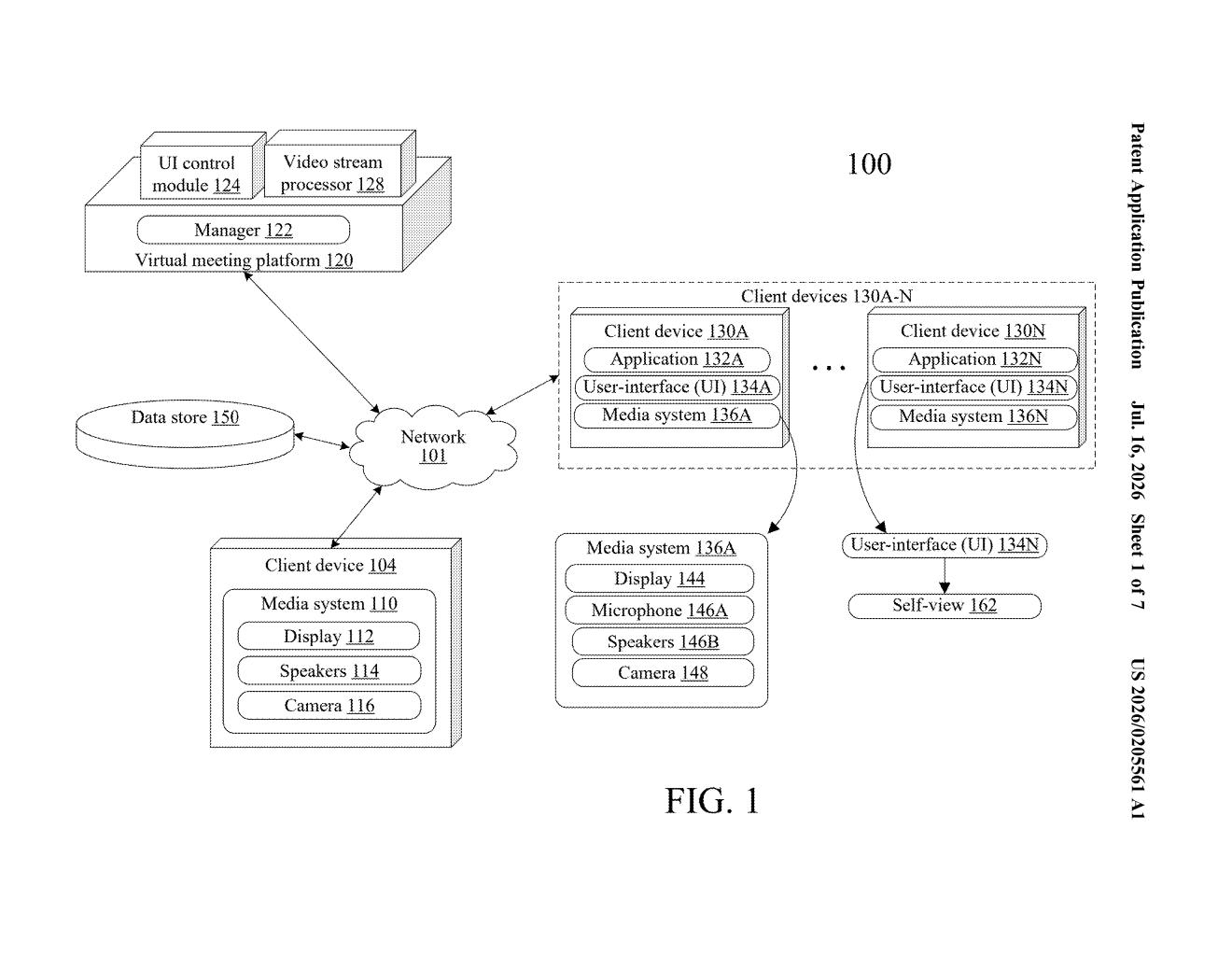
What Google's repositionable self-view actually does
Picture yourself on a Google Meet call. In the corner of the screen is a small box showing your own face, the "self-view," so you can check how you look. But that box can end up covering a chat message, a shared document, or a button you need to click.
Google's patent describes a two-mode system for that thumbnail. In the default mode, your self-view sits right next to the toolbar at the bottom of the screen, the row of buttons you use to mute yourself or turn off your camera. In the second mode, triggered by a single command, it moves away from that toolbar and parks itself somewhere else on the screen entirely, freeing up space around your controls.
The idea is that you decide where your face lives during the call, rather than having it fixed in one spot that might block something useful.
How the two display modes switch on command
The patent describes a client-side method, meaning the logic runs on your device, that manages where the self-view thumbnail is drawn on screen during a virtual meeting.
Mode one (default) places the self-view in a position directly adjacent to the GUI control panel, the toolbar that holds camera and microphone toggle buttons. This keeps your self-view close to the controls you are most likely to interact with when adjusting your camera.
Mode two moves the self-view to a separate region of the screen that is explicitly outside the control panel area. The switch between modes is triggered by a "switch self-view command," which the patent leaves flexible, so it could be a button click, a keyboard shortcut, or a menu option.
The core claim is the pairing of these two distinct display regions with a user-initiated command that toggles between them. The patent does not describe picture-in-picture in the traditional sense; this is about two defined zones within the same meeting interface, not floating the thumbnail over other apps.
What this means for Google Meet's interface
For everyday users of Google Meet, this is the kind of small interface fix that sounds minor until you have spent an hour on a call accidentally blocking your own mute button with your face. Keeping the self-view anchored to the control bar by default, then letting you move it on demand, is a sensible quality-of-life improvement.
For Google, this matters because video call interfaces have become a serious competitive battleground. Microsoft Teams and Zoom both let users resize and reposition self-views. A patented approach to the specific pairing of control-bar adjacency with a defined secondary zone gives Google a documented design position, though whether it translates to a meaningfully different experience for users depends entirely on how it is implemented.
This is a narrow but legitimate UX patent covering something genuinely annoying in video calls. It is not a broad claim over self-view thumbnails in general, just a specific two-zone switching system. If it ships in Google Meet, most users will appreciate it without ever knowing a patent was involved.
There are more where this came from
We read every patent application Big Tech publishes and send you the ones worth knowing. Plain English, free, every week.
Want this weekly breakdown for a company we don't cover? Patentlyze Pro →
Be the first to weigh in