
Apple Patents a Visual Search That Hides Buttons When There's Nothing to Find
Apple's new patent tackles a quiet frustration with visual search: tapping a highlight on a photo only to get a dead end. The fix is to only show the button if there's actually something behind it.
What Apple's selective visual search actually does
Ever pointed your phone camera at something and wondered what it is, only to tap a button and get nothing useful back? That gap between "something is here" and "here's what it is" is exactly what this Apple patent is trying to close.
The idea is that when you're looking at a photo, your phone scans everything in the frame and checks whether real, usable information exists for each object. If it finds data, it shows you a small tap indicator on that object. If it finds nothing, the indicator stays hidden. You never see a dead-end button because the phone already knows it has nothing to offer you.
This is a refinement of how features like Visual Look Up already work on iPhones. Instead of highlighting objects and hoping the lookup works, the system front-loads the "do I have an answer" check so that every button you see is a button worth pressing.
… displaying a visual indicator for at least one element determined to have obtainable information; and foregoing display of a visual indicator for at least one other element determined not to have obtainable information.
Translation: The system shows search buttons only for items it recognizes and hides them for everything else.
How the system decides which objects get a tap indicator
The patent describes a visual search system that processes an image displayed to a user and identifies all the distinct objects, or "elements," within it.
For each element, the system runs a check: is information about this thing actually retrievable? This is the key departure from a simpler approach where you highlight everything and let the lookup fail at tap-time. Here, the eligibility check happens before any indicator is shown.
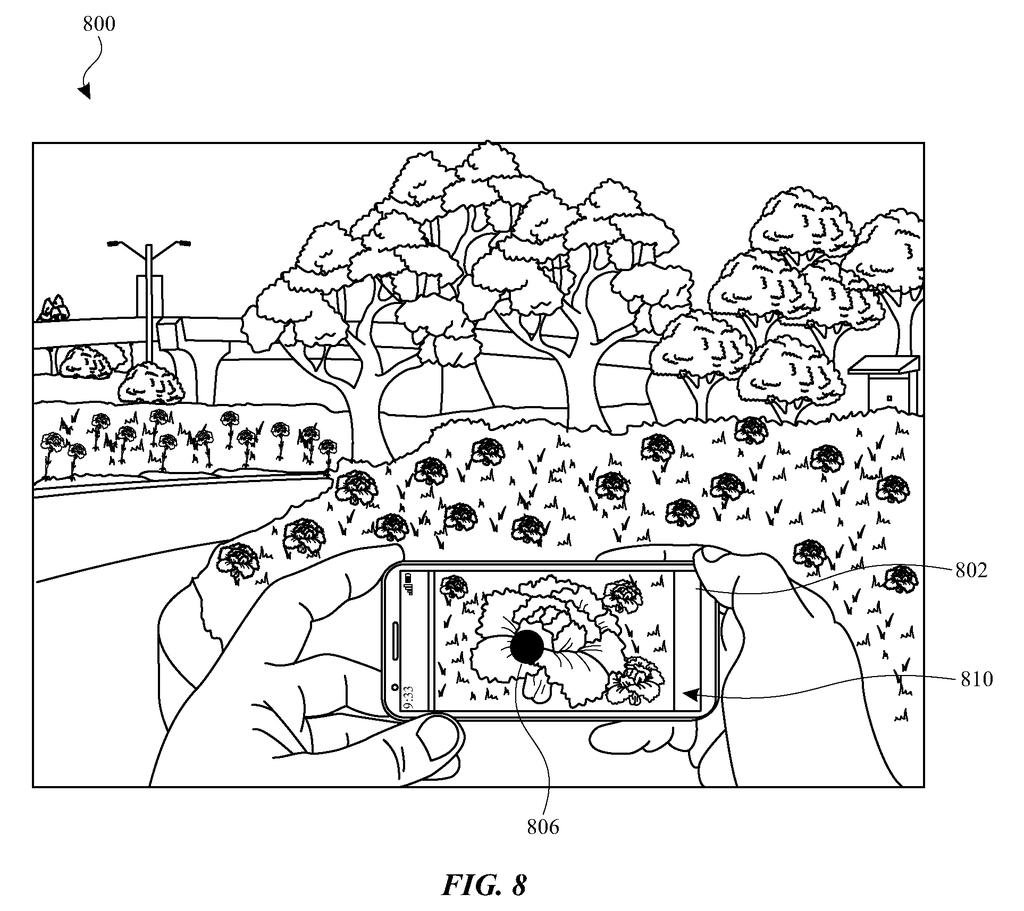
- Image analysis: The device scans the image and catalogs multiple elements, for example a plant, a pair of shoes, a restaurant sign.
- Information availability check: For each element, the system queries whether associated data (product details, species names, location info) can actually be returned.
- Selective display: Visual indicators appear only on elements with confirmed, retrievable information. Elements without it get no indicator at all.
The patent doesn't specify the underlying lookup mechanism in detail, leaving room for the system to work with product databases, web indexes, or on-device models. The core claim is the conditional display logic itself: show the affordance only when there's a payoff.
The subject technology provides visual search systems and methods for selectively presenting visual indicators associated with elements in digital content. An image provided for display to a user may be analyzed to identify a plurality of elements.
Translation: This technology scans photos to find specific objects and decides which ones are worth highlighting for the user.
What this means for iPhone camera search features
For everyday iPhone users, this would mean a cleaner, less frustrating visual search experience. Right now, if your camera highlights an object and you tap it, a failed lookup feels like a broken feature. Hiding the indicator when there's nothing to show turns an error state into a non-event, which makes the feature feel more reliable even if the underlying database hasn't changed.
From an engineering standpoint, this is a purely software-level change to how results are surfaced, meaning it doesn't require new camera hardware or a dedicated chip. The shortest route to shipping it runs through an iOS update to Visual Look Up. Apple has been steadily expanding that feature since iOS 15, and this patent fits neatly into that trajectory. For ongoing coverage of Apple's visual-AI and search filings alongside the rest of the industry, Big Tech patent news tracks how these incremental software bets stack up across companies.
The conditional-indicator logic described here is a small but concrete UX fix, and the ship path is about as short as software patents get: no new sensors, no new silicon, just a filter added before the display layer renders its tap targets. The main open question is how expensive that pre-check is at scale, because querying a lookup database for every element in every frame before showing any UI could add latency. That tradeoff will determine whether this ends up as a real-time camera feature or something applied only to still photos after the shutter fires.
There are more where this came from
We read every patent application Big Tech publishes and send you the ones worth knowing. Plain English, free, every week.
The drawings
10 drawing sheets from US 2026/0237205 A1 · click any drawing to enlarge


Want this weekly breakdown for a company we don't cover? Patentlyze Pro →
Be the first to weigh in