
Apple Patents a System That Skips the Pop-Up Menu When It Knows What You Want
Every time you tap something on your phone and a menu appears asking what you want to do with it, that's a small friction point Apple now wants to eliminate. A newly published patent describes a system that acts immediately when it's confident it knows what you want, and only asks when it isn't.
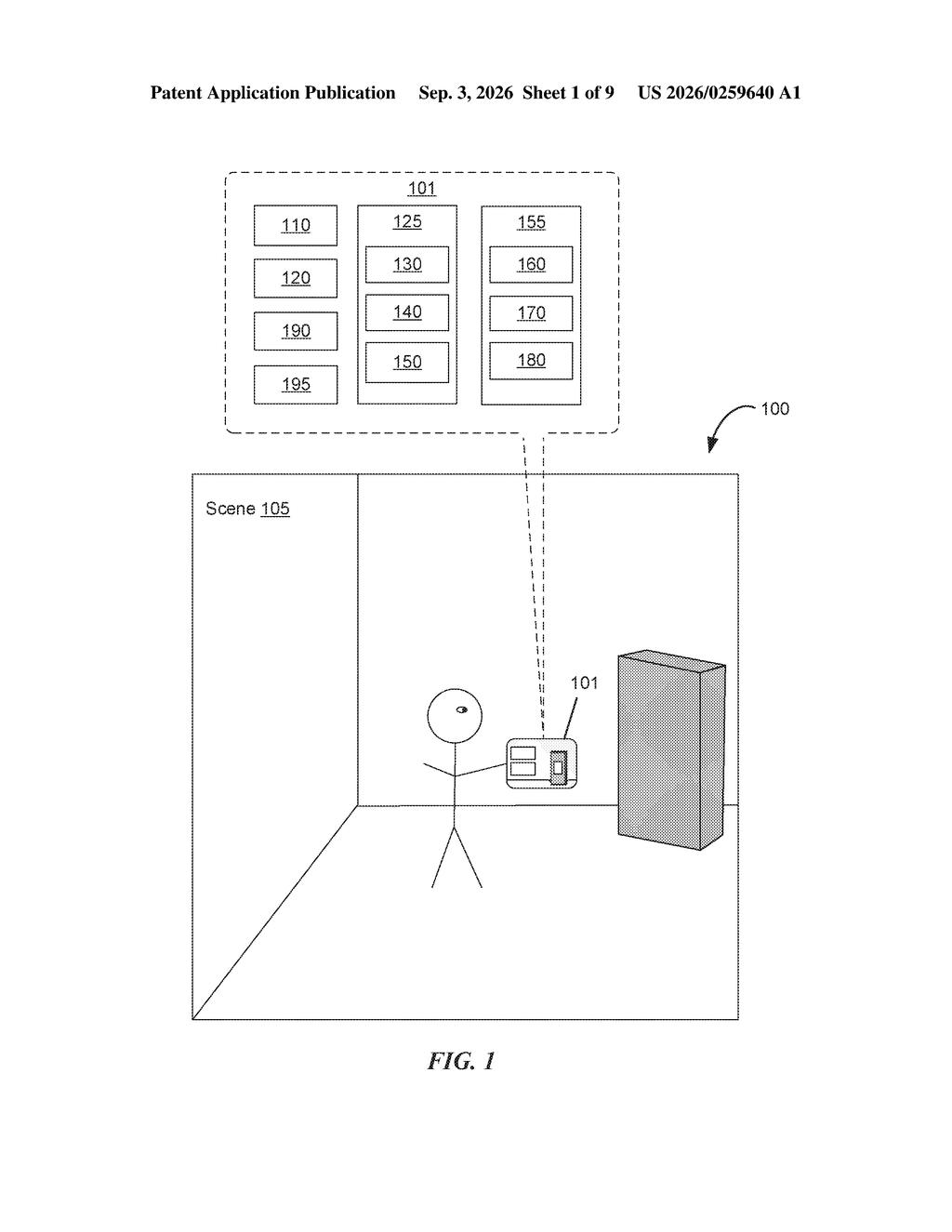
What Apple's one-tap action system actually does
Imagine you tap a phone number in an email. Your phone already knows you almost always call numbers rather than copy them to the clipboard, but it still shows you a little menu with both options. Apple's patent is about skipping that menu when the system is confident enough about your preference.
The idea is that your device learns which action you typically take on different kinds of objects, like phone numbers, addresses, email links, or images. When your pattern is clear, a single tap just does the thing without asking. When it isn't sure, it still shows you the picker so you can choose.
This is a small but real quality-of-life change. The fewer times a device interrupts you to confirm something it already knows, the faster and less annoying your phone feels to use day to day.
detecting a user input indicating selection of an object; in response to detecting the user input indicating selection of the object: in accordance with a determination that an action for the selected object meets a confidence criterion, providing a first output based on the selected object and the action for the selected object …
Translation: If the system is sure what you want to do, it just does it automatically.
How the confidence check decides to act or ask
At the center of this patent is something Apple calls a confidence criterion: a threshold the system uses to decide whether it knows your intent well enough to act without asking.
When you tap a recognized object on screen, the system checks its confidence in the most likely action:
- If confidence meets the threshold, it performs the action directly and shows you a confirmation or result (the "first output").
- If confidence doesn't meet the threshold, it shows you a disambiguation menu asking which action you want (the "second output").
The system connects to image sensors and recognizes "objects" broadly: not just physical objects seen through a camera, but tappable elements on screen like hyperlinks, addresses, photos, calendar dates, or any content type the OS can identify. The confidence score is presumably built from your personal history with that object type.
The patent doesn't spell out the exact learning algorithm, but the structure implies the system tracks your choices over time and updates its confidence model per object category, per user, so the behavior becomes increasingly personalized.
… a first output is provided when an action for the selected object meets a confidence criterion and a second output is provided when the action for the selected object does not meet the confidence criterion.
Translation: It skips the menu when confident, but asks for help when it is unsure.
What fewer menus mean for everyday iPhone use
For most people, the payoff is subtle but cumulative. Every time your phone has to interrupt you with a "what do you want to do?" menu, you spend a fraction of a second re-engaging with the interface. Across hundreds of taps a day, that adds up. A system that handles the obvious cases and only asks when it genuinely needs guidance would make iOS feel faster without any visible speed change.
Apple's steady stream of interaction-refinement patents suggests the company treats these micro-friction points as a real differentiator. The failure this prevents isn't dramatic, it's the low-grade annoyance of a device that keeps treating you like a stranger even after years of use.
Apple's 377th filing in our Apple coverage since May adds to a run that includes a smarter notification system and sharing digital IDs from a device.
Phones are full of small confirmation menus that exist because the software doesn't trust its own read of your habits. This patent makes that trust explicit: when your phone has seen you tap a phone number and always call it, it stops asking and just calls.
You'd feel this most in repetitive daily moments, tapping a contact, sharing a photo, opening a link, where an extra menu currently slows you down for no real reason. On an older device where menus already feel sluggish, removing even one unnecessary step lands noticeably.
How broadly Apple deploys this matters. If it stays limited to a handful of features, most people won't register it. If it runs across the whole phone, it's a real quality-of-life shift, making the device feel like it's learned you rather than just tolerating you.
Get our take in your Top Stories
Liked this breakdown? Add Patentlyze as a preferred source on Google, and our plain-English take shows up more often in your Top Stories the next time Apple patent news breaks.
There are more where this came from
We read every patent application Big Tech publishes and send you the ones worth knowing. Plain English, free, every week.
The drawings
9 drawing sheets from US 2026/0259640 A1 · click any drawing to enlarge


Show the other 1 sheets

Want this weekly breakdown for a company we don't cover? Patentlyze Pro →
Be the first to weigh in