
Adobe Patents a System That Keeps Digital Illustration Rules in Sync Automatically
Every designer knows the pain: you adjust one element, and a dozen related shapes go out of sync. Adobe's new patent describes a system that tracks those relationships automatically and updates everything at once.
How Adobe's linked-rules idea changes graphic editing
Ever tried to keep every button on a website mockup the same rounded corner size, only to discover you missed three of them after the final export? That frustrating hunt-and-fix loop is what Adobe is trying to eliminate here.
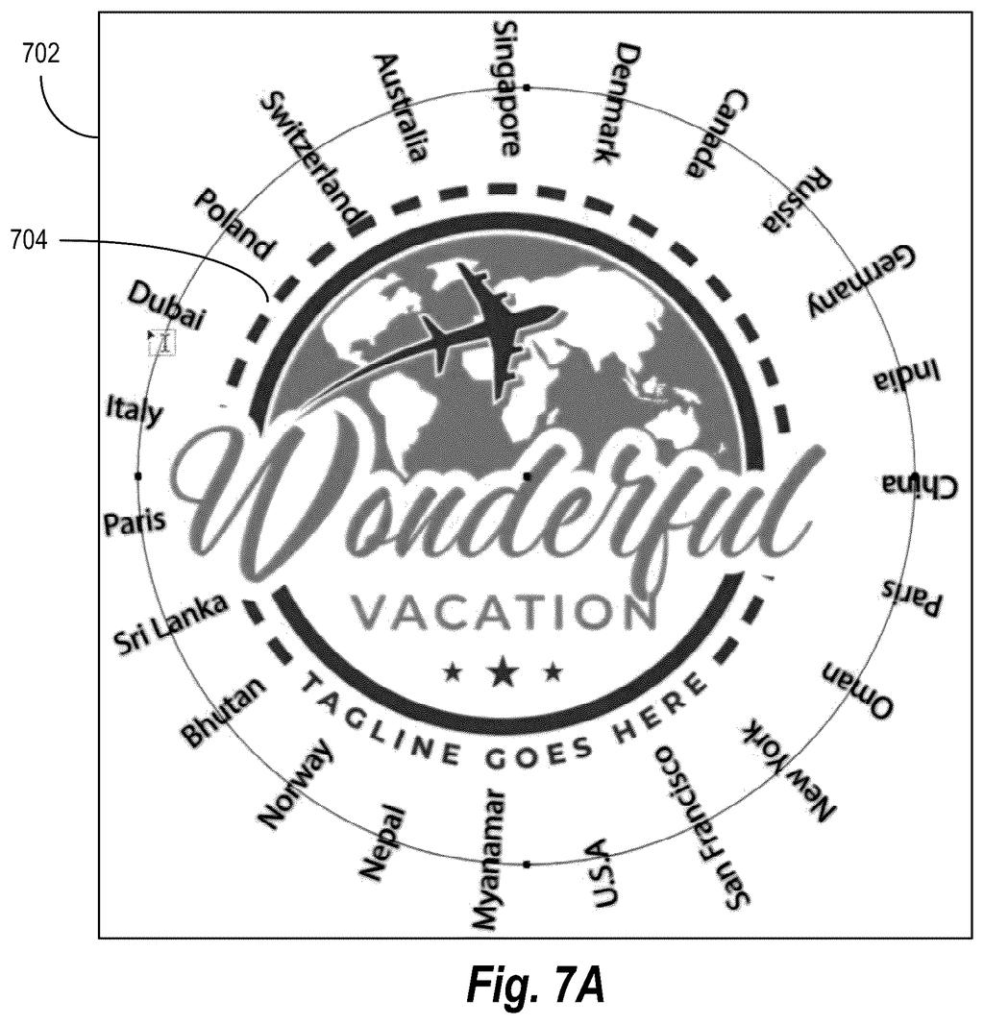
The patent describes a system where a designer can define a rule, say, "all these circles must share the same radius", and attach it to a group of shapes inside a vector graphic (think the kind of file used in Adobe Illustrator). When you change one shape in that group, the software automatically figures out how all the related shapes should change too, and updates them on the spot.
The result is that you spend less time manually chasing inconsistencies and more time actually designing. Instead of treating every shape as its own independent object, the software understands that certain shapes belong together and should follow shared logic.
determining, for a vector graphic, a constraint entity comprising a constraint type defining execution logic for the constraint entity and further comprising a set of constraint objects of the constraint type …
Translation: The system sets up rule groups in digital artwork that automatically control how different parts relate to each other.
How the constraint engine propagates a single edit
The core idea is what the patent calls a constraint entity: a bundle that includes two things together. First, a constraint type, which defines the actual rule or logic (for example, "these objects must all be equally spaced" or "these shapes must all share the same fill color"). Second, a set of constraint objects, the specific shapes or elements in the drawing that the rule applies to.
When the software detects that a user has edited one of those constrained objects, it doesn't just record that single change. It runs the rule's logic against the whole group and figures out what corresponding changes are required on the other objects. Then it generates an updated version of the graphic reflecting all of those changes at once.
In practice, this means the constraint system is bidirectional and rule-aware, not just a simple copy-paste link. The rule (constraint type) is the thing doing the work; the shapes (constraint objects) are what it acts on. Editing any one shape triggers the rule, and the rule decides what happens everywhere else.
- Constraint entity: the container holding both the rule and the affected shapes
- Constraint type: the execution logic (what "in sync" actually means for this group)
- Constraint objects: the individual shapes governed by that rule
- Propagation: the automatic update pass that touches all related objects after one edit
What this means for designers working on complex files
For designers working on large files with repeated elements, such as icon sets, UI kits, or brand style guides, manually keeping every instance consistent is one of the more tedious parts of the job. A system that enforces shared rules automatically reduces the chance of small visual inconsistencies slipping through to final output.
The deeper implication is that vector editing software starts behaving more like a spreadsheet, where a formula governs a column of values, so changing one cell updates all the others that depend on it. That shift could make Adobe's tools more attractive for systematic, rule-heavy design work like design systems and component libraries, where consistency is non-negotiable.
Adobe's 165th filing in our Adobe coverage since May adds to a run of AI photo tools that includes animating still photos and relighting portraits.
Bundling a rule and all the shapes it governs into one package is a clean idea until you need one exception. Pulling a single shape out of the group without breaking the rule for everyone else is exactly the friction point this approach creates, and the patent says little about how gracefully that works.
Every rule also adds invisible bookkeeping inside the file. On a large project with many overlapping rules, that hidden layer can become harder to untangle than the artwork itself, which is a real cost for a tool meant to simplify.
For designers building structured systems, those costs probably land on the right side of the ledger. For someone making a one-off illustration, they almost certainly do not.
Get our take in your Top Stories
Liked this breakdown? Add Patentlyze as a preferred source on Google, and our plain-English take shows up more often in your Top Stories the next time Adobe patent news breaks.
There are more where this came from
We read every patent application Big Tech publishes and send you the ones worth knowing. Plain English, free, every week.
The drawings
14 drawing sheets from US 2026/0278873 A1 · click any drawing to enlarge


Show the other 6 sheets


Want this weekly breakdown for a company we don't cover? Patentlyze Pro →
Be the first to weigh in