
Samsung Patents a Phone Screen That Warms Up the Longer You Use It at Night
Auto-adjusting screens follow the lighting in your room, even when the room is making them bluer at 9 PM. A new Samsung patent application adds a time-based limit that gets stricter the longer you stay on your device.
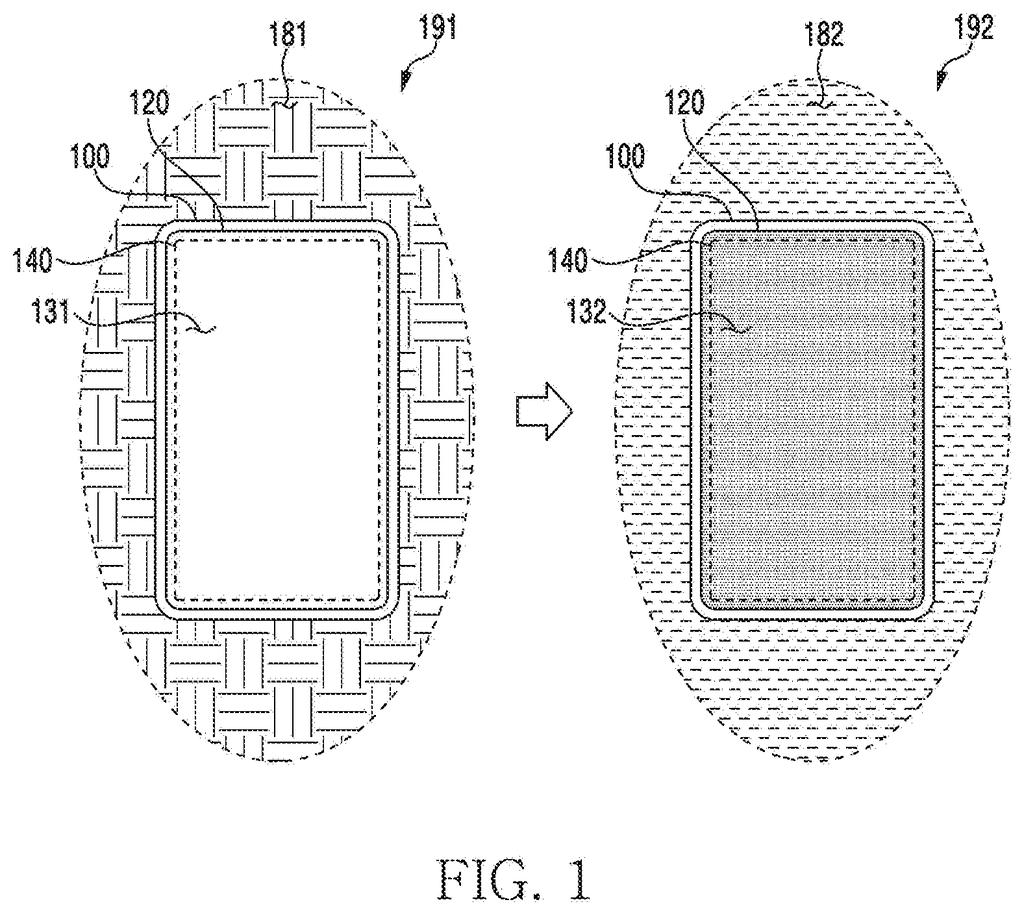
What Samsung's evening screen-warming cap does
A screen that adjusts itself to the room has an awkward habit. If the lighting around you turns cooler and bluer, the screen follows, even at 9 PM when you're supposed to be winding down. Samsung's patent application adds a second rule to stop that.
Here's the idea. Your device reads the light in the room and works out how blue the screen should look. Separately, it works out a limit based on the clock: once an evening eye-comfort mode starts (the filing's example is 6 PM), the limit drops the longer you keep using the device.
The screen then goes with whichever of the two settings is warmer. After three hours of evening use, a bright, cool room can't push your screen past the limit. A dim, warm room still gets a warm screen.
… compare the second color temperature with a third color temperature determined using a usage time of day of the electronic device, based on the second color temperature being higher than the third color temperature, change a color temperature of the screen displayed on the display from the first color temperature to the third color temperature …
Translation: The phone checks how late it is and forces the display to warm up if the room lights are brighter than expected for that hour.
How the screen picks the warmer of two settings
Every screen has a color temperature, a measure of how blue or yellow the picture looks. A lower number looks warmer and yellower, and a higher one looks cooler and bluer. The filing describes a phone, tablet or similar device that juggles three of these numbers:
- The current one: what the screen shows right now.
- The room's pick: the number chosen after a sensor reads the ambient light. The filing lists a light sensor under the display, a front-facing camera, or a dedicated color sensor.
- The time-based limit: a ceiling that falls as your cumulative evening usage grows.
The claims say the screen moves to whichever of the last two is lower, so it never gets bluer than the limit, however cool the room's light is. In the filing's example, the limit starts counting at a time like 6 PM, set against a bedtime (midnight in the example) that a health app reports. It falls faster as the hours pile up, and the check only runs when both the auto-adjust and eye-comfort modes are on.
The filing also describes extras: pausing the adjustment in a moving vehicle so a navigation map keeps its colors, switching it off for color-sensitive apps like image editing, and borrowing a light reading from a nearby device on your account.
Why your bedtime screen could stop chasing the room
If you use a phone's auto-adjust screen and a warm-screen night mode, you may have two features pulling in different directions. This patent application is about making them cooperate. In practice, a bright, cool-lit room in the evening would stop dragging your screen toward blue, which matters if you scroll late and care about sleep.
The filing says the goal is less eye fatigue and better sleep, though it offers no test results. It also lists tablets, foldables and laptops alongside phones, so the rule could apply across a lot of screens. The extras, like leaving navigation maps and photo editors alone, show the company thinking about when a color shift gets in your way.
Samsung's 128th filing we've tracked in our display technology watchlist since May follows earlier applications like one on heat-driven color fixes and a looping watch band screen.
The problem being solved is real but modest: when two automatic screen-dimming features disagree, your phone gets brighter and bluer at exactly the moment it should be settling down for the evening. That is an annoyance, not a crisis, and the filing wisely treats it as one.
The fix matches the scale perfectly. The phone picks the warmer of two competing color suggestions and sets a ceiling that lowers as bedtime approaches, with no input required from you. For a problem this size, a quiet automatic rule is exactly the right medicine.
The more valuable details are buried in the supporting features. Letting maps and photo editors stay color-accurate, or letting you exempt a single image with a long press, handles the moments when any color tint at all is a problem. Those small carve-outs may matter more in daily life than the headline fix.
Get our take in your Top Stories
Liked this breakdown? Add Patentlyze as a preferred source on Google, and our plain-English take shows up more often in your Top Stories the next time Samsung patent news breaks.
There are more where this came from
We read every patent application Big Tech publishes and send you the ones worth knowing. Plain English, free, every week.
The drawings
17 drawing sheets from US 2026/0351152 A1 · click any drawing to enlarge


Show the other 9 sheets


Want this weekly breakdown for a company we don't cover? Patentlyze Pro →
Be the first to weigh in