
Samsung Patents a One-Gesture System for Placing and Sizing App Windows
What if opening an app in split-screen took a single drag instead of a menu? Samsung is patenting a gesture that lets you place, size, and launch an app window all in one fluid motion.
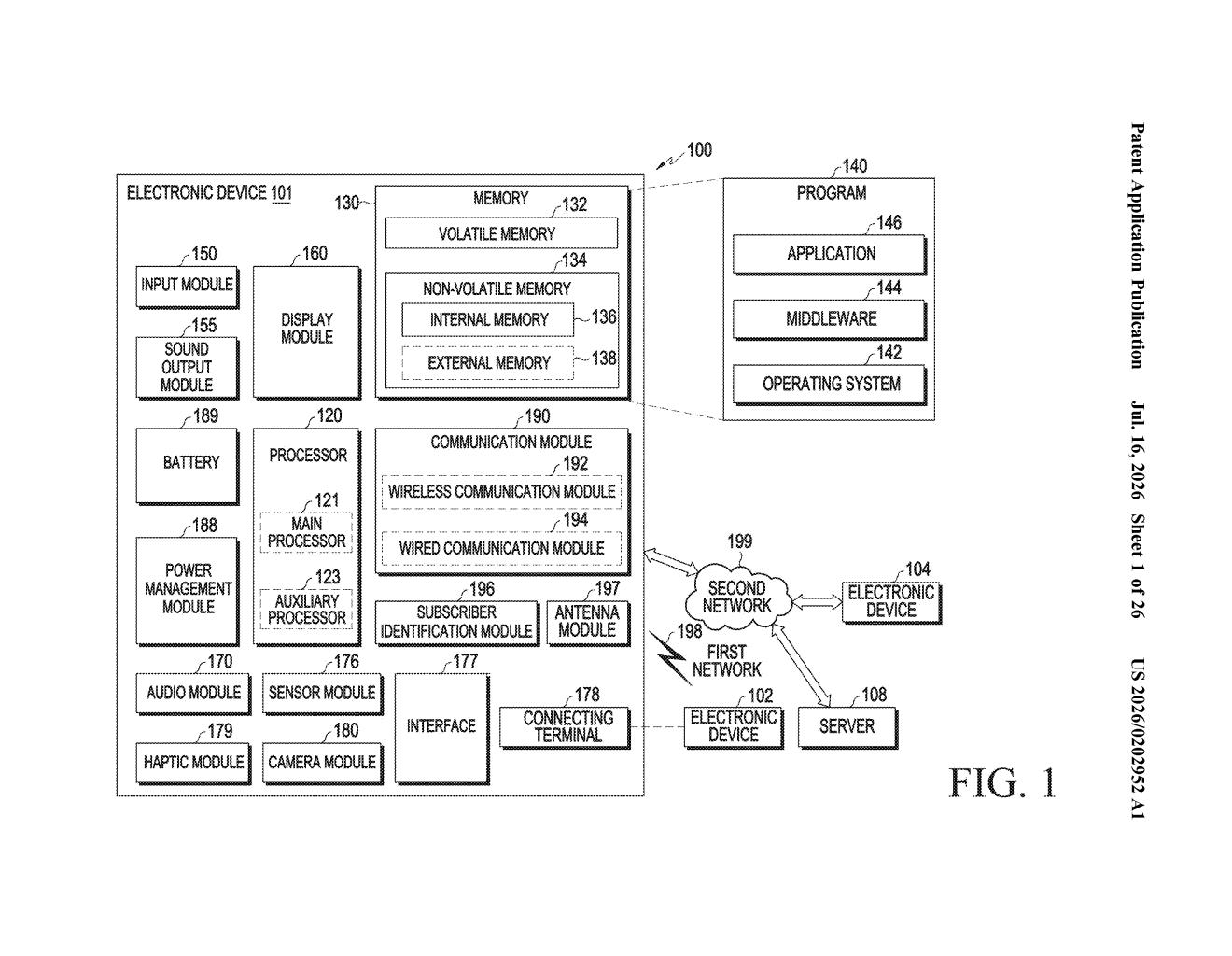
How Samsung's drag-to-place app gesture would work
Imagine you want to open a calculator app in a small corner of your phone screen while keeping your notes visible. Right now, on most phones, you'd tap through a settings menu, pick a split-screen mode, then adjust the divider. Samsung's patent describes a much faster way to do this.
The idea is a three-part gesture. First, you press and hold an app icon. While still holding, you drag it to the spot on the screen where you want it to appear. Then, without lifting your finger, you make a third motion, like dragging to define how big or tall the window should be. When you let go, the app pops open exactly as you sized it.
This kind of interaction would be most useful on foldable phones and tablets, where screen real estate is large enough to run several apps at once. Instead of digging through menus, you'd sculpt the layout with your hands.
How the three-input sequence controls window attributes
The patent describes a three-step input sequence, all executed without lifting your finger between steps:
- First input: Press and hold an app icon displayed in a dock or launcher area.
- Second input: While still pressing, drag to a target location on the screen where you want the app window to appear. The device registers this as a position selection.
- Third input: A follow-on gesture, made immediately after the second, that the device reads to determine at least one attribute of the app window. That attribute could be size, orientation, or display mode.
When you release after the third input, the device opens the app window at the chosen spot with the configured attributes already applied.
The phrase "attribute of the first execution screen" is the technical hinge of the patent. It means the system isn't just placing a window, it's reading your gesture to decide how to display the app: portrait or landscape, small or expanded, a particular app mode. The third gesture is essentially a configuration step baked into the launch motion itself.
The patent also mentions a "second area" separate from the launcher area, meaning this is explicitly designed for displays that support multiple simultaneous app regions, foldables, large tablets, or desktop-style modes.
What this could mean for Galaxy multitasking
For people who use Samsung's foldable phones (the Galaxy Z Fold line) or large Galaxy tablets, multitasking is already possible but takes several deliberate steps to set up. A gesture like this could make split-screen and floating windows feel natural rather than buried in settings.
The deeper pattern here is that Samsung is trying to make window management as physical as rearranging objects on a desk. That's a meaningful design goal as foldable screens become bigger and more desktop-like. Whether this gesture ends up shipping exactly as described is a separate question, patents often sketch ideas that get refined considerably before release, or never ship at all.
This is a sensible, incremental UX improvement rather than anything surprising. Samsung's foldable lineup already has multitasking features that feel clunky to reach, and a unified drag-to-configure gesture would genuinely help. The patent is narrowly focused and practically motivated, which often signals that the engineering team is actually working on something close to this.
There are more where this came from
We read every patent application Big Tech publishes and send you the ones worth knowing. Plain English, free, every week.
Want this weekly breakdown for a company we don't cover? Patentlyze Pro →
Be the first to weigh in