
Apple Patents a Slider You Control Just by Looking at It
What if you could turn up the volume or adjust a setting in a 3D app just by staring at the right spot? Apple has filed a patent for exactly that, describing slider controls that respond to where your eyes are pointing.
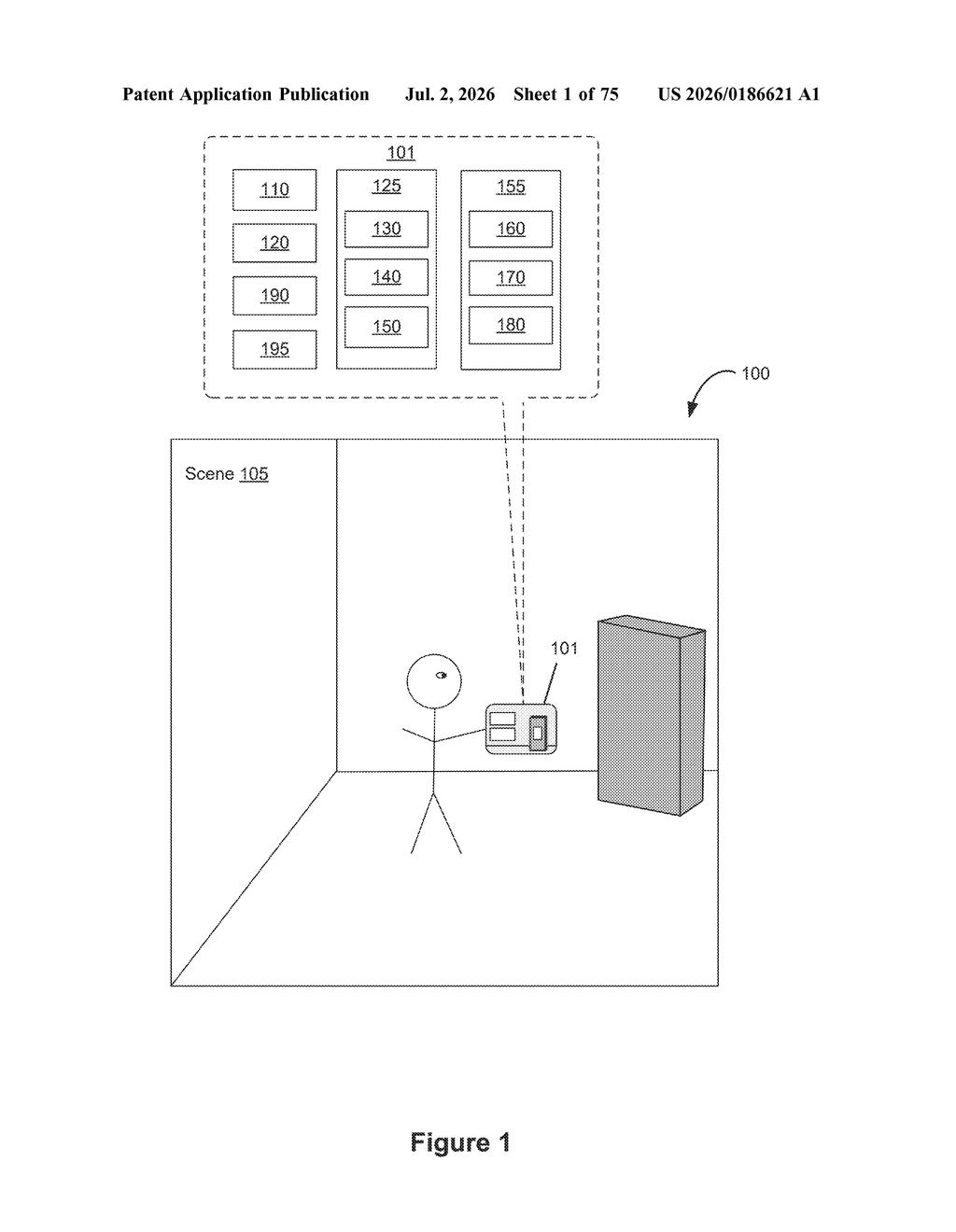
What Apple's gaze-controlled slider actually does
Imagine you're wearing a headset and a volume slider floats in front of you. You don't have a mouse, and lifting your hand every time feels clunky. Apple's patent describes a way to handle this with just your eyes.
When you look at a slider, a small marker appears at the spot your gaze lands on. If you keep looking at that marker for just a moment, the device locks in that position as the new value. No tap, no pinch, no physical gesture required.
This is built for spatial computing environments like Apple Vision Pro, where traditional touch controls don't quite fit. The system tracks where your eyes are directed, uses that to place a visible indicator, and then waits for a brief, deliberate stare to confirm you actually meant to set it there, so accidental glances don't trigger anything.
How eye-tracking triggers and sets the slider value
The patent describes a system that ties together an eye-tracking device and a display generation component (the screens inside a headset) to create gaze-driven slider controls in 3D interfaces.
Here's the basic sequence:
- A slider appears in the virtual environment.
- The device detects that the user's gaze has landed on the slider.
- A visual marker (called a "representation of an input point") appears at the position along the slider that corresponds to where the eyes are pointing.
- If the user holds their gaze on that marker past a time threshold (a brief dwell period), the slider value is set to that position.
The time threshold is the key design choice here. It acts as an intent filter: casual glances move the marker around, but only a deliberate, sustained look commits the change. The patent also mentions a "first appearance" for the marker that can change visually, likely to give the user feedback that the dwell timer is counting down.
The broader patent covers a family of related interactions, including moving virtual objects in 3D space and accessing contextual actions tied to those objects, all through gaze and gesture combinations.
What this means for hands-free Vision Pro controls
For headset users, the biggest friction point is input. Pinching, tapping, and voice commands all work, but they each have situations where they feel awkward or imprecise. A gaze-driven slider that confirms on dwell offers a third path: something you can do with zero hand movement, which matters especially when your hands are occupied or when fine-tuned adjustments need a stable reference point.
For Apple Vision Pro and any future headsets Apple builds, this kind of refinement to core UI controls signals that Apple is still working hard on the fundamental feel of spatial computing. Sliders are everywhere in interfaces (volume, brightness, scrubbing through video) and making them work naturally without touch is a real usability problem worth solving.
This is practical, unsexy UX work, and that's exactly why it matters. The flashy demos of spatial computing always show floating windows and hand gestures, but the real barrier to daily use is whether you can adjust a setting without it feeling like a chore. A dwell-to-confirm gaze slider is a thoughtful answer to a genuine problem, and the time-threshold mechanic shows Apple has thought carefully about preventing accidental triggers.
Get our take in your Top Stories
Liked this breakdown? Add Patentlyze as a preferred source on Google, and our plain-English take shows up more often in your Top Stories the next time Apple patent news breaks.
There are more where this came from
We read every patent application Big Tech publishes and send you the ones worth knowing. Plain English, free, every week.
Want this weekly breakdown for a company we don't cover? Patentlyze Pro →