
Apple Files Patent to Let Flat-Screen Apps Understand Your Gaze and Touch in 3D
An app written for a phone has never heard of eye gaze or reaching into the air. Apple's filing describes a translator that turns where you look and reach into input the app already understands.
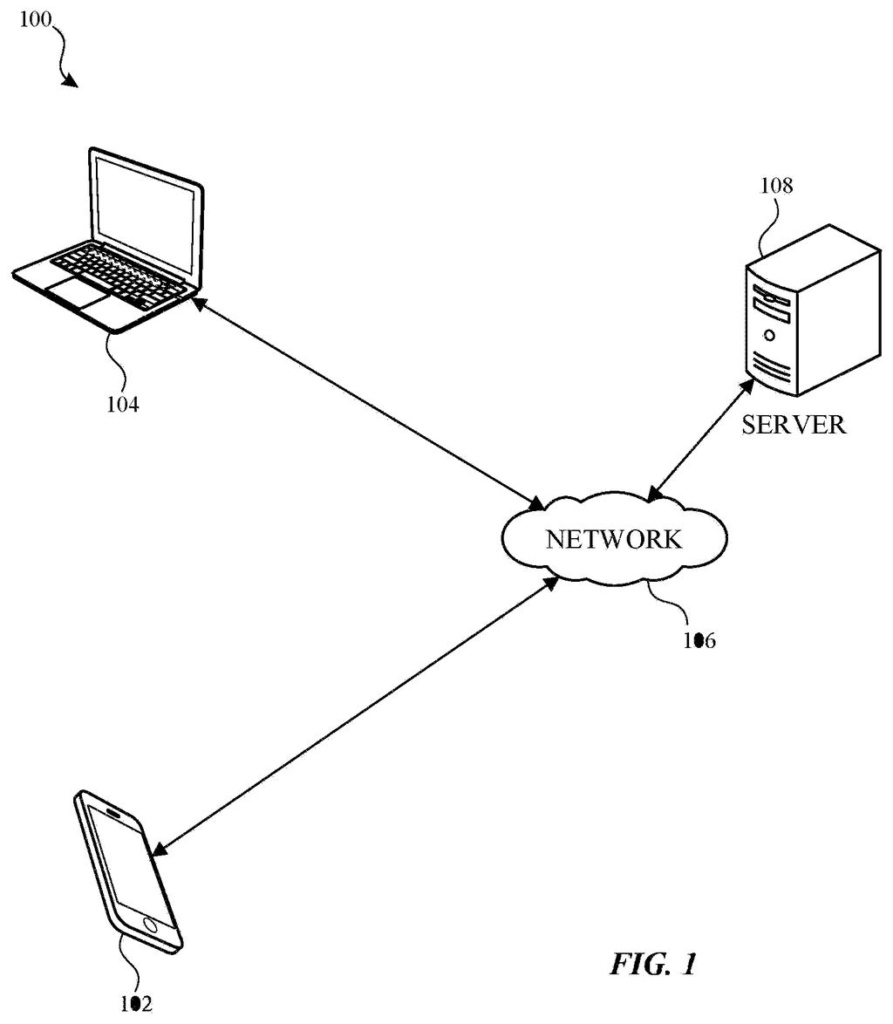
What Apple's gaze-to-touch translator does
Ever wondered what happens to an app built for a flat phone screen when it ends up floating in the air in front of you? The app has no idea what a glance or a reach is. It only understands taps and swipes on glass.
Apple's filing describes a go-between built into the operating system. When you look at part of a floating app, or reach out and touch the invisible plane it sits on, the system translates that into the same kind of touch message the app would get on a phone. The app does its normal job, none the wiser.
The filing also describes giving some flat on-screen pieces, like buttons and date wheels, a 3D look, so an older app can still feel at home in a 3D space.
… determining, based on a mapping between a set of three-dimensional input gestures and a set of two-dimensional input gestures, a two-dimensional input event corresponding to the three-dimensional input event …
Translation: The system translates physical hand movements in space into standard flat-screen clicks and taps.
How a 3D gesture becomes a flat-screen tap
The core is a user interface manager, an operating-system-level process that sits between apps and the display. Apps hand it their content in a declarative format, meaning a tree-like description of what should appear rather than finished pixels, so the manager can decide how to draw it in a 3D environment.
On the input side, the claims work like this. When the manager receives a 3D input event (your finger reaching a plane tied to the app's content, or your gaze landing on part of it), it identifies the 3D gesture, looks up a matching gesture in a library of 2D gestures, builds a 2D input event, and passes that to the app. A plane touch becomes a touch at a spot on a screen. A gaze becomes a message naming the portion you are looking at.
The claims cover apps developed to handle 2D events or compiled for a 2D display mode, so the app needs no awareness of 3D at all.
The description adds a drawing side. A 3D renderer can swap flat interface pieces such as menus, sliders, switches and date wheels for 3D versions, and can redraw flat text so it looks correct from where your head is. A regular 2D renderer handles the rest. It also describes doing less work for an app whose content is out of view.
… identify a portion of the two-dimensional content for enhancement by a three-dimensional render …
Translation: The software decides which parts of a flat app should pop out in 3D.
Why floating apps may not need rewrites
Any new kind of device faces an empty-shelf problem: nobody has written apps for it yet. A translator like this would let apps that already exist on phones and tablets run on a 3D device and still respond to where you look and reach, with or without recompiling them. For you, that would mean more things to use from the start.
For developers, it means existing work keeps running without a rewrite for a new style of input. The filing talks about head-mounted systems, phones and tablets in a 3D display mode, so it describes a software layer that could sit behind any of them. It does not name a product.
That makes this Apple's 46th filing we've tracked since May on our eye and hand controls watchlist, building on earlier applications like cameras in the nose bridge and clicking with your pupils.
Of the ideas in 3D computing, this one has a short road to a shipping feature, because everything in the filing is software. It calls for an operating-system layer, a library of gestures, and a device with sensors that can track your eyes and hands. That last item is the only real hardware requirement.
The shortest route to a product is an operating system update on a device that already has a 3D display mode, and the filing says apps can work with or without recompiling. The hard part will be deciding which gesture counts as a tap, since a wandering gaze is far sloppier than a finger on glass. The filing gives few details on that.
The application is a follow-on to earlier ones, one of which already issued as a patent, and it traces back to a 2019 provisional. The idea reads as mature plumbing that keeps old apps working on new screens, and that kind of plumbing often decides whether a new device feels useful on day one.
Get our take in your Top Stories
Liked this breakdown? Add Patentlyze as a preferred source on Google, and our plain-English take shows up more often in your Top Stories the next time Apple patent news breaks.
There are more where this came from
We read every patent application Big Tech publishes and send you the ones worth knowing. Plain English, free, every week.
The drawings
5 drawing sheets from US 2026/0340962 A1 · click any drawing to enlarge


Want this weekly breakdown for a company we don't cover? Patentlyze Pro →
Be the first to weigh in