
Microsoft Patents AI Web Browsing System That Links Apps Without Custom API Agreements
Most software can only talk to other software if someone builds a dedicated connection between them. Microsoft is filing a patent for a system that skips that entirely, by having an AI just... use the website, the same way a person would.
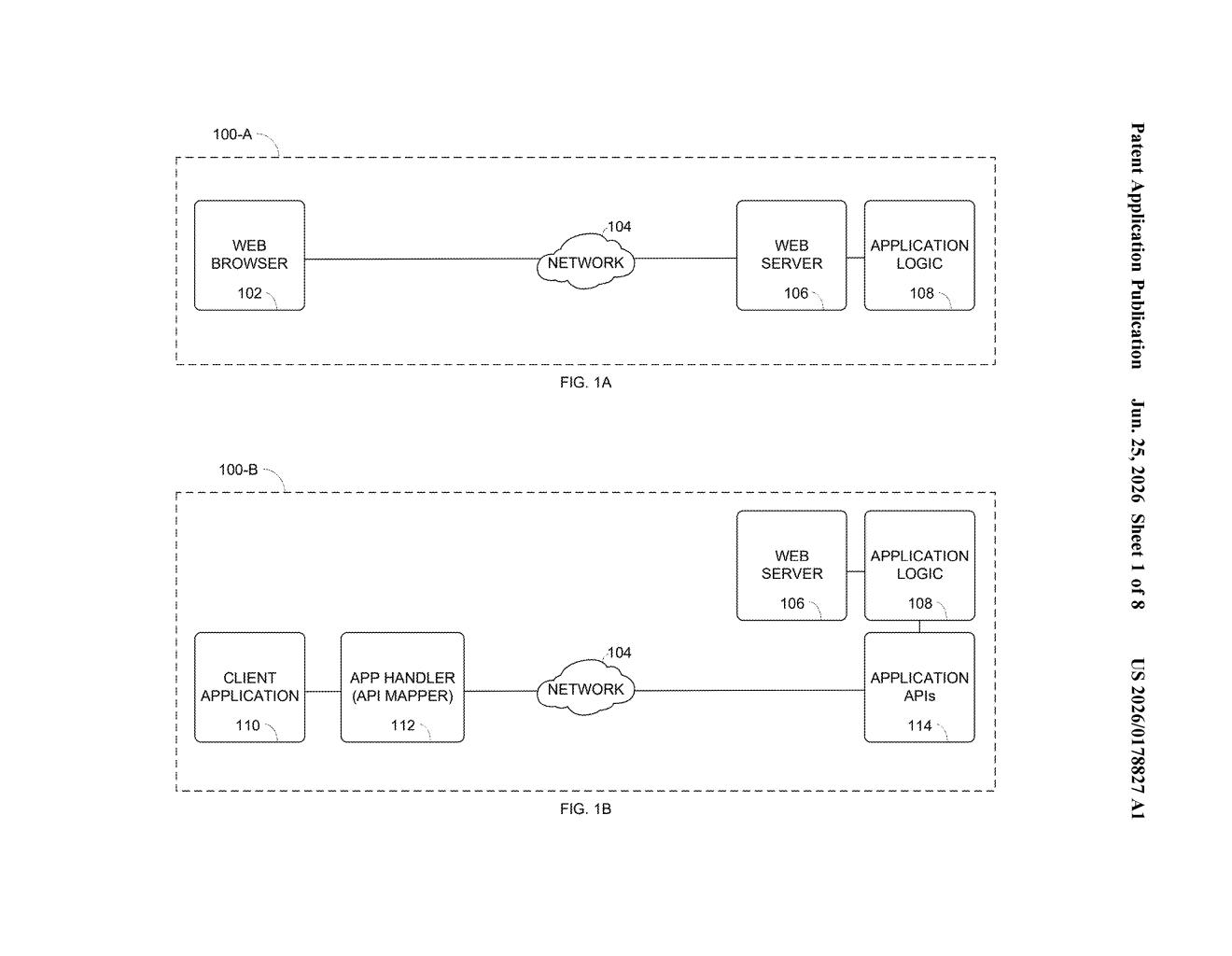
How Microsoft's AI connects apps by clicking through websites
Imagine you use two different work tools, say a project tracker and an invoicing app, and they've never been connected. Normally, getting them to share data requires a developer to build a custom technical bridge. Microsoft's patent describes a way to skip that step entirely.
Instead of a bridge, the system sends an AI to browse the target app's website on your behalf. You give it plain-English instructions, like "log in, find this customer, and update their address," and the AI takes screenshots of each page, figures out what to click or type, and keeps going until the job is done.
The whole thing runs in a loop: screenshot, decide what to do, click, check if the task is finished, repeat. No special technical handshake between the two apps is needed. If you can do it in a browser, the AI can do it too.
How the screenshot-and-action loop actually runs
The patent describes a web task orchestration service that sits between two software applications and uses a multimodal AI (one that can understand both text and images) to automate tasks on any website-based interface.
Here's how the loop works:
- A client application sends a request that includes a website address, plain-English instructions for what to do, and a plain-English description of when the job is done.
- A perception agent takes a screenshot of the current webpage and marks up every interactive element it can find, buttons, text boxes, dropdowns, and so on.
- A multimodal language model (an AI that reads both the screenshot and the marked-up labels) decides what action to take next, such as clicking a button or typing into a field.
- A browser agent carries out that action, and the system checks whether the task is now complete. If not, it takes another screenshot and repeats.
The key design choice is that the system needs no API (a purpose-built technical connection) on the target app's side. As long as the app has a website, this approach can interact with it.
What this means for software that can't share data today
Connecting enterprise software is expensive and slow. Companies often rely on brittle integrations that break when a vendor updates their interface. A system that reads screens instead of calling APIs would be much harder to accidentally break, because it adapts the same way a human employee would: by looking at what's on the screen.
For Microsoft 365 and Copilot users, this kind of capability could let AI assistants complete tasks in third-party tools that have never officially partnered with Microsoft. If you ask Copilot to update a record in some niche industry app, it wouldn't need a plug-in. It would just open the app's website and do it for you.
This is a genuinely interesting technical approach because it inverts the normal assumption: instead of requiring apps to expose a clean API, it treats any website as a de-facto interface. The real test will be reliability. AI-driven UI automation has a long history of falling apart when a button moves two pixels. Whether Microsoft has solved that fragility problem is the question this patent doesn't answer.
There are more where this came from
We read every patent application Big Tech publishes and send you the ones worth knowing. Plain English, free, every week.
Want this weekly breakdown for a company we don't cover? Patentlyze Pro →