
Apple Patents a Way to Summon Its AI Assistant Inside a Virtual World
When you call up Siri in a virtual reality headset, where exactly does it appear? Apple has a specific answer: outside your current view first, then sliding in like someone walking through a door.
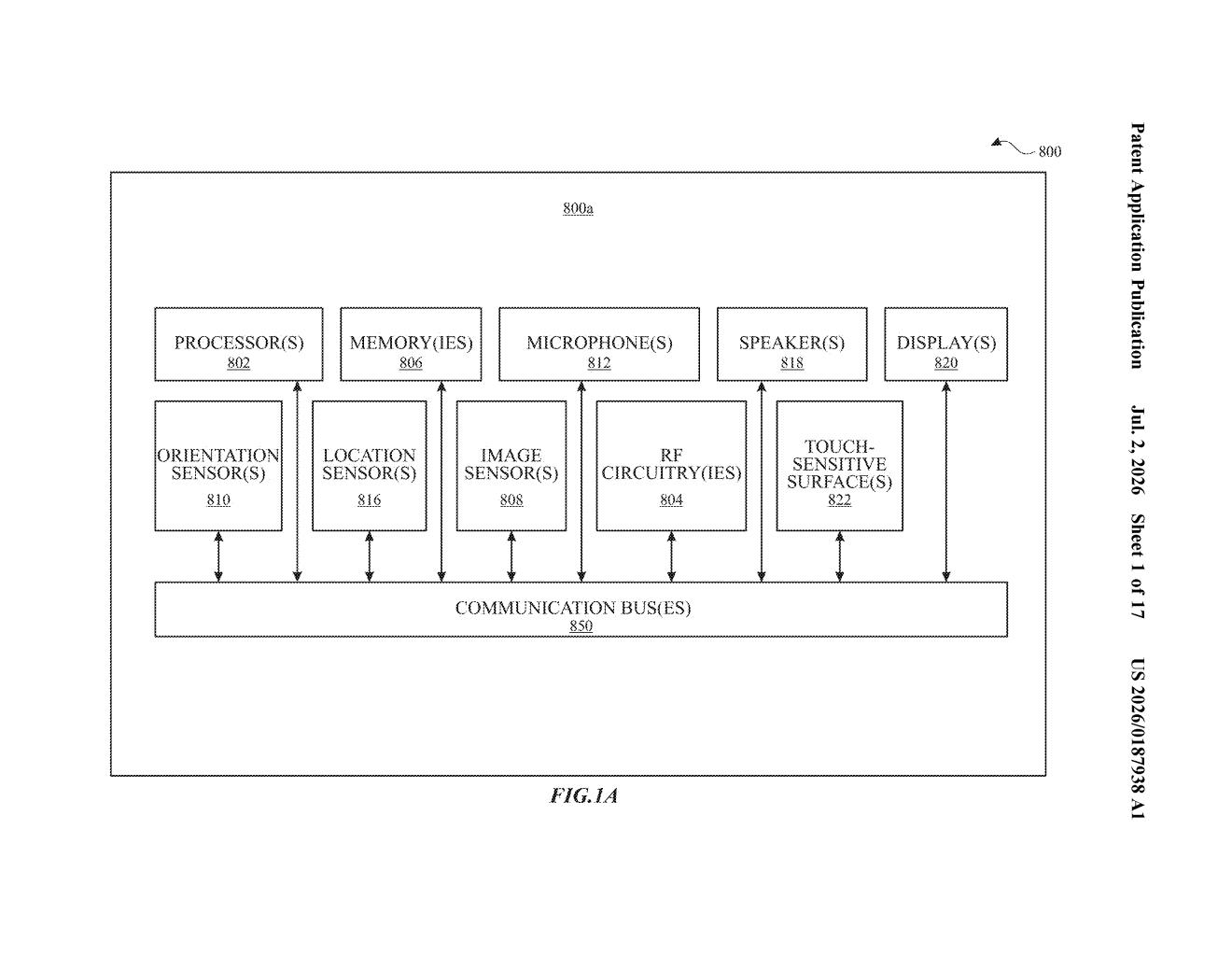
How Apple's virtual assistant enters your AR/VR view
Imagine you're wearing a VR headset, looking at a virtual living room. You say 'Hey Siri' or tap a button to call up Apple's assistant. Where does it pop up? Just dropping it in the middle of your screen would feel jarring, like something materialized out of thin air.
Apple's patent describes a more natural approach: the assistant object is placed just outside the area you're currently looking at, then it animates into your view. It moves into your visible space the way a person might walk into a room, giving you a sense that it exists somewhere in the virtual world and came to you.
The system also tells you where the assistant is if it's not in your current sightline, so you can glance toward it. It's a small detail, but it's the kind of thing that makes a virtual environment feel coherent rather than like a flat screen with pop-ups.
How the assistant object animates into your field of view
The patent covers how a digital assistant session is started inside a computer-generated reality (CGR) environment (Apple's umbrella term for AR, VR, and mixed reality).
When a user triggers the assistant (via voice, gesture, or another input), the system does two things almost simultaneously:
- It places the assistant object at a location outside the currently visible portion of the virtual environment.
- It then animates the assistant moving from that off-screen location into the user's field of view.
The system can also provide a cue indicating where the assistant is when it's off-screen, similar to how a notification might point you in a direction. This means the assistant has a persistent location in the virtual space rather than just floating on top of your display like a traditional UI overlay.
The claim covers the sensors detecting the user input, the logic that decides whether that input should trigger an assistant session, and the placement and animation logic. It's tightly scoped to the spatial staging of the assistant object itself.
What this means for Siri on Apple Vision Pro
Apple Vision Pro already has Siri integration, but how the assistant presents itself inside a spatial computing environment is still being worked out. This patent points to Apple thinking carefully about presence: the feeling that virtual objects exist in a real space. A Siri that slides in from the side feels more like an entity in your world than a dialog box.
For users, this matters because spatial computing lives or dies on immersion. Every time the interface breaks the illusion, you're reminded you're wearing a headset. A well-placed, well-animated assistant keeps you in the experience. This is the kind of design detail that separates a product that feels polished from one that feels like a prototype.
This is a narrowly scoped UX patent, not a big technical leap, but it reflects something real about how Apple thinks about spatial computing: the transition animation is the feature. Getting this detail right on Vision Pro or its successors matters more than it sounds, because bad assistant placement is exactly the kind of friction that makes people stop using a product.
Get our take in your Top Stories
Liked this breakdown? Add Patentlyze as a preferred source on Google, and our plain-English take shows up more often in your Top Stories the next time Apple patent news breaks.
There are more where this came from
We read every patent application Big Tech publishes and send you the ones worth knowing. Plain English, free, every week.
Want this weekly breakdown for a company we don't cover? Patentlyze Pro →