
Apple Patents a Home Screen Widget That Shows When Family Members Are Active on Their Devices
Apple is working on a way to put live status indicators for family members directly on your iPhone home screen, so you can tell at a glance whether someone is using their device without opening a separate app.
What Apple's family status home screen actually does
Imagine you want to know if your kid has picked up their phone after school, or if your partner is busy on a call. Right now you'd have to open the Find My app or send a message and wait. Apple's new patent describes a system where small tiles on your iPhone's home screen would show you that kind of status information automatically.
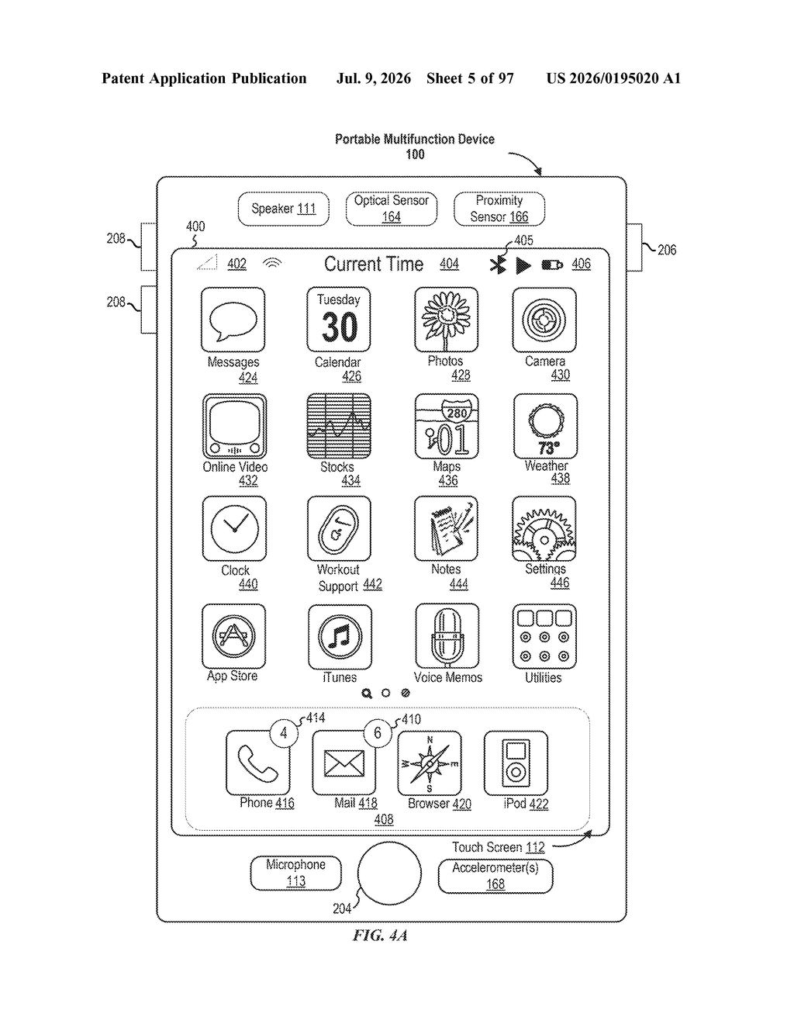
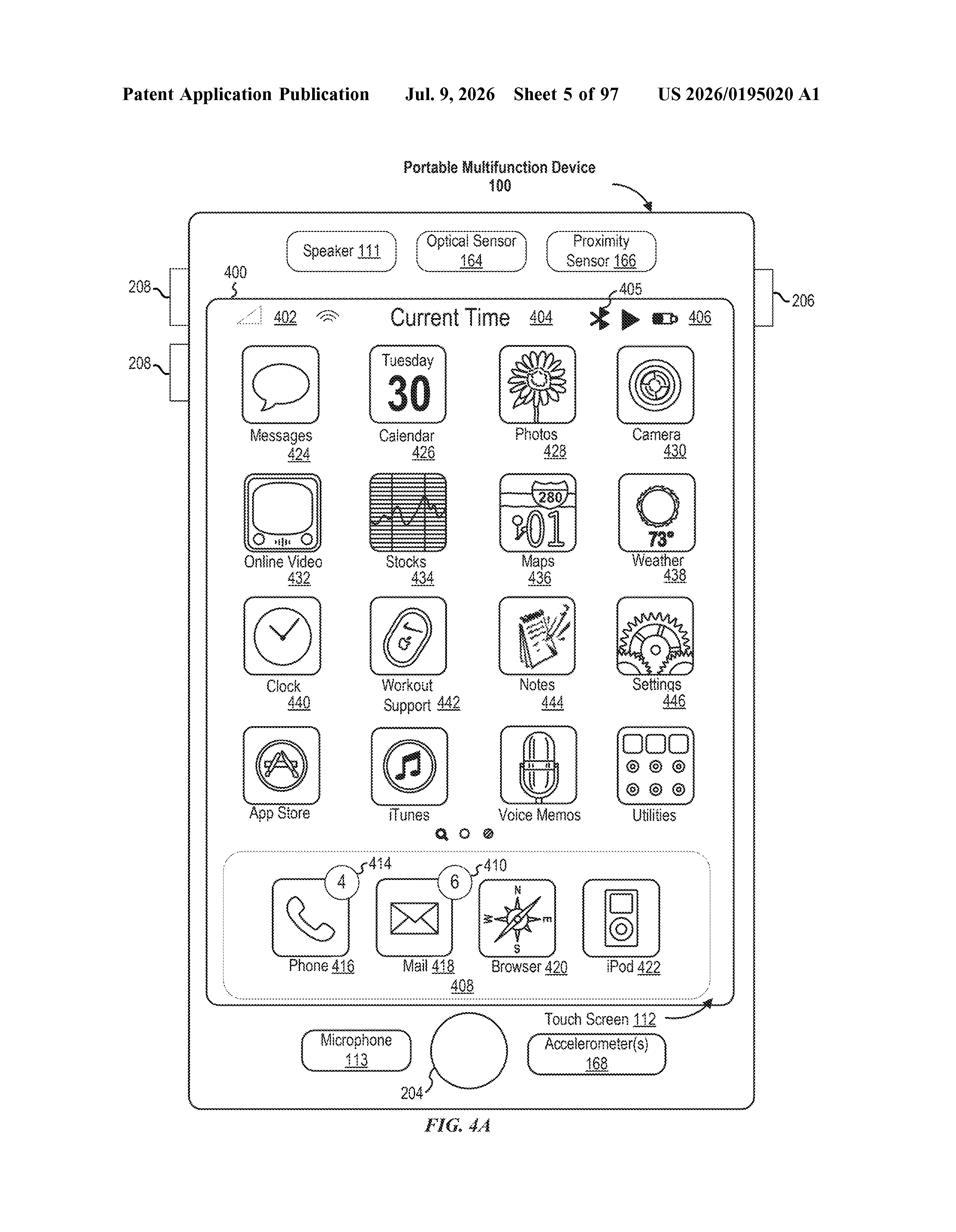
The idea is that your home screen, the first thing you see when you unlock your phone, would include a picture or icon representing someone in your family or a contact you've chosen to follow. That tile would update in real time to show whether that person is actively using their device or has gone quiet.
Consent is built into the design: the patent specifies that only users who have agreed to share their status would appear. Think of it as a friendlier, always-visible version of the "last active" indicator you already see in iMessage, but baked right into the home screen for family accounts.
How the home screen detects and displays status changes
The patent describes a method for an iPhone (or similar device) to display a home screen user interface that includes small visual representations of other users, specifically people tied to a family account or a list of consented contacts.
Each representation carries a visual indicator of device activity status, meaning some kind of badge, color change, or icon that tells you whether the other person is currently active on their device. The system watches for changes to that status in the background and automatically updates the home screen tile when something changes, for example, when a family member locks their phone and goes idle.
Key components the patent outlines include:
- A home screen tile or widget for each tracked person, shown alongside the usual app icons
- Real-time status updates that reflect changes in device activity without the user having to open any app
- A consent-based framework so only people who have opted in are shown
- Aggregated display of multiple family members in one place for faster access
The technical claim is careful to note that when a status clears, the visual indicator is removed from the tile, keeping the display clean and current rather than showing stale information.
What this means for family tracking on iPhone
For families using Apple's existing Find My or Screen Time features, this kind of at-a-glance status check is something they currently have to navigate menus to find. Putting it directly on the home screen removes several taps from a common daily behavior, checking in on a child or aging parent without disturbing them with a message.
This also signals that Apple is thinking about the home screen as a social and family dashboard, not just a grid of app launchers. That is a meaningful shift in how the company frames the iPhone's primary interface. Whether this shows up as a new widget type in a future iOS update or as an expansion of the existing Family Sharing feature set, it fits neatly into Apple's broader push to make parental oversight tools feel less like surveillance and more like a natural part of the phone experience.
This is a quiet but practical idea. Apple's Find My and Screen Time tools are genuinely useful for families, but they're buried in apps. Surfacing a live status indicator on the home screen is the kind of small UX improvement that parents and caregivers will actually notice in daily use. It's not a flashy AI feature, but it solves a real friction point.
Get our take in your Top Stories
Liked this breakdown? Add Patentlyze as a preferred source on Google, and our plain-English take shows up more often in your Top Stories the next time Apple patent news breaks.
There are more where this came from
We read every patent application Big Tech publishes and send you the ones worth knowing. Plain English, free, every week.
The drawings
97 drawing sheets from US 2026/0195020 A1 · click any drawing to enlarge
Want this weekly breakdown for a company we don't cover? Patentlyze Pro →