
Microsoft
Microsoft · AI / ML · Filed May 16, 2025 · USPTO published Nov 12, 2026 · This week's release
Microsoft Patents an AI That Finds the Right Button to Click for You
Microsoft has filed for a patent on an AI that looks at a web page or app screen, works out which button or box fits the job you picked, and then clicks or types for you.
- Publication number
- US 2026/0359075 A1(US20260359075A1)
- Applicant
- Microsoft Technology Licensing, LLC
- Filed · Published
- May 16, 2025 · Nov 12, 2026
- Inventors
- Zhizheng ZHANG, Xiaoyi ZHANG, Wenxuan XIE, Yuwang WANG, Yan LU
- Status when we published
- Waiting for an examiner
- Document
- 20 claims
- US classification
- 715/771
- Parent application
- National Stage Entry of PCT/US2023/036970 (filed Nov 7, 2023)(PCTUS2023036970)
What Microsoft's auto-clicking patent does
Imagine you need to log in to a site, dismiss a cookie banner, and close a pop-up before you can do anything useful. Each step means hunting the screen for the right spot to click. Now imagine software that does that hunting while you watch.
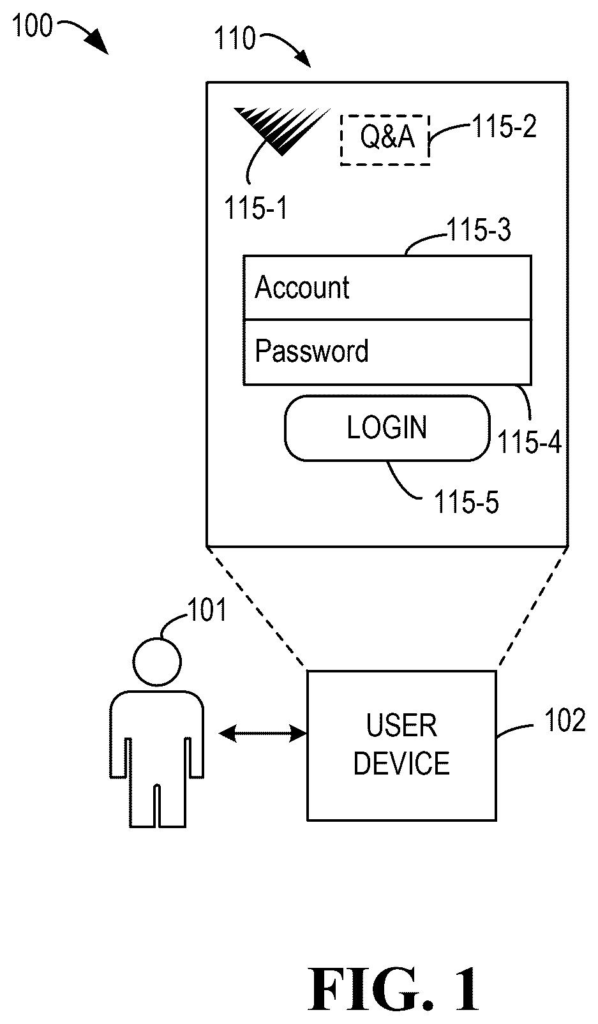
That is the idea behind this Microsoft patent application. A program looks at everything on a screen, such as buttons, text boxes and icons, and decides which one to use next. You pick the job, like login, keyword search or adding to a shopping cart. The program then chooses the right spot and clicks it, or types into the box.
It also remembers where it clicked earlier. That helps with jobs that take several screens, like registering for an account, where each step depends on the one before it.
… determining, based on the feature representations, a target element for the current navigation task from the one or more user interface elements; and performing an operation associated with the target element.
Translation: The AI figures out which button to click and then clicks it for you.
How the AI scores every button on a page
The system starts by turning every item on a page into a token, which is a compact string of numbers describing that item. A token can capture the item's type (input box, clickable button, plain text or icon), its text label, its position on the screen, and when it appeared relative to the current page. The system pulls this from a screenshot and from the page's underlying structure (the code that says how items are grouped and nested).
The key twist is that the AI processes those tokens differently depending on the job. The model holds two kinds of settings:
- Shared settings that apply to every task, covering what buttons and forms generally look like.
- Task-specific settings that switch on for the job you chose, such as login or pop-up removal.
A transformer (the type of AI model behind modern chatbots) then runs an attention step. In plain terms, it checks how each item on the page relates to the others, using distance on screen and whether items sit in the same form.
The output is a probability for each item that it is the one to act on. The top scorer wins. If it is a button, the system clicks it. If it is an input box, the system types in predefined content, such as an account name. The filing says the model learns from successful human click sequences alone, with no complicated reward system.
… tokens representing the UI elements are generated. These UI elements at least include one or more UI elements in a current user interface being presented. The tokens are transformed into respective feature representations of the UI elements using at least specific information corresponding to a current navigation task.
Translation: The software translates on-screen buttons into data so it can understand what they do in the current context.
Why real websites trip up automated clicking
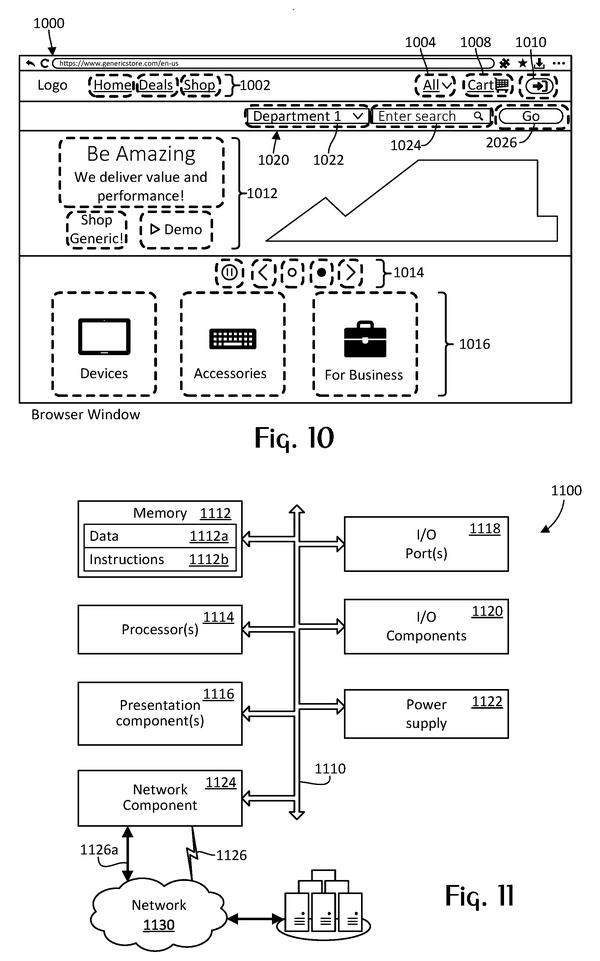
If this ever shipped in a product, it would hand routine web chores to software: logging in, changing a password, setting cookie preferences, closing pop-ups, adding items to a cart. You would pick the task from a list and let the program do the clicking. The filing does not name a product, so this stays a description of a method.
The filing is aimed at real websites. Microsoft says earlier approaches were tested on simplified mock sites, or needed huge amounts of training data and carefully designed scoring rules. This design learns from successful human sessions and handles many different tasks with one model, even when several tasks happen on the same page.
Microsoft's 33rd filing we've tracked on our AI agents acting for you watchlist since July adds to a pattern that includes next-move suggestions in work apps and two small AIs teaming up to run your device.
Source: US 2026/0359075 A1 at the USPTO (PDF). Full patent text and figures are in the official publication.
Get our take in your Top Stories
Liked this breakdown? Add Patentlyze as a preferred source on Google, and our plain-English take shows up more often in your Top Stories the next time Microsoft patent news breaks.
Add Patentlyze on Google
One click.
There are more where this came from
We read every patent application Big Tech publishes and send you the ones worth knowing. Plain English, free, every week.
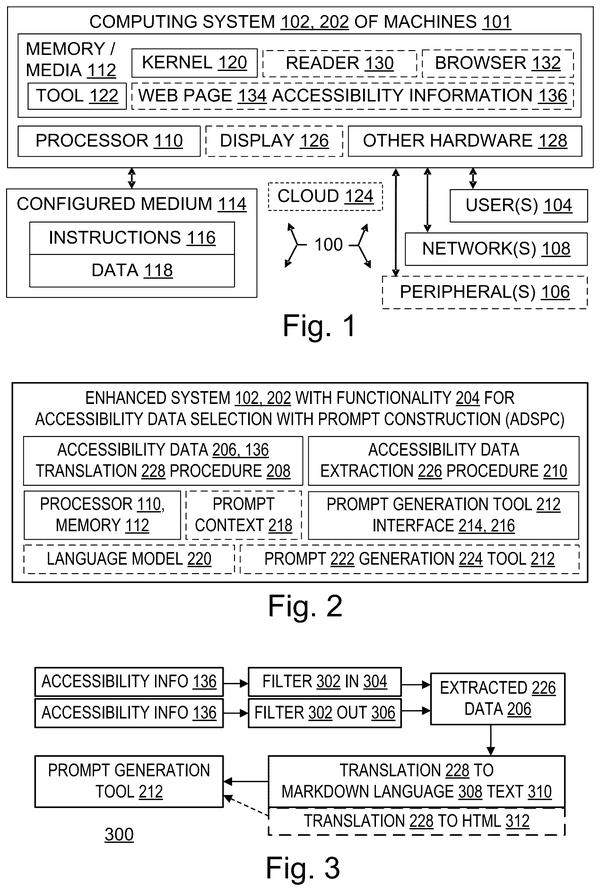
The drawings · 6 sheets
6 drawing sheets from US 2026/0359075 A1 · click any drawing to enlarge


More from Microsoft
All 646 Microsoft patents →
More in AI assistant & agent
All 413 AI assistant & agent patents →
Amazon
Amazon Files Patent to Help Its AI Assistant Pick the Right Tool for Your Request
Google
Google Patents an AI Assistant That Takes Photos When the Moment Is Right
Salesforce
Salesforce Files Patent for AI Assistants That Learn to Use Websites From Flawed Examples
Google
No comments yet