
Microsoft Patents a Title Bar That Moves to Wherever You're Standing
If you've ever stretched across a massive touchscreen to reach a menu that was designed for someone sitting in the center, Microsoft's latest patent is aimed squarely at that problem.
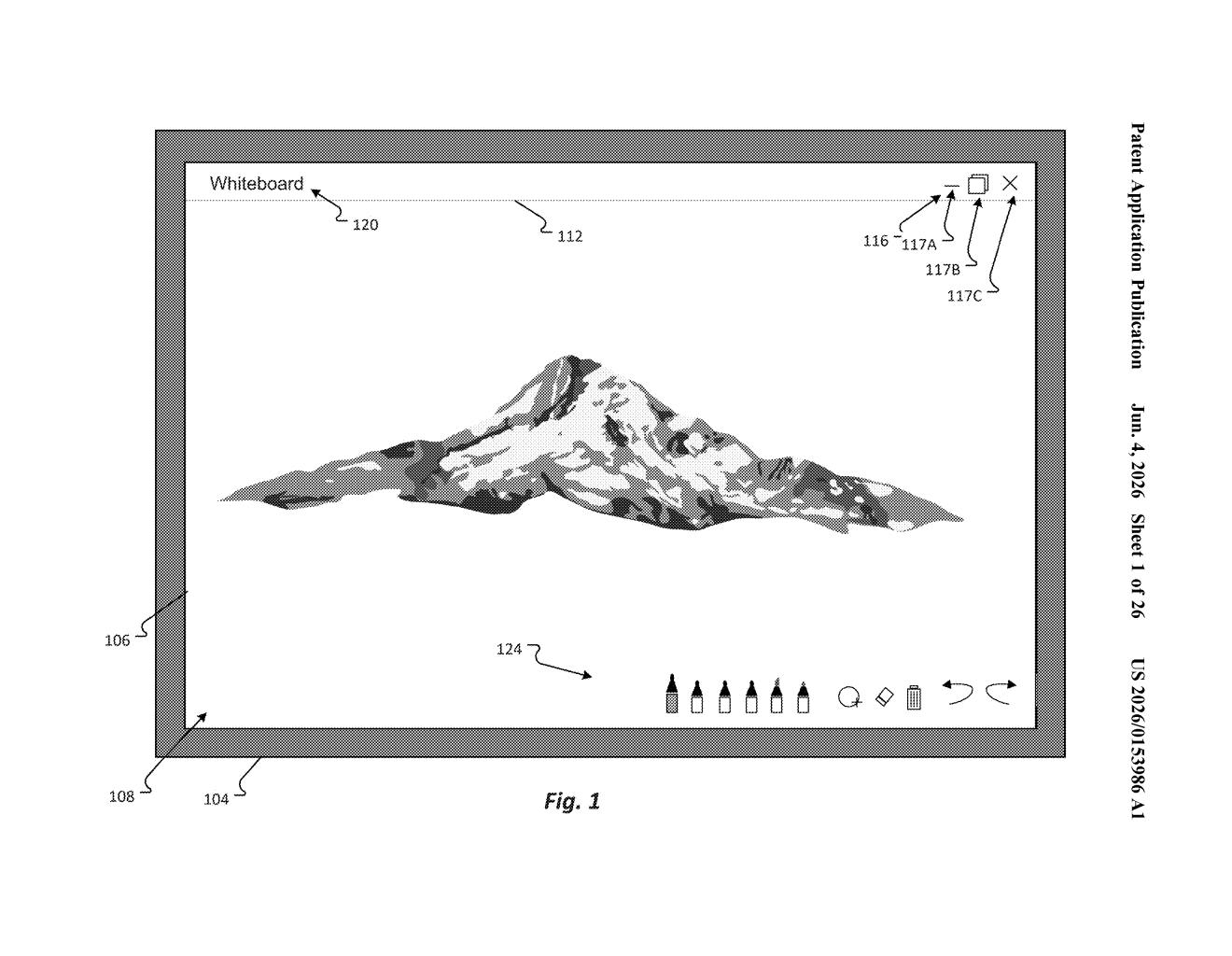
What Microsoft's movable control bar actually does
Imagine a conference room whiteboard-sized display where the window controls — close, minimize, resize — are permanently stuck at the top center. If you're standing to the left or squatting near the bottom, reaching those controls is awkward at best.
Microsoft's patent describes a system that detects where you are relative to a large touchscreen and moves the interactive title bar to a spot that's actually within reach. It can figure out your position using touch gestures, which app window you're interacting with, or onboard sensors that track where you're standing.
The result is that the controls come to you, rather than forcing you to walk across the room every time you want to switch apps or close a window. It's a small quality-of-life fix, but on a display the size of a door, it's a genuinely practical one.
How the display detects where you're standing
The patent describes a large-format display — think wall-mounted touchscreens used in meeting rooms or collaborative workspaces — that dynamically repositions its title bar and window controls based on where the user is interacting.
The system detects user position through several possible methods:
- A touch gesture on or near the display (the system infers your location from where your hand lands)
- Application window interaction — if you tap into a window on the lower-right quadrant, the controls appear there
- Sensor-based position detection — external or built-in sensors (likely cameras or proximity sensors) that track where you're physically standing
Once the system identifies which quadrant or region you're using, it surfaces the relevant interactive controls — window management buttons, title bar — at a position that doesn't require you to reach across the display.
It's worth noting that the first 20 claims of this patent were canceled before publication, which is common during prosecution. The core concept is still described in the abstract and specification, but the enforceable claim set may have shifted significantly.
What this means for large-format Windows displays
Large-format touchscreens are increasingly common in enterprise meeting rooms, education, and digital signage — but most of their software was designed for single-user desktop use, with controls anchored to fixed screen positions. On a 75-inch display, that design assumption breaks down fast.
This patent suggests Microsoft is thinking seriously about multi-user, multi-position UX for Windows on big screens — a category that's grown with Surface Hub and similar devices. If this behavior ships, it could meaningfully reduce the friction of using Windows-style windowed apps on collaborative displays, where multiple people may be interacting simultaneously from different positions.
This is a focused, practical UX patent — not flashy, but it addresses a real problem anyone who's used a Surface Hub or similar device has run into. The canceled claims are a flag worth watching; whether Microsoft refiled with narrower claims or abandoned the specific mechanism matters for how broadly this behavior could eventually be protected.
There are more where this came from
We read every patent application Big Tech publishes and send you the ones worth knowing. Plain English, free, every week.
Want this weekly breakdown for a company we don't cover? Patentlyze Pro →