
Apple Patents Media Controls That Default to the Device You Connected First
When your phone can see two speakers at once, which one should the play button control? Apple has a patent for exactly that decision.
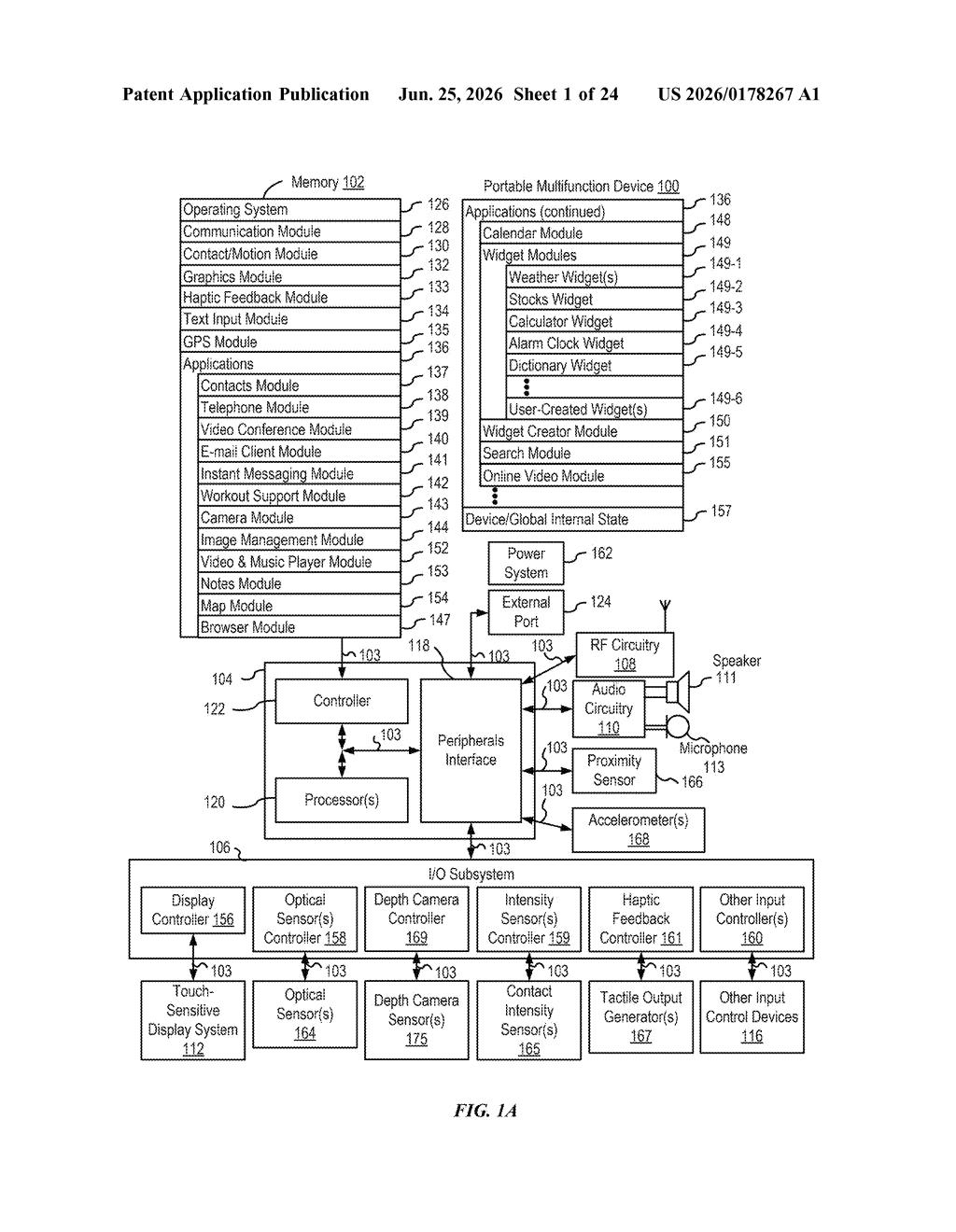
What Apple's proximity-based media controls actually do
Imagine you walk into your living room with your iPhone. There's a HomePod on the bookshelf and an Apple TV under the television. Both are on, both are nearby, and your phone connects to both automatically. Now you pull up the media controls on your screen. Which device should the play button actually control?
Apple's patent describes a system that answers that question by remembering which device your phone noticed first. If your iPhone detected the HomePod before it detected the Apple TV, the media controls that appear on screen will be wired to the HomePod. Walk into a different room where the Apple TV was detected first, and the controls flip to match.
The idea is that you shouldn't have to dig through menus every time you want to tap pause. The phone tracks detection order and uses that as the tiebreaker, showing you controls for the device that's most likely the one you actually intend to use.
How the system picks which device's controls to show
The patent covers a media playback controls UI that adapts based on which of two connected external devices was detected first. The computer system (almost certainly an iPhone or iPad) maintains active connections to both devices simultaneously and monitors its physical proximity to each.
When you open the media controls screen, the system checks two sets of criteria:
- First-detected device wins: If the first external playback device (say, a speaker) was detected before the second (say, a TV), the displayed control buttons are mapped to that speaker.
- Second-detected device wins: If the order was reversed, the same screen instead shows controls mapped to the second device.
Crucially, both scenarios display the same content on screen alongside the controls. What changes is only which physical device the buttons talk to. Each set of controls includes at least two distinct functions (play/pause, skip, volume, etc.), so the UI is fully functional for whichever device is in focus.
The proximity threshold is a key part of the logic. The system only triggers this behavior when the phone is physically close to both devices, which filters out cases where one device is simply too far away to be relevant.
What this means for AirPlay and multi-device households
Multi-device households are now the norm, and AirPlay routing confusion is one of the most common complaints about Apple's audio ecosystem. Right now, tapping the wrong AirPlay target or hunting for the right controls in Control Center is a real friction point. A detection-order heuristic is a low-overhead way to make the default choice feel correct more often without requiring any manual setup from you.
If this ships in a future version of iOS or iPadOS, it would most visibly affect people who move through their homes with an iPhone while HomePods, Apple TVs, and AirPlay-compatible TVs are all active. It's a small UX fix, but the kind that reduces the number of times you tap the wrong thing and wonder why your kitchen speaker just started playing music you meant to send to the bedroom.
This is a narrow but sensible quality-of-life patent. The detection-order heuristic is not a dramatic engineering feat, but it addresses a genuinely annoying real-world problem that Apple's own ecosystem creates. Whether this particular mechanism ends up in a shipping OS or gets folded into a broader AirPlay routing overhaul, the underlying problem is real and worth solving.
There are more where this came from
We read every patent application Big Tech publishes and send you the ones worth knowing. Plain English, free, every week.
Want this weekly breakdown for a company we don't cover? Patentlyze Pro →