
Samsung Patents a Fix for Typing Inside Virtual Machine Apps
Running an Android app inside a virtual machine on a Galaxy device and need to type something? Right now, that's a messier experience than it should be. Samsung's new patent describes a clean fix: let the host OS own the keyboard, no matter which guest app is asking for input.
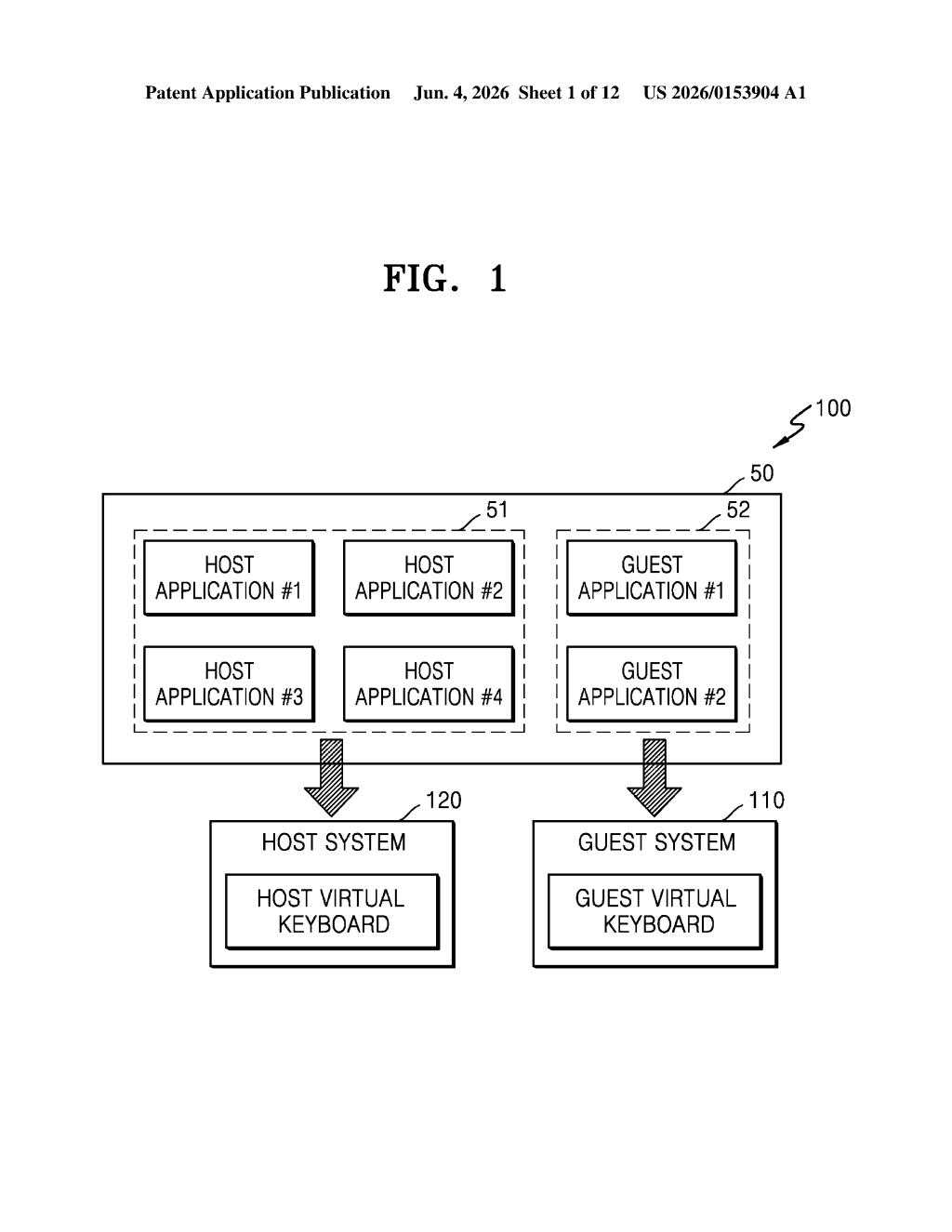
What Samsung's host-keyboard-over-guest-OS fix actually does
Imagine running two operating systems on the same phone or tablet — one is the "real" OS in charge, and the other is a guest OS running inside it, kind of like a software bubble. Apps inside that bubble work fine, but the moment you tap a text field and need to type something, things get awkward. The guest OS might try to pop up its own keyboard, which can look broken, behave oddly, or just not integrate well with the rest of your screen.
Samsung's patent solves this by having the guest OS send a message to the host OS whenever a text field needs input. The host OS then launches its own native keyboard — the one that looks and feels native to your device — and displays it over the guest app's screen.
The result is that you always see the familiar, polished keyboard you're used to, even when you're typing into an app that's technically running in a completely different OS environment. It's a small detail that makes virtualization feel seamless instead of clunky.
How the guest OS hands off keyboard requests to the host
The patent describes a cross-OS keyboard handoff mechanism for devices that run a host operating system alongside one or more guest operating systems (a setup called virtualization or a hypervisor environment).
Here's the flow:
- A guest application — an app running inside the guest OS — detects that a user needs to enter text (e.g., tapping a search box).
- The guest OS sends a virtual keyboard execution request to the host OS, essentially saying "we need a keyboard up here."
- The host OS launches a host virtual keyboard application — its own native on-screen keyboard process.
- That keyboard UI is then rendered over the guest app's display area, so the user sees one cohesive screen instead of two conflicting interfaces.
The key insight is that keyboard rendering authority stays with the host OS at all times. The guest OS never tries to spawn its own keyboard UI — it just signals that input is needed and defers. This avoids the usual virtualization headaches where two keyboard layers fight for screen space or where the guest keyboard lacks proper integration with the host's input method framework (the system layer that handles autocorrect, language switching, and accessibility).
What this means for Samsung's virtualization ambitions
Samsung has been pushing virtualization features on Galaxy devices — most visibly with its ability to run multiple Android profiles and, reportedly, efforts to run different OS environments on high-end hardware. A patent like this is the kind of low-level plumbing that makes those experiences feel polished rather than like a developer demo. If you've ever used a remote desktop app or an Android emulator and winced at the keyboard weirdness, you know exactly the problem this solves.
For enterprise users especially — a segment Samsung actively courts with its Knox platform — seamless typing across OS boundaries is the difference between a feature employees actually use and one IT quietly disables. This patent suggests Samsung is thinking carefully about the full user experience of multi-OS computing, not just the headline capability.
This is quiet, unsexy infrastructure work — the kind of patent that never gets a press release but absolutely ships in a product. Samsung's virtualization efforts on Galaxy hardware are real and growing, and getting keyboard input right is exactly the sort of detail that separates a usable feature from a frustrating one. Worth tracking if you follow Samsung's enterprise or DeX strategy.
There are more where this came from
We read every patent application Big Tech publishes and send you the ones worth knowing. Plain English, free, every week.
Want this weekly breakdown for a company we don't cover? Patentlyze Pro →