
Adobe Patents Software That Detects Sharp Turns When Outlining Objects in Photos
Tracing the outline of an object in a photo sounds simple — until you hit a sharp corner. Adobe's latest patent targets exactly that moment, describing a system that detects corners in image edges and makes sure copied outlines land in the right place.
What Adobe's edge-tracing corner fix actually does
Imagine you're a graphic designer trying to select and copy the exact outline of a product logo — say, a sharp-cornered badge — from a photo. Most automated tracing tools handle smooth curves well, but they get sloppy at corners, rounding them off or placing the traced line slightly wrong. That misalignment is a small but genuinely annoying problem.
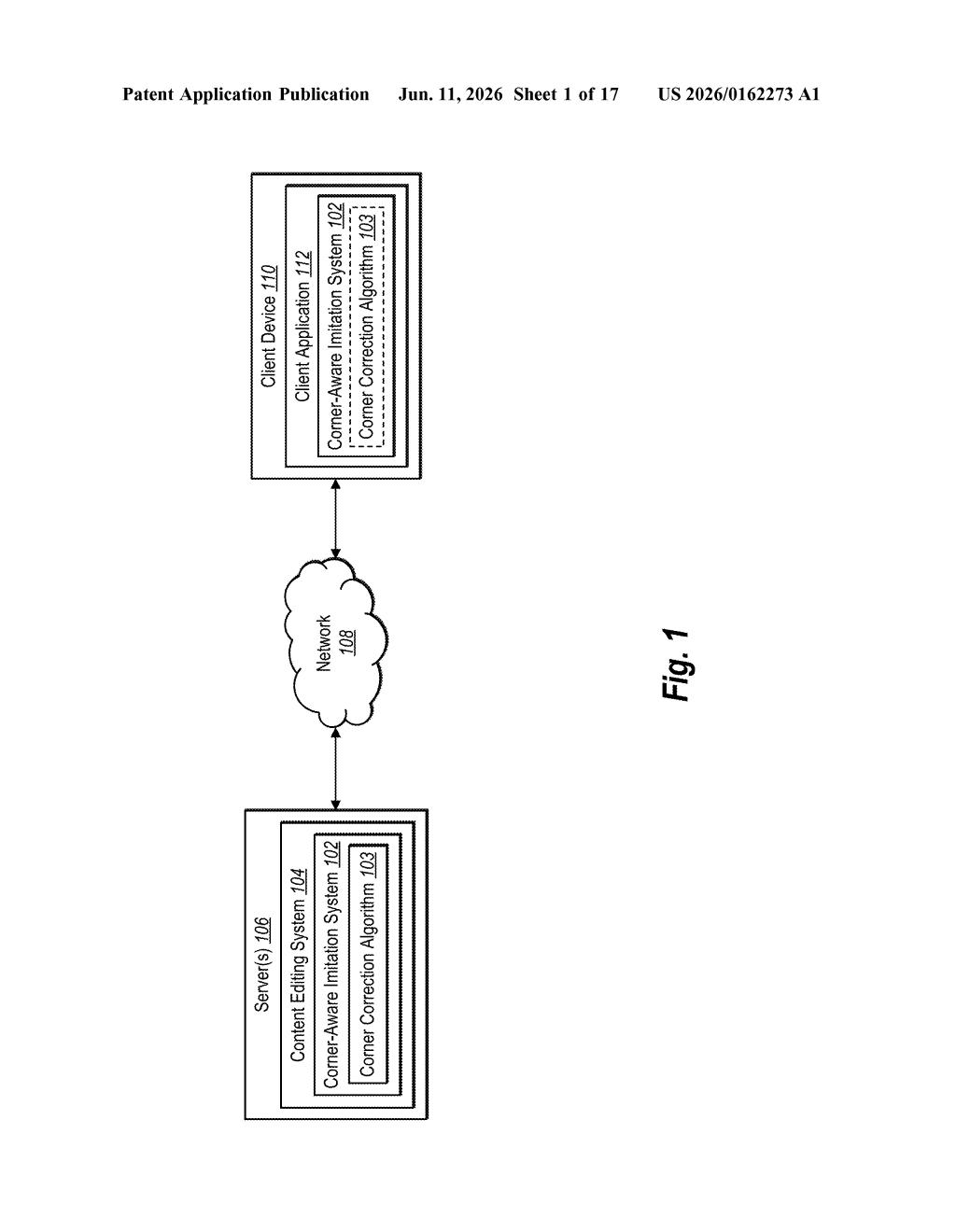
Adobe's patent describes a system that, when tracing an edge in an image, can specifically identify sharp corners and treat them differently from curved or straight sections. Instead of smearing a corner into a gentle arc, the tool marks it as a corner and makes sure the traced version of that edge has a matching corner in exactly the right spot.
The practical effect is that when you use a selection or pen tool to "imitate" an edge — following the shape of something in a photo — the result should look cleaner and more accurate at the spots where edges meet at sharp angles. For anyone doing product photography retouching, logo work, or illustration tracing, that's a real quality-of-life improvement.
How the algorithm spots and reproduces sharp corners
The patent describes a three-step pipeline for reproducing edges found in digital images:
- Segmentation: The system breaks a detected edge in the image into a series of smaller segments — think of it as dividing a traced outline into individual sections that can be analyzed separately.
- Corner classification: Each segment is examined and labeled. Segments that represent a sharp directional change — a corner — get flagged differently from segments that are straight or gently curved. This is the core novelty: the system distinguishes corners from curves rather than treating all edge segments the same way.
- Imitation edge generation: Using those labels, the system builds a new vector path (a mathematical description of a line, the kind used in design software) that follows the original edge. Where a corner was detected, the imitation path places a matching corner at the correct position — not a softened approximation.
The phrase "dynamic offset" in the patent title refers to the system's ability to position the imitation edge at a controllable distance from the original — useful when you want a stroke or selection that runs near an edge rather than exactly on top of it, while still respecting corner geometry.
What this means for designers using selection tools
Selection and tracing tools are among the most-used features in Adobe's creative apps, and corner accuracy is a persistent weak point in automated edge detection. When a designer needs a clean vector outline of a sharp-edged object — packaging, architecture, iconography — an algorithm that mishandles corners forces manual cleanup that can eat significant time.
This patent sits squarely in the workflow of Illustrator's "Image Trace" feature or Photoshop's object-selection tools. If this algorithm ships in a future update, you'd likely notice it most when tracing logos, product shots, or anything with geometric, angular shapes — the cases where current tools tend to disappoint most visibly.
This is a focused, practical patent — not flashy, but it addresses a real and specific frustration in design workflows. Corner accuracy in automated tracing is genuinely underserved, and the fact that Adobe is patenting a dedicated classification step for corners suggests they've identified it as a meaningful gap rather than an edge case. Worth watching for Illustrator or Photoshop integration.
There are more where this came from
We read every patent application Big Tech publishes and send you the ones worth knowing. Plain English, free, every week.
Want this weekly breakdown for a company we don't cover? Patentlyze Pro →