
Samsung Patents a Way to Control 3D Objects by Physically Moving Your Phone
Samsung is working on a way to manipulate 3D objects on your phone screen by physically tilting or moving the device itself — no joystick, no on-screen drag handles, just your hands and gravity.
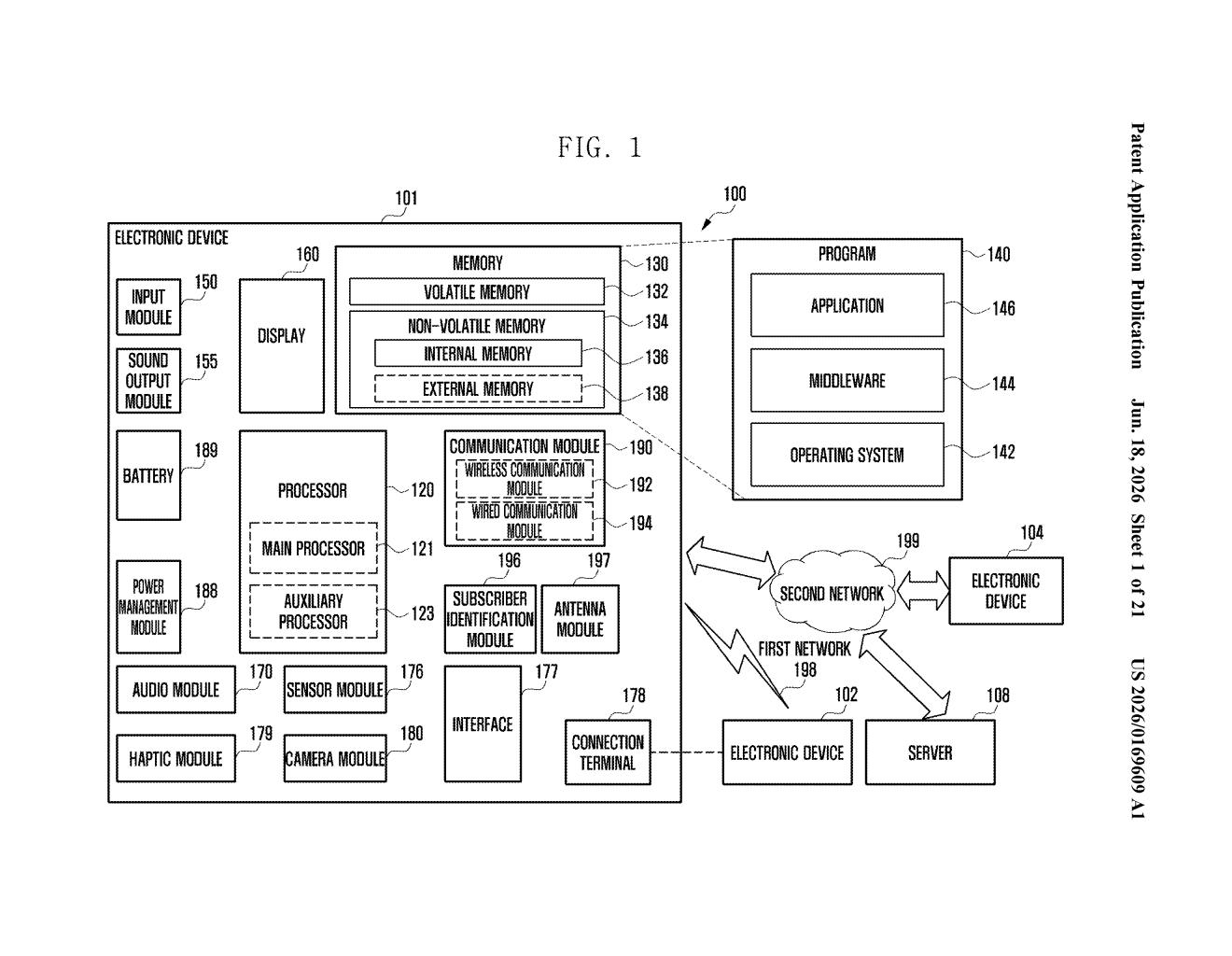
How Samsung's tilt-to-edit 3D control actually works
Imagine you're looking at a 3D model on your phone — maybe a piece of furniture you're previewing in augmented reality, or a character in a game. Right now, rotating or adjusting it usually means fiddling with on-screen controls that can feel clunky on a small display.
Samsung's patent describes a different approach: you tap and hold a menu option, then tilt or move your phone, and when you lift your finger the object changes based on how you moved the device. The phone's motion sensor tracks exactly how you physically moved it during that hold, and applies that as an edit.
It's a bit like using your phone as a steering wheel — the device itself becomes the input tool. The gesture is intentional by design: you have to hold the option item the whole time, which means accidental bumps won't trigger unwanted changes.
Inside the touch-hold-then-move input sequence
The system chains together three distinct inputs to make a single edit to a 3D UI element:
- Step 1 — Invoke the menu: A user input (likely a long-press or tap) opens a control menu overlaid on a displayed 3D object.
- Step 2 — Touch and hold an option: The user selects and maintains finger contact on a specific menu item — this arms the motion-capture mode.
- Step 3 — Move the device: While the touch is held, the device's sensor (an accelerometer or gyroscope, which measures physical tilt and movement) records how the phone moves in space.
- Step 4 — Release to apply: Lifting the finger triggers the system to apply the recorded movement as a change to the on-screen UI or 3D object's properties.
The key technical detail is the conditional trigger: motion data is only captured and applied when a specific option item is actively held. This prevents the phone's normal handling during browsing from accidentally modifying 3D content.
The patent is device-agnostic in its language but is clearly oriented toward stereoscopic or AR-style displays where standard 2D touch controls feel limited.
What this means for AR and 3D editing on Galaxy devices
Controlling 3D content on a flat touchscreen has always been awkward — you're using a 2D surface to manipulate objects with depth, rotation, and perspective. This patent proposes using the phone's physical orientation as a third axis of input, which maps more naturally to how people think about 3D space. If it ships, it could make AR shopping, 3D design previews, or spatial editing apps noticeably easier to use one-handed.
For Samsung specifically, this fits into a broader push around Galaxy devices and augmented reality features. The interaction pattern — touch-hold-move-release — is also low-risk from a false-trigger standpoint, which suggests Samsung is thinking about this for everyday consumer use, not just developer tools.
This is a genuinely thoughtful interaction design patent — the touch-hold-then-move sequence solves a real problem with 3D editing on phones without requiring new hardware. Whether it's intuitive enough for average users is the real open question, and that won't be answered until it's in someone's hands.
There are more where this came from
We read every patent application Big Tech publishes and send you the ones worth knowing. Plain English, free, every week.
Want this weekly breakdown for a company we don't cover? Patentlyze Pro →