
Apple Files Patent to Stop 3D Content From Blocking Your Browser View
Imagine a 3D button that floats out of your browser window and covers the text you're trying to read. Apple is patenting a fix that automatically shunts those objects into the background the moment they start getting in the way.
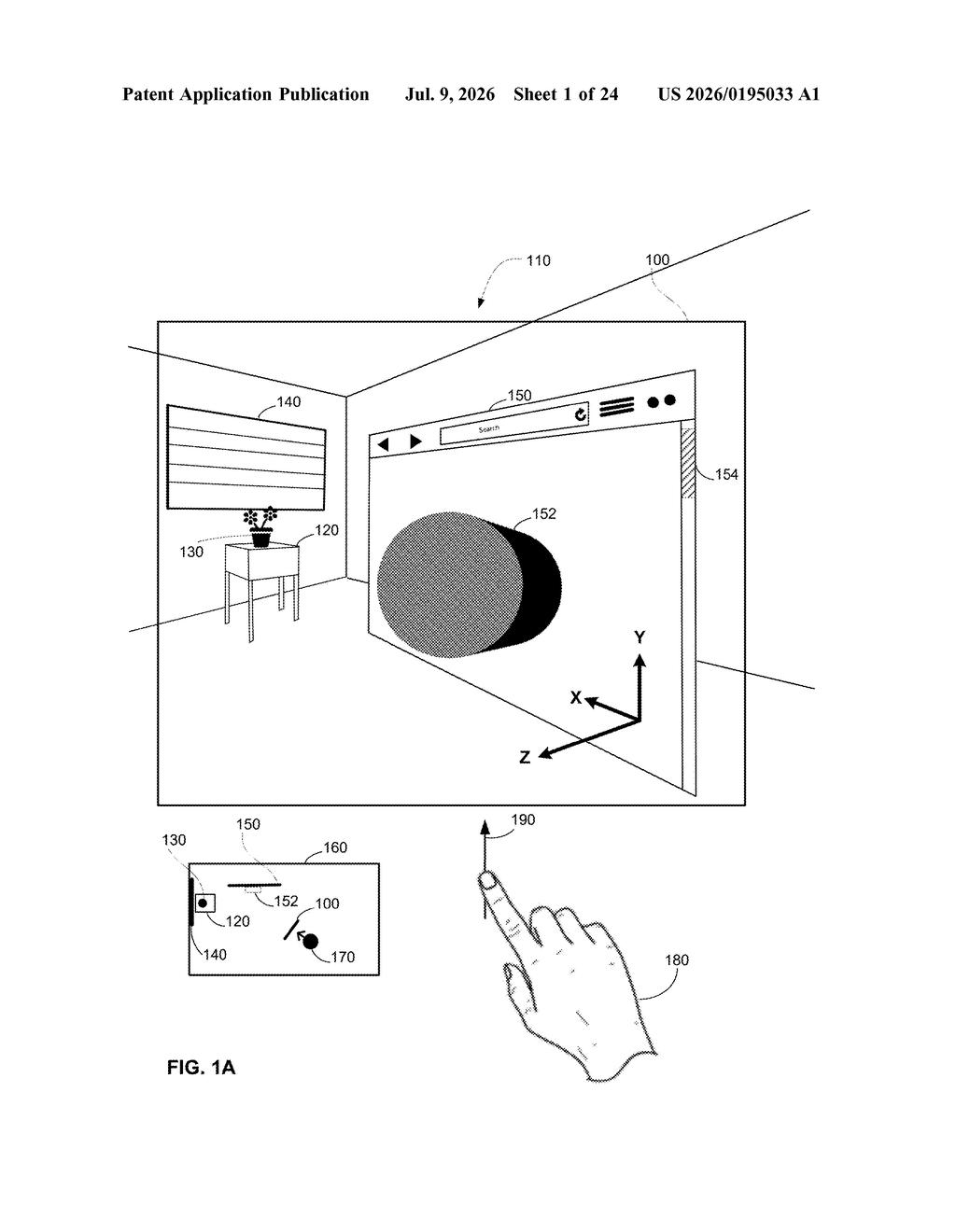
What Apple's 3D depth-shifting trick actually does
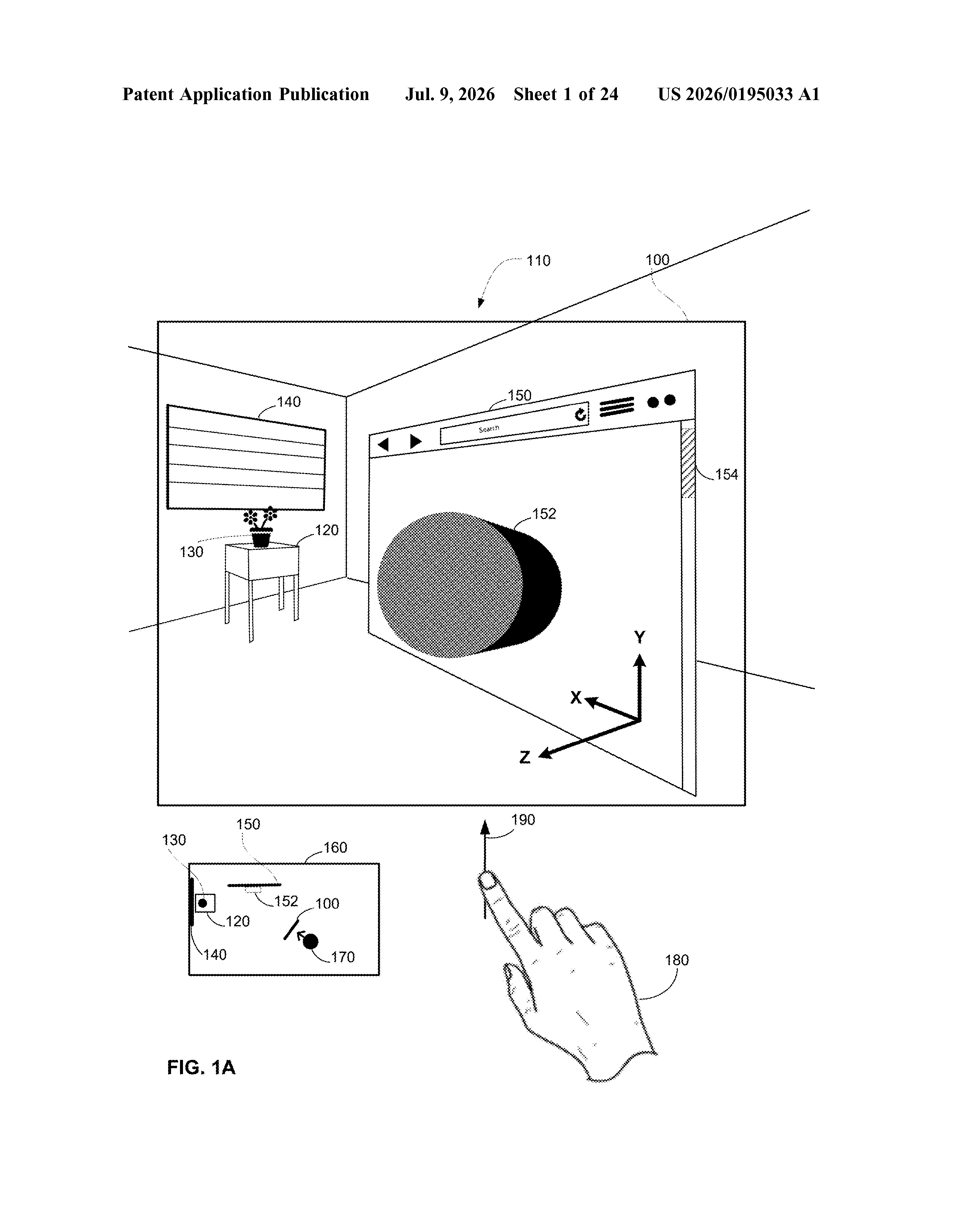
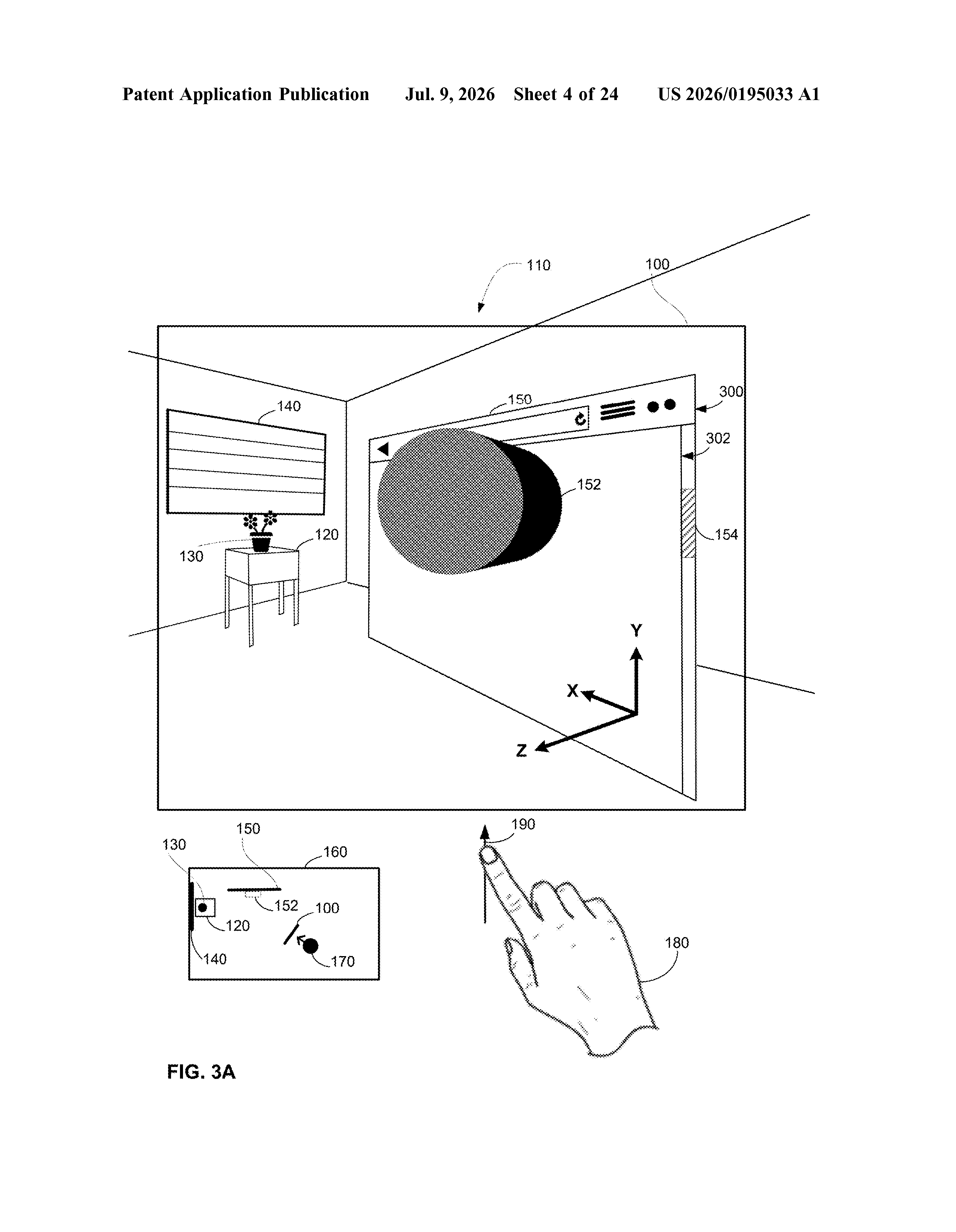
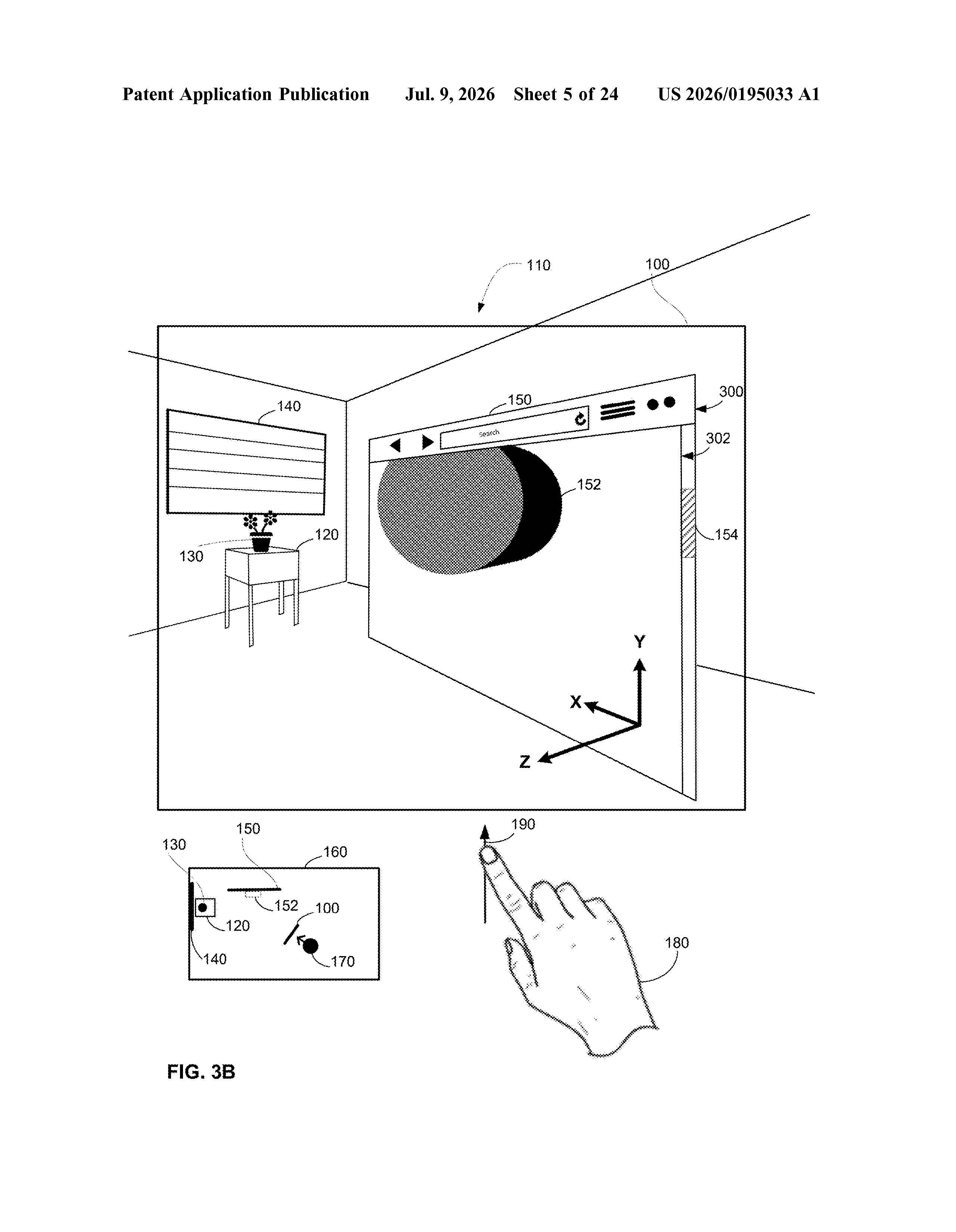
Picture a web page open in front of you in a virtual space, where some of the buttons or widgets on that page are actually popping out toward you in three dimensions. That's cool until one of them drifts toward the edge of the browser window and starts blocking something you need to see.
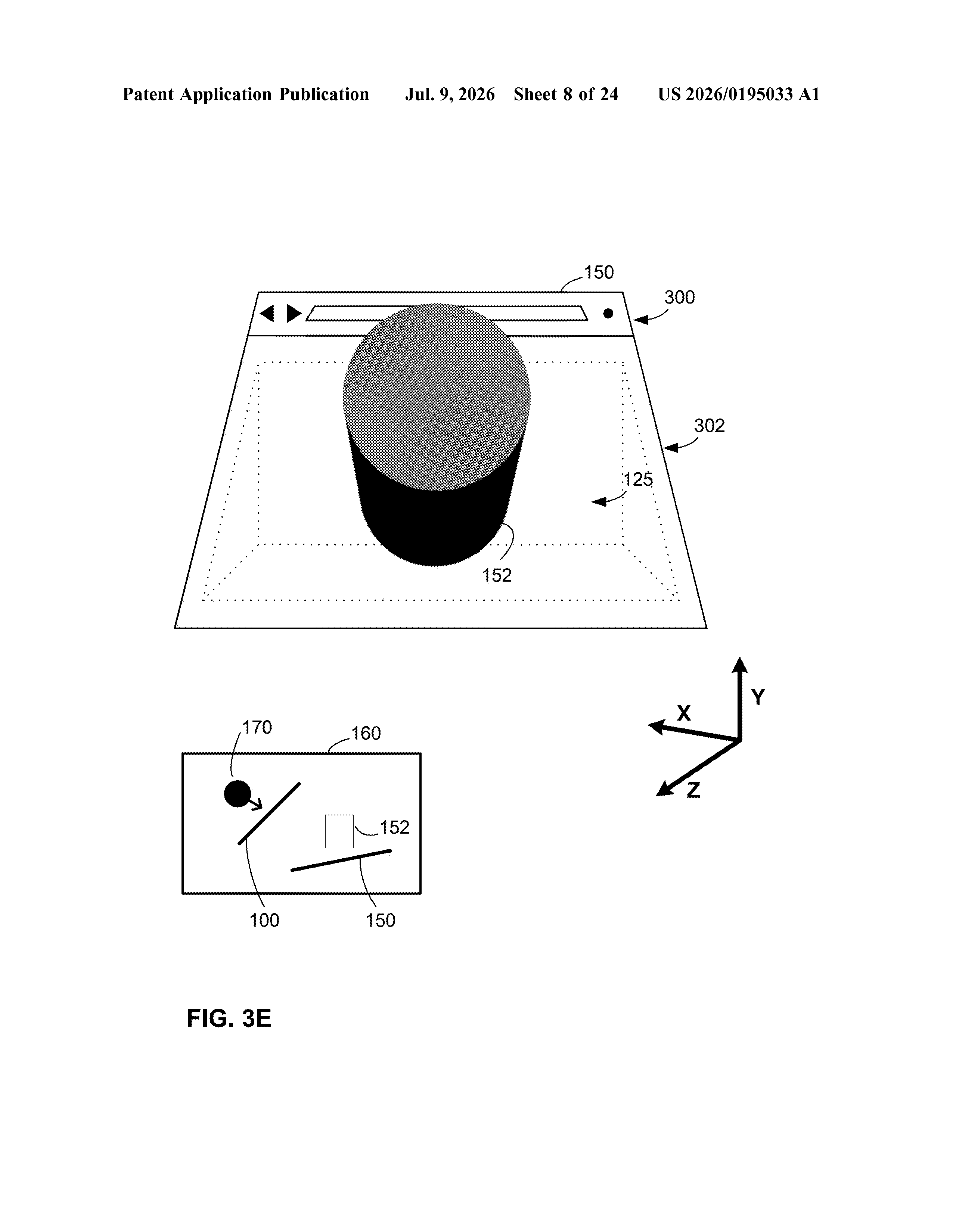
Apple's patent covers a system that watches where you're dragging a 3D object and, if it gets too close to the edge of the window or starts overlapping with something important, it pushes that object farther away from you in depth. It's still visible, just tucked back so it doesn't obscure anything else.
If the object isn't causing any visibility problems, nothing changes and it stays right where it was. The adjustment is automatic and based on your actual point of view, so the experience stays natural rather than jarring.
How Apple's system decides when to push a 3D object back
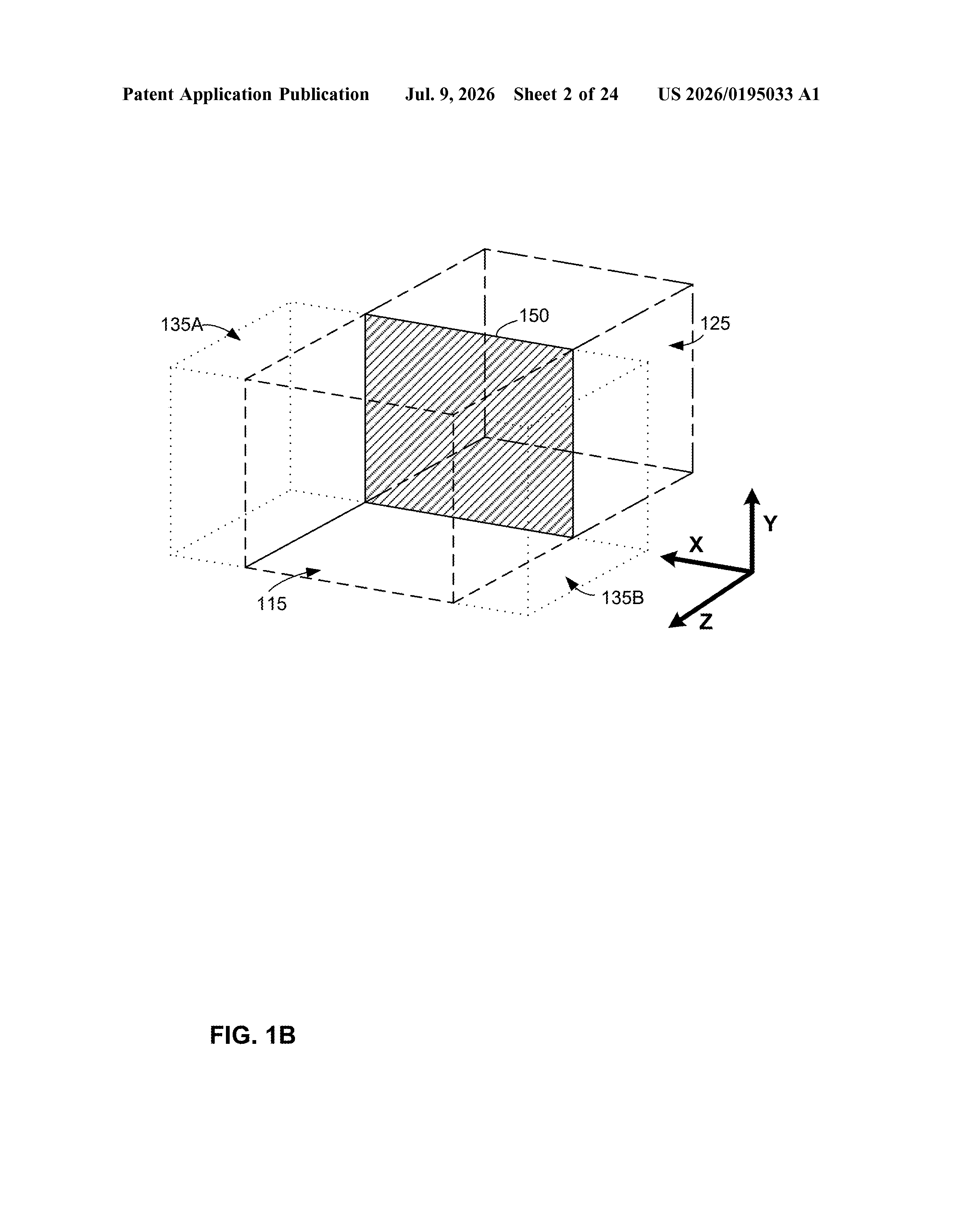
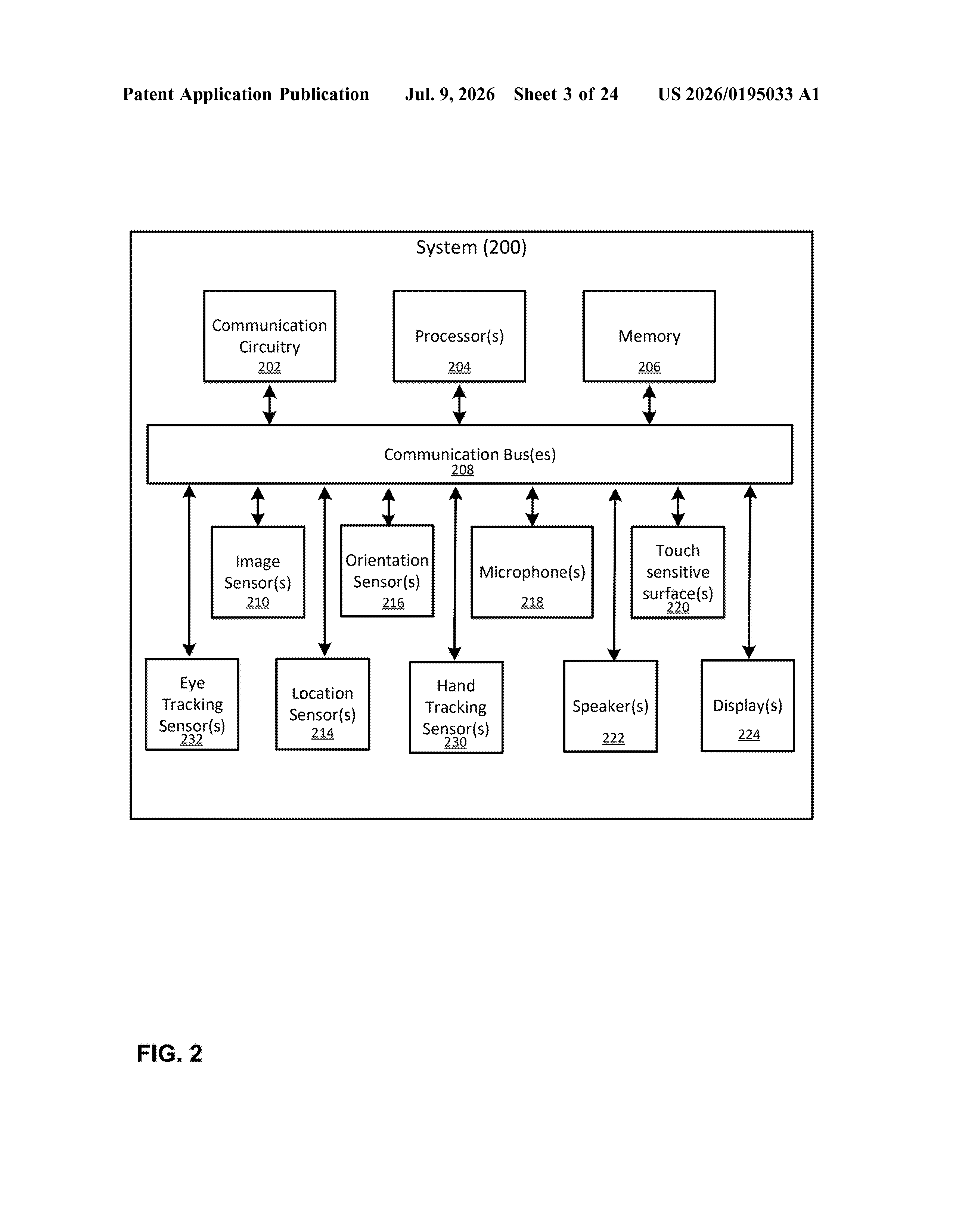
The patent describes a user interface that lives inside a three-dimensional environment (think: a headset or spatial display). That interface has two regions: one that holds a 3D object with visual depth, like a widget that appears to float in front of the flat window surface, and a second region nearby.
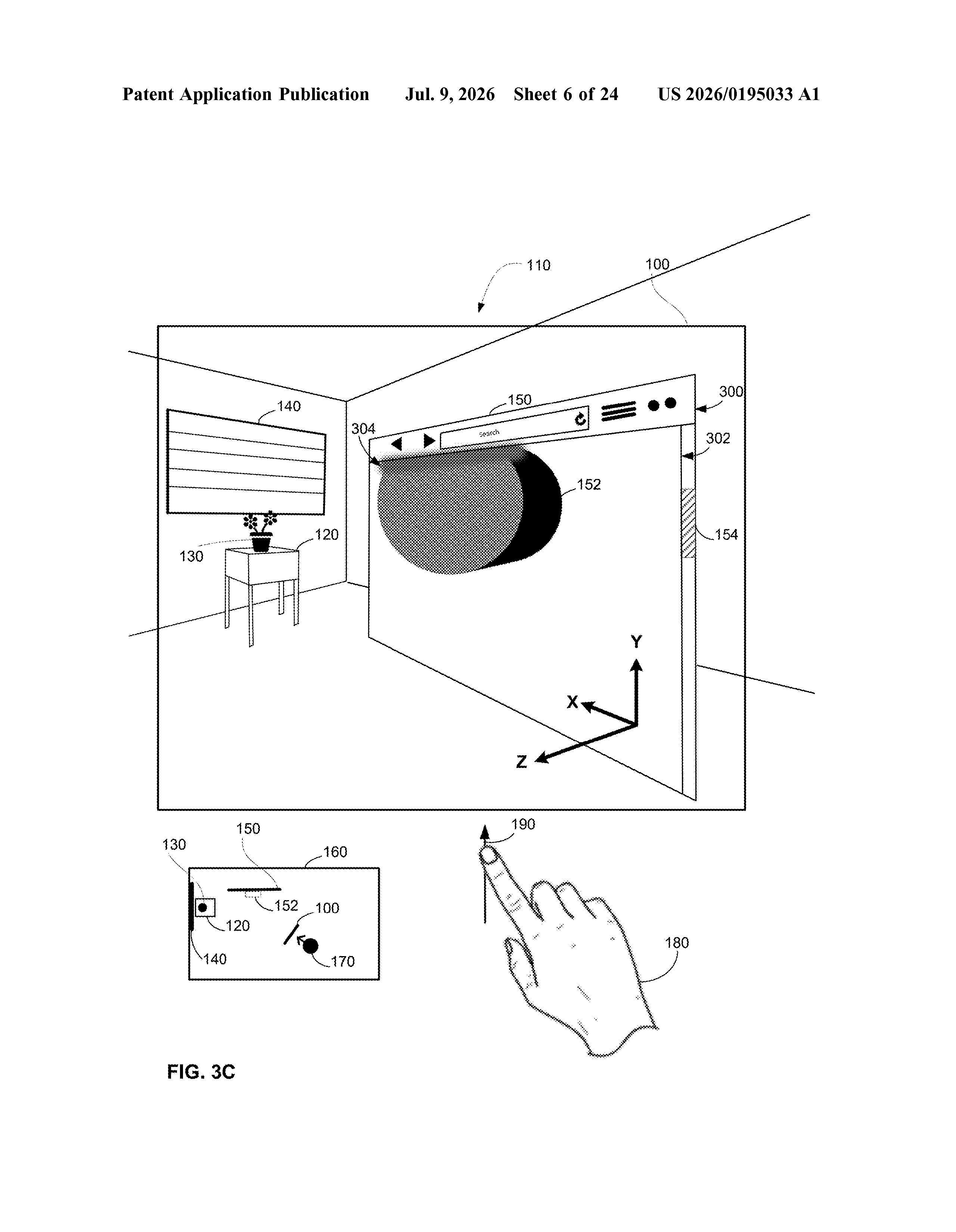
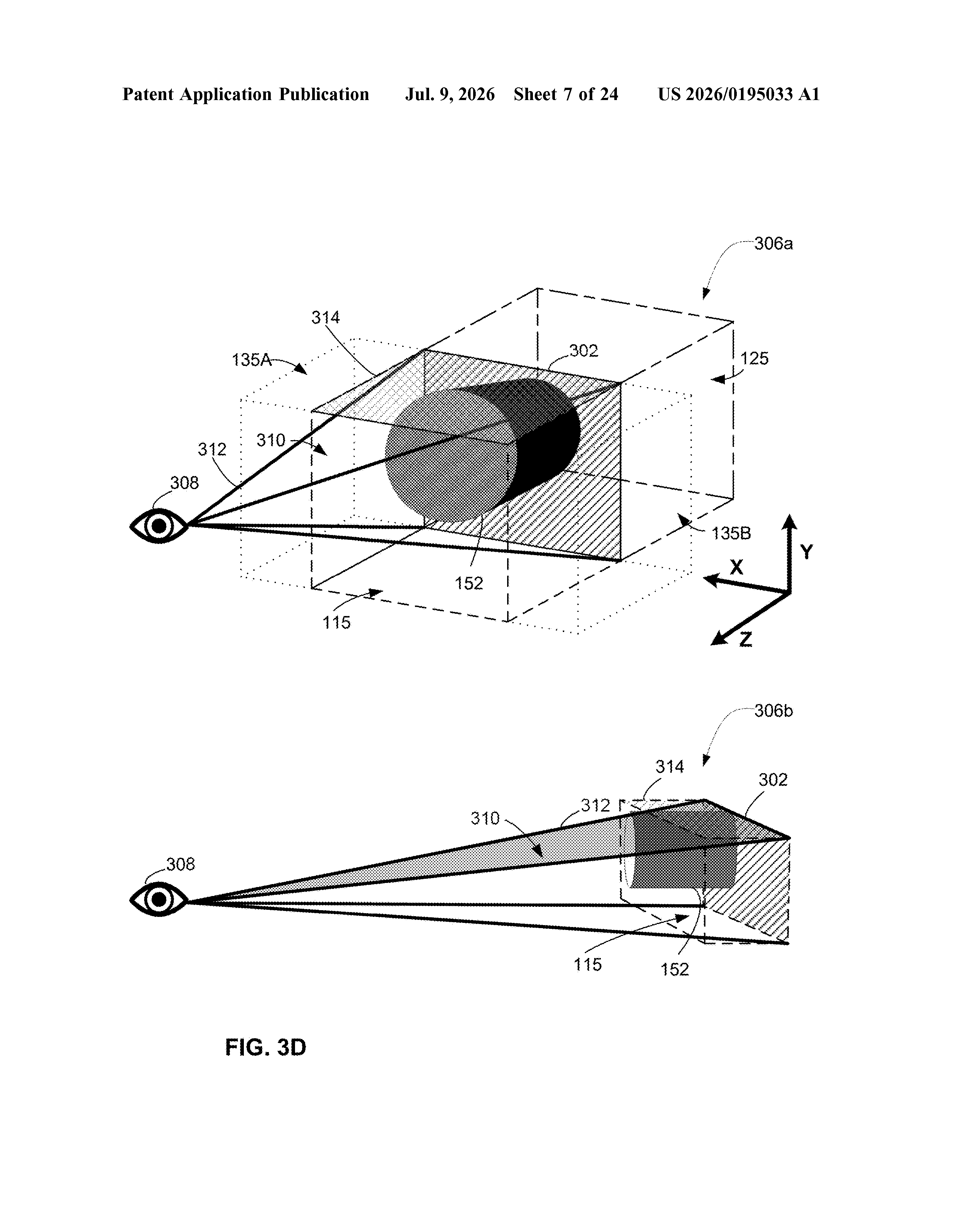
When you drag that 3D object toward the edge of its region, the system checks a set of visibility criteria (basically: is this thing now blocking something it shouldn't?). The check is done from your point of view, not from some fixed camera position.
- If the object fails the visibility check, the system moves it to a greater depth, meaning it appears to recede away from you so it no longer overlaps critical content.
- If the object passes the check, it stays at its original depth, no intervention needed.
The patent also mentions applying visual treatments to either the 3D object or the underlying interface (things like dimming, blurring, or transparency) as an additional way to handle occlusion. The whole system is designed to respond in real time as you move objects around.
What this means for Vision Pro and spatial web browsing
This patent is directly relevant to Apple Vision Pro and whatever spatial computing hardware follows it. Safari already runs in Vision Pro's three-dimensional environment, and as more web content uses depth and 3D effects, the risk of interface clutter grows fast. A system that automatically manages depth conflicts is basic table stakes for a browser that lives in 3D space.
For you as a user, this is about keeping spatial computing from feeling chaotic. One of the biggest criticisms of early spatial interfaces is that layering multiple windows and floating elements quickly becomes visually overwhelming. Automatic depth management is a quiet but important part of making that feel controlled rather than cluttered.
This is unglamorous infrastructure work, but it's exactly the kind of thing that separates a polished spatial interface from an annoying one. Apple didn't invent 3D interfaces with this patent, but they are thinking carefully about the edge cases that make them break down. If Vision Pro (or any successor) is ever going to feel like a real computer rather than a tech demo, patents like this are what get it there.
There are more where this came from
We read every patent application Big Tech publishes and send you the ones worth knowing. Plain English, free, every week.
The drawings
24 drawing sheets from US 2026/0195033 A1 · click any drawing to enlarge
Want this weekly breakdown for a company we don't cover? Patentlyze Pro →
Be the first to weigh in