
Microsoft Patent Unveils Dual AI Model System for Smarter Content Suggestions
Microsoft has filed a patent for a system that uses two different AI models in sequence: a small, fast one to figure out what you might want to do with an image, and a much larger one to actually do it.
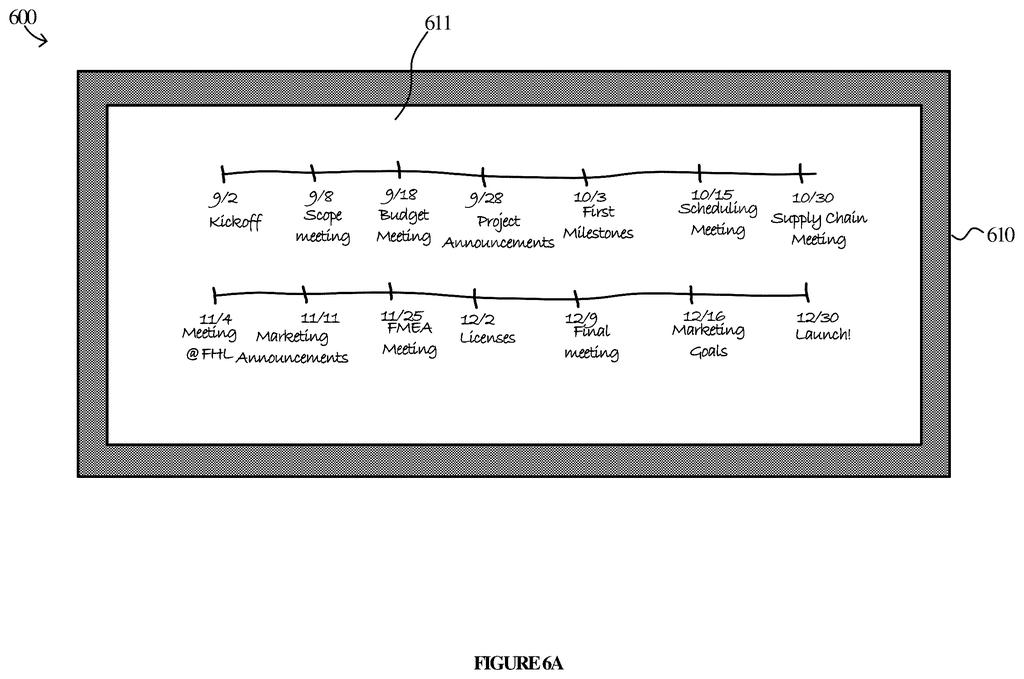
How Microsoft's two-AI approach handles image editing tasks
A document sits on your screen with a chart or a photo embedded in it. Your software needs to figure out what helpful things it could offer you to do with that image, and then carry out whichever one you pick.
Microsoft's patent describes splitting that job across two AI models. A small language model handles the quick, cheap part: reading the image and generating a short list of suggested actions, like "add a caption" or "rewrite this label." That list pops up in your interface almost immediately because the small model is fast and inexpensive to run. When you pick one, a much bigger, more capable AI model takes over and does the actual work.
The practical payoff is that you don't wait for a massive AI to slowly think about what to offer you before anything appears on screen. The heavy lifting only kicks in when you've already told the system what you want.
… the first request includes a first prompt that tasks a small language model of the content generation service with generating the action suggestions based at least on the content in the image file …
Translation: The system uses a lightweight AI to quickly look at your image and suggest relevant tasks you might want to perform.
How the small model scouts and the large model executes
The patent describes an augmentation service that sits between a client application (say, a document editor) and a cloud-based AI platform.
When you open a file containing an image, the augmentation service sends a prompt to a small language model (SLM), essentially a lighter, faster AI, asking it to look at the image content and produce a menu of relevant suggested actions. The SLM is chosen here deliberately: it's cheaper to query, responds quickly, and doesn't need to do complicated generative work, just produce a short structured list.
Once you select an action from that list, the service fires a second request, this time to a large language model (LLM), the kind of heavyweight AI better suited to open-ended, nuanced generation tasks. The LLM then actually performs the chosen action, whether that's rewriting text, generating a description, or transforming content in some other way.
- First request: SLM reads the image, returns candidate actions
- User picks an action from the displayed list
- Second request: LLM executes the selected action
This two-step architecture means the expensive model only runs after you've committed to a choice, rather than speculatively generating everything upfront.
The second request includes a second prompt that tasks a large language model (LLM) to perform the selected action.
Translation: Once you pick a suggestion, a more powerful AI model takes over to actually carry out the work for you.
What this means for AI features in Microsoft's Office apps
For anyone using AI-assisted editing tools, the difference between a system that feels instant and one that feels sluggish often comes down to when the heaviest computation runs. By front-loading a lightweight model for the suggestion step, Microsoft's approach could make AI action menus feel responsive rather than like a spinning wheel. You'd see options quickly, pick one, and only then does the system call in the expensive model.
This kind of tiered architecture also has real cost implications for Microsoft at scale: SLM queries are a fraction of the price of LLM queries, so offloading the "what should I offer?" question to a smaller model is straightforwardly cheaper to run across millions of users. The pattern shows up across new Big Tech patents in the AI-assisted productivity space, where companies are racing to make generative features feel fast enough to use mid-task rather than as an afterthought.
For users the win is specific: AI suggestion menus that appear quickly instead of after a long pause are menus people will actually use. Microsoft is essentially acknowledging that a slow suggestion list is nearly as useless as no list at all, and engineering around it by using the right-sized model for each step. The filing is methodical work, and if it ships inside Word or PowerPoint you'd notice the difference by the second day of using the feature.
There are more where this came from
We read every patent application Big Tech publishes and send you the ones worth knowing. Plain English, free, every week.
The drawings
18 drawing sheets from US 2026/0237196 A1 · click any drawing to enlarge


Want this weekly breakdown for a company we don't cover? Patentlyze Pro →
Be the first to weigh in