
Samsung Patents a Wearable That Reads and Tracks Any On-Screen Keyboard
Samsung is working on a wearable device — think smart glasses or a head-mounted display — that can look at a keyboard on any nearby screen, figure out what every key does, and then detect which one you tap.
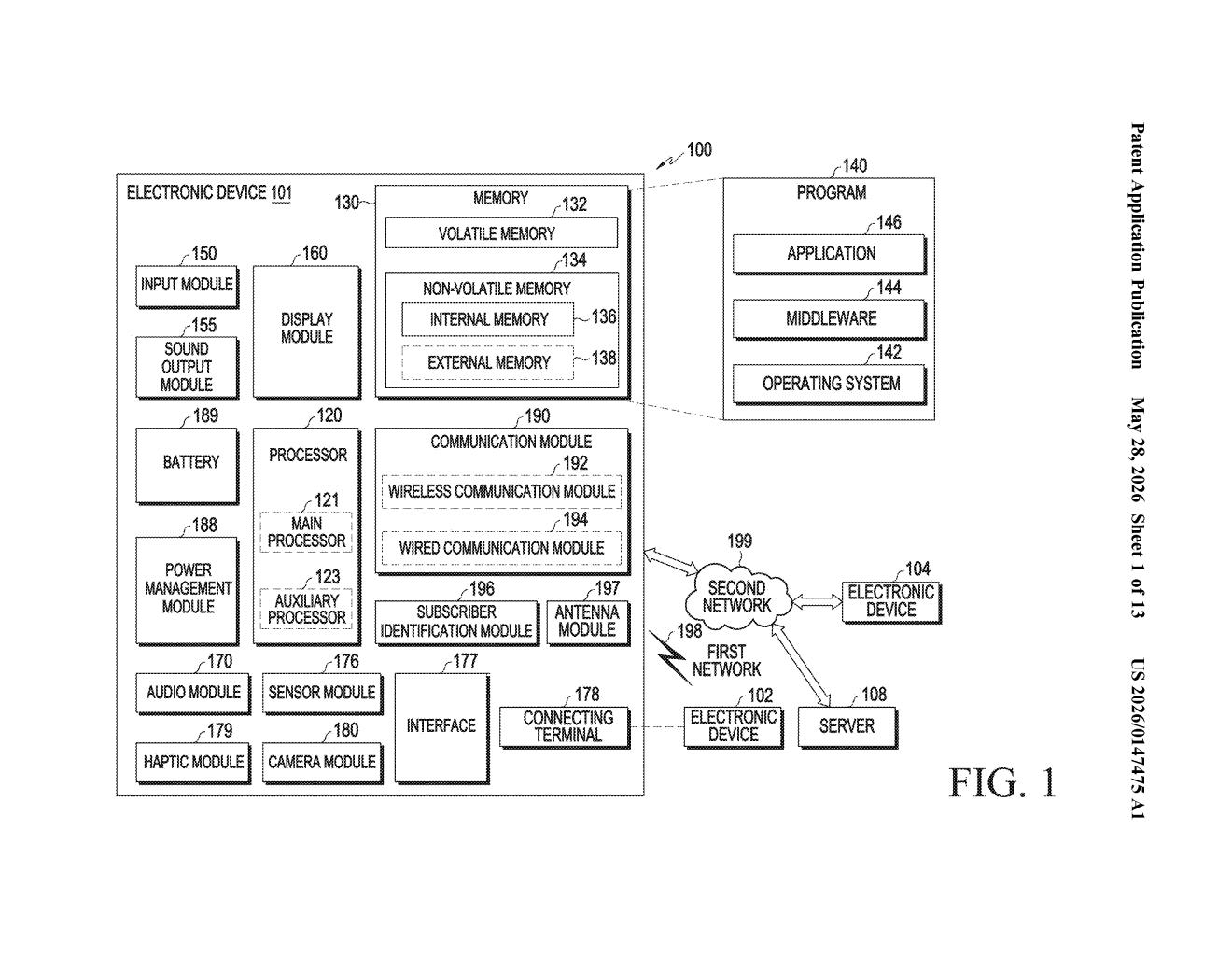
What Samsung's camera-based keyboard tracking actually does
Imagine you're sitting at your desk and your smart glasses are perched on your face. There's a keyboard displayed on your phone or tablet in front of you. Samsung's patent describes a wearable that uses its built-in camera to scan that on-screen keyboard and build a map of every key — no Bluetooth pairing, no app installation on the other device required.
Once the wearable has that map, it keeps watching. When you reach out and tap a key, the device figures out which key you pressed and acts on it — routing that input back to whatever the wearable is doing.
The clever part is the "code image" step: rather than trying to read tiny text with OCR, the system encodes key positions into a visual pattern it can decode reliably. That makes it more robust to different screen sizes, keyboard layouts, and lighting conditions.
How the wearable decodes key positions from a code image
The core workflow has four steps the patent lays out explicitly:
- Capture a code image — the wearable's camera spots a special encoded visual pattern overlaid on or alongside the keyboard displayed on the external device. Think of it like a QR code that describes the keyboard layout.
- Build a key map — from that code image, the processor extracts "key information" for every key: its position, its function, its label. This creates a local lookup table on the wearable.
- Detect a key selection — the camera keeps watching. When the user's finger (or stylus, or gaze) selects a key, the wearable detects that interaction from the live image feed.
- Execute the action — the wearable looks up the key in its local map and performs the corresponding operation — typing a character, triggering a shortcut, whatever the key represents.
The key insight here is decoupling identification from detection. The wearable doesn't need to constantly re-read the keyboard layout in real time; it scans once, builds the map, then only watches for finger position. That's lighter on compute and more reliable under partial occlusion (when your hand is covering some keys).
The "external electronic device" is intentionally vague — it could be a phone, tablet, PC, or even a virtual keyboard projected by another device.
What this means for wearables paired with external screens
This patent is squarely aimed at making wearables useful as input receivers, not just output displays. Right now, if you're wearing AR glasses, interacting with a separate device is awkward — you either use voice, a tiny touchpad on the frame, or you take the glasses off entirely. A camera-based keyboard reader would let the glasses act as a silent co-processor for whatever screen is in front of you.
For Samsung's Galaxy ecosystem, the obvious pairing is Galaxy Ring, Galaxy glasses, or a future AR headset working alongside a Galaxy phone with an on-screen keyboard. It also sidesteps a real-world friction point: getting a wearable and a separate device to share input without explicit app support or OS-level integration on the external device.
This is a practical, focused patent — not a moonshot. Samsung is solving a real problem (wearables are awkward to type into) with a computer-vision approach that doesn't require the other device to do anything special. The "code image" encoding trick is the genuinely clever bit, and it suggests Samsung has thought about real-world failure modes like layout ambiguity and lighting variance. Worth watching as Galaxy AR hardware matures.
There are more where this came from
We read every patent application Big Tech publishes and send you the ones worth knowing. Plain English, free, every week.
Want this weekly breakdown for a company we don't cover? Patentlyze Pro →