
Apple Patents a Way to Draw Your Route Directly on a Map
Instead of typing in a destination and fiddling with waypoints, Apple is exploring whether you could just drag your finger across a map and get a working route. The catch is that the phone figures out the actual roads on its own.
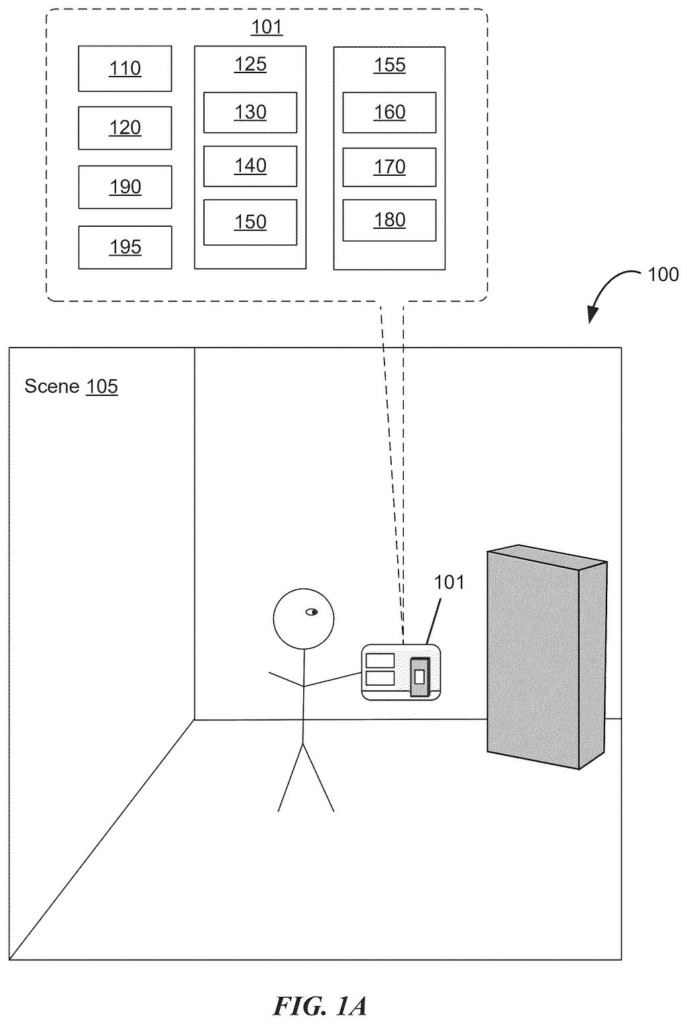
What Apple's gesture-based route drawing actually does
Getting turn-by-turn directions today means typing an address, confirming a destination, and manually adding stops if your trip is more complicated than A to B. Apple's new patent describes a different approach: you draw a rough path across the map with your finger, and the device figures out the real route for you.
The idea is that your swipe gesture carries information. The shape of your finger's path hints at which roads you want to travel and which waypoints along the way matter. The device extracts those implied stops from your gesture, then fills in the actual driving or walking route between them using real map data, ignoring the imprecise wiggles of your hand.
The result is that you stay in charge of the general shape of your trip, while the device handles the details of finding roads that actually exist. Think of it like sketching a route on a paper map for a friend, except the friend then looks up the real streets for you.
… receiving via the one or more input devices, a gesture starting from a first location of the map area to a second location of the map area corresponding to a request to generate a route from a first respective location to a second respective location; …
Translation: Drawing a line on the map acts as a request to create a new route between those points.
How the patent turns a finger swipe into a real navigation route
The patent describes a system where a device is displaying a map and a user makes a single gesture, starting at one point on the map and ending at another. That gesture is treated as a route request, not just a tap or a pan.
The key technical step is splitting what your gesture does into two separate jobs:
- Waypoint extraction: The device analyzes the shape, direction, and path of your finger movement to pull out implied stops along the way. If your swipe curves toward a particular area of the map, the system treats that as an indication you want the route to pass through that area.
- Segment selection: Once the waypoints are established, the device selects the actual road segments connecting them using map data, completely independent of exactly where your finger went on the screen. It applies criteria (like whether a road actually connects two points) to pick a real, valid path.
This two-step approach is important. Your finger gesture is inherently imprecise on a small screen, but the system only uses it to understand your intent, not to dictate the exact route geometry. The actual streets come from the map database, so the result is a navigable route even if your drawing was a bit sloppy.
… an electronic device receives a gesture starting from a first location of a map area to a second location of the map area and in response, the electronic device generates a route from a first respective location to a second respective location.
Translation: Dragging your finger across the map tells the device to automatically map out a path for you.
What this means for everyday navigation on iPhone and iPad
For everyday users, this could mean planning a multi-stop trip in seconds rather than minutes. Instead of adding waypoints one address at a time, you sketch the general shape of where you want to go and let the device do the lookup work. That's a meaningful reduction in friction, especially on a phone screen where typing is already annoying.
Apple's interest in maps and navigation has produced a steady stream of patents, and this one targets the input side of the experience rather than the underlying data. The claim covers the gesture-to-route pipeline on any electronic device with a display and input, which is broad enough to apply to iPhone, iPad, and potentially Apple Watch or Vision Pro.
Apple's 459th filing in our Apple coverage since May adds to a run of sensing ideas that includes predictive location logging and headset fit detection.
Claim 1 is written broadly. It covers any electronic device, any gesture from point A to point B on a displayed map, and any method of extracting waypoints from that gesture's movement attributes. That scope is wide enough to cover a lot of possible implementations, not just one specific UI.
In practice, the narrower and more interesting part of the claim is the two-step split: waypoints come from your gesture, but road segments are chosen independently using map data. That combination is what makes the idea actually useful rather than just a novelty, and it's also what defines the edges of what this patent would cover if granted.
Whether this ends up in a shipping Apple Maps update or stays a patent filing is impossible to say. But the underlying problem it solves, adding multi-stop routes without typing, is a real and persistent annoyance for anyone who has planned a road trip on a phone. That makes this more than a theoretical exercise.
Get our take in your Top Stories
Liked this breakdown? Add Patentlyze as a preferred source on Google, and our plain-English take shows up more often in your Top Stories the next time Apple patent news breaks.
There are more where this came from
We read every patent application Big Tech publishes and send you the ones worth knowing. Plain English, free, every week.
The drawings
42 drawing sheets from US 2026/0276398 A1 · click any drawing to enlarge


Show the other 34 sheets


Want this weekly breakdown for a company we don't cover? Patentlyze Pro →
Be the first to weigh in