
Apple's New Patent Lets You Summon a Floating App Menu With a Flick of Your Hand
Apple is patenting a way to summon a floating app-launcher just by looking at your hand and flicking it — no button presses, no controllers, no voice commands required.
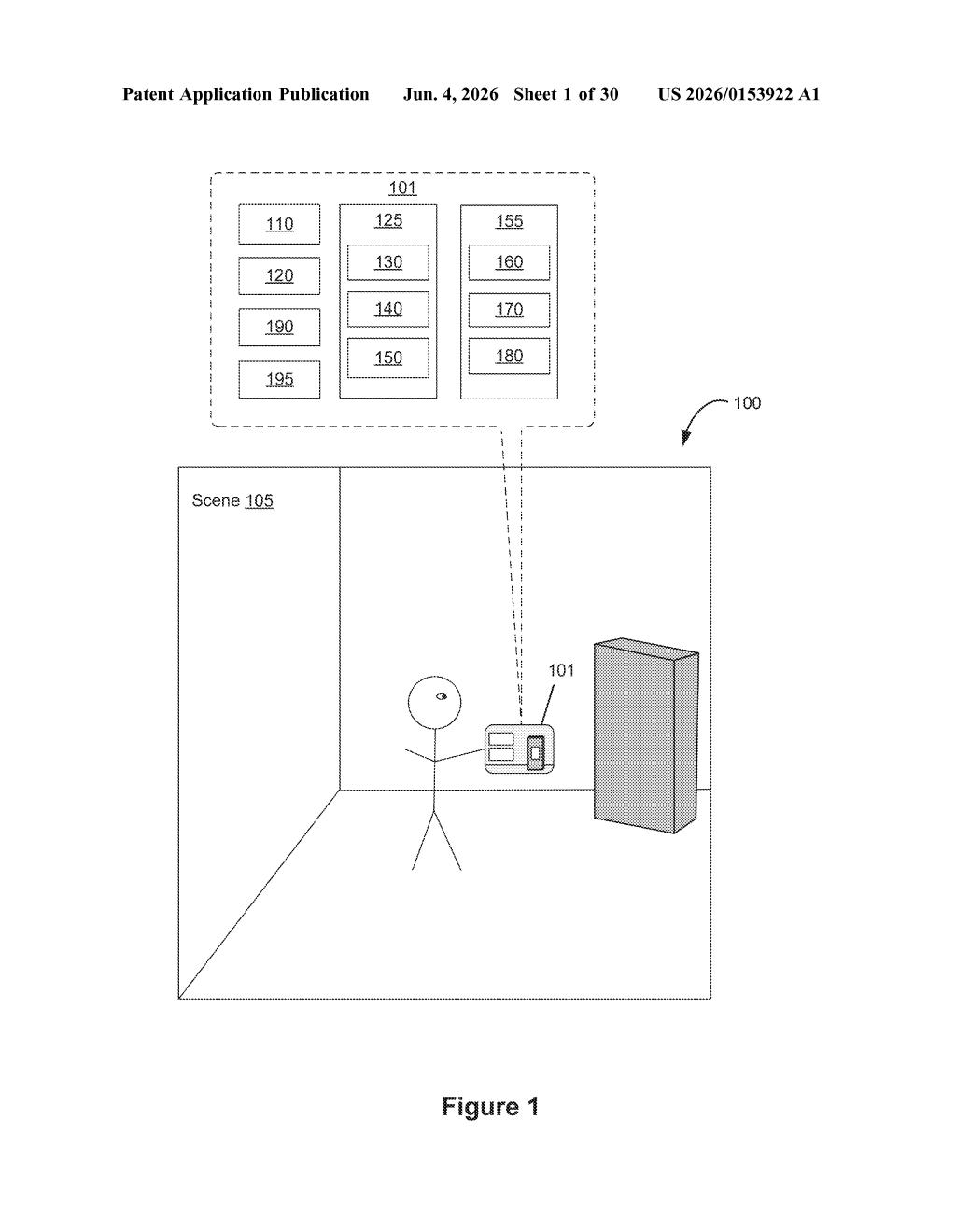
What Apple's gaze-plus-gesture launcher actually does
Imagine you're wearing a headset and want to open a new app. Instead of hunting for a virtual button or saying 'Hey Siri,' you just glance down at your hand and make a quick gesture — like a flick or a wave — and a ring of app icons blooms into the space around it. That's the core idea Apple is protecting here.
The system watches two things at once: where your eyes are pointing and what your hand is doing. If your gaze lands on your own hand in the real world and your hand makes the right movement, the interface responds by spreading a set of choices out in the space near — but not on top of — your hand, so you can still see it clearly.
Each of those floating icons, when you select it, kicks off a full experience inside the 3D environment. Think of it as a spatial home screen that only appears when you consciously call it up with a specific, intentional combo of eye contact and gesture — so it won't trigger every time you accidentally glance at your fingers.
How gaze tracking and hand movement combine to fire the menu
The patent describes a combined gaze-and-gesture input method for triggering a contextual menu inside a three-dimensional environment. The system requires both signals to fire — gaze input directed at the location of the user's hand in physical space, plus a detected hand movement that matches a predefined gesture pattern.
Critically, the patent specifies that the system begins tracking the gesture while gaze is already confirmed at the hand's position. This sequential detection — gaze first, then gesture onset — is what separates an intentional trigger from incidental hand movement. It's a deliberate two-factor interaction model.
When the criteria are met, the UI responds by displaying
- A plurality of user interface objects (multiple icons or panels)
- Positioned at second positions away from the hand's location — not overlapping where your hand actually is
- Each object, when activated, initiates a corresponding computer-generated experience — essentially launching a spatial app or mode
The offset placement is a practical UX decision: keeping the menu items away from the hand prevents occlusion and lets the user's hand remain visible as a spatial anchor. The underlying input pipeline relies on the headset's eye-tracking sensors and hand/depth cameras working in concert — the same sensor suite already present in Apple Vision Pro.
What this means for how you navigate spatial computing
For spatial computing to feel natural, the interface has to get out of your way until you need it. Right now, summoning content in a headset often involves awkward pinch gestures aimed at a persistent menu bar — muscle memory that doesn't feel inevitable yet. A system that lets your hand itself become the launch point, triggered only when you deliberately look at it and gesture, could make the whole experience feel dramatically more fluid.
This also signals Apple's continued investment in eyes-and-hands as the primary input language for Vision Pro — reinforcing the pattern established at launch rather than pivoting toward controllers or voice. If this ships, it could meaningfully lower the learning curve for new users while giving power users a fast, reliable shortcut.
This is a genuinely thoughtful interaction design patent, not a defensive land grab. The two-factor trigger — gaze confirmed on the hand before the gesture begins — solves a real problem: accidental activation. Apple is clearly iterating on the Vision Pro input model with precision, and this kind of patent usually shows up 12-18 months before a feature makes it into a software update or new hardware revision.
There are more where this came from
We read every patent application Big Tech publishes and send you the ones worth knowing. Plain English, free, every week.
Want this weekly breakdown for a company we don't cover? Patentlyze Pro →