
Google Patents a Search That Swaps Your Words for Photos You Already Have
You type 'find a store that sells navy blue sneakers' and Google automatically replaces 'navy blue sneakers' with a photo of the actual shoes sitting in your recent screenshots — then searches using that image instead of your words.
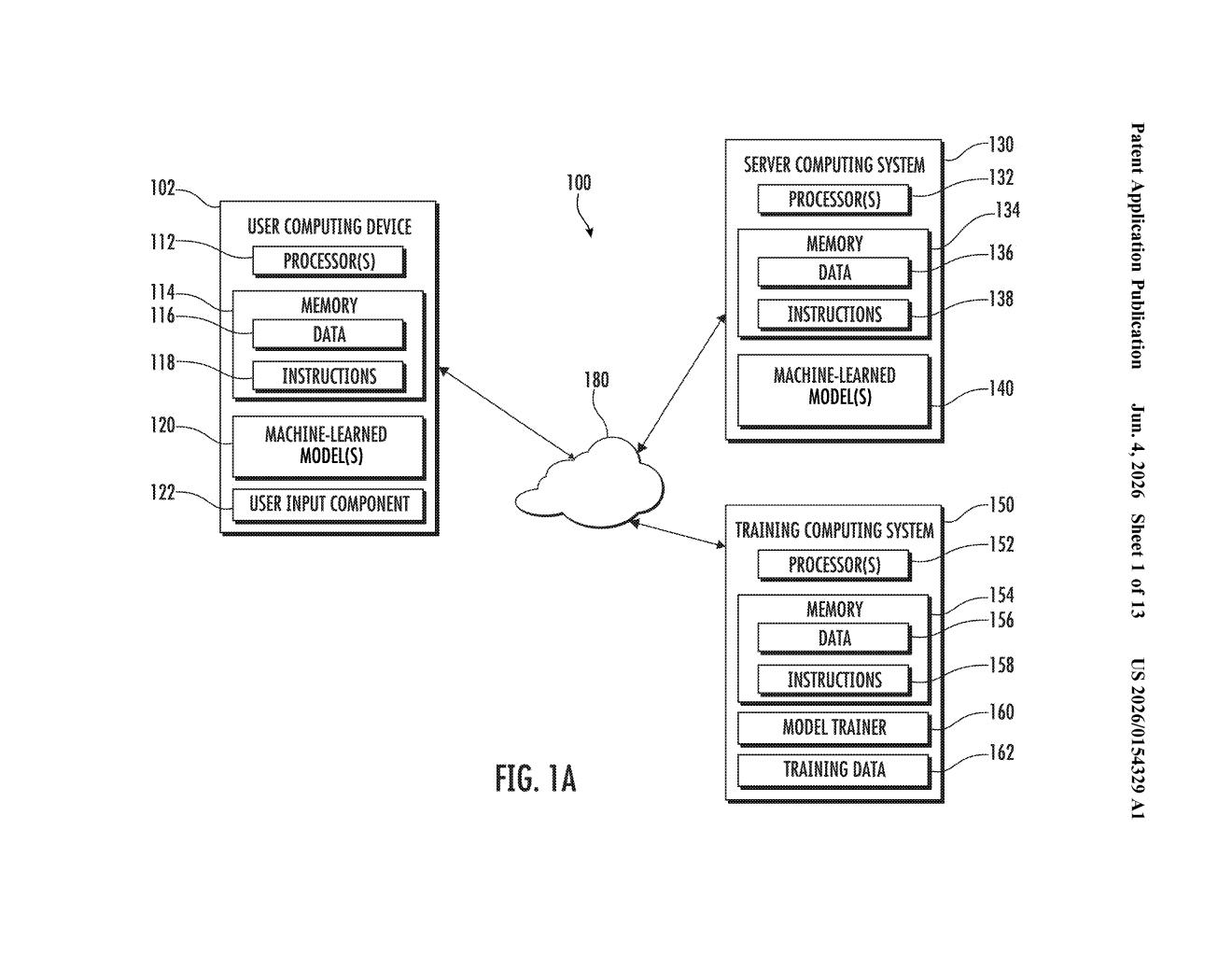
What Google's image-swap search actually does
Imagine you're trying to track down a product you saw earlier. You took a screenshot of it, but now you're trying to describe it in a search bar using just words — which is honestly hit or miss. Google's new patent is aimed at fixing exactly that friction.
Here's the idea: when you type a search query, Google scans your words for anything that's visually descriptive — color, shape, a specific object or style. When it finds those terms, it checks your recent screenshots and camera captures to see if any of those images actually match what you're describing. If they do, it offers to swap out your descriptive words with the real image right inside the search bar.
The result is a multimodal search query — part text, part photo — that gives Google a much more precise picture of what you're looking for. You keep the non-visual parts of your query (like 'store near me') as text, and the visual part becomes an actual image.
How the system spots visual words and pulls matching images
The system works in a few distinct steps. First, it parses your typed query to identify words that are primarily visual in nature — think color descriptions, texture words, or references to specific objects or styles. The remaining words (like location, intent, or category) are treated separately.
Once it identifies visually descriptive terms, the system scans recent screenshots and camera captures on your device to find images that correspond to those terms. This is the key move: rather than running a text-to-image generation step or pulling from the web, it's fishing from photos you already have.
If a matching image is found, an indicator appears in the search interface — essentially a prompt offering to replace your visual words with the actual image. If you accept, the query becomes a hybrid object: some words, some image.
That hybrid query is then executed as a multimodal search (a search that uses both text and image signals simultaneously). The text portion anchors the non-visual intent, while the image provides precise visual features — color, shape, texture — that words alone struggle to convey. Results are ranked against both the textual and visual components.
What this means for how Google handles mixed searches
For everyday search, this is a genuinely practical idea. Visual descriptions in text queries are notoriously lossy — 'dusty rose,' 'that rounded rectangular shape,' 'vintage-looking' all mean different things to different people, and to a search engine. If your phone already has a photo of the thing you mean, using it directly is strictly more precise than any word you'd type.
Strategically, this fits Google's broader push to normalize multimodal search — the same direction as Google Lens and the Circle to Search feature. This patent extends that logic further into the keyboard itself, making the transition from typed query to visual query feel automatic rather than requiring a deliberate mode switch.
This is a legitimately clever UX patent, not just an incremental tweak. The insight — that your device already has the visual evidence to back up the vague descriptive words you're typing — is the kind of thing that sounds obvious in retrospect but isn't. Whether it ships as a polished feature or stays buried in the patent archive, the underlying logic is sound.
There are more where this came from
We read every patent application Big Tech publishes and send you the ones worth knowing. Plain English, free, every week.
Want this weekly breakdown for a company we don't cover? Patentlyze Pro →