
Apple Patents a Way to Control a Touchscreen Without Ever Touching It
Apple is working on a system that lets people operate any touchscreen app, including ones that need pinch or swipe gestures, using an adaptive input device instead of their fingers. No physical contact required.
What Apple's virtual touch accessibility system actually does
Imagine you rely on a switch, a head pointer, or some other assistive device to control your iPhone because touching the screen directly isn't an option. Most apps are built around taps, swipes, and pinches, which means a lot of those apps can be frustrating or impossible to use. Apple's patent describes a way to fix that.
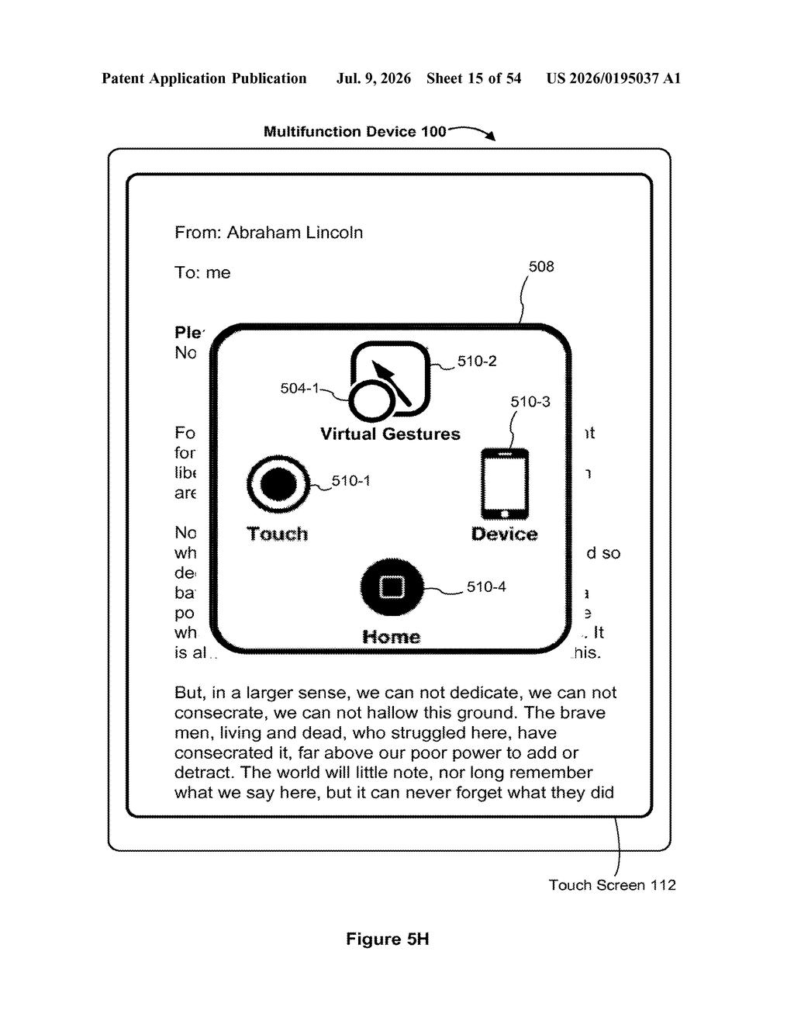
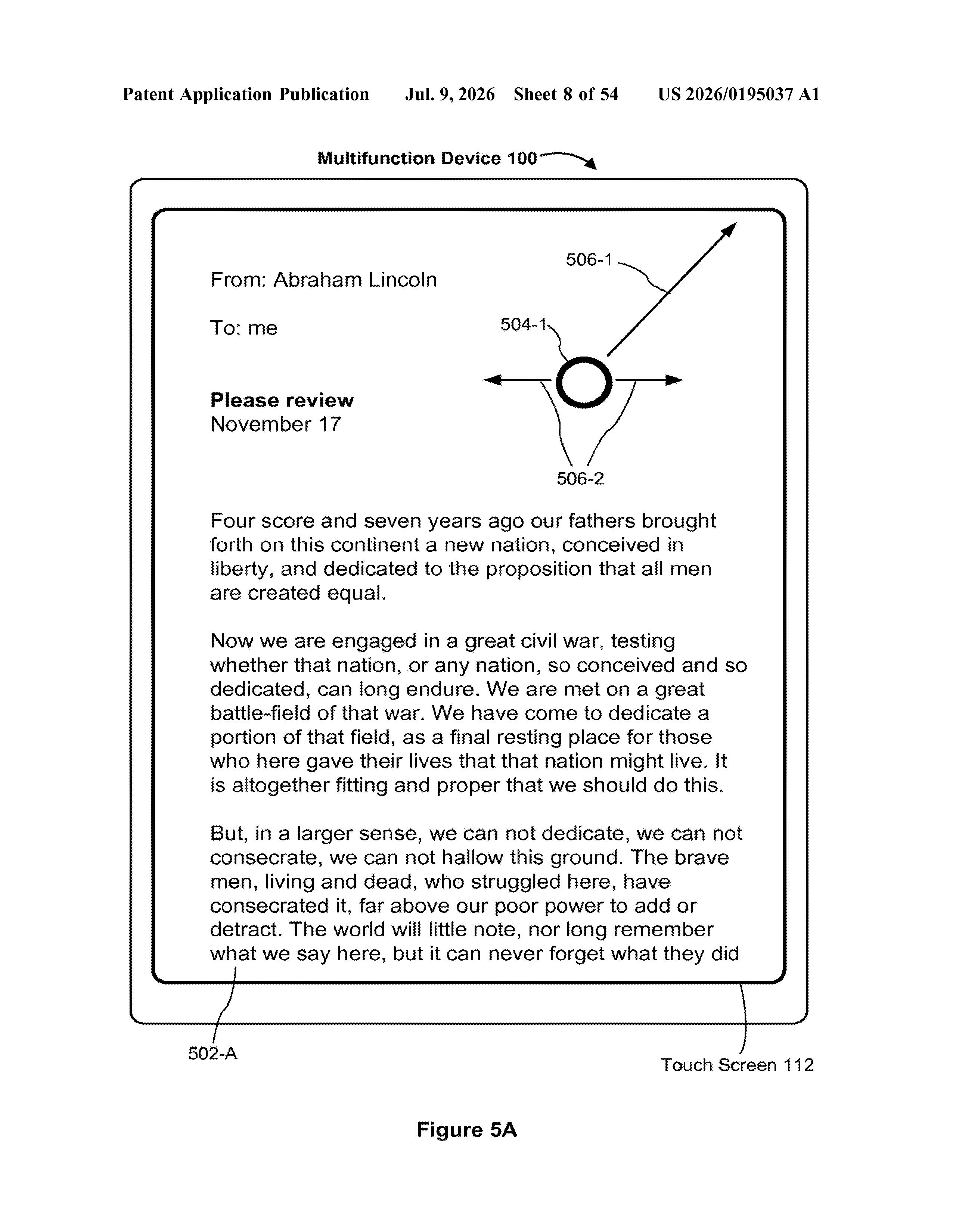
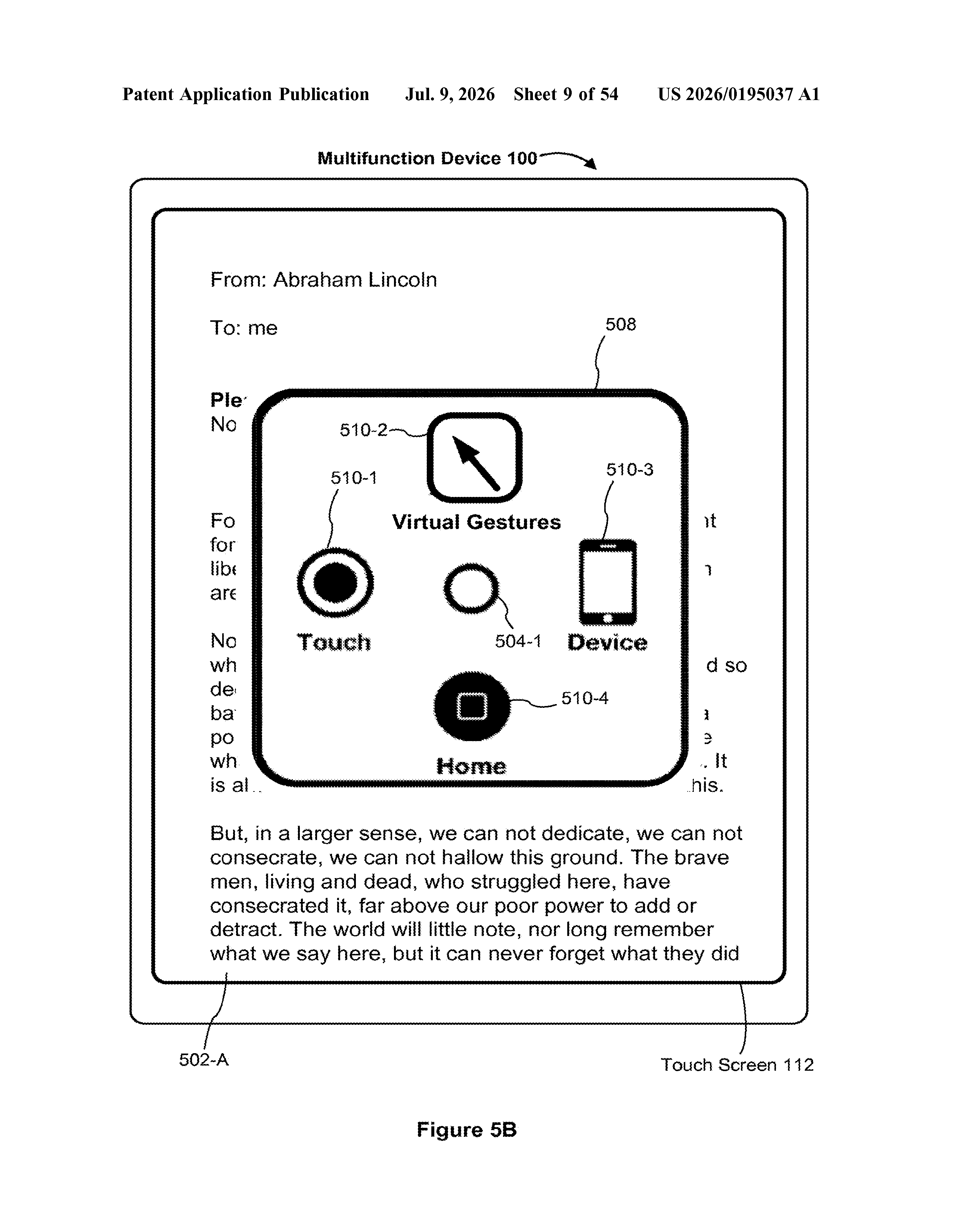
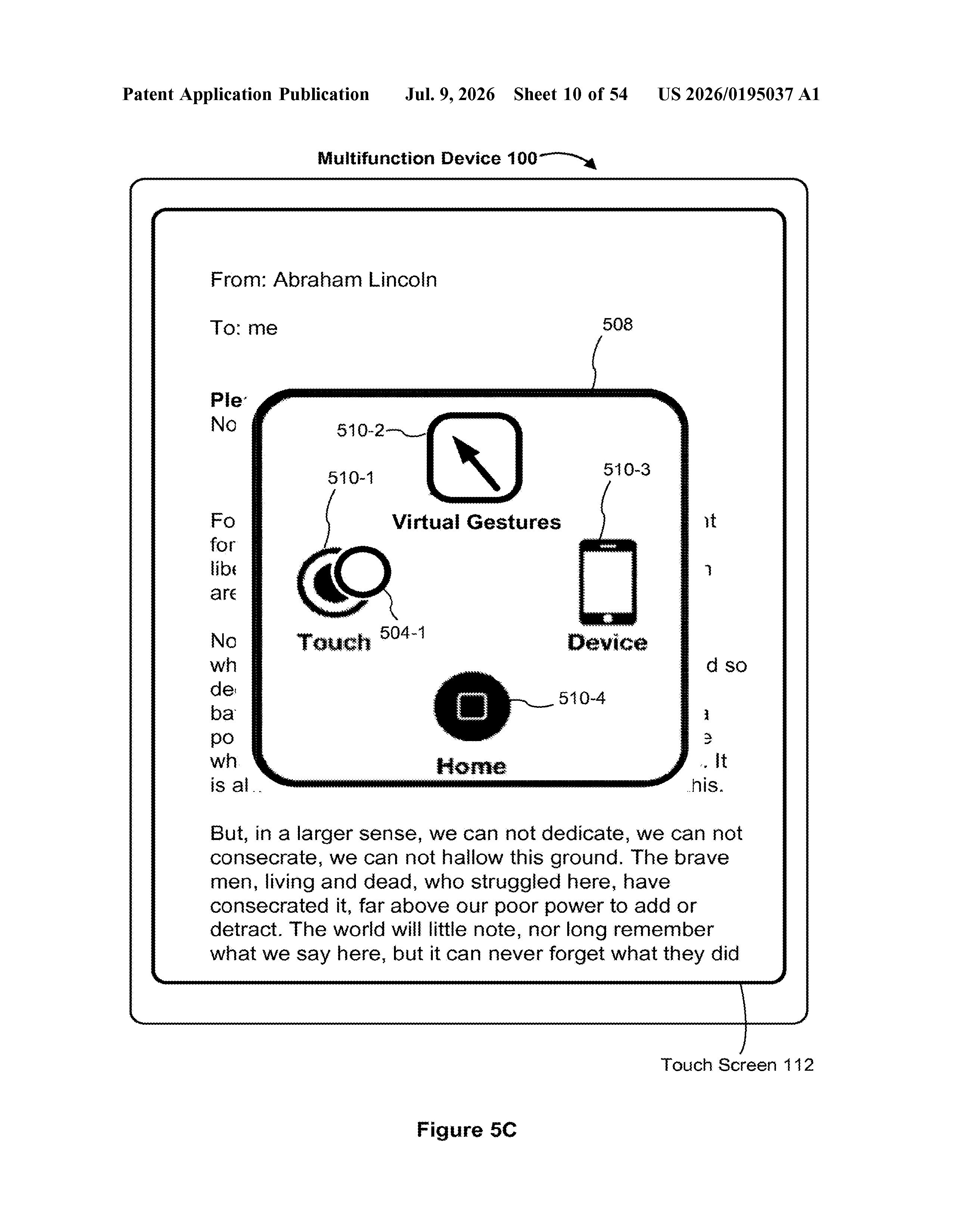
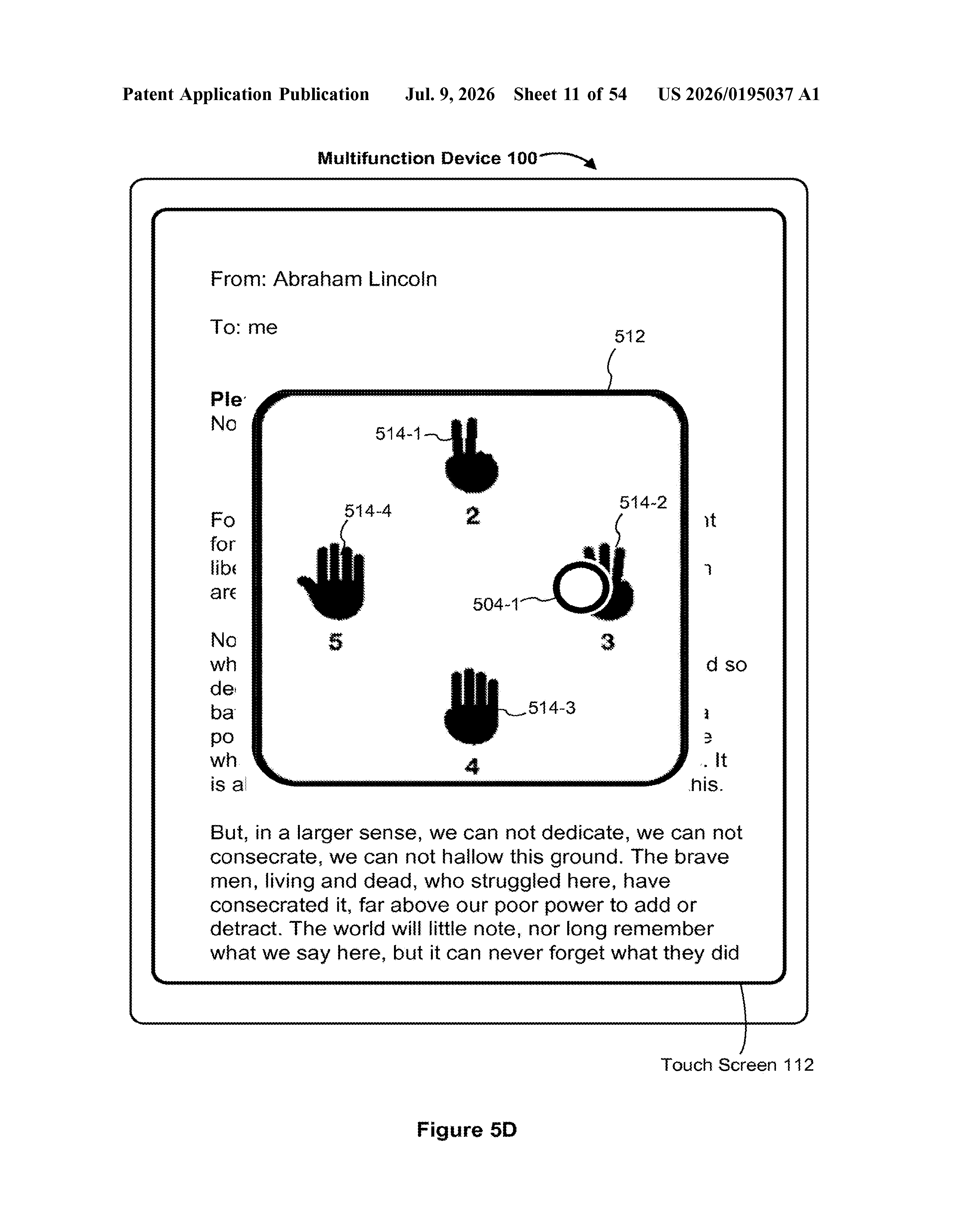
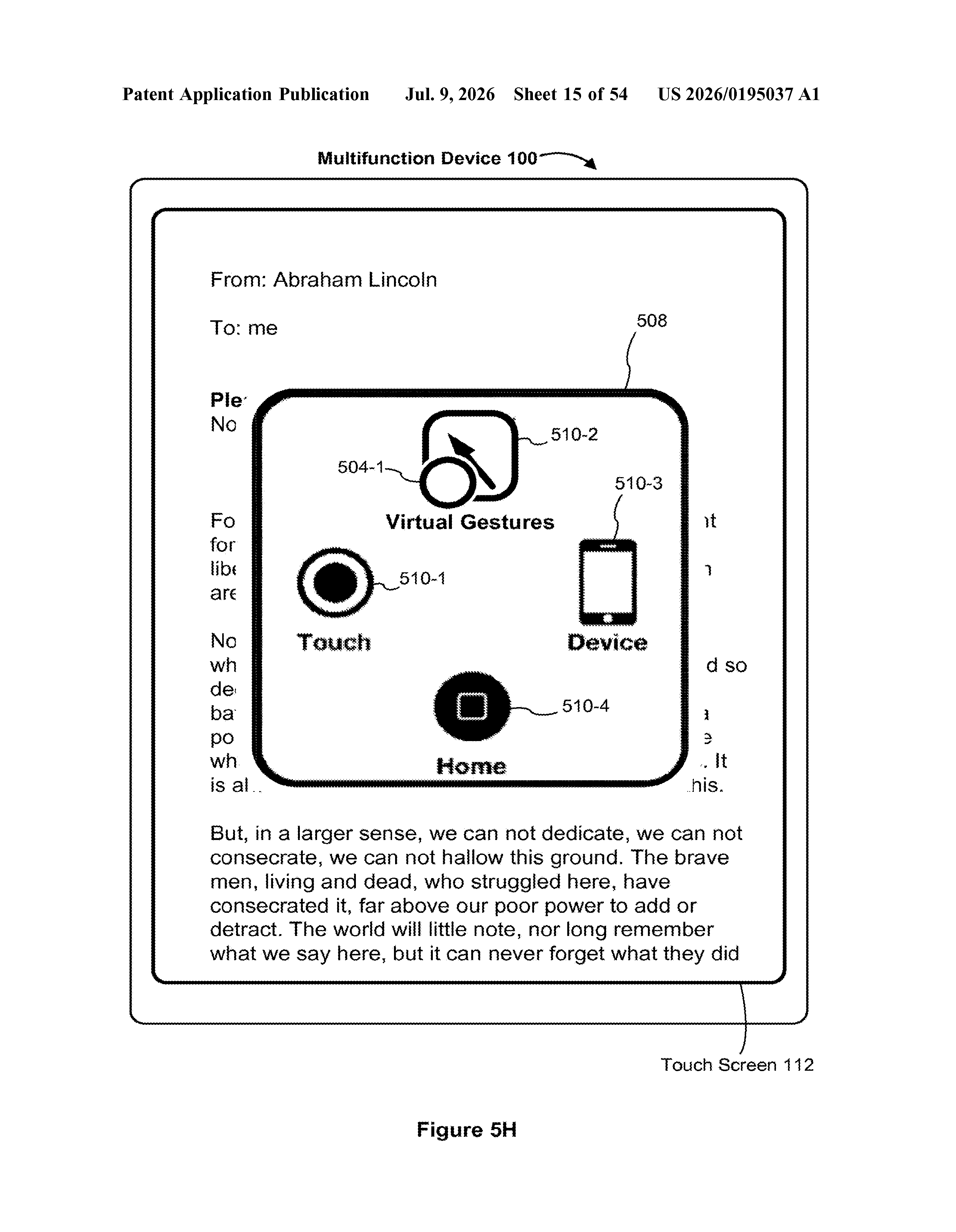
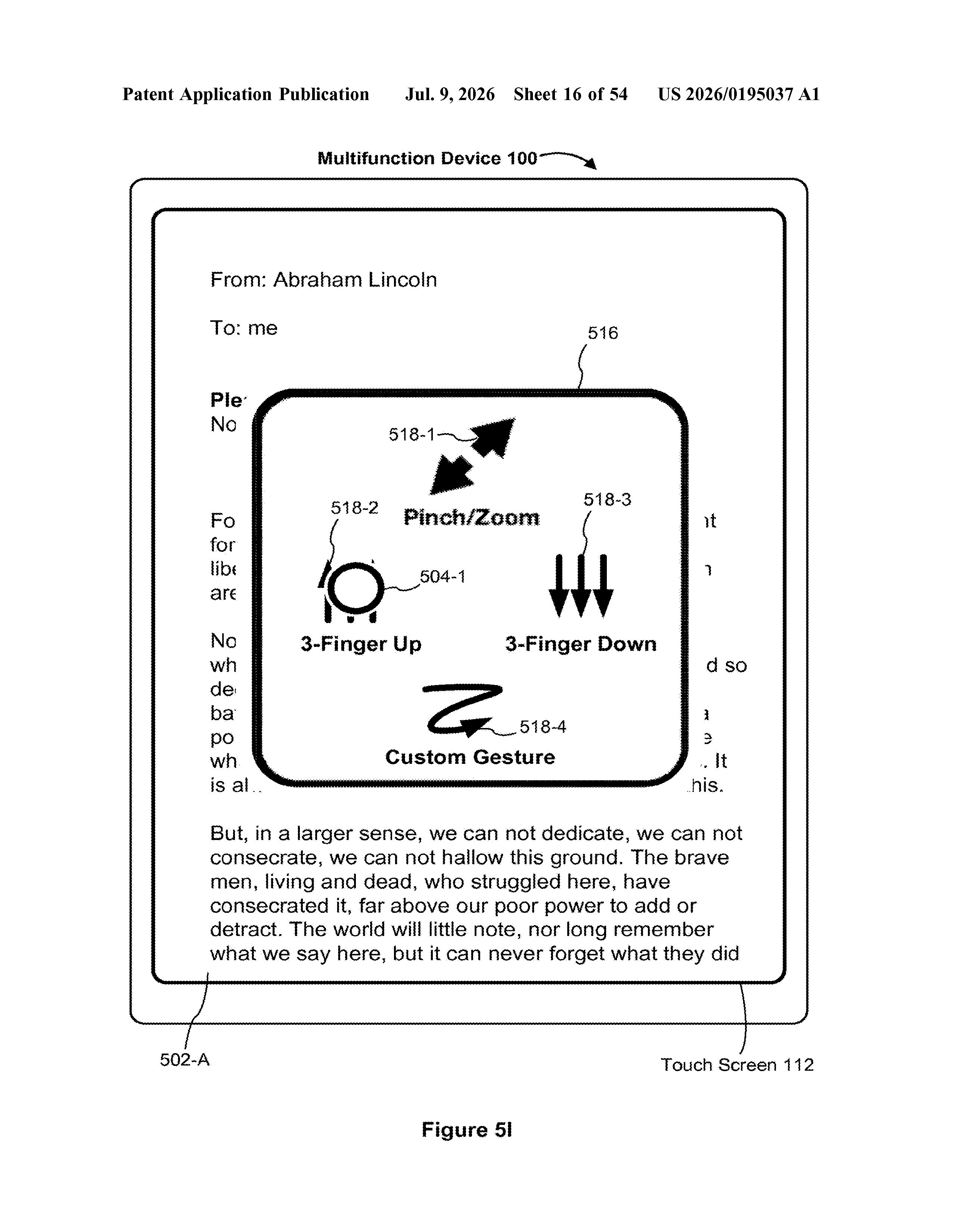
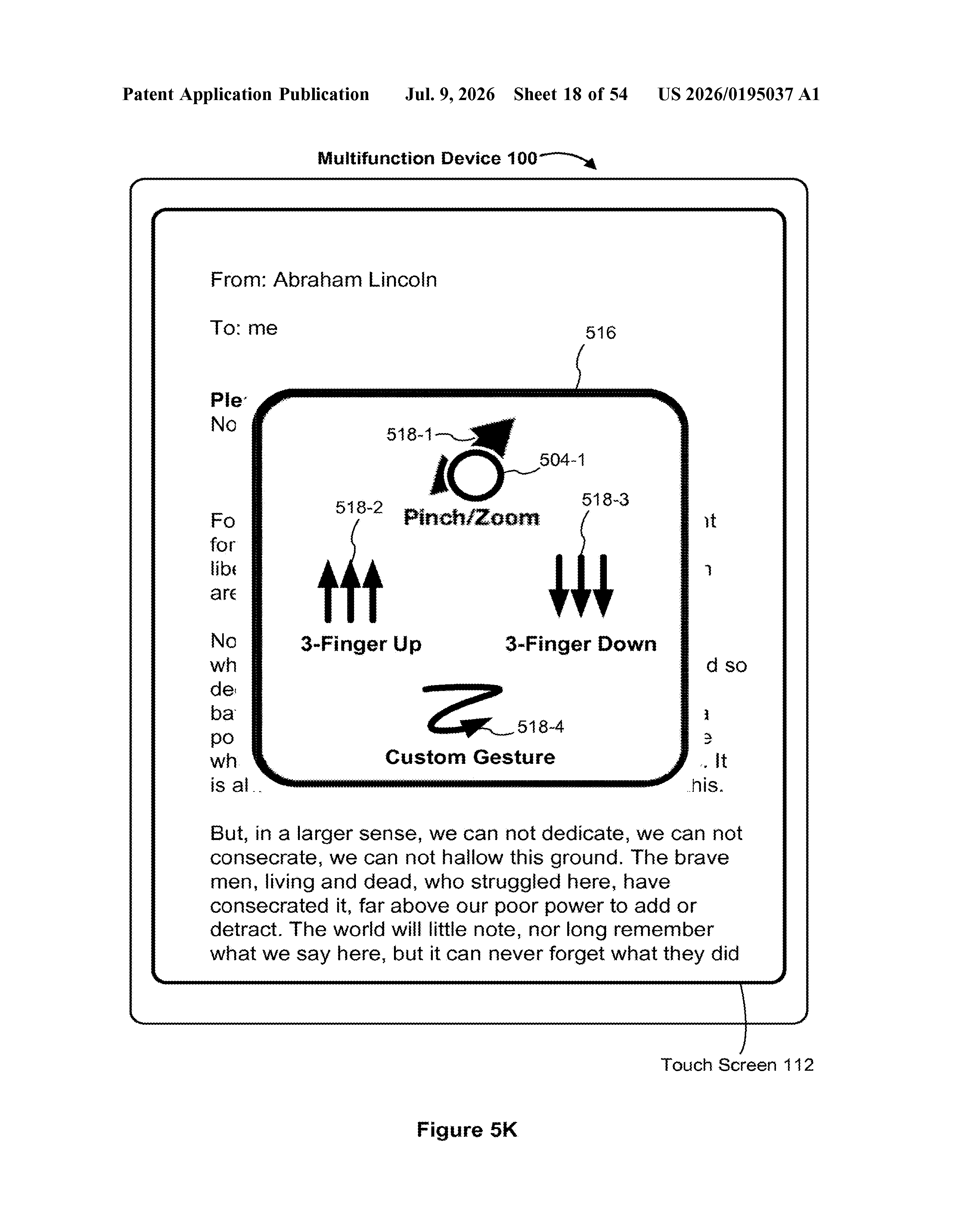
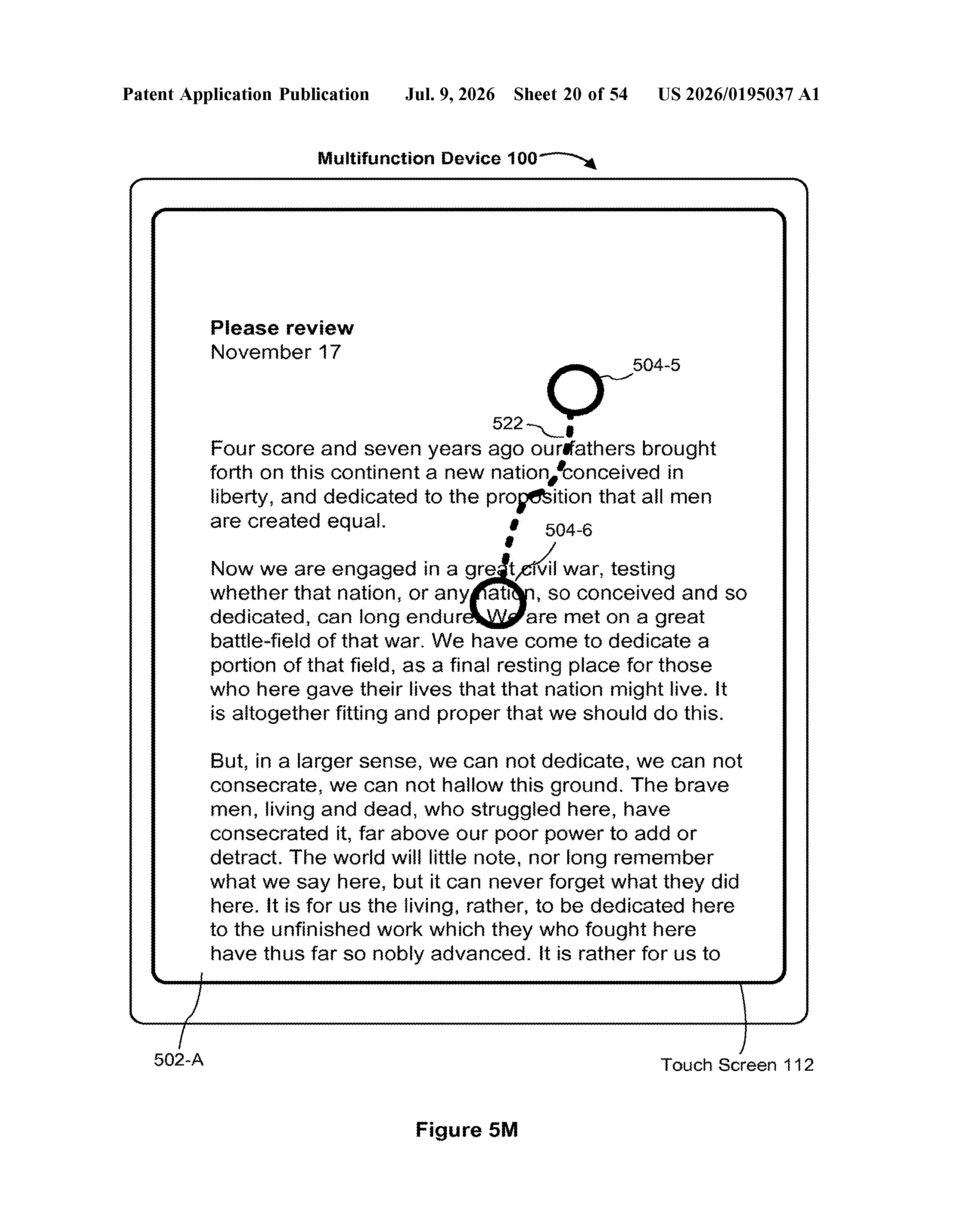
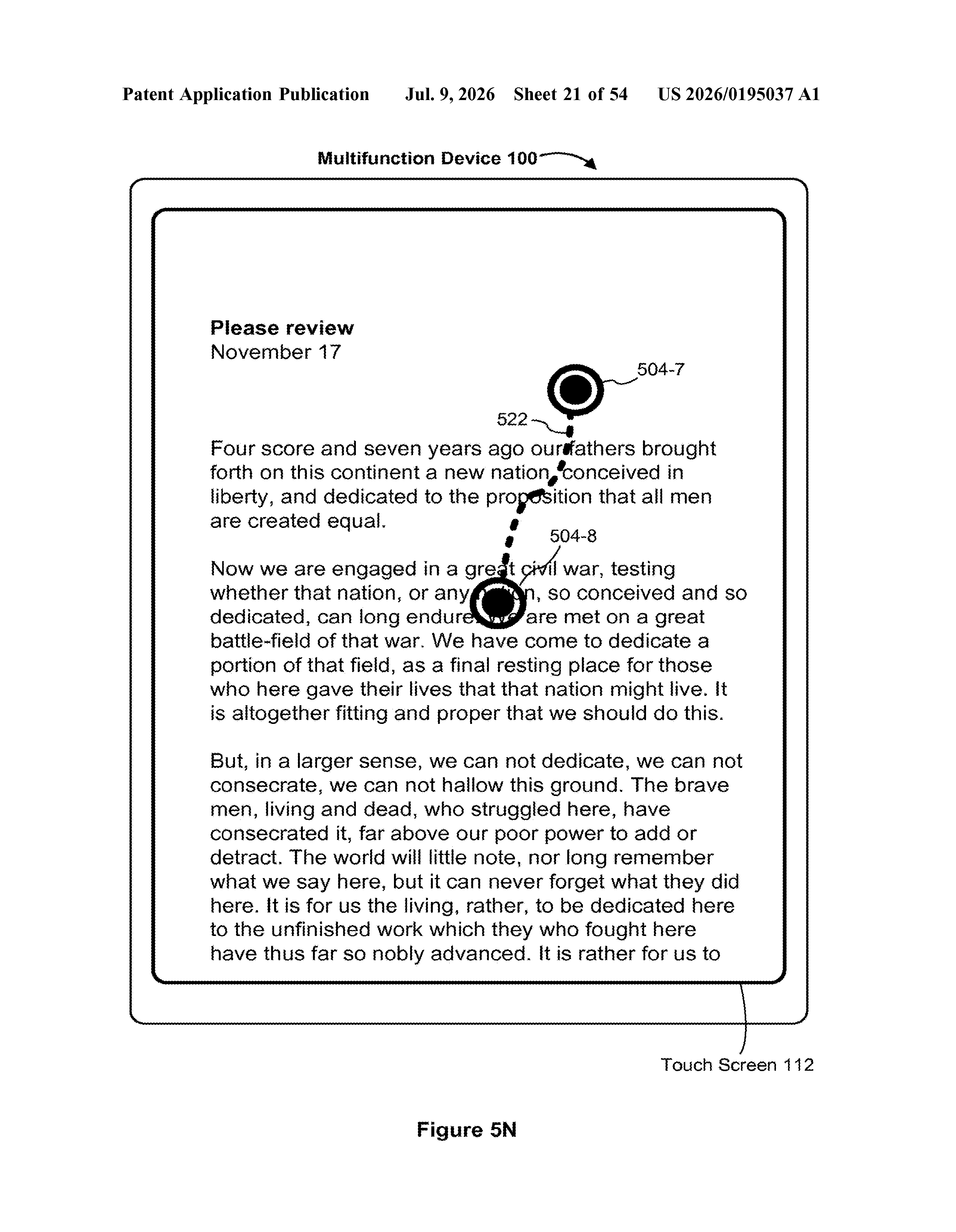
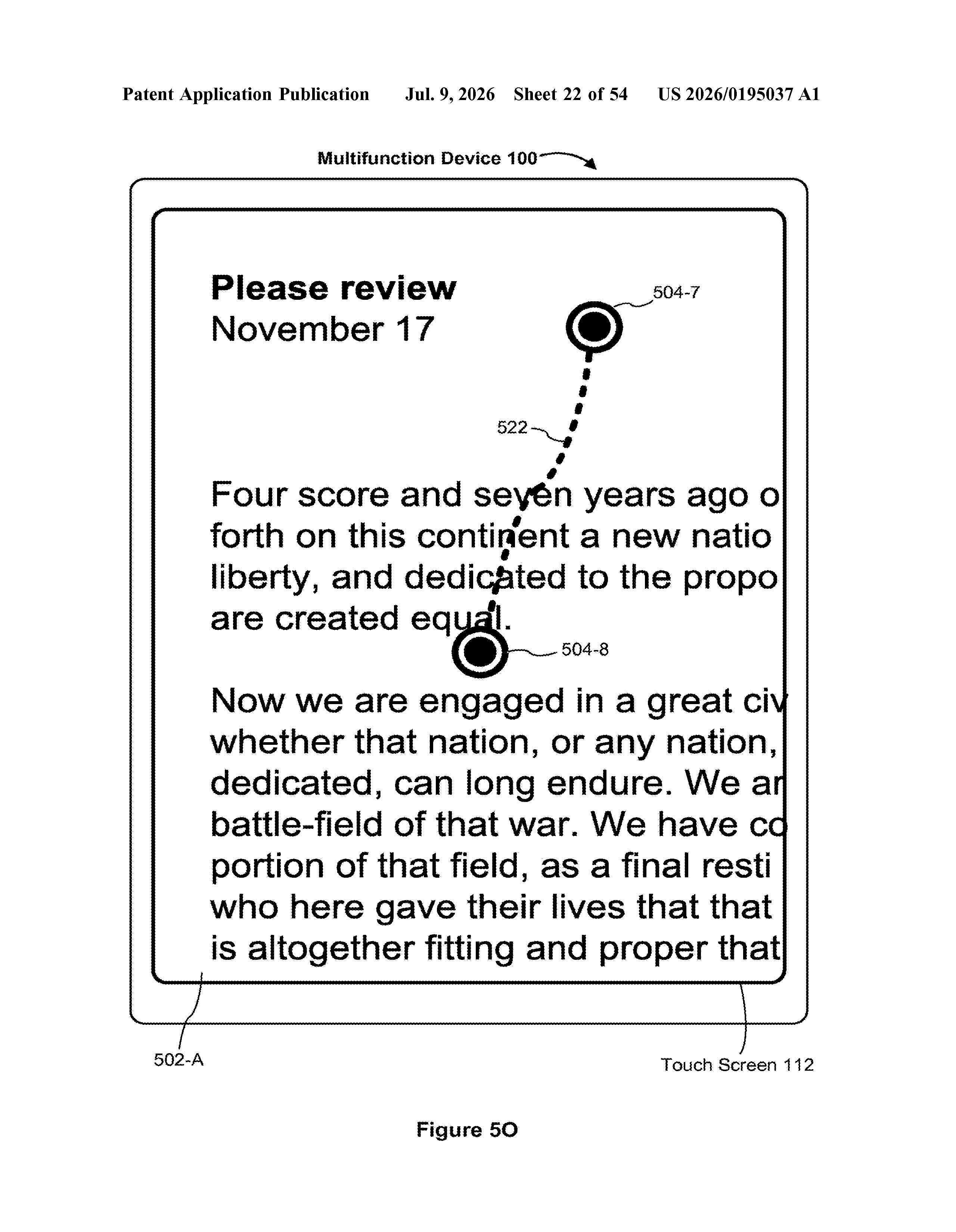
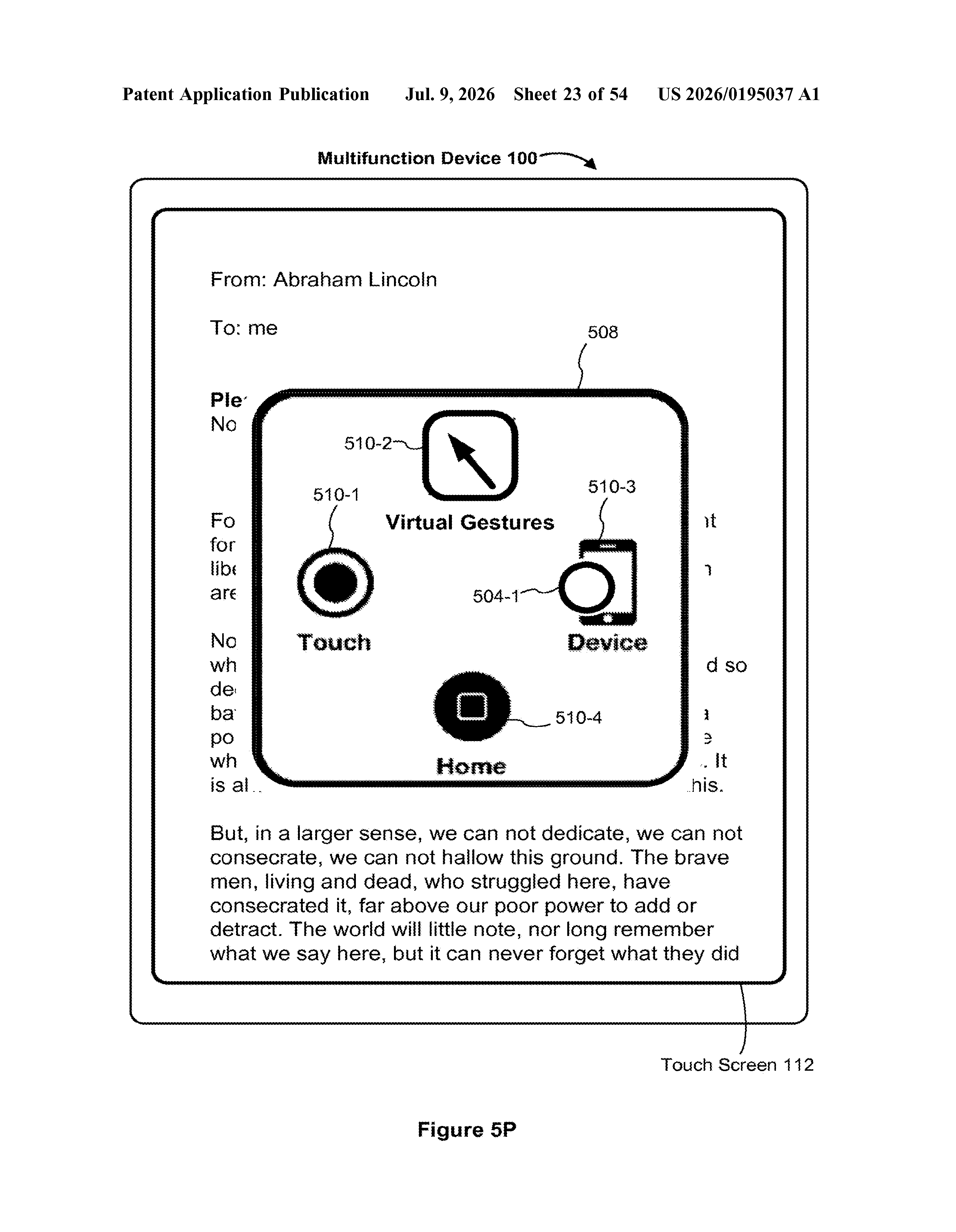
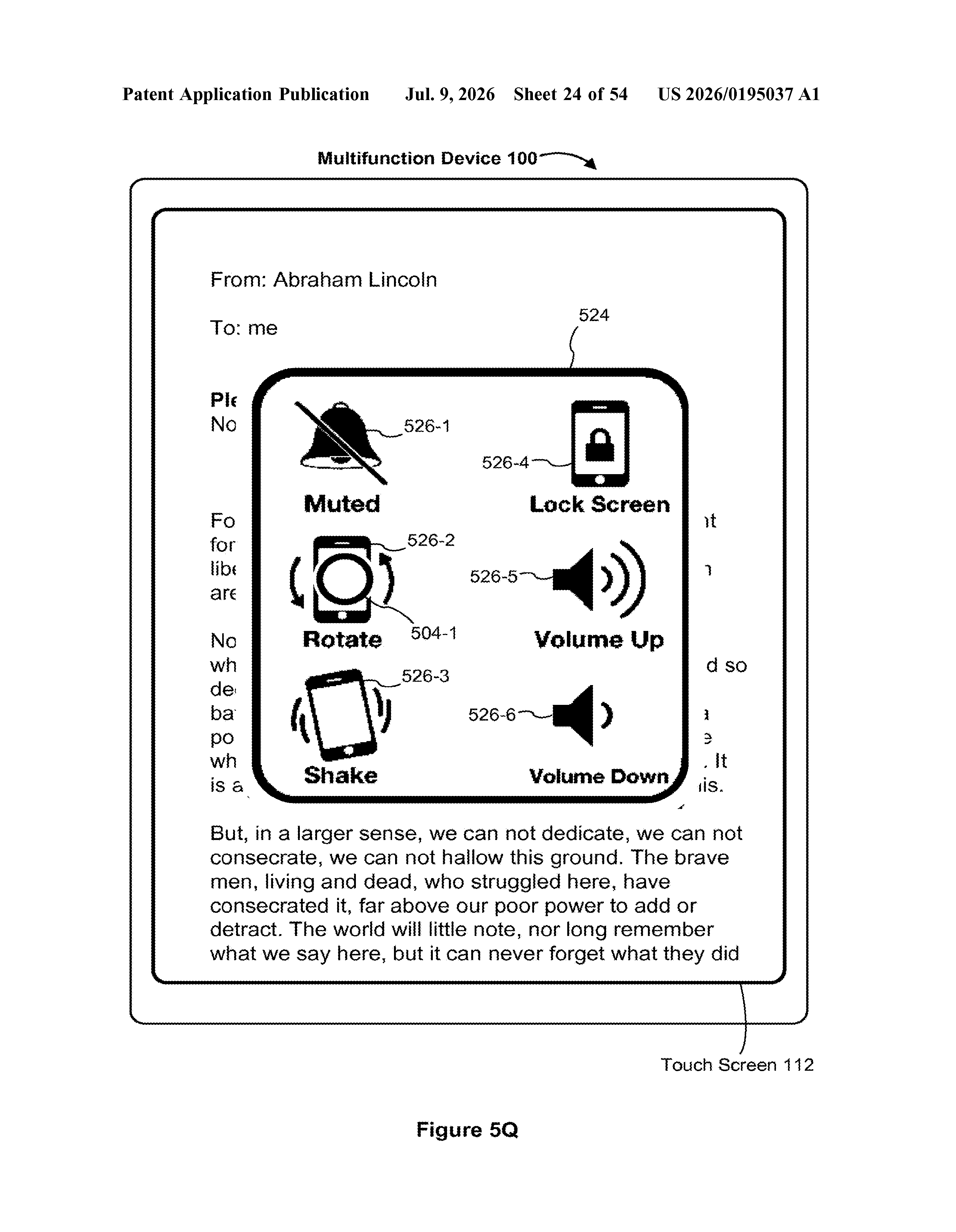
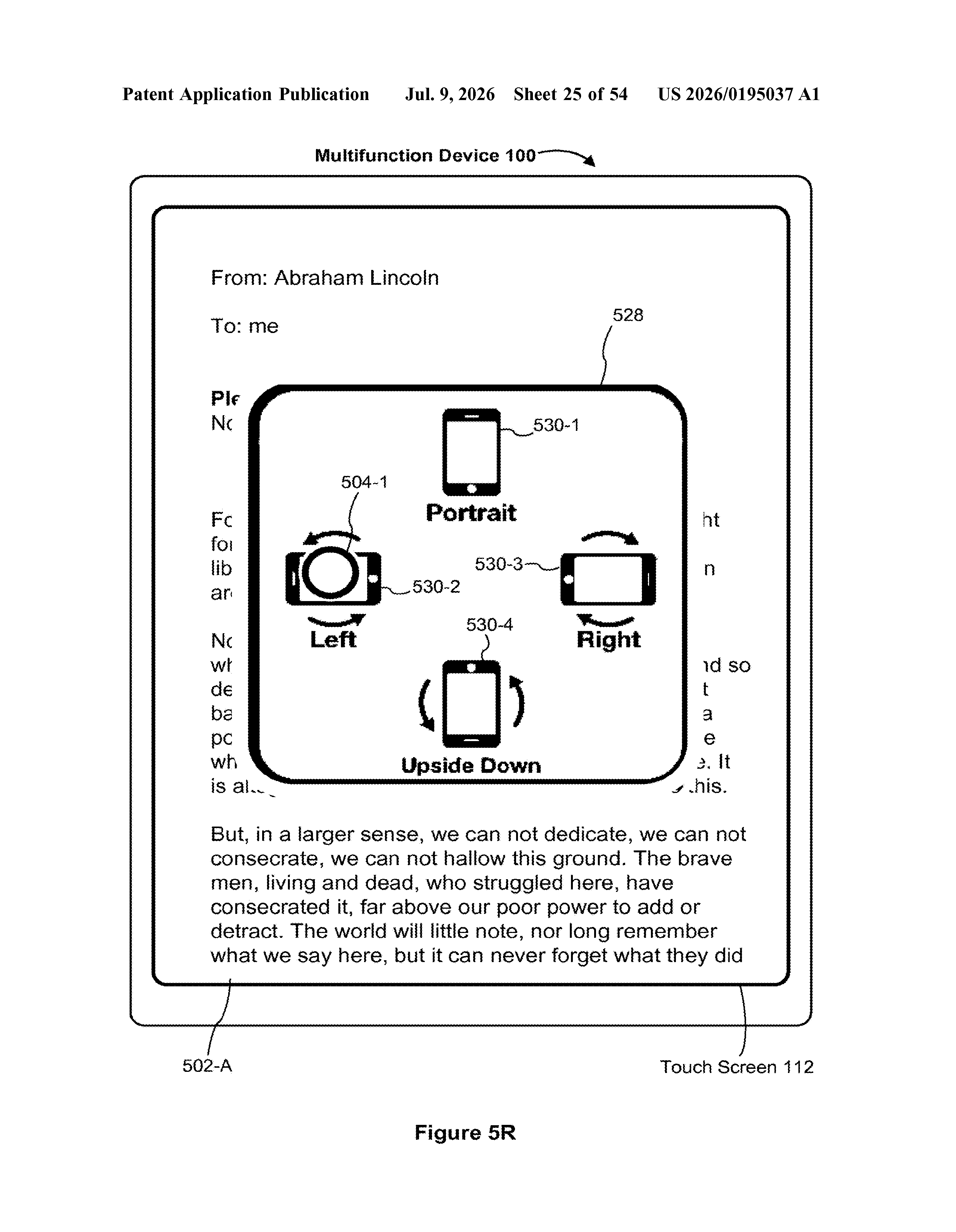
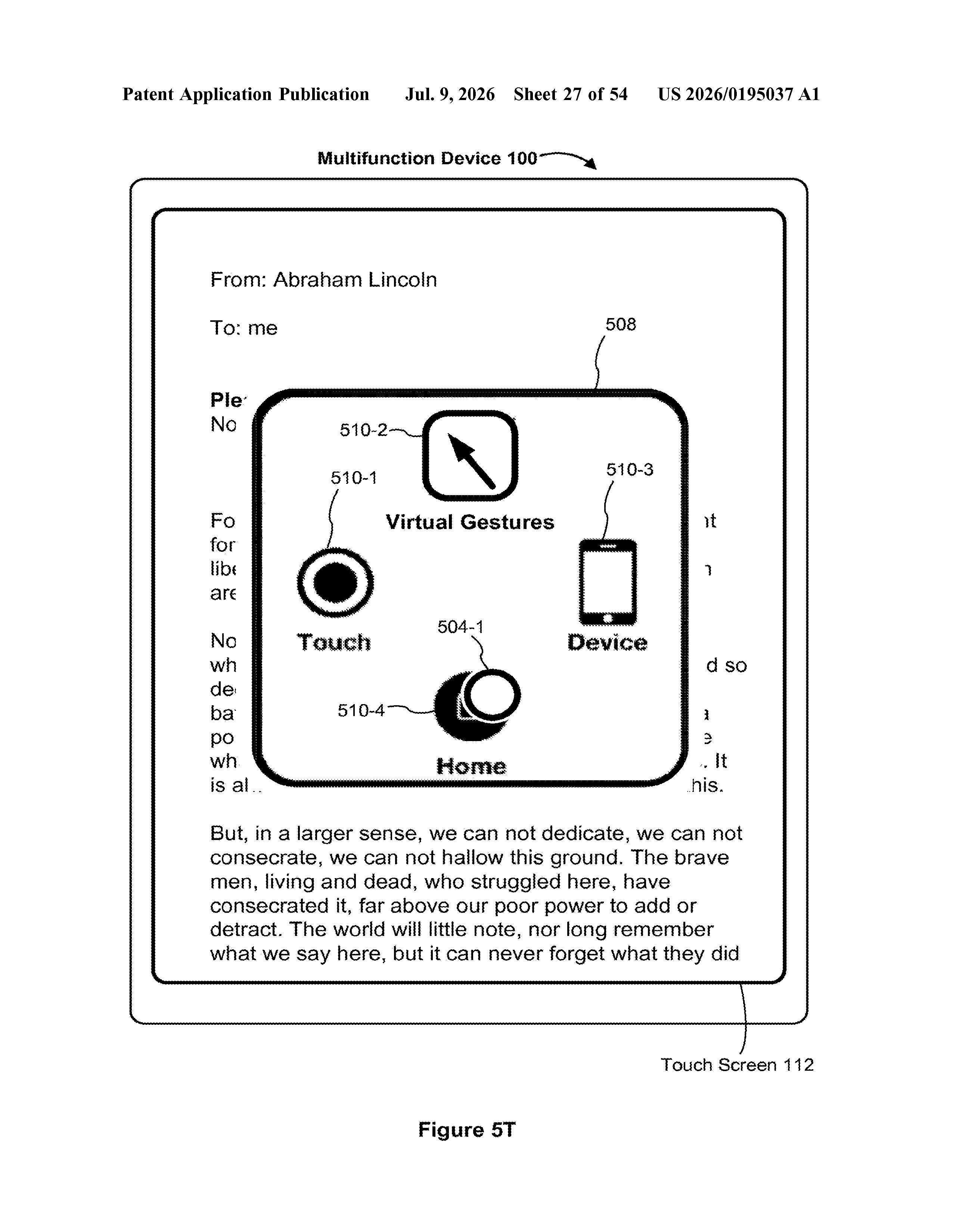
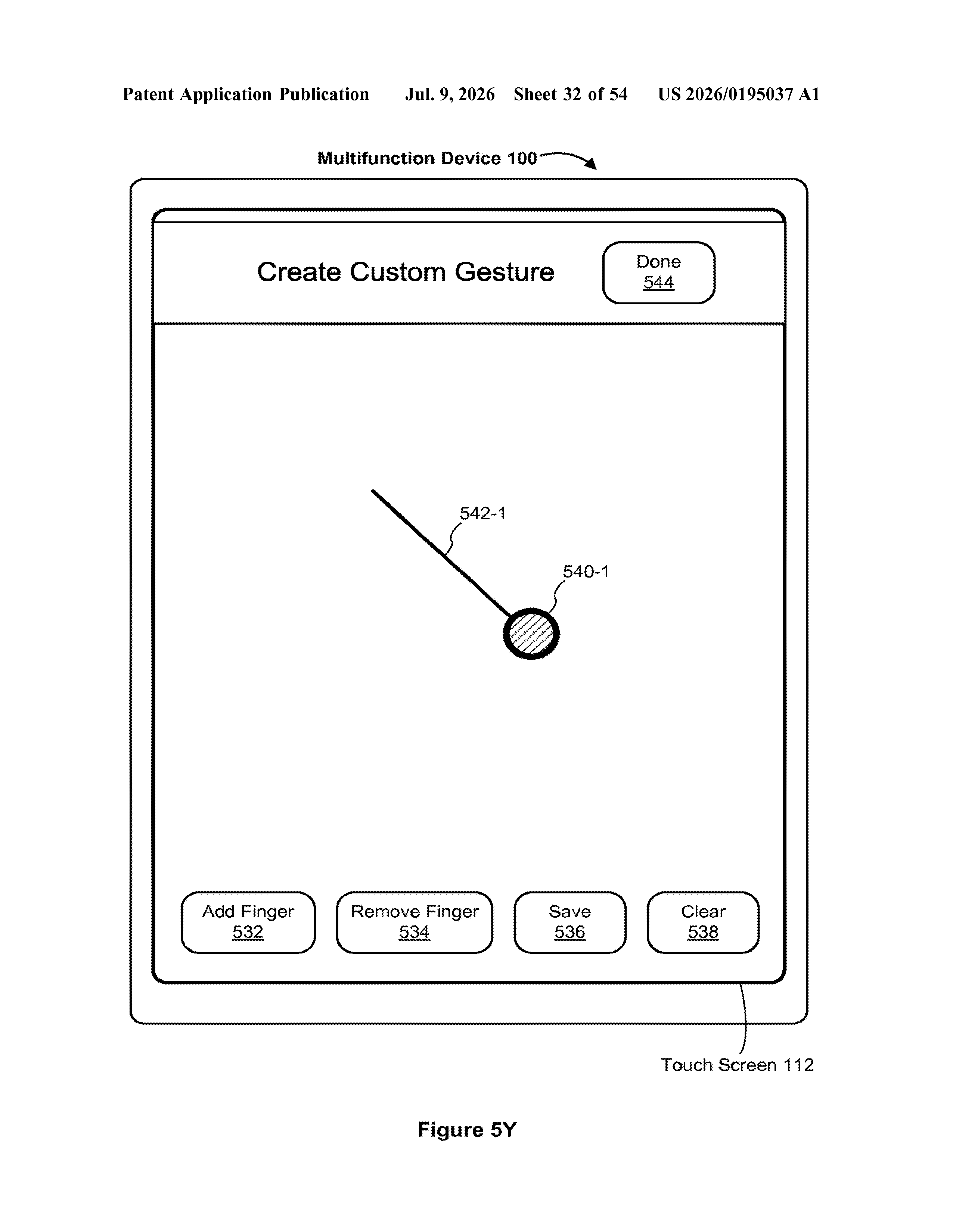
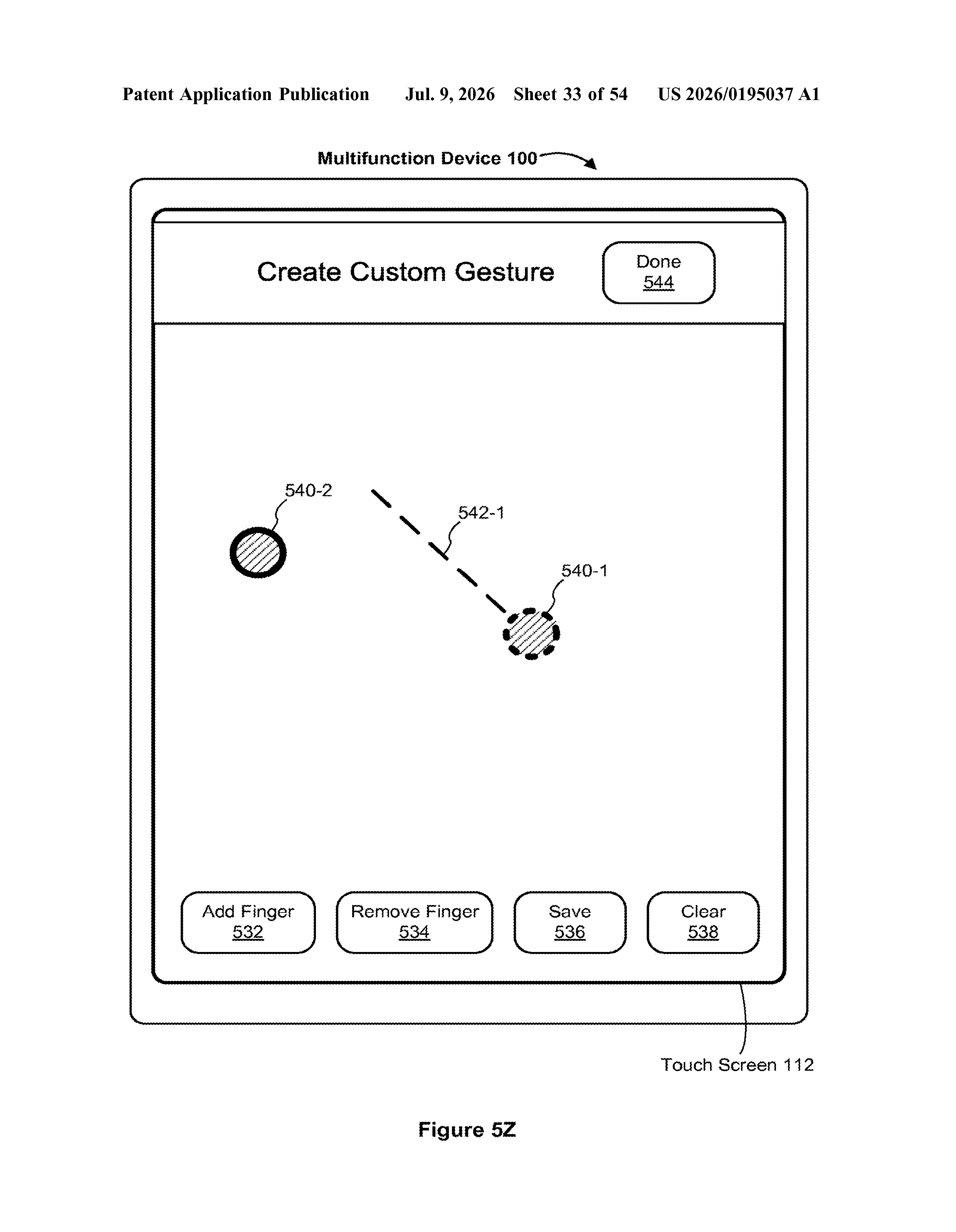
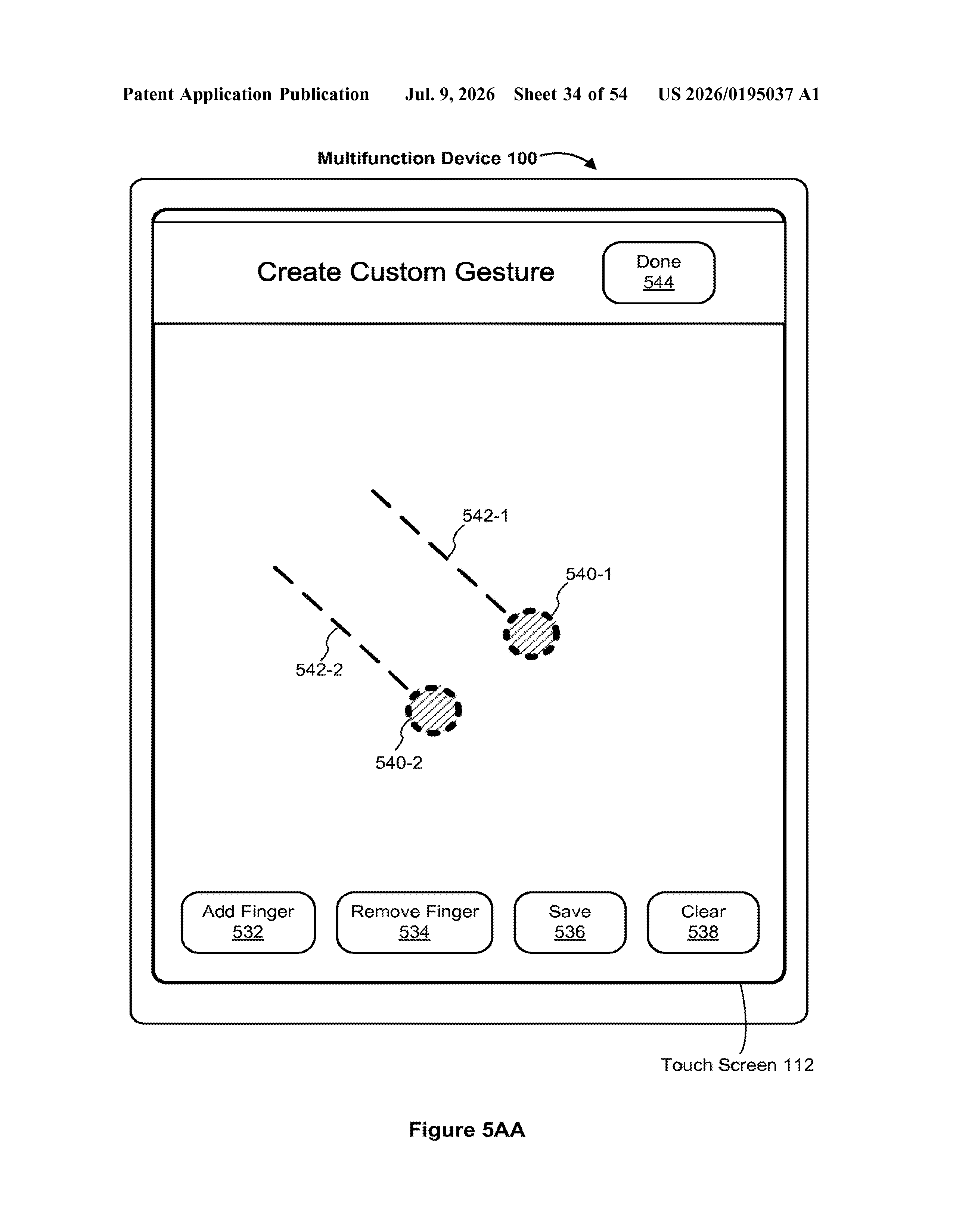
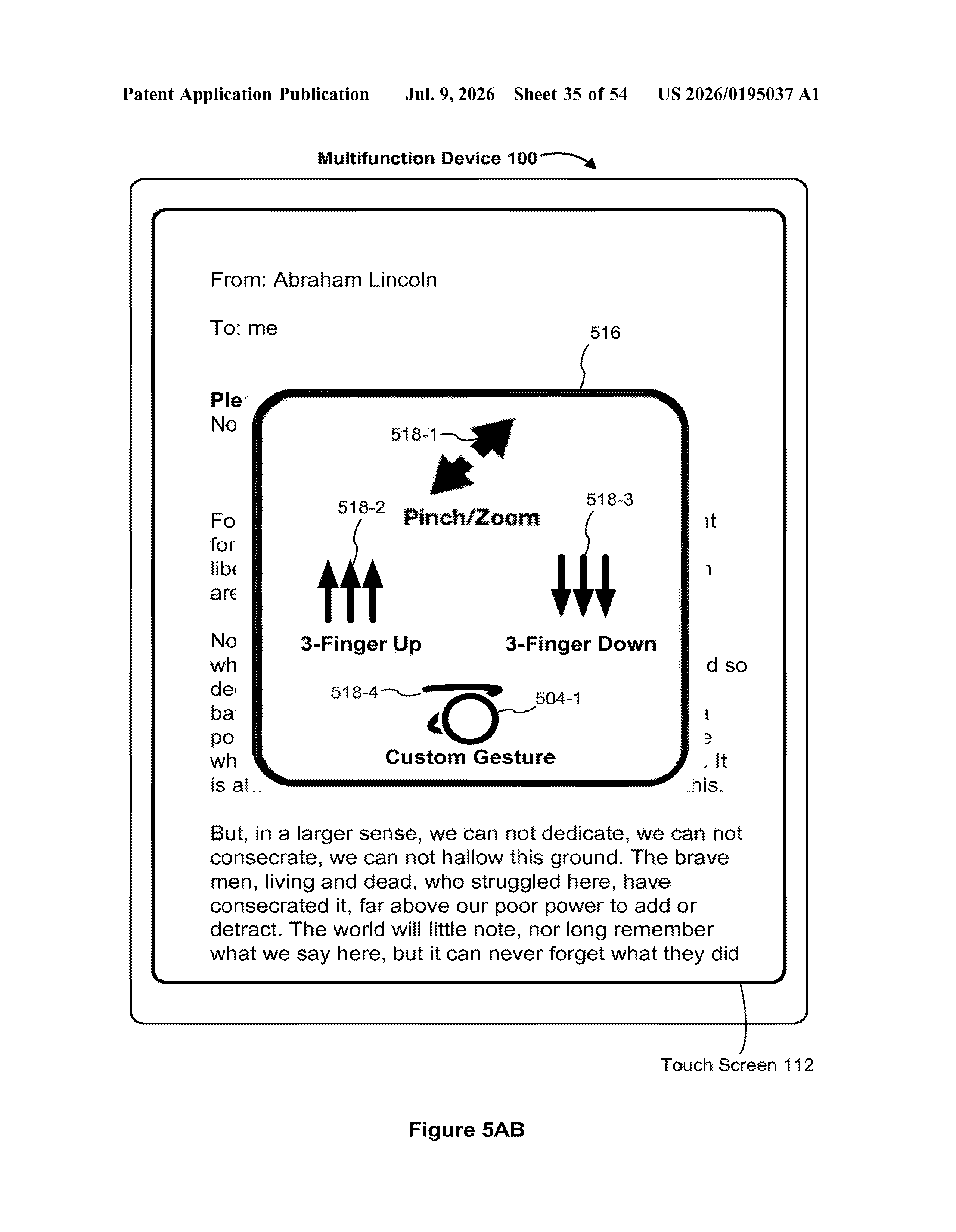
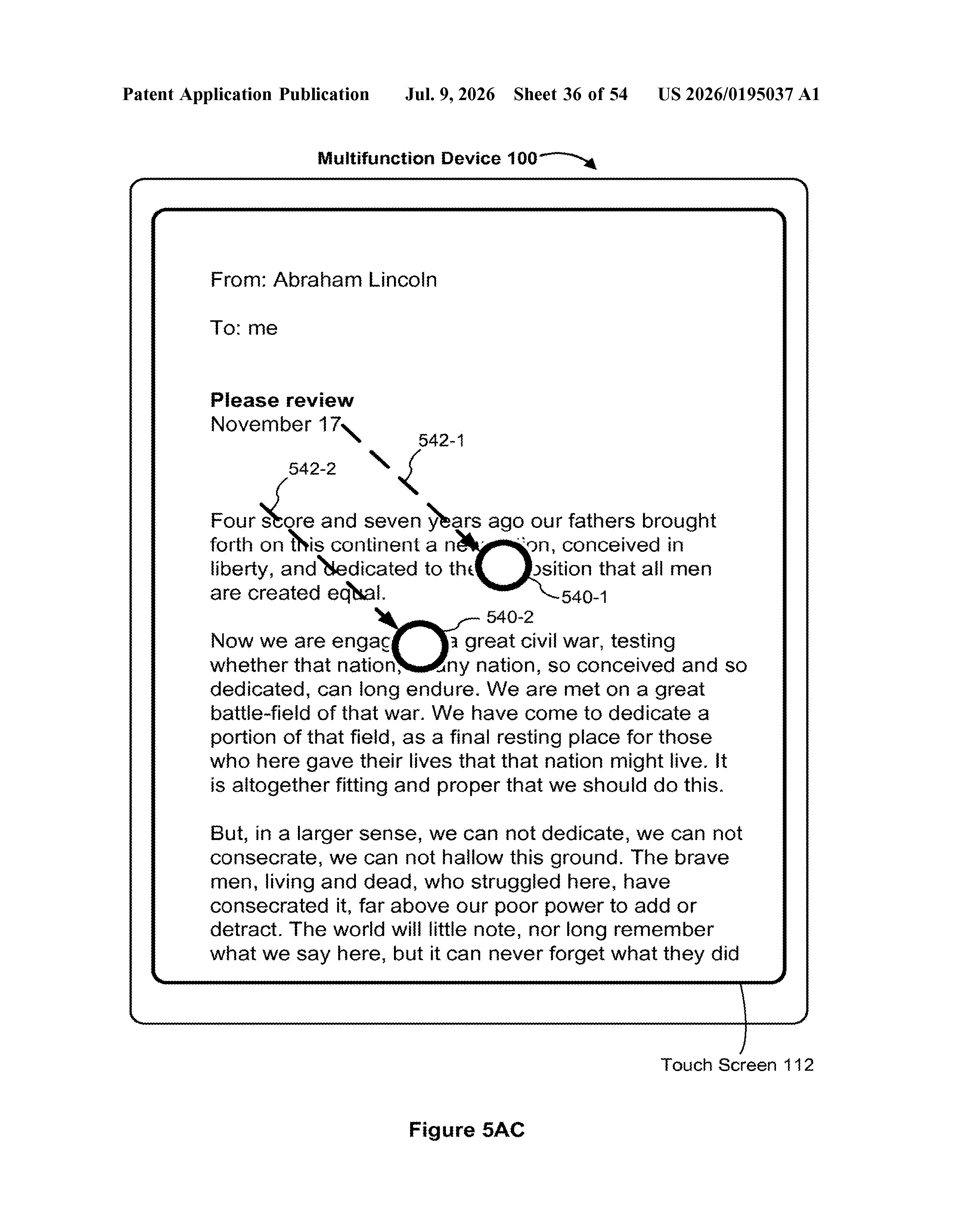
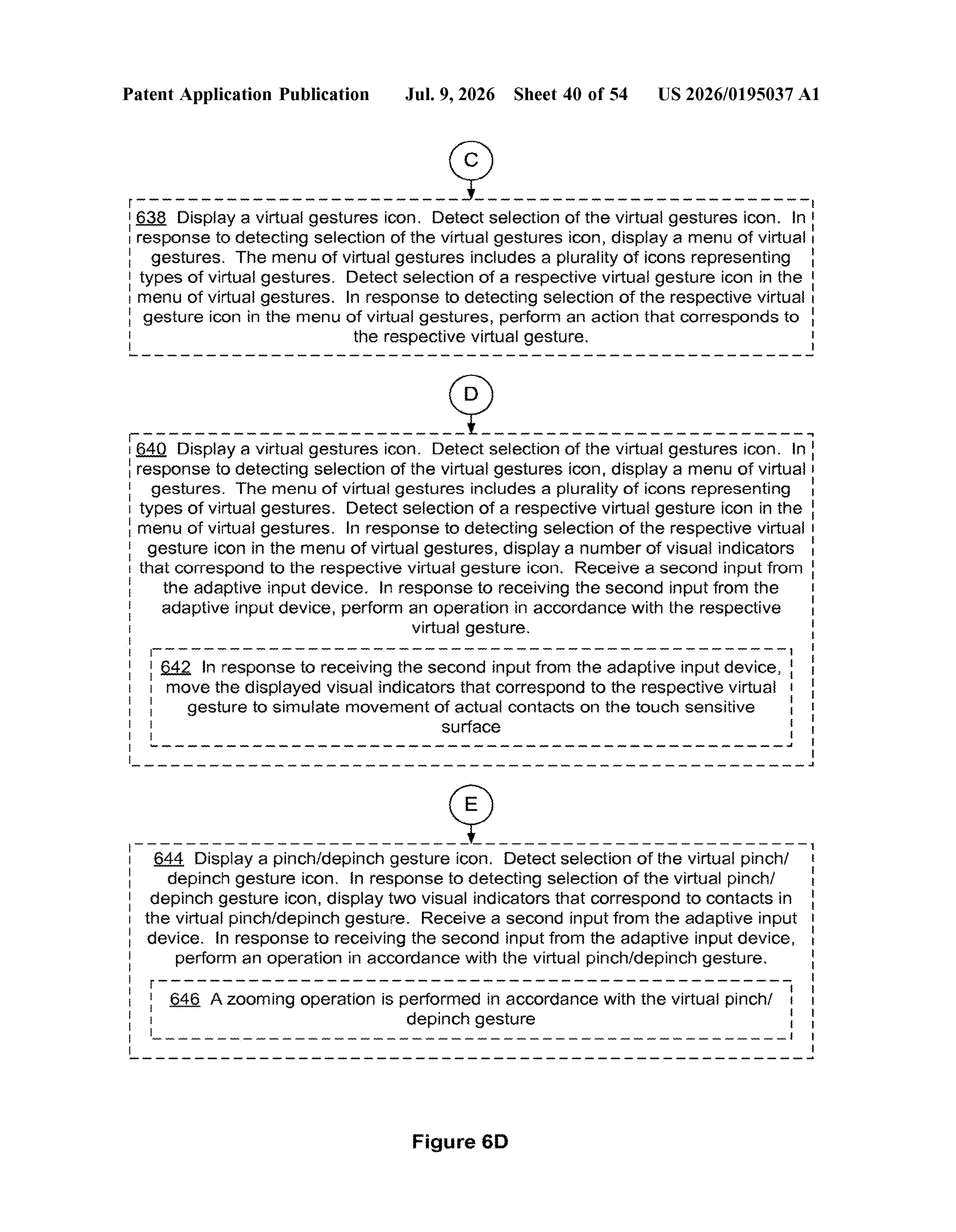
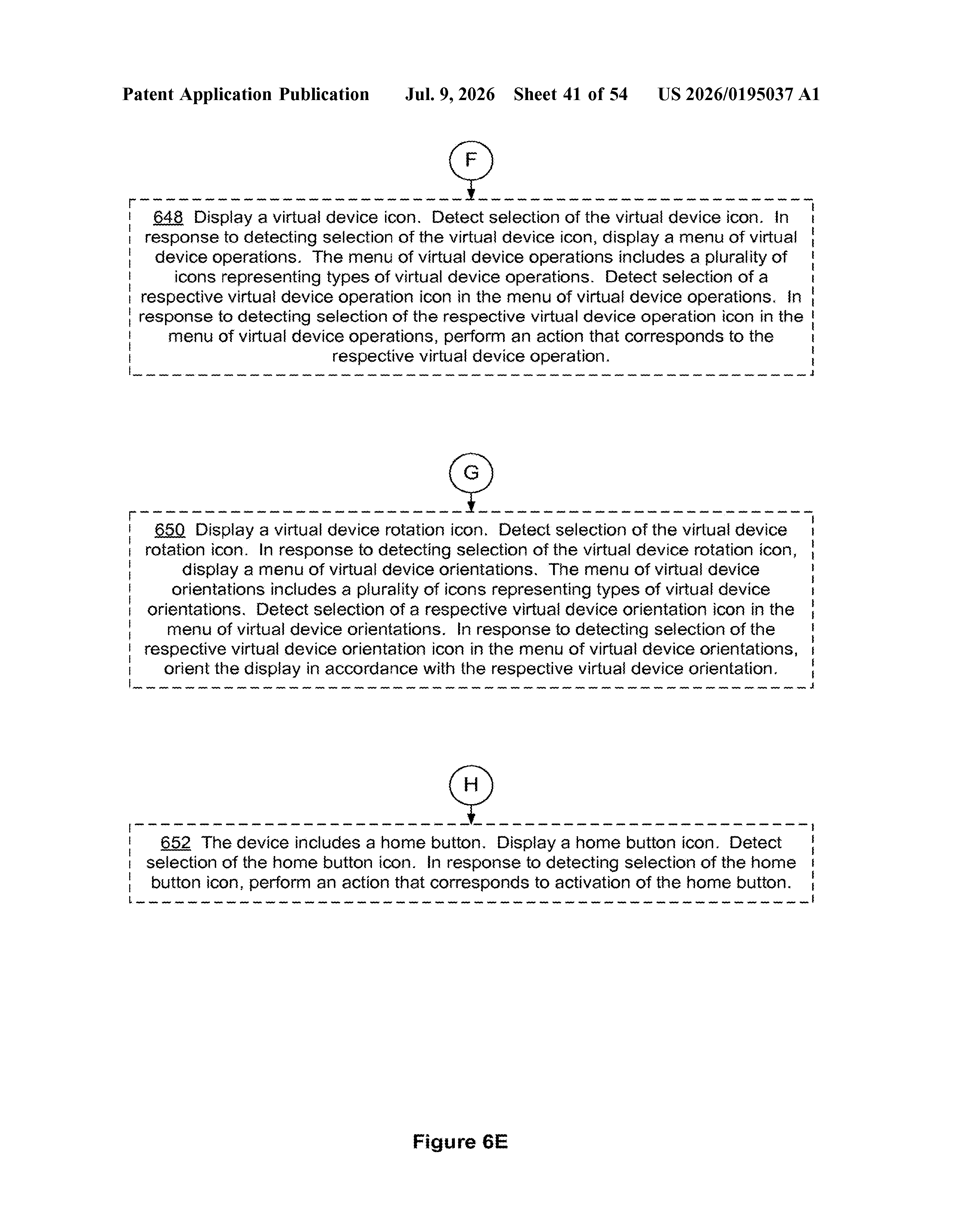
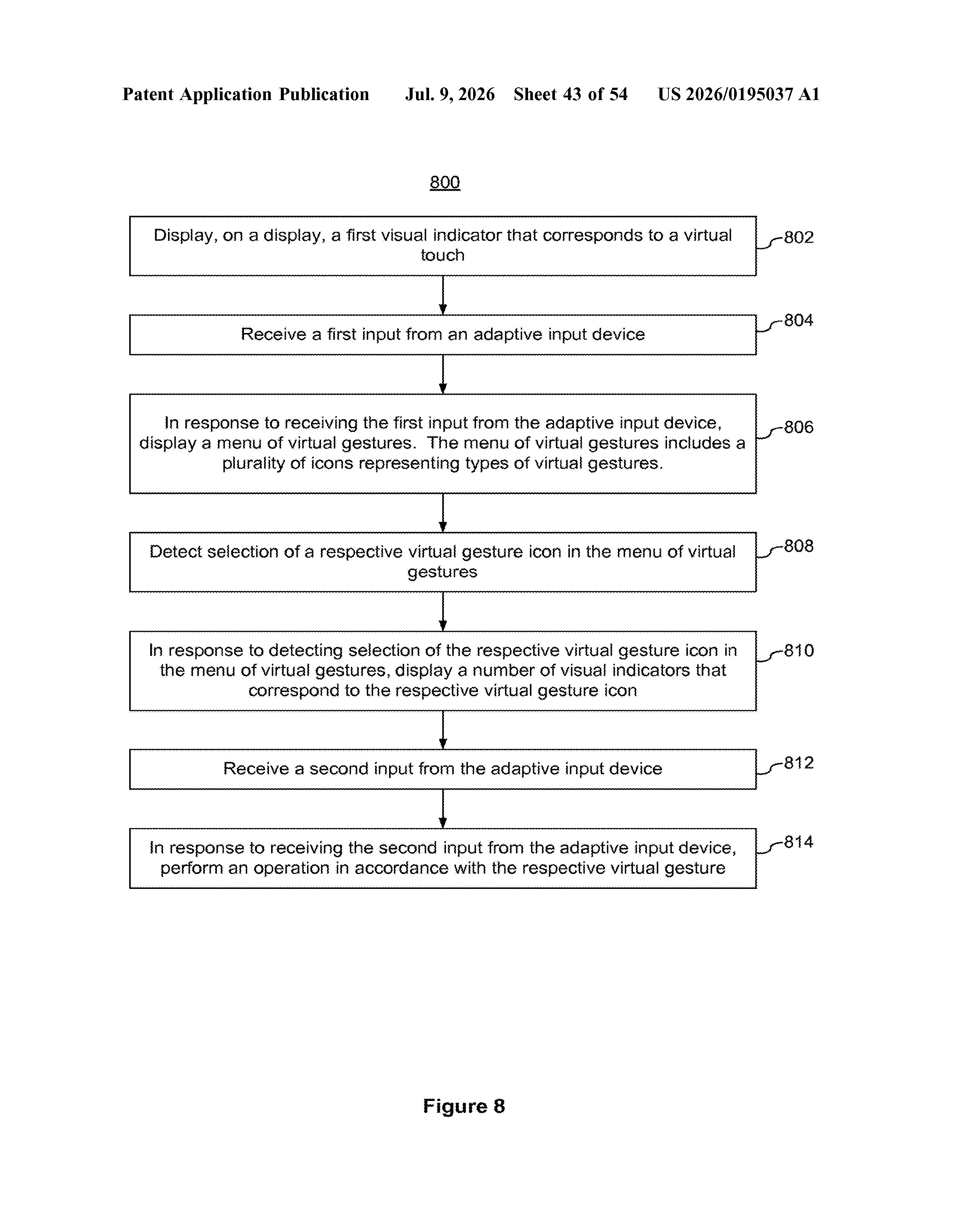
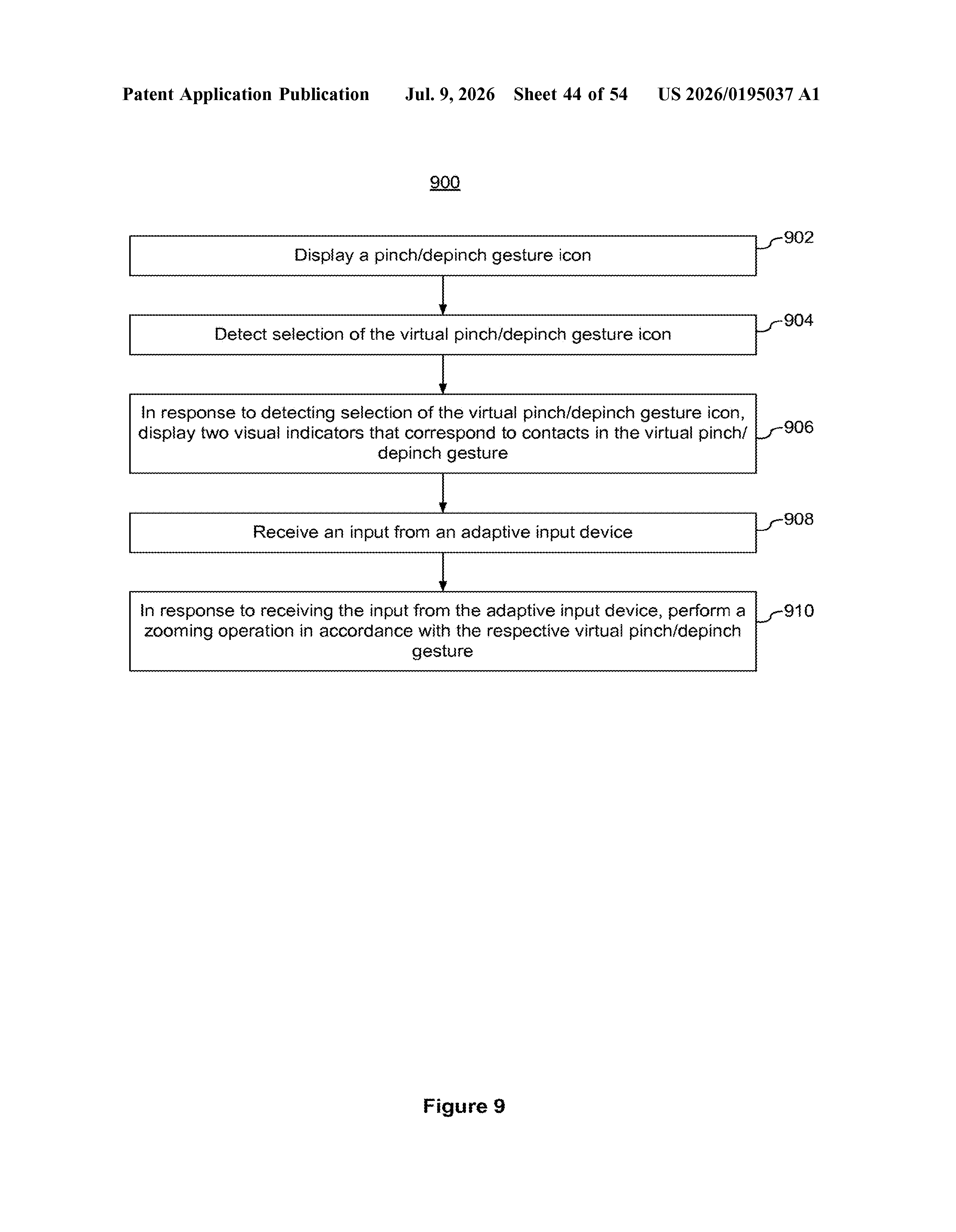
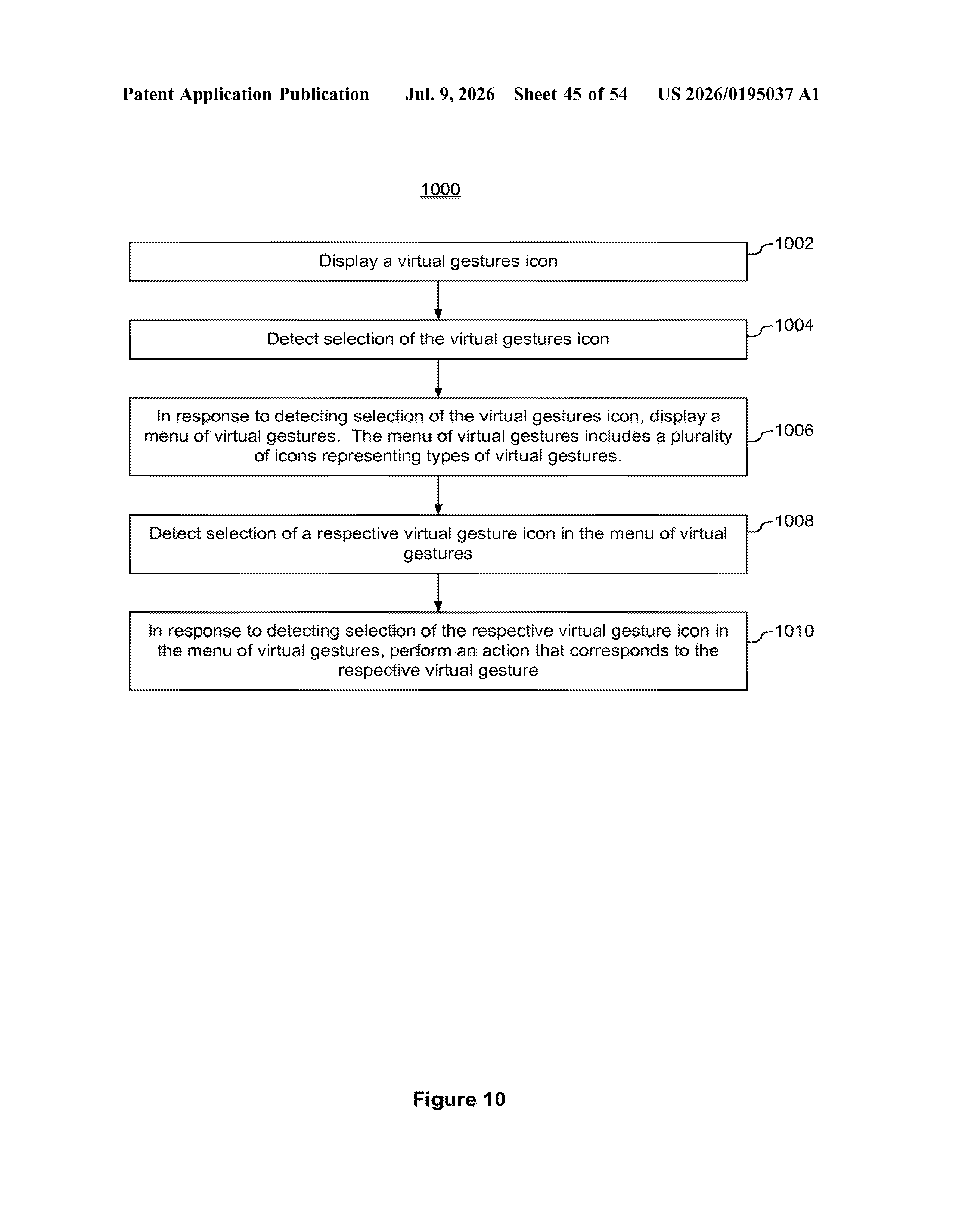
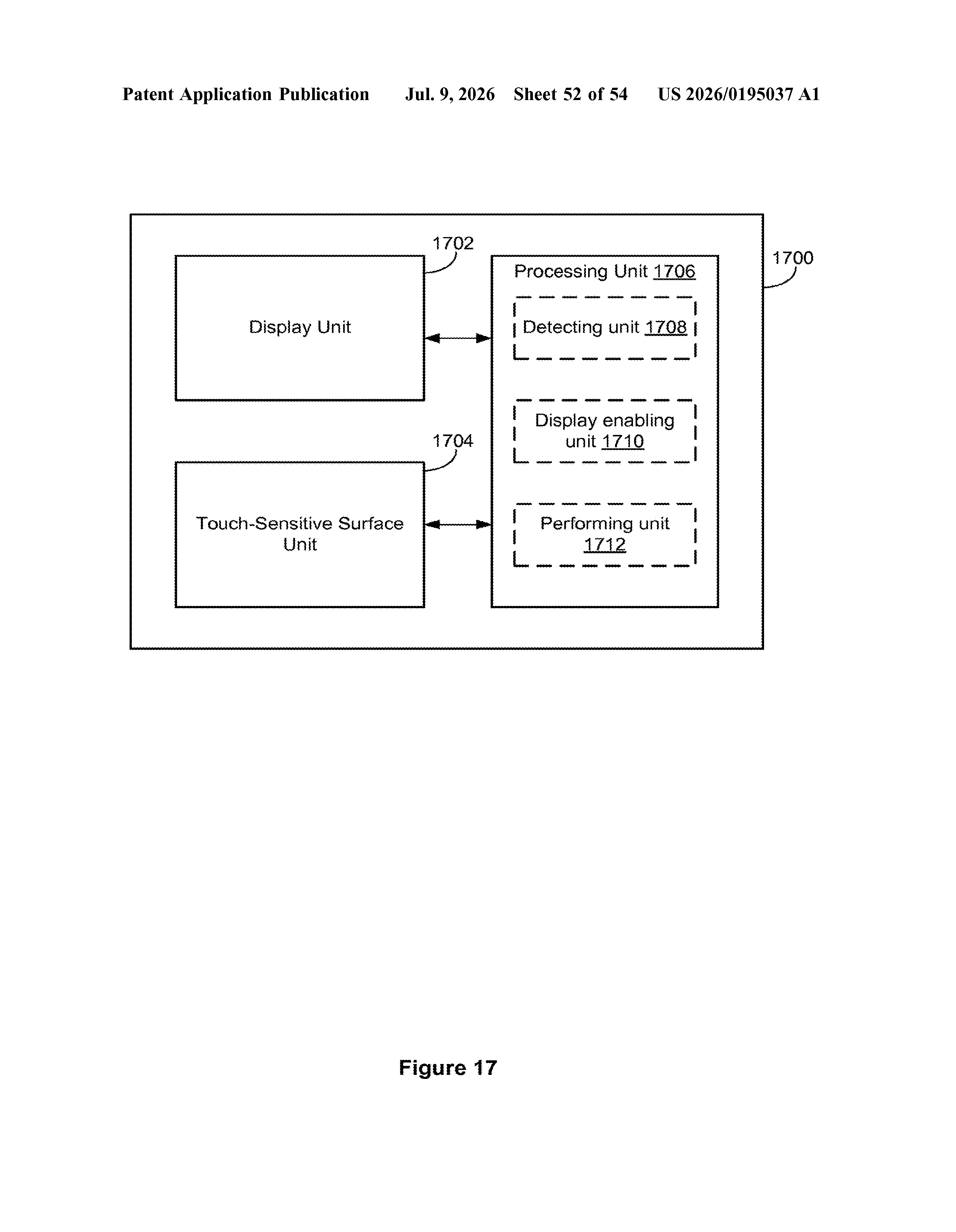
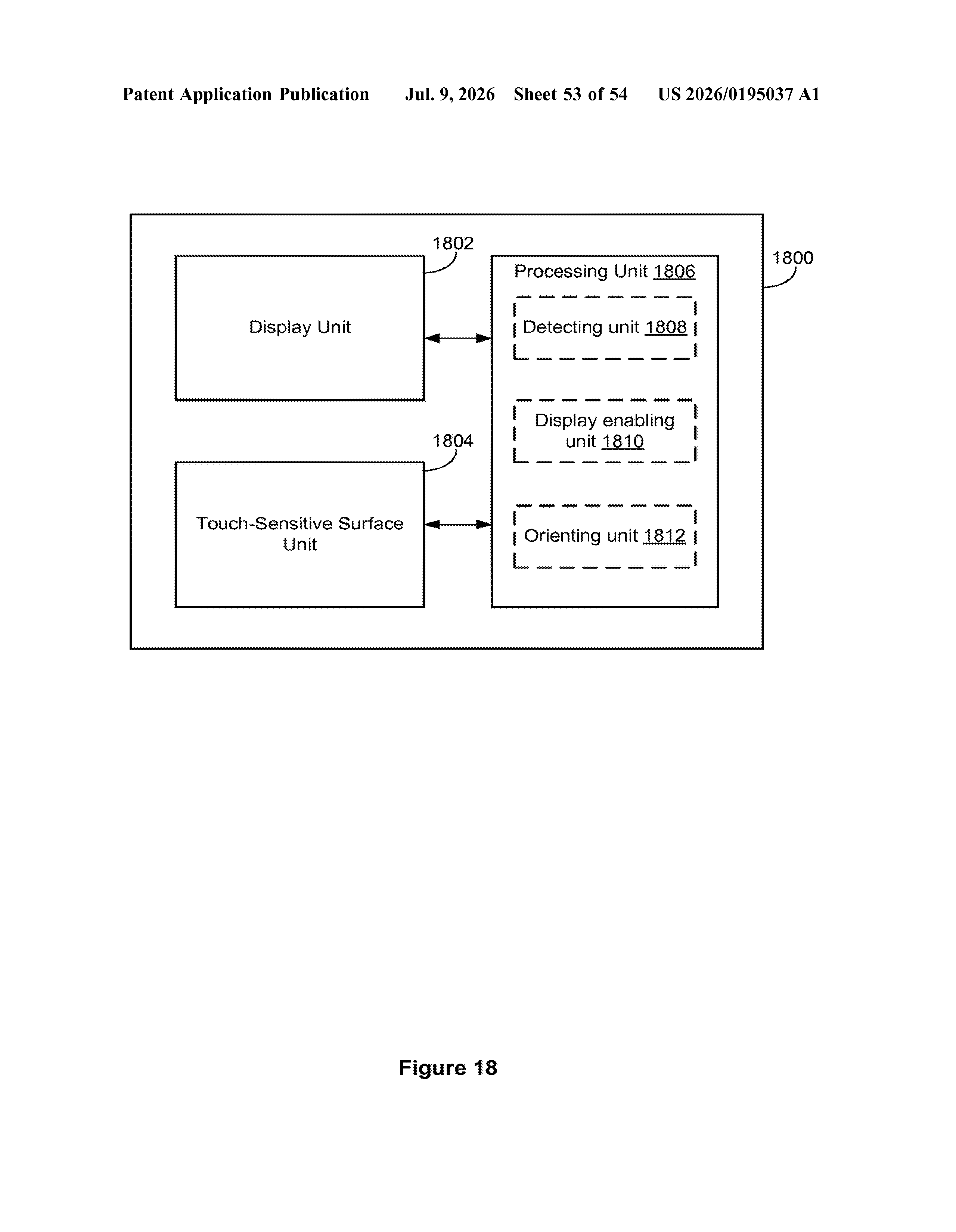
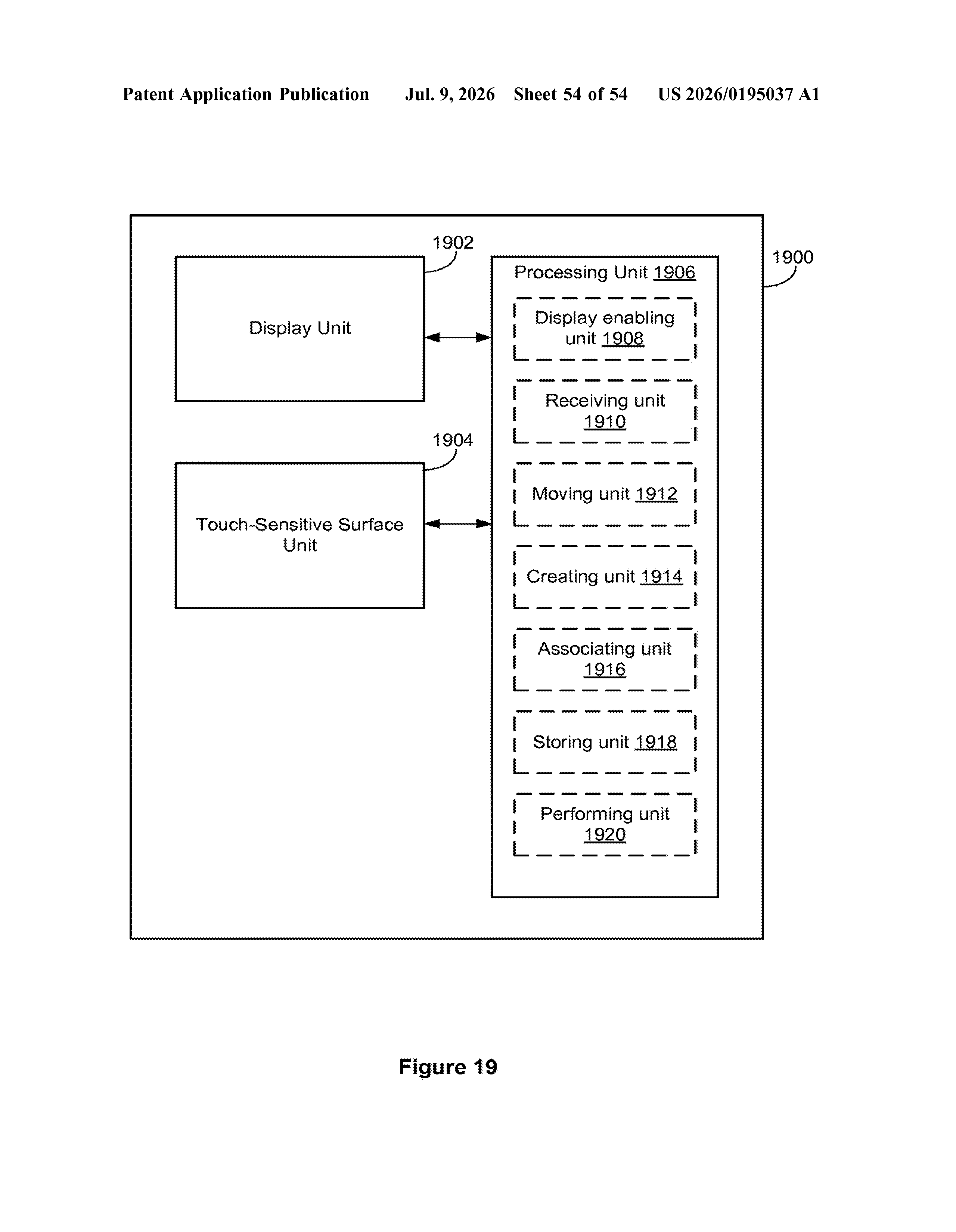
The idea is to show a virtual touch indicator on screen, essentially a software stand-in for your finger. When you trigger your adaptive device, a menu pops up that lets you choose from a list of virtual gestures, including multitouch moves like pinch-to-zoom or two-finger swipe, that the system then performs on your behalf.
In short, the phone handles the touch mechanics while you just tell it what you want to do. It's a meaningful step for anyone who needs assistive technology to get full use out of a modern smartphone.
How the adaptive input device triggers virtual touch menus
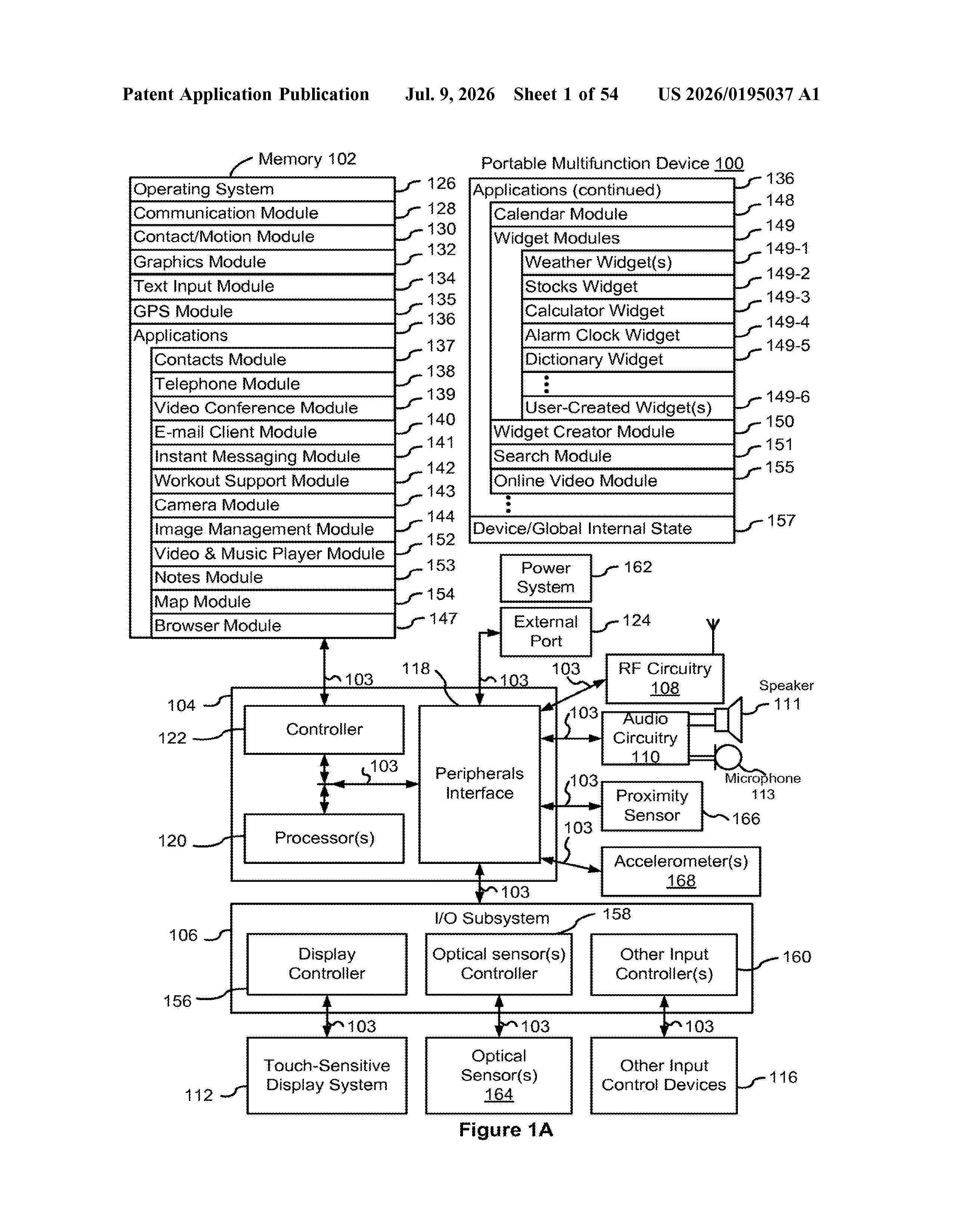
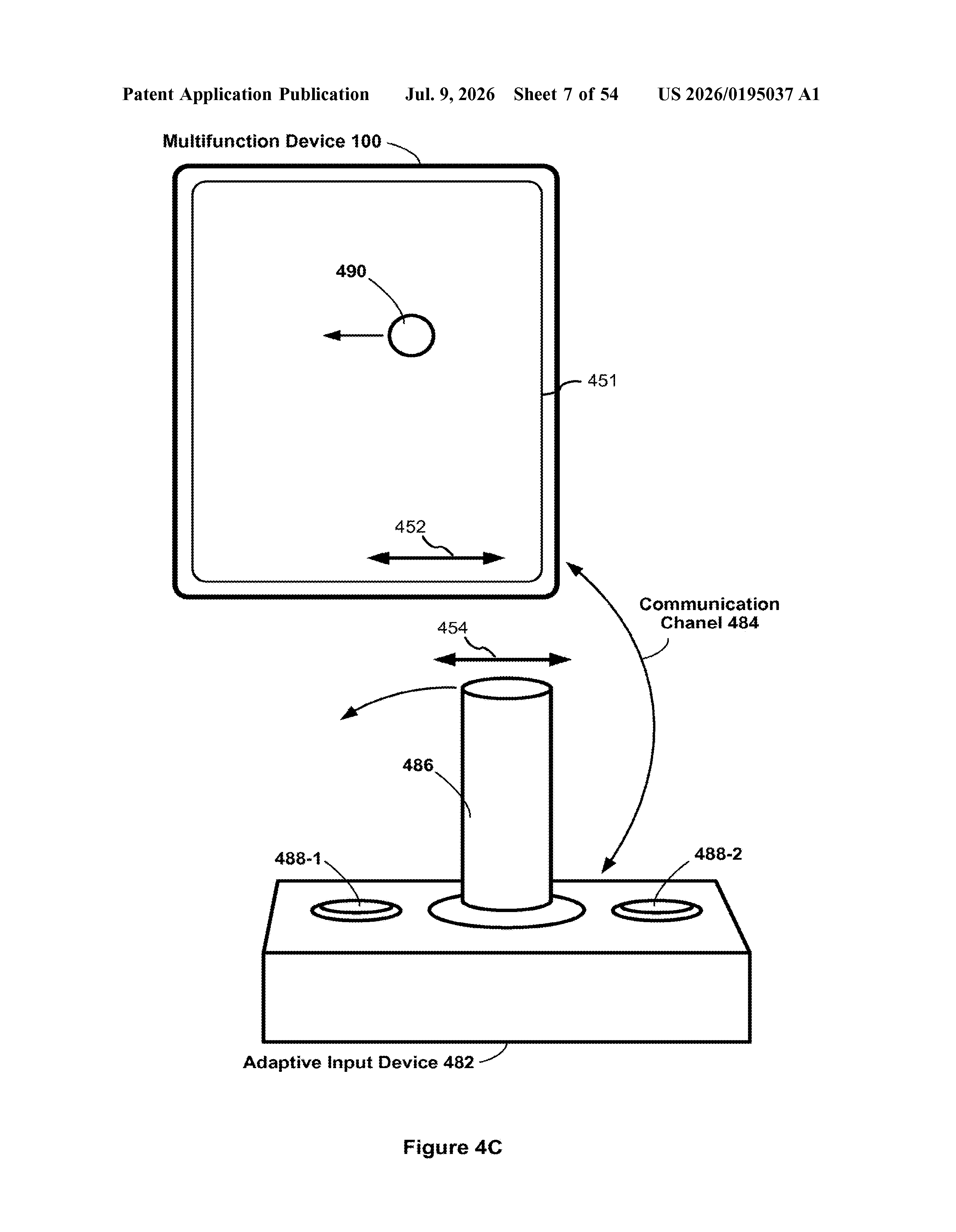
The patent describes a software layer that sits between an adaptive input device (think a single-switch controller, a Bluetooth sip-and-puff device, or a head-tracking pointer) and the normal touch layer of an iPhone or iPad.
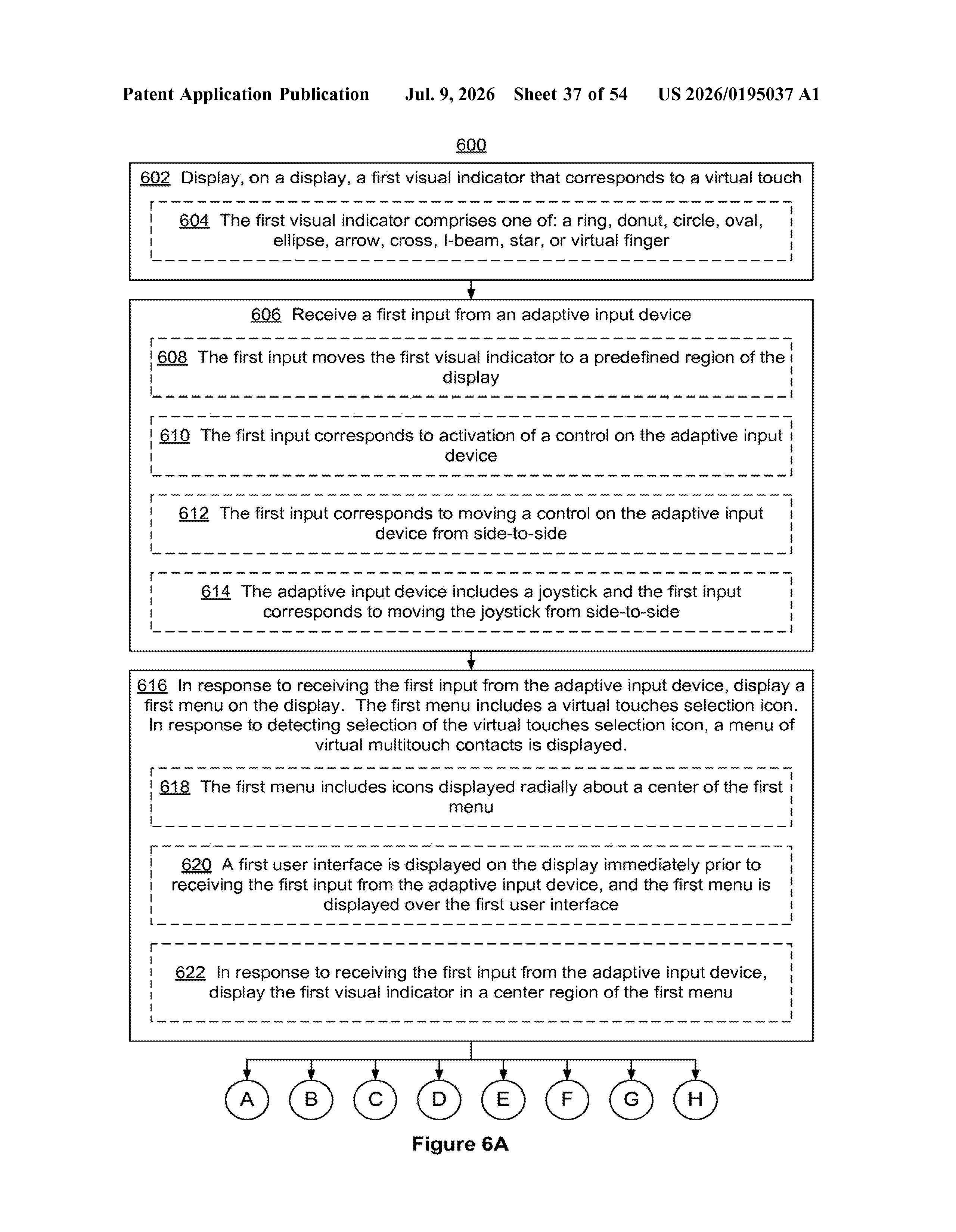
Here's the core flow:
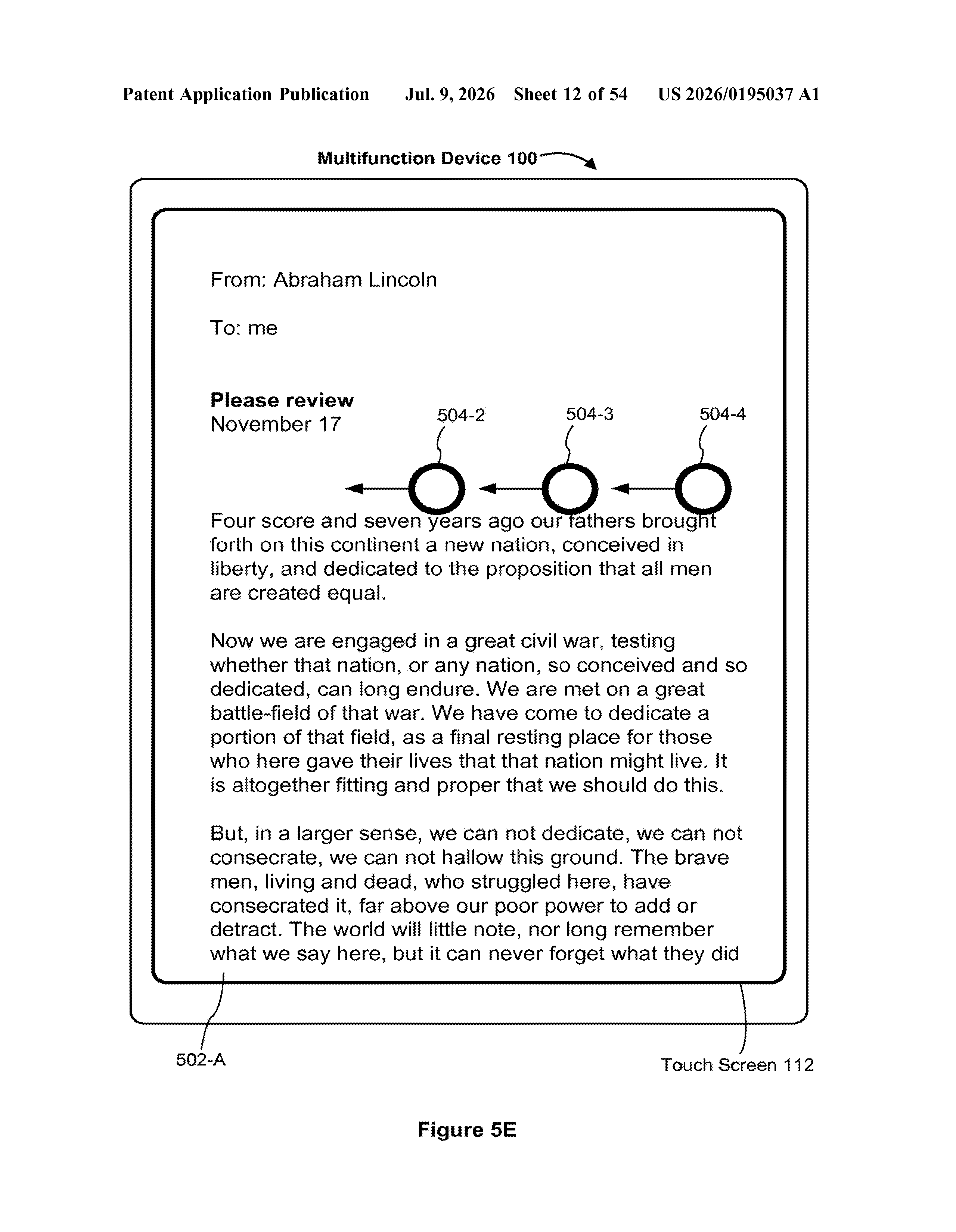
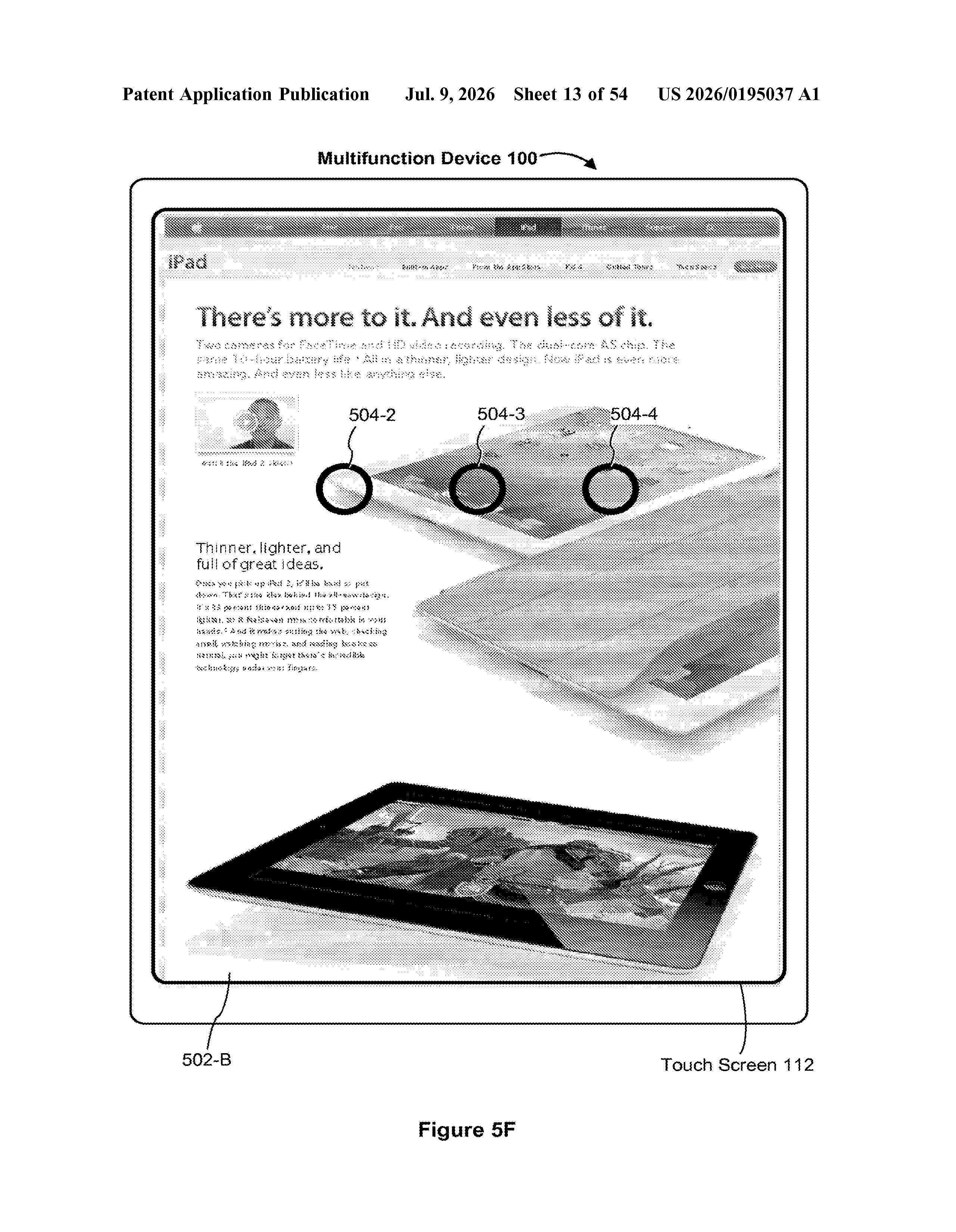
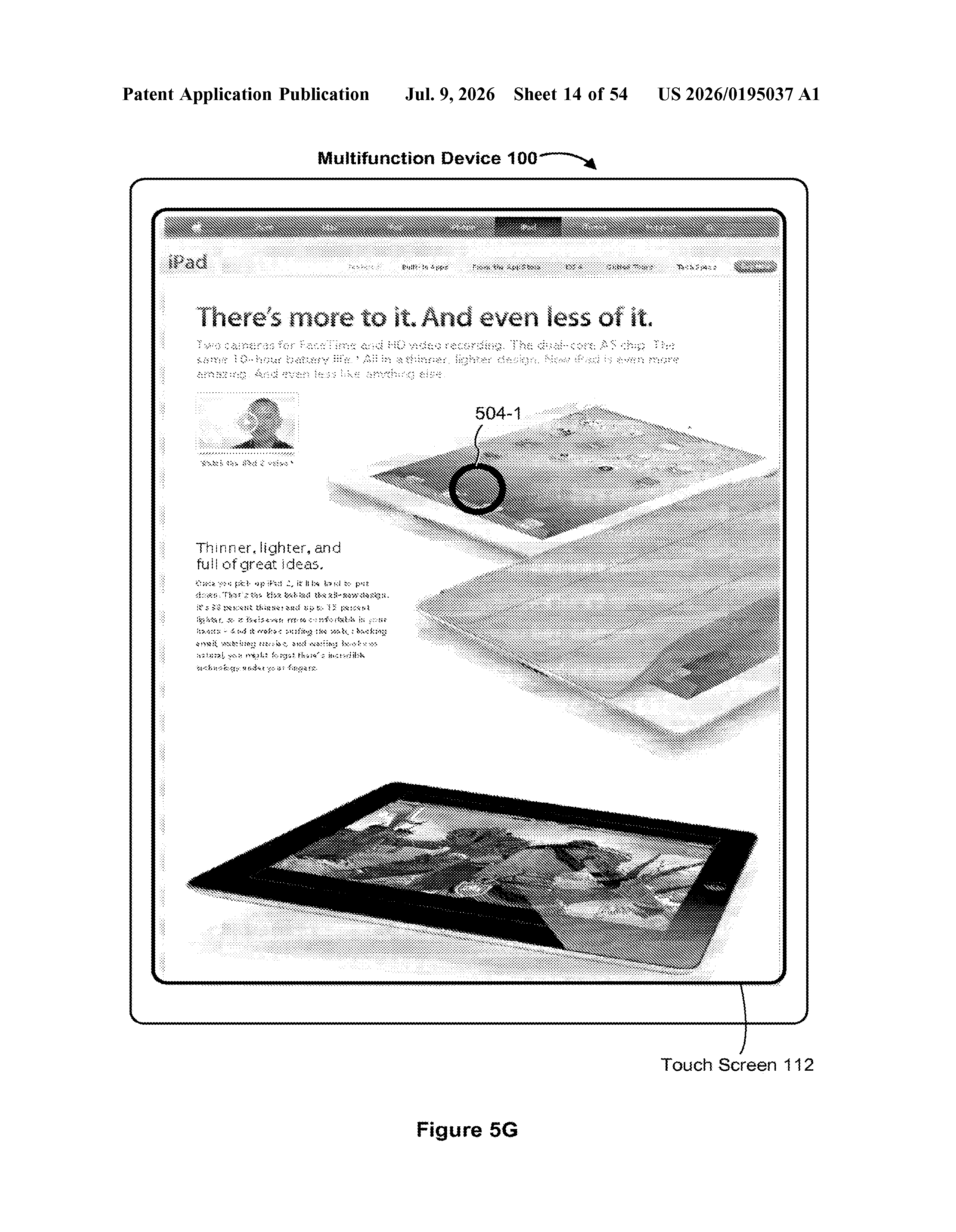
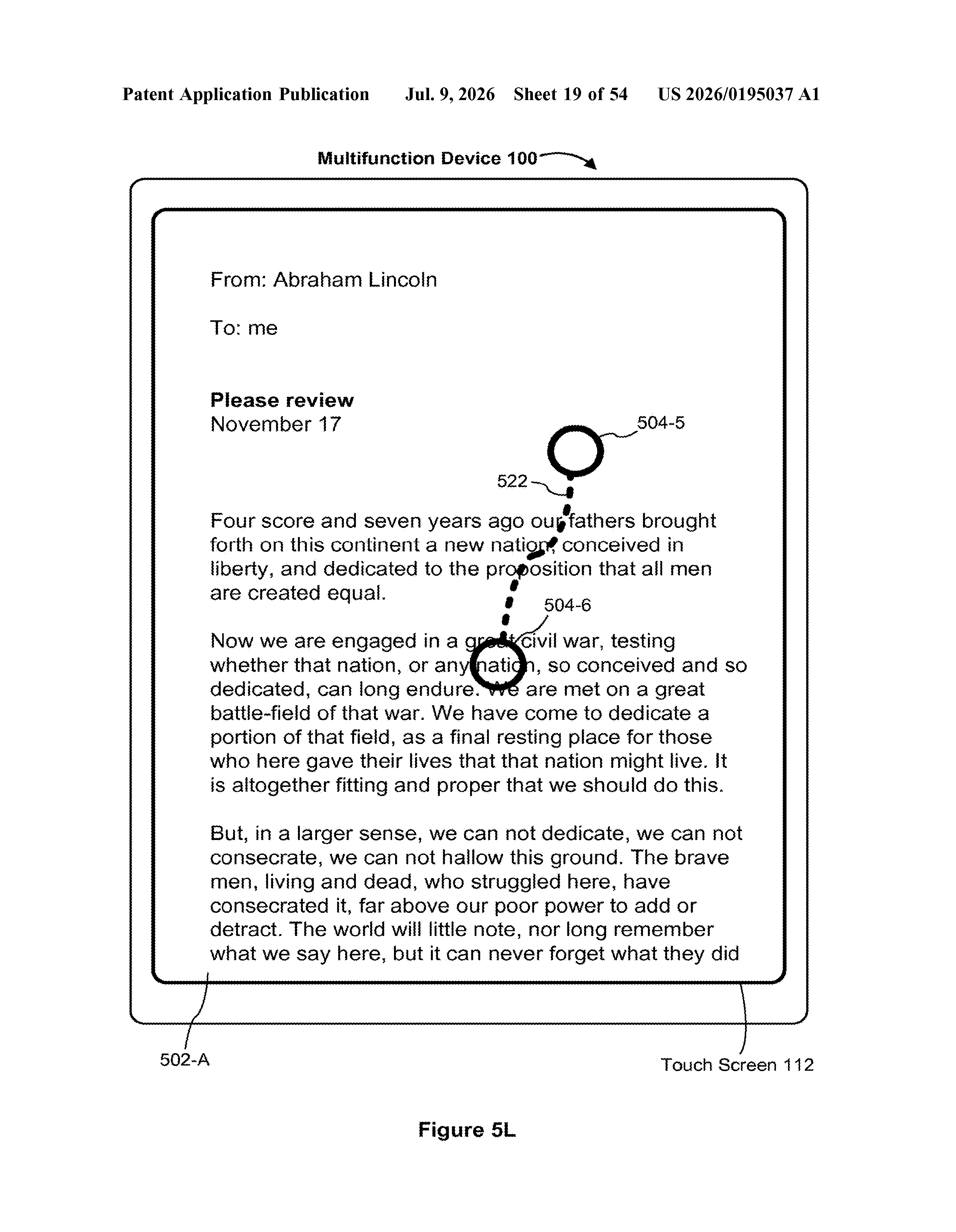
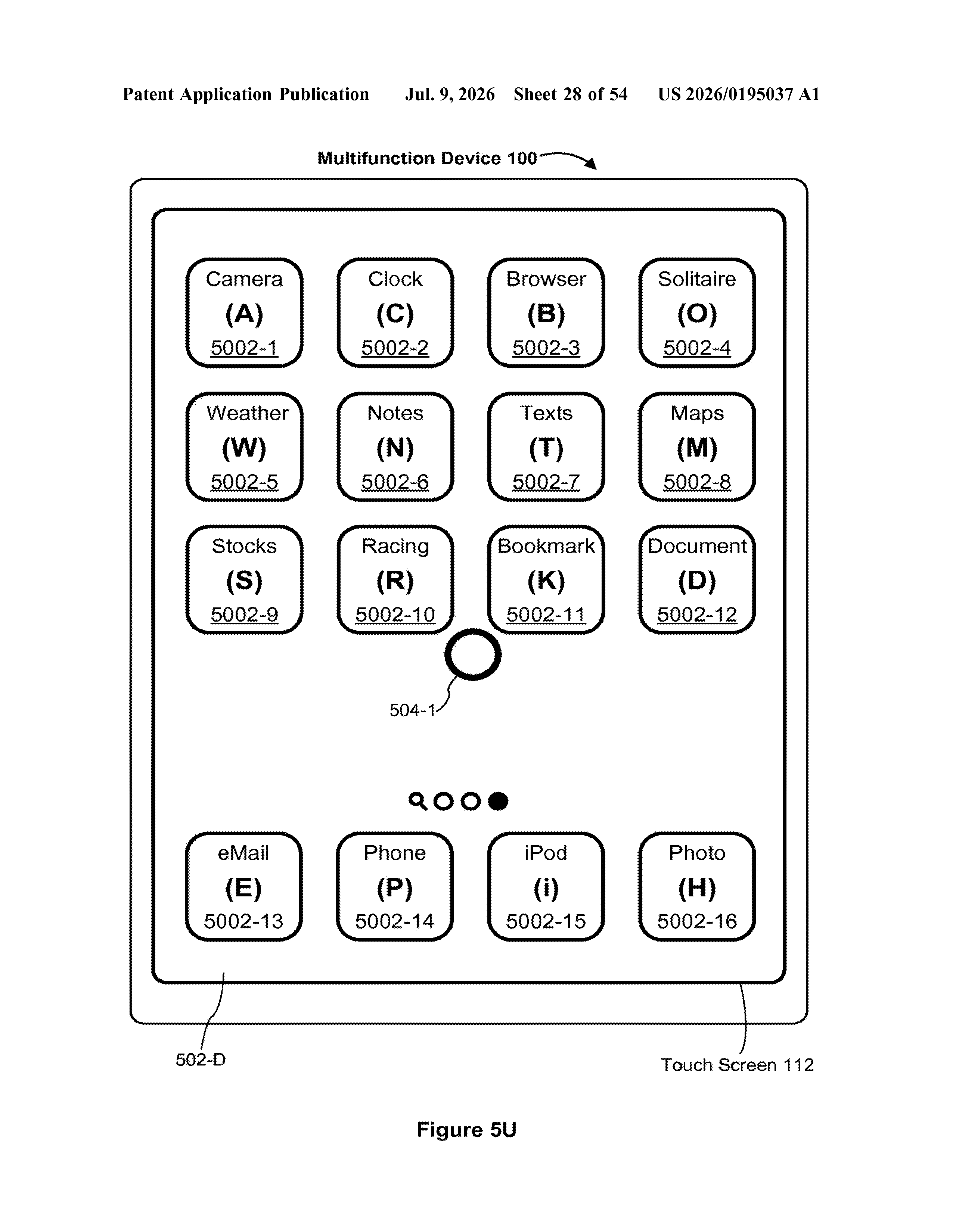
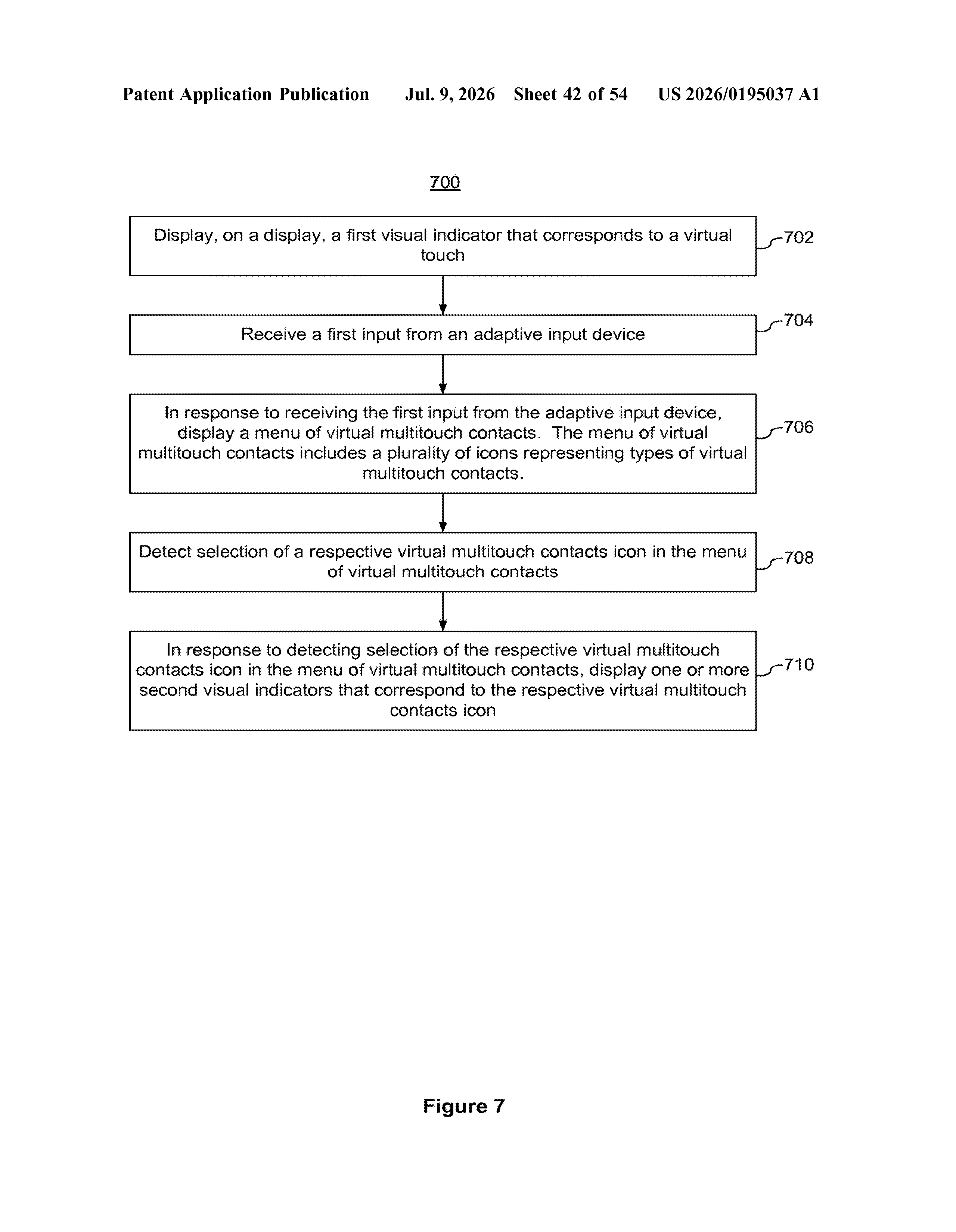
- The device shows a virtual touch indicator on screen, a visible cursor or pointer representing where a finger would be.
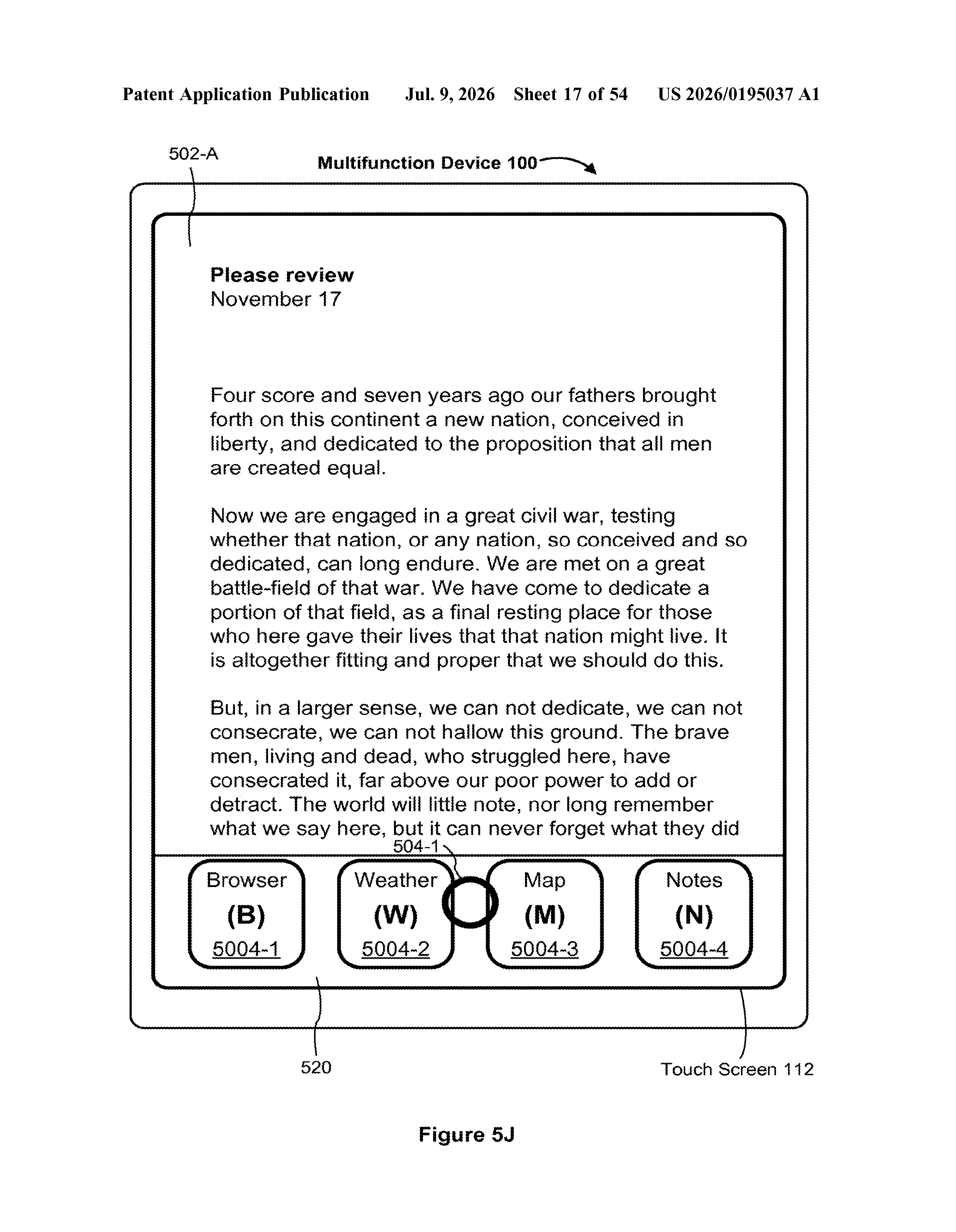
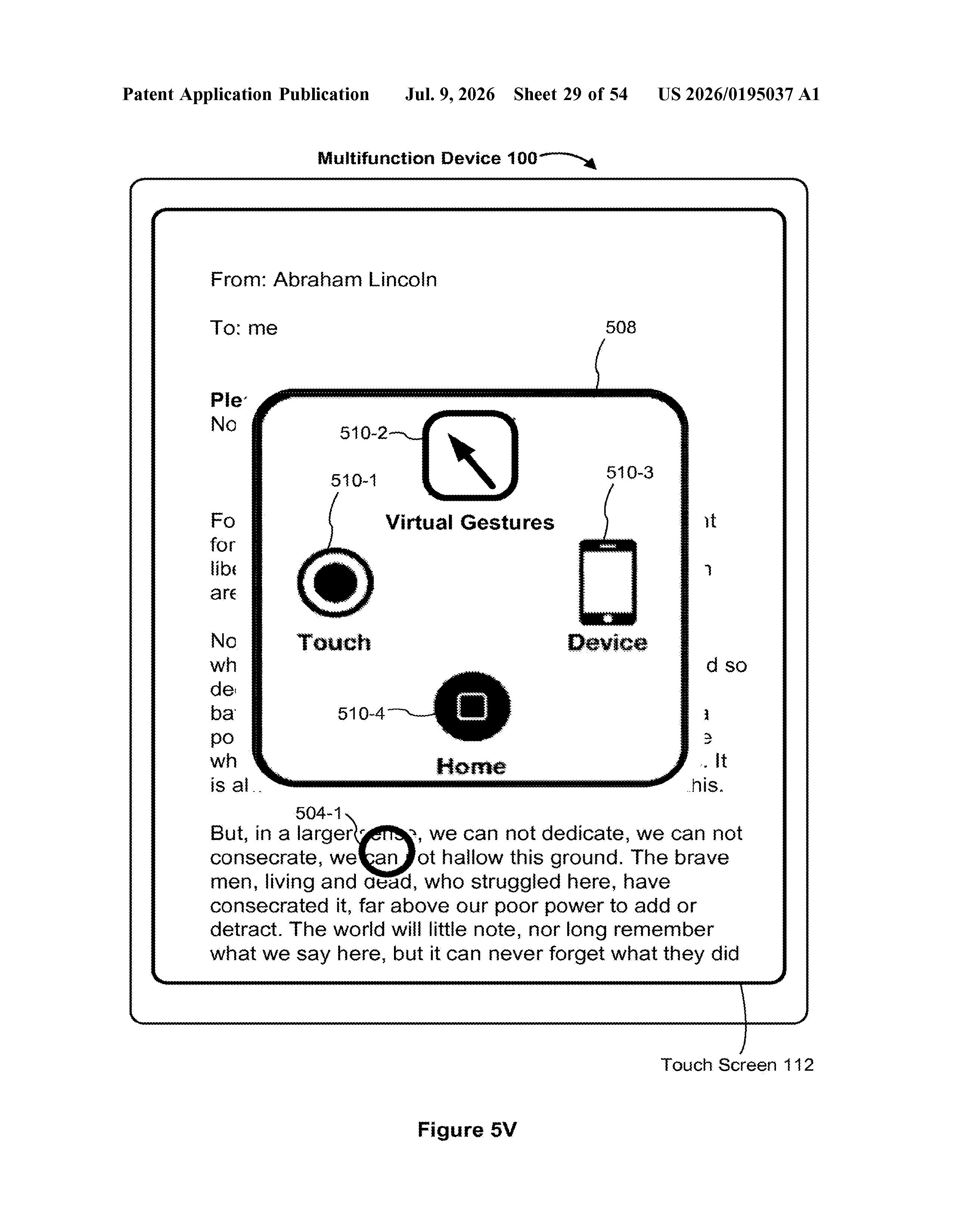
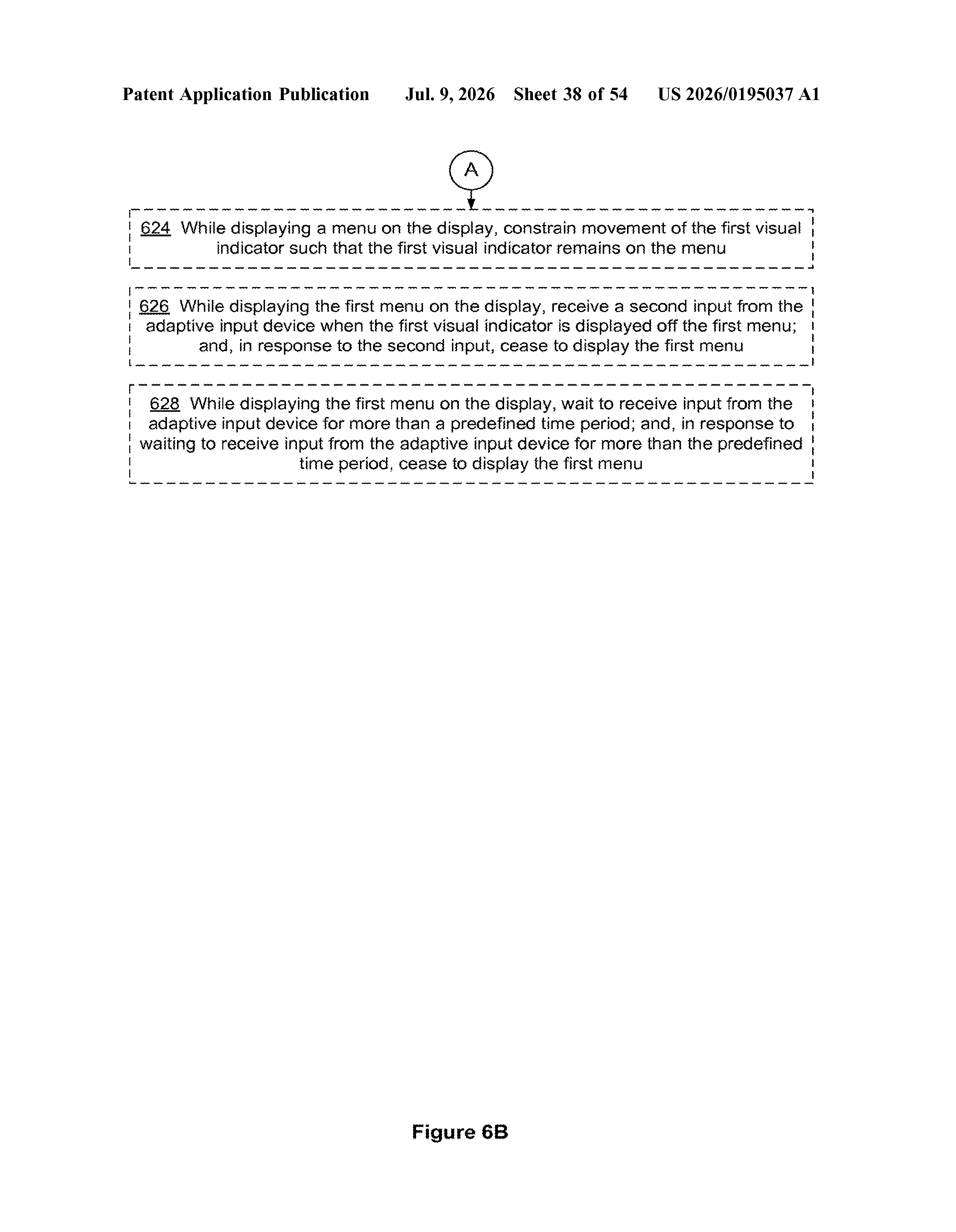
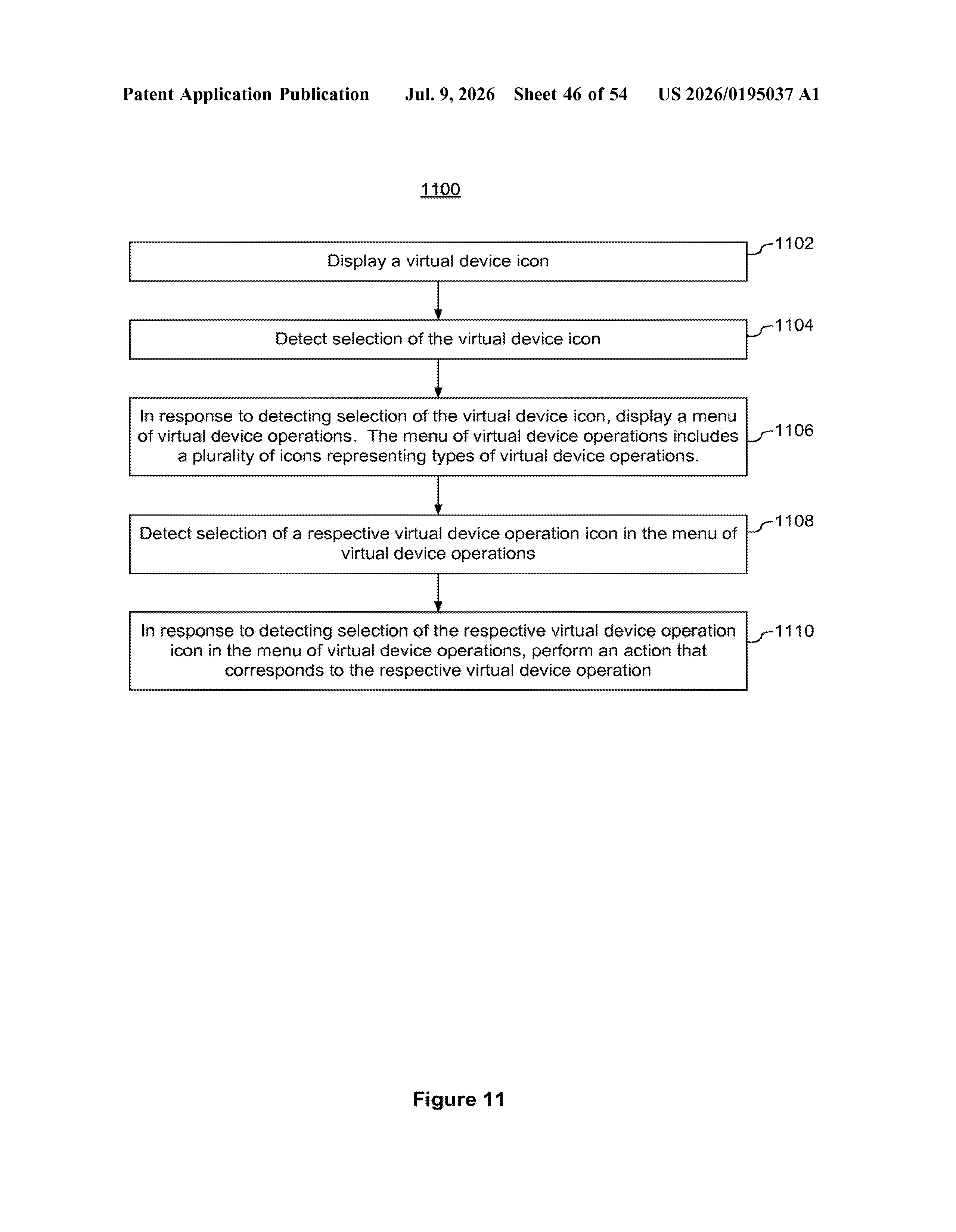
- When the user triggers their adaptive device, a first menu appears, offering touch-type options.
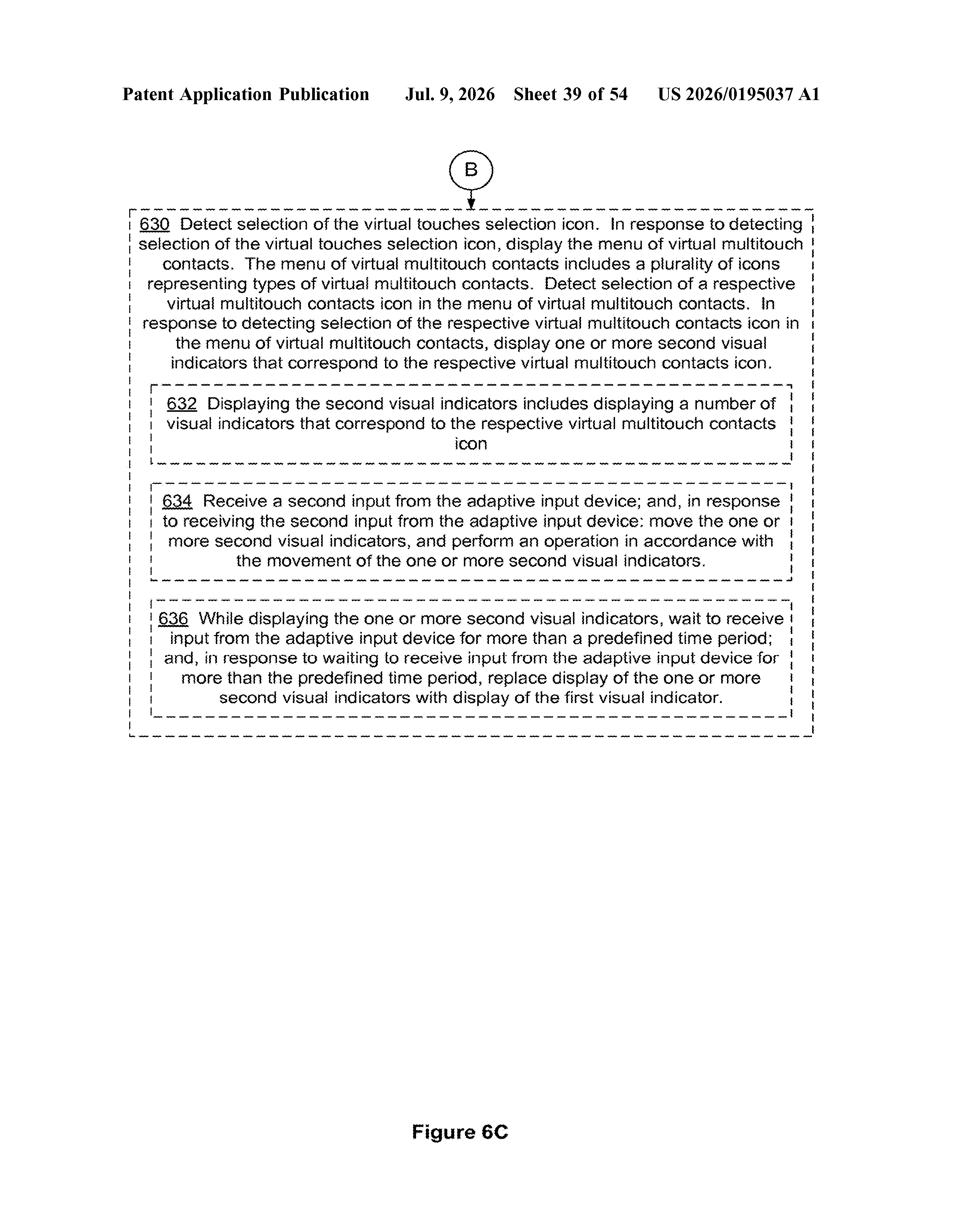
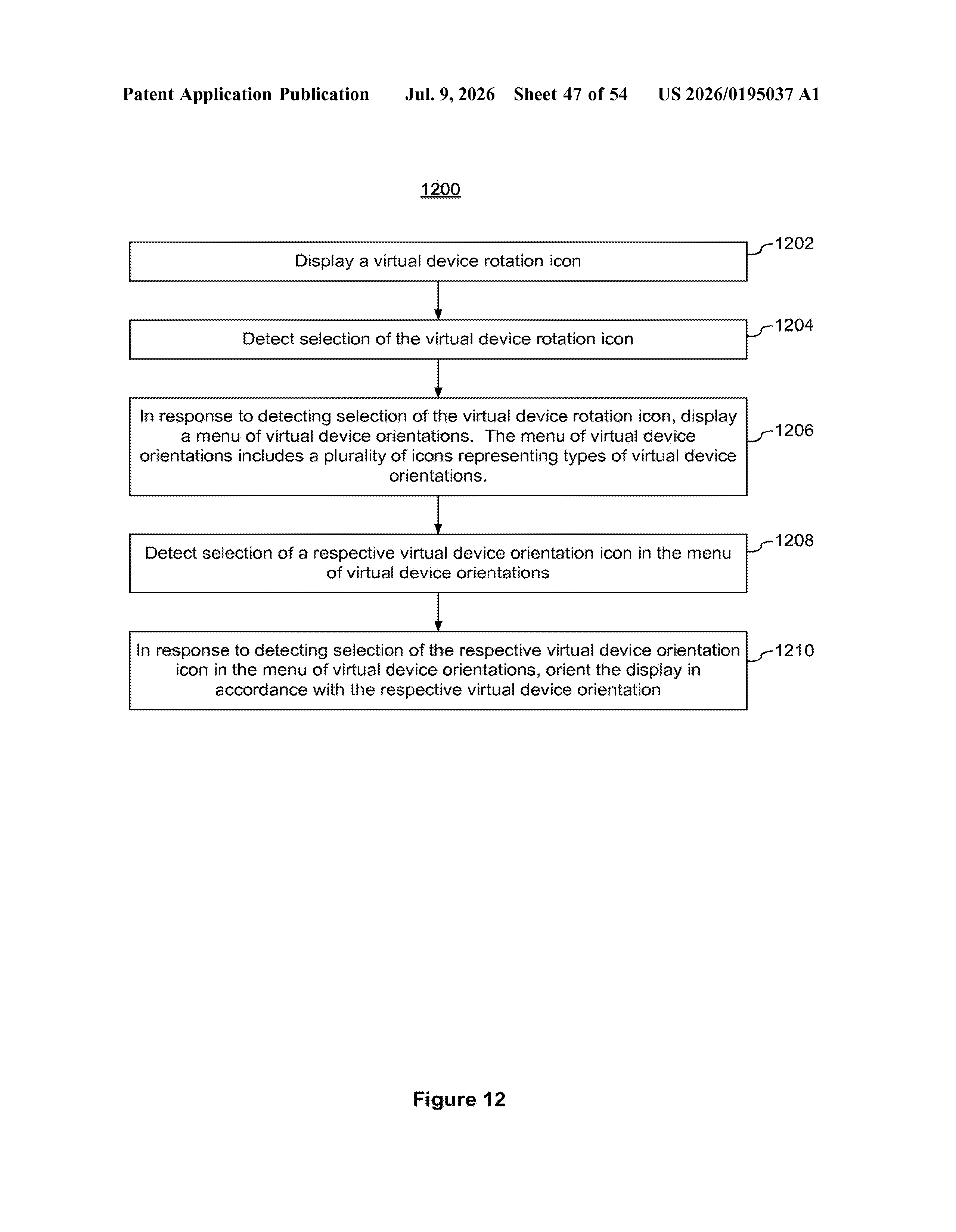
- Selecting the virtual touches icon opens a second menu listing specific multitouch contacts, meaning gesture combinations that normally require two or more fingers simultaneously.
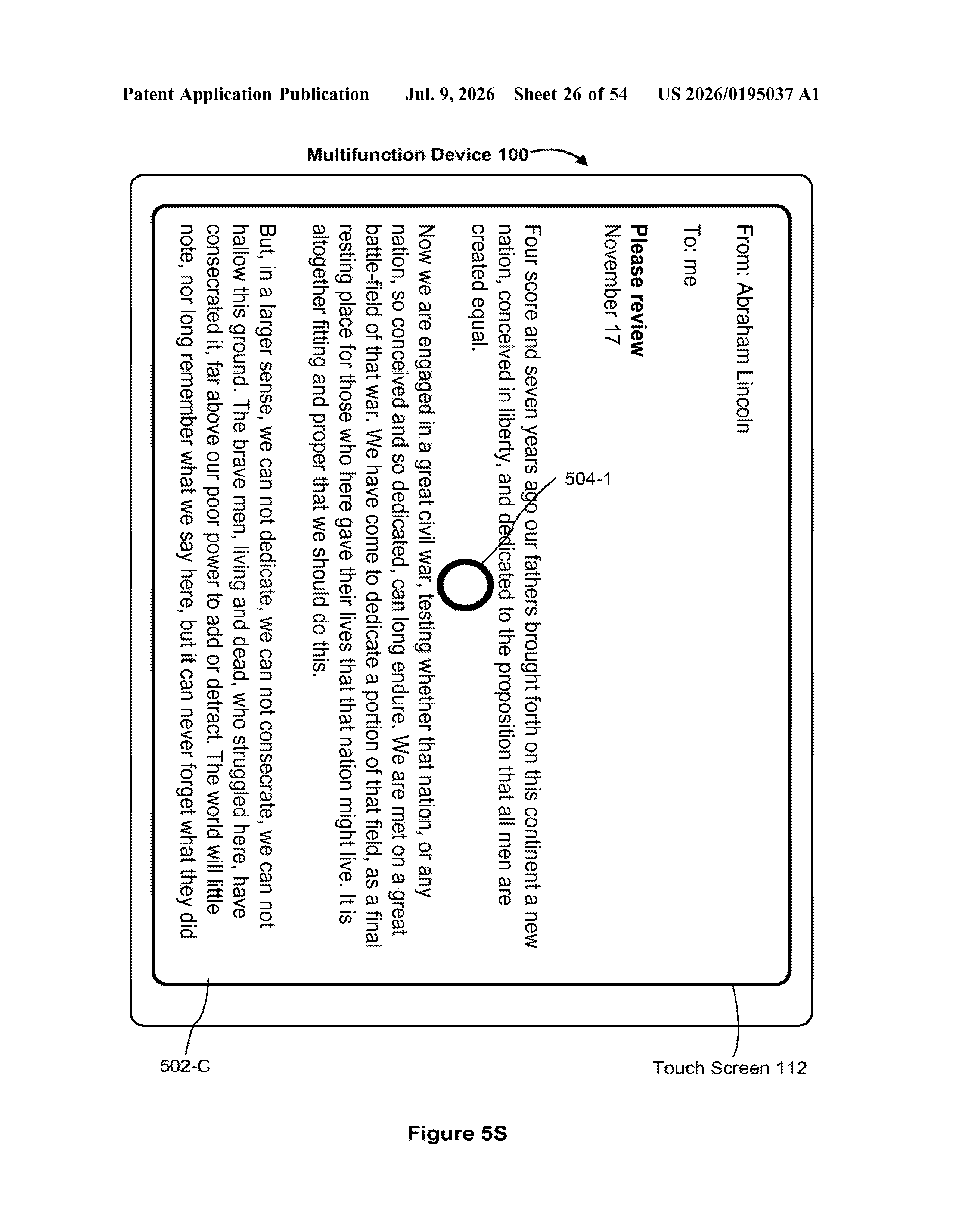
- The system then executes that gesture at the indicator's position, as if real fingers had performed it.
The key technical point is that multitouch gestures (pinch, spread, rotate) are normally impossible for assistive devices because they require simultaneous contact at multiple screen points. This system abstracts those contacts into a menu-driven selection, letting the phone simulate the physical inputs the user can't make directly.
What this means for users who can't touch a screen
For the roughly one in four adults who live with some form of disability, touchscreen phones can be a barrier rather than a tool. Apple already ships Switch Control in iOS, but extending full multitouch support through an adaptive pipeline means apps that rely on complex gestures, photo editing, map navigation, games, become genuinely usable rather than partially accessible.
Apple has a long record of building accessibility features that later influence mainstream UX. A robust virtual-touch layer could also matter in contexts beyond disability, like controlling a device while wearing gloves or operating a screen mounted out of physical reach. The practical ceiling for who can use an iPhone just gets a little higher.
This is quiet, important engineering work. Accessibility patents rarely generate buzz, but this one directly addresses a real gap: multitouch gestures have always been the hard wall for switch and pointer users. If Apple ships this in Switch Control, it would represent a genuine improvement to daily life for a meaningful number of people.
Get our take in your Top Stories
Liked this breakdown? Add Patentlyze as a preferred source on Google, and our plain-English take shows up more often in your Top Stories the next time Apple patent news breaks.
There are more where this came from
We read every patent application Big Tech publishes and send you the ones worth knowing. Plain English, free, every week.
The drawings
54 drawing sheets from US 2026/0195037 A1 · click any drawing to enlarge
Show the other 46 sheets
Want this weekly breakdown for a company we don't cover? Patentlyze Pro →