
Samsung
Samsung · AI / ML · Filed Jun 26, 2026 · USPTO published Nov 12, 2026 · This week's release
Samsung Files Patent for a Phone That Builds Its Own Shortcuts From Your Chats
Samsung's patent has a phone read your texts, notice when you've said yes to a plan, and have a generative AI draw the shortcut you need on the spot.
- Publication number
- US 2026/0359085 A1(US20260359085A1)
- Applicant
- Samsung Electronics Co., Ltd.
- Filed · Published
- Jun 26, 2026 · Nov 12, 2026
- Inventors
- Donghee SUH, Doosuk KANG, Hyeongseok KIM, Sungkweon PARK, Kyeongjin JEON
- Status when we published
- Waiting for an examiner
- Document
- 20 claims
- US classification
- 715/705
- Parent application
- Continuation of PCT/KR2025/000318 (filed Jan 7, 2025)(PCTKR2025000318)
What Samsung's chat-reading pop-up patent does
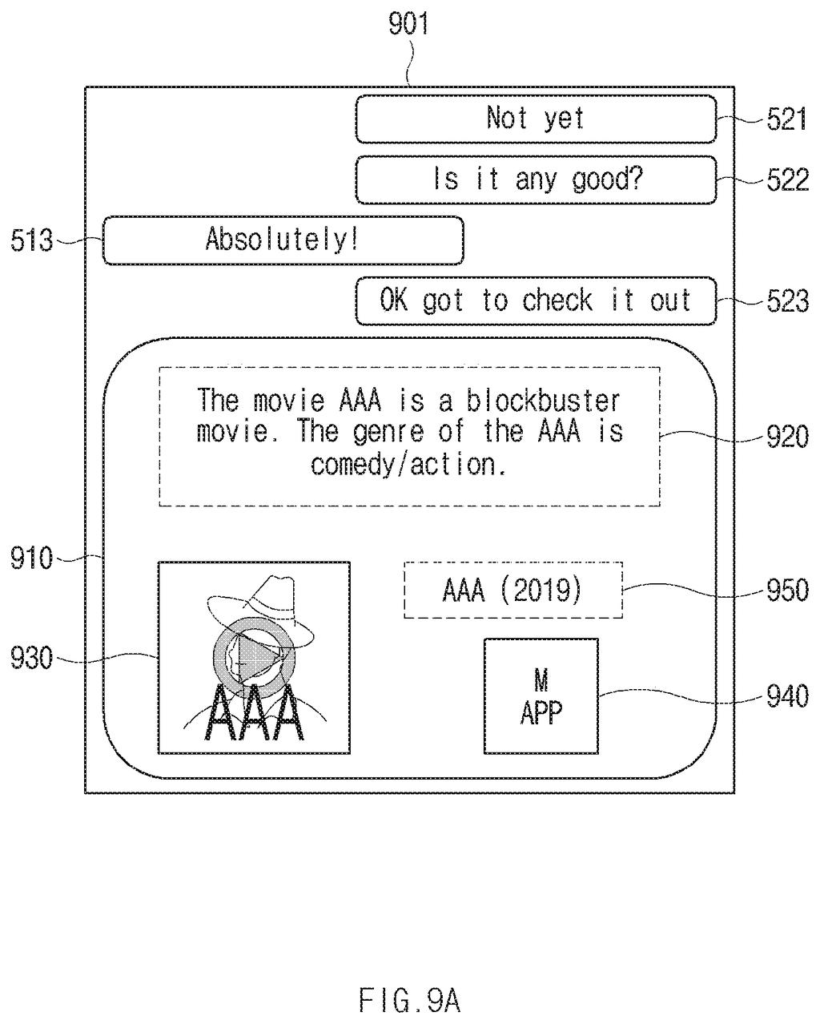
Imagine a friend texts you about a movie, and you reply, 'Absolutely, got to check it out.' Normally you would close the chat, hunt for the streaming app, and type the title in yourself.
Samsung's patent describes a phone that notices that moment on its own. It reads the conversation, works out that you want to watch the movie, and then builds a small pop-up with the movie's thumbnail and a link straight to the app that plays it.
If the app is not installed, the pop-up offers to install it. If you are not logged in, it asks you to sign in. The pop-up itself is drawn on the spot by a generative AI, the same family of technology behind chatbots and image makers.
identify, using a first artificial intelligence (AI) model, at least one of one or more keywords or one or more intents from data comprising at least one of message information, schedule information, or input information …
Translation: The phone scans your texts and calendar to figure out what you are trying to do.
How three AI models build the pop-up
The filing describes a chain of three AI models running on the phone, or partly on a server. The first model, a large language model (the software behind chatbots), reads messages, calendar entries or other input, including text and images. It pulls out keywords and intents, meaning what the person seems to want to do. The data is first stored in a tidy, labeled format (structured data) that notes where it came from, such as a message app.
A trigger step then decides whether to act at all. Clear yes-signals like 'absolutely' count, and so does a calendar event that is about to start. If the answer is yes, the system picks a recommended action, such as playing a movie, and checks for practical roadblocks:
- Is the needed app installed? If not, the pop-up guides you through installing it.
- Is a login required? If so, it shows a sign-in prompt.
- Is a needed feature switched off? Then it guides you to turn it on.
Next, a second AI model writes prompts (plain-text instructions) for the pop-up: one for layout, color, size and position, another for the images and icons. A third generative model turns those prompts into the finished widget, floating window or in-app message.
Timing depends on context. At home or moving slowly, the pop-up can appear right away. In a car or on the go, it can wait until you leave the chat. The filing also covers phone calls (transcribed to text) and foldable or rollable screens.
… acquire, by inputting the at least one prompt to a third generative AI model, the recommendation UI comprising guide information for the recommended action …
Translation: The device uses generative AI to build a custom menu that helps you complete the task.
Why your next phone may skip the app hunt
The practical payoff is fewer steps between a plan and doing it. A friend's movie tip, a bank transfer you mentioned, or a calendar event about to start could each turn into a ready-made button, instead of a hunt through your home screen.
For Samsung, it also shows a direction for how phone screens might work: instead of fixed menus and pre-drawn alerts, the interface gets generated for the moment. That raises obvious questions about how often the phone interrupts you and how much of your private conversation it reads to do so. The filing describes a filter that screens out biased or irrelevant AI output, but it does not say how users would control any of this.
Samsung's 18th filing we've tracked since July in our AI agents acting for you watchlist builds on earlier applications like adding voice control to existing apps and phone that holds for you.
Source: US 2026/0359085 A1 at the USPTO (PDF). Full patent text and figures are in the official publication.
Get our take in your Top Stories
Liked this breakdown? Add Patentlyze as a preferred source on Google, and our plain-English take shows up more often in your Top Stories the next time Samsung patent news breaks.
Add Patentlyze on Google
One click.
There are more where this came from
We read every patent application Big Tech publishes and send you the ones worth knowing. Plain English, free, every week.
The drawings · 17 sheets
17 drawing sheets from US 2026/0359085 A1 · click any drawing to enlarge


Show the other 9 sheets


More from Samsung
All 1,629 Samsung patents →
More in AI assistant & agent
All 413 AI assistant & agent patents →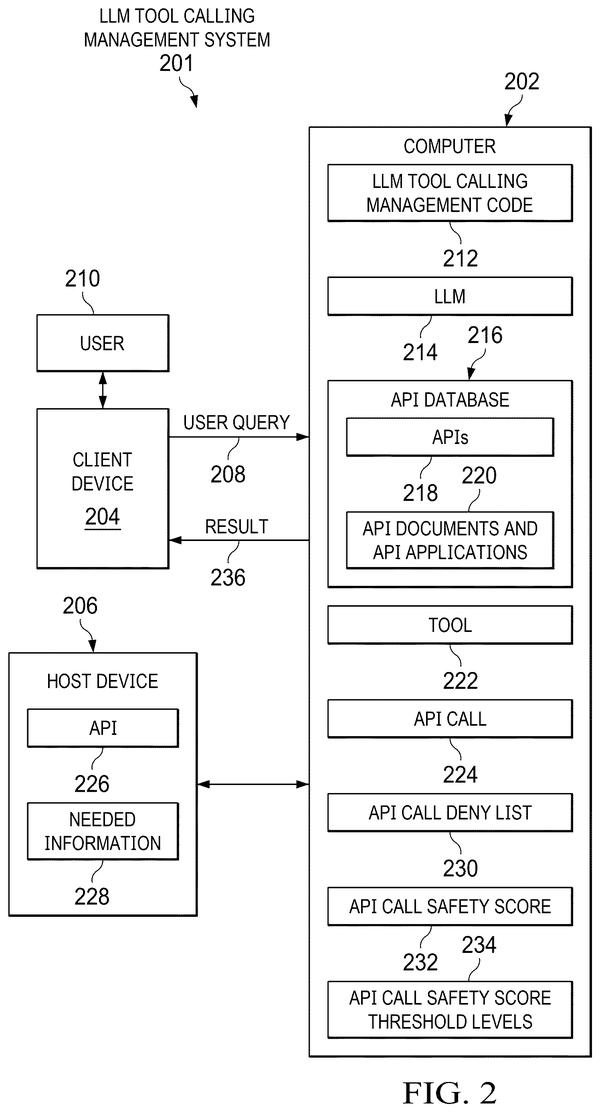
IBM
IBM Patents an AI Assistant That Builds a New Tool for Every Request
Microsoft
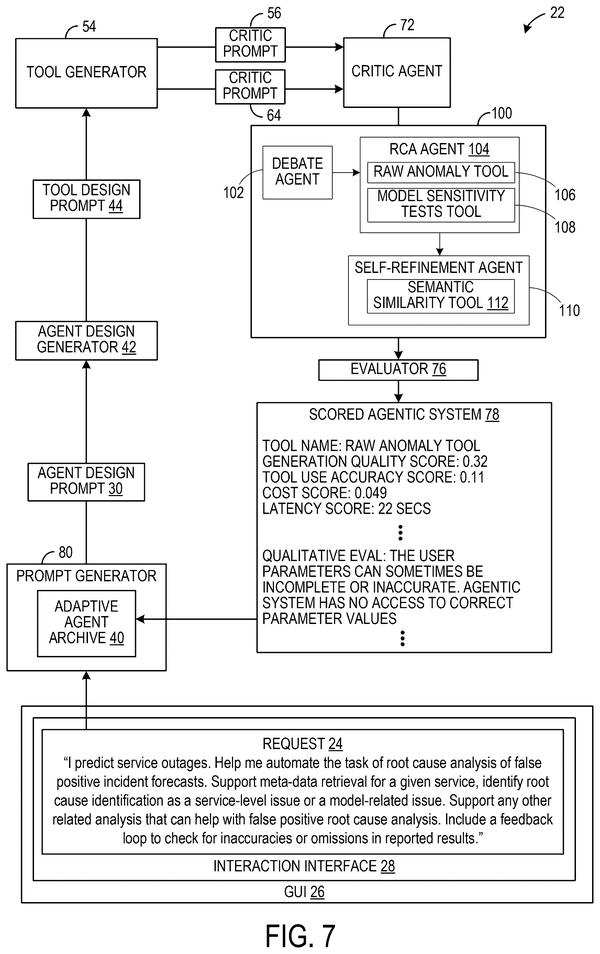
Microsoft Patents a System That Assembles AI Agents From a Plain-English Request
IBM
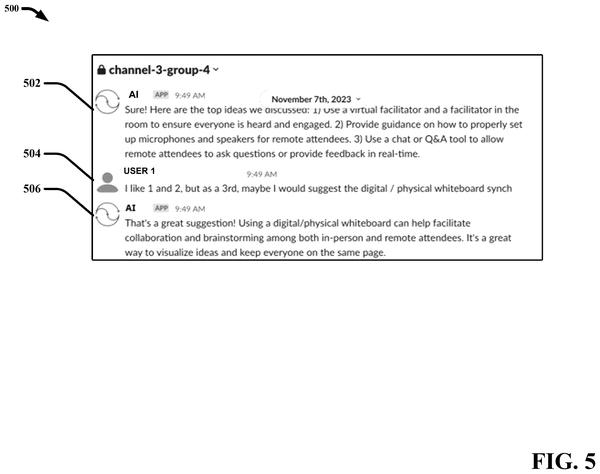
IBM Patents an AI That Decides When to Speak Up in Group Conversations
Adobe
No comments yet