
Samsung
Samsung · AR / VR · Filed Jun 23, 2026 · USPTO published Nov 12, 2026 · This week's release
Samsung Files Patent for Headsets That Pull a Real Screen Into Your View
Samsung describes a headset that notices which real device you are looking at, copies that device's screen into your virtual view, and hands the controls to your eyes and hands. Your remote or game controller can keep working the original device too.
- Publication number
- US 2026/0358886 A1(US20260358886A1)
- Applicant
- SAMSUNG ELECTRONICS CO., LTD.
- Filed · Published
- Jun 23, 2026 · Nov 12, 2026
- Inventors
- Byunghwa LEE, Joayoung LEE, Hoon HAN
- Status when we published
- Waiting for an examiner
- Document
- 20 claims
- US classification
- 345/156
- Parent application
- Continuation of PCT/KR2025/000154 (filed Jan 3, 2025)(PCTKR2025000154)
What Samsung's gaze-to-mirror headset idea does
Right now, if you put on a VR or mixed reality headset, your phone, laptop and TV mostly become things you have to take the headset off to use. The content on those devices usually does not show up in your virtual space, and the headset does not automatically connect or disconnect from the gadgets around you.
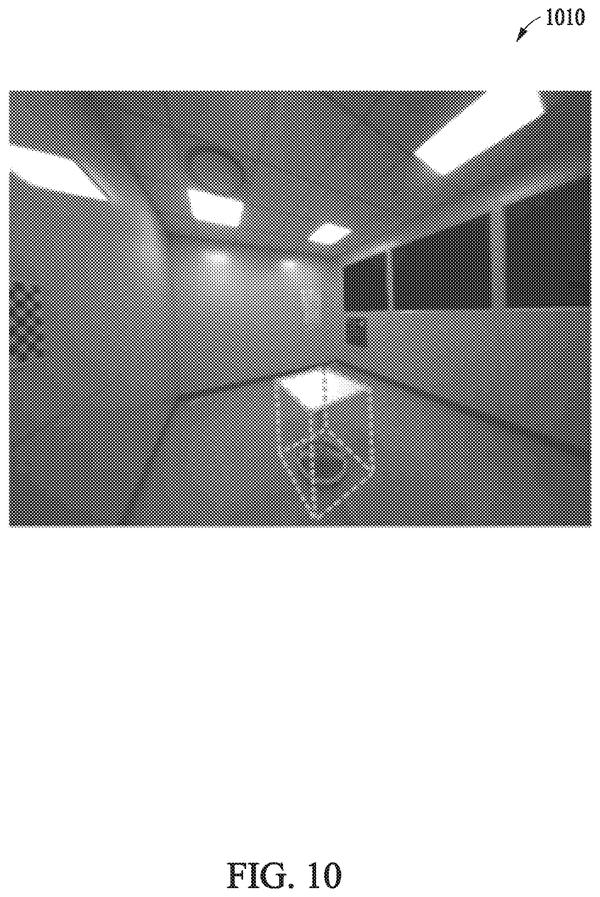
Samsung's filing describes a fix. You pair the headset with a nearby device, look at it through the headset's cameras, and the headset tells that device where you are looking. The device then sends over whatever is playing on its screen, and the headset shows a bigger version floating in your view.
You can resize and move that floating screen with your eyes and hands. Meanwhile, a paired remote, game controller or keyboard can keep controlling the original device.
… transfer, to the external electronic device, information related to gaze coordinates and/or gesture coordinates of a user of the wearable electronic device; …
Translation: The headset tells the nearby screen exactly where you are looking or pointing.
How the headset spots a device and copies its screen
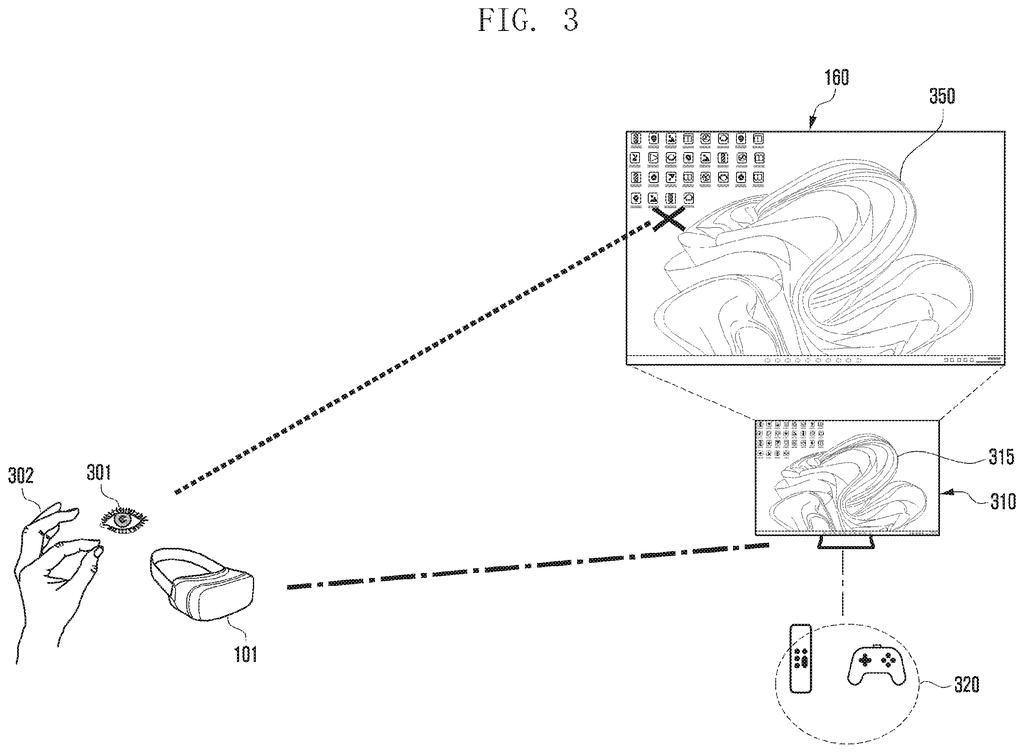
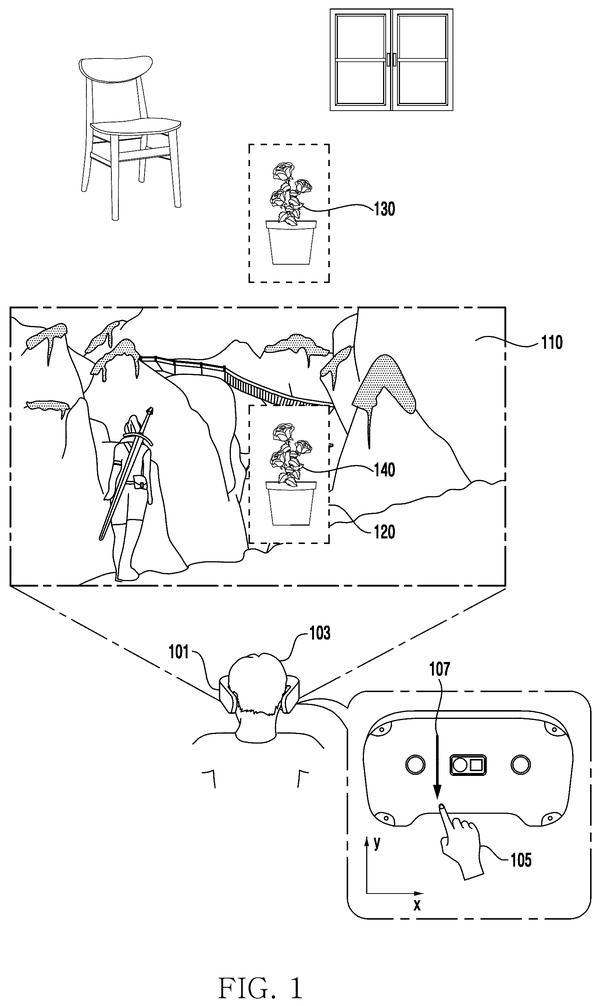
The claims cover a wearable device (a headset or glasses) with a display, a camera, and a communication circuit. It pairs with an external device such as a phone, tablet, laptop or TV, then uses its cameras to recognize that device when you look at it.
Once it does, the headset sends the device your gaze coordinates (where your eyes are pointed) and/or gesture coordinates (where your hand is). In response, the device sends its current screen to the headset through mirroring (a live copy of the screen). The headset shows this as an extended screen in your virtual space, which you control with gaze and gestures.
The filing adds several layout and control details:
- If another screen is already open, it slides to one side and can be tilted or made see-through so the two are easy to tell apart.
- Looking at a window's corner makes a resize icon appear, which you drag with your hand.
- For 3D content that appears to pop out toward you, the area where the headset recognizes your gaze is widened to match.
- Looking at an app for a set time makes it pop up, highlight or enlarge.
A further claim sorts content by type. Lighter content is mirrored, heavier content (the description mentions 8K versus 4K) is sent by casting (the device sends the video itself instead of a live screen copy). In that case the paired controller can be switched over to the headset.
… display, through the display, an extended screen of the first execution screen received from the external electronic device, …
Translation: The headset projects the external device display right into your field of view.
What this means for Samsung's mixed reality glasses
If you have ever lost a few minutes taking off a headset to check your phone or find the remote, this is the annoyance Samsung is going after. The idea is that your real devices become windows inside the virtual space, and the keyboard, mouse or controller you already own keeps working.
The description also covers automatic pairing: the headset can log in by recognizing your iris, connect to nearby devices you have used before, and release them when you take the headset off. It can even show a virtual keyboard if the device you are looking at has none. That points to a headset built to sit in the middle of your everyday gadgets.
Samsung's 86th filing we've tracked in the AR glasses race since May adds to a run that includes accidental touch filtering and deeper phone photos in VR.
Source: US 2026/0358886 A1 at the USPTO (PDF). Full patent text and figures are in the official publication.
Get our take in your Top Stories
Liked this breakdown? Add Patentlyze as a preferred source on Google, and our plain-English take shows up more often in your Top Stories the next time Samsung patent news breaks.
Add Patentlyze on Google
One click.
There are more where this came from
We read every patent application Big Tech publishes and send you the ones worth knowing. Plain English, free, every week.
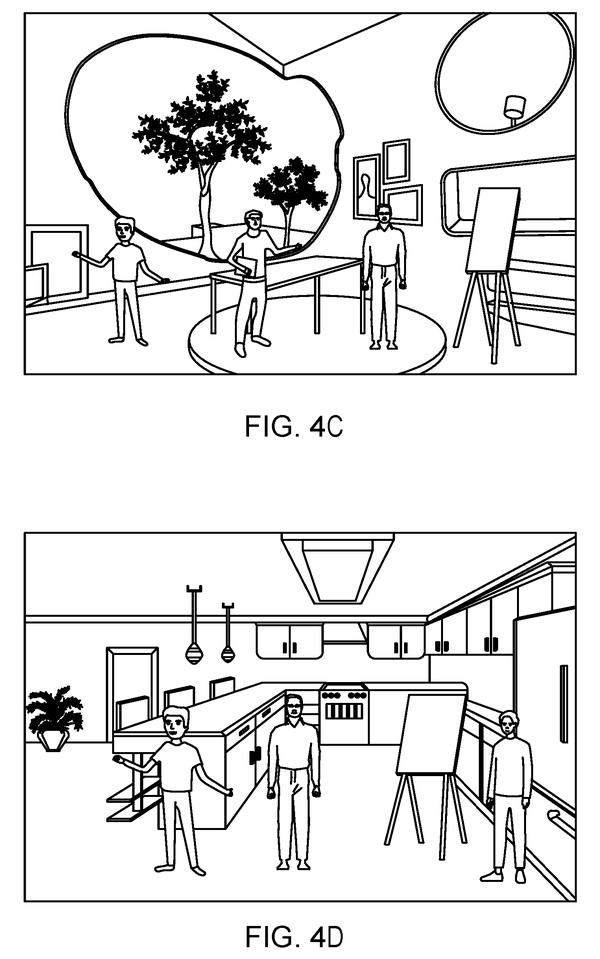
The drawings · 29 sheets
29 drawing sheets from US 2026/0358886 A1 · click any drawing to enlarge


Show the other 21 sheets


More from Samsung
All 1,629 Samsung patents →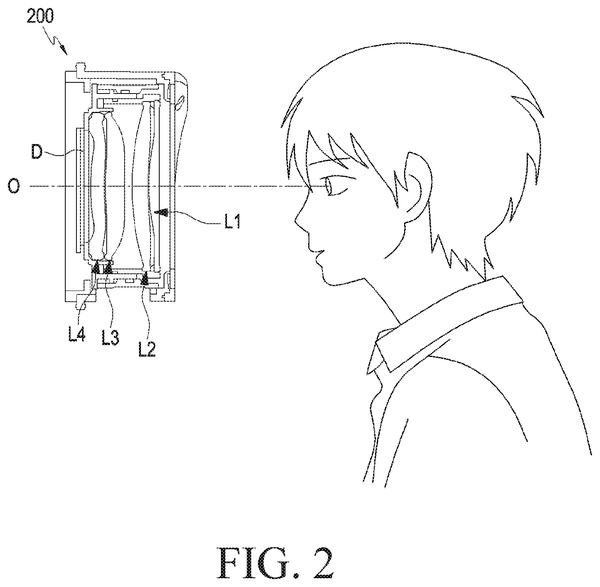

More in AR / VR
All 690 AR / VR patents →
Meta
Meta Files Patent for AR Glasses That Show a Wider View Through Cheaper Glass
Google
Google Files Patent for Smart Glasses That Remember Where You Left Your Keys
Sony
Sony Files Patent for Headset That Fades Virtual Objects Blocking Your Real Hand
Meta
No comments yet