Adobe's Patents on Controllable AI Images, and What They Reveal
This tracker follows Adobe's patents for controlling AI image output, from fixing object placement and blending styles to keeping characters and brand looks consistent. Together the filings point to Adobe treating predictability as the real product, not flashier generation.
43 filings
· tracking since May 2026 · latest Nov 2026 · updates weekly
based on all tracked filings in this watchlist · refreshes every week
Adobe's filings all point to one goal: letting people control exactly what changes in a photo or video, and how much, without breaking everything else in the picture.
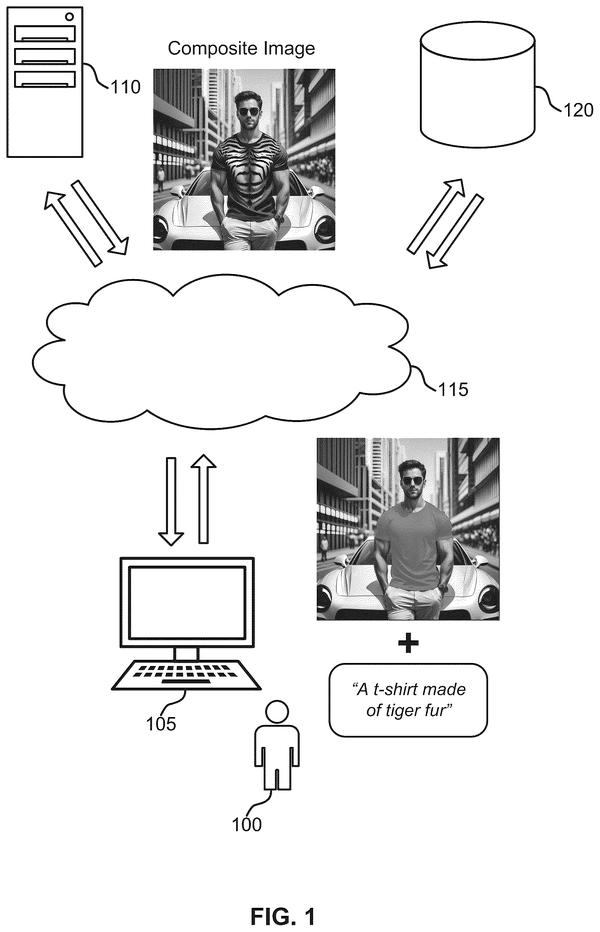
The heaviest concentration right now is in smart photo editing, where the filings cover things like matching light when you drop an object into a scene and painting texture onto clothing while leaving the rest of the photo alone.
What’s new in Adobe's controllable AI images
a dated entry each week this watchlist moves · older entries stay archived
Nov 5, 2026 5 filings joined
This week's filings focus on giving users more control over AI images: moving objects, changing lighting, adding layers, and generating detailed textures like fur and hair. The common thread is editing with precision, not just generating from scratch.
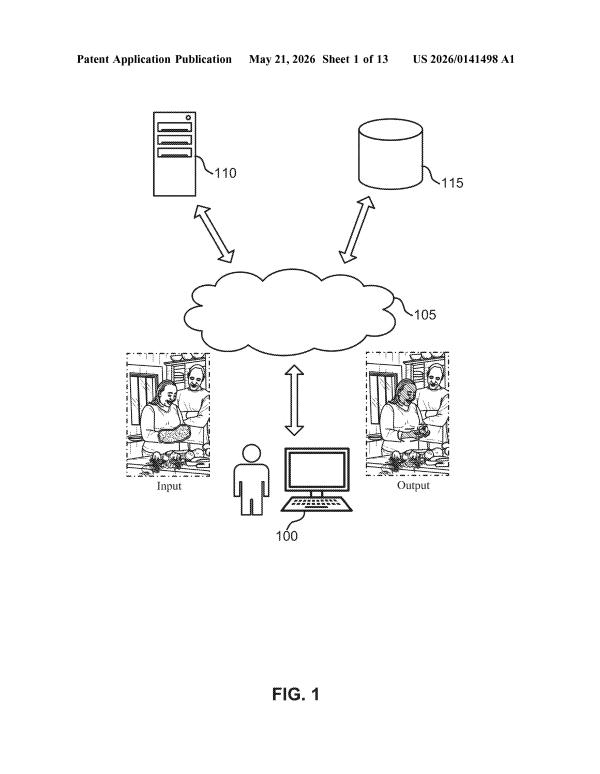
This week Adobe filed two ideas around fixing AI image problems: one to let users move a person into a new pose just by describing it, and one to clean up the messy, unreadable text that AI images often produce.
This week's filings all show Adobe working on AI that understands the real world: how light falls, how objects move, and what a specific animal looks like. The common thread is AI that reads a scene and responds to it, not just edits pixels blindly.
This week's filings show Adobe exploring ways to give users more control over AI output. One covers guiding how a video moves, the other lets AI build a poster while keeping each piece editable.
This week's filings focus on giving users finer control over AI-generated images, from swapping textures and staging products to adjusting lighting and choosing how much a photo changes. There is also a filing for making AI image training cheaper.
This week's filings show Adobe exploring two ways AI can work with visuals: moving objects within photos and turning written words into 3D spaces you can walk through.
This week's filing covers a tool that watches where your cursor moves and writes image instructions for you automatically. The focus is on removing the need to type prompts by hand.
This week Adobe filed patents around two things: building full 3D scenes from a text description, and fixing the scrambled or unreadable text that often appears in AI-made images. Both filings push toward giving users more control over what AI actually produces.
This week's filings center on giving people more precise control over AI-generated images, from building scenes in separate layers to editing 3D objects by describing changes in plain words. The group also covers teaching AI to match a brand's look and making characters move the way real bodies do.
Aug 20, 2026 2 filings joined
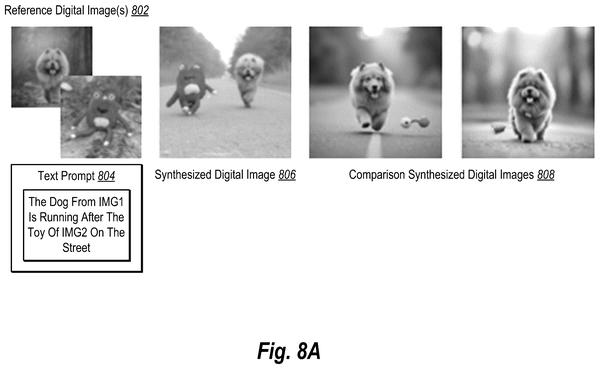
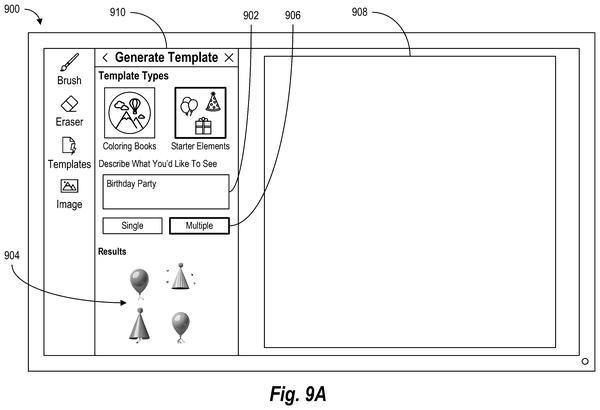
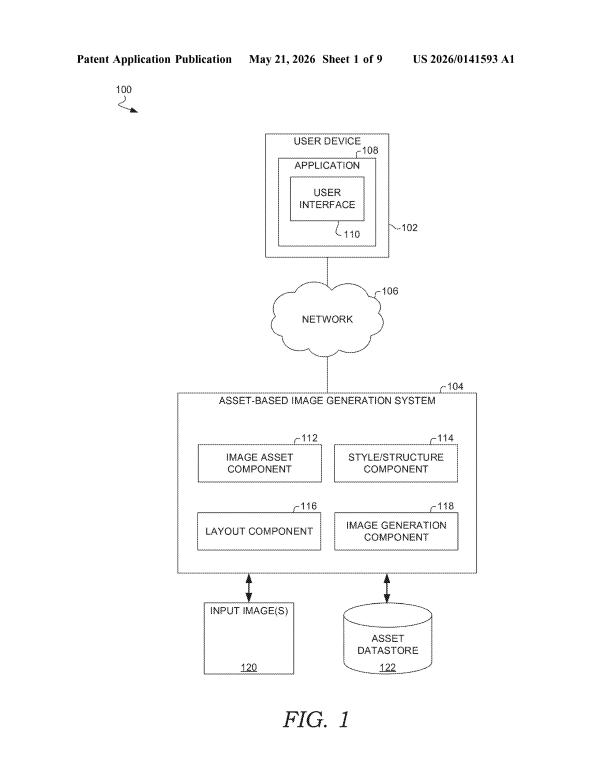
Both new filings show Adobe exploring ways to give people more control over what AI-generated images look like, whether by pulling from several reference photos at once or by turning a text description into a set of matching design pieces.
The filing pace inside Adobe's controllable AI images
The focus areas inside Adobe's controllable AI images
the problems Adobe keeps filing on · each with its three newest filings · new filings join every week
Giving Users Direct Controls 8 filings
Getting AI to produce exactly what you want usually means writing the perfect description, which most people cannot do. These filings cover tools that let users adjust image qualities with sliders, drag to reshape things, and use maps to control where objects appear.
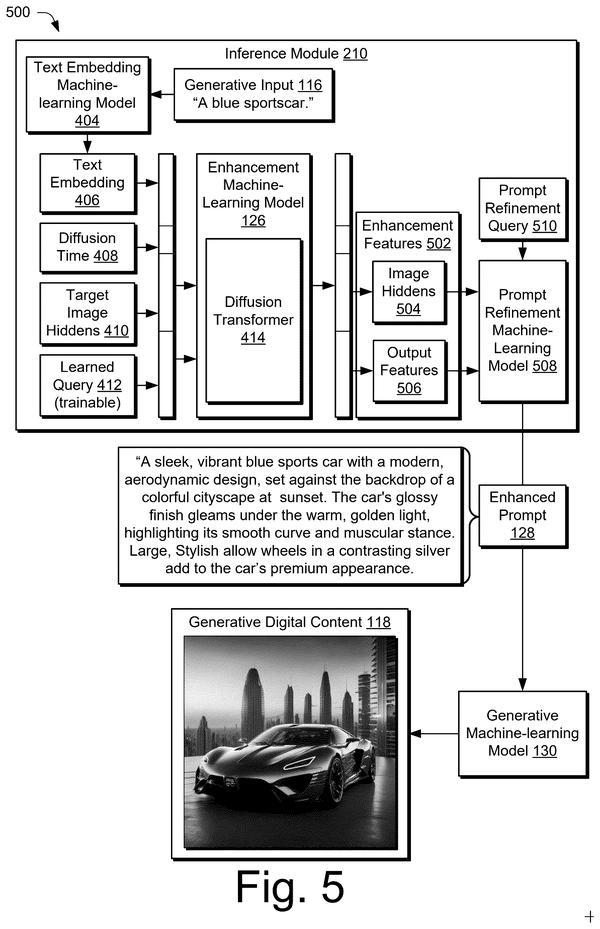
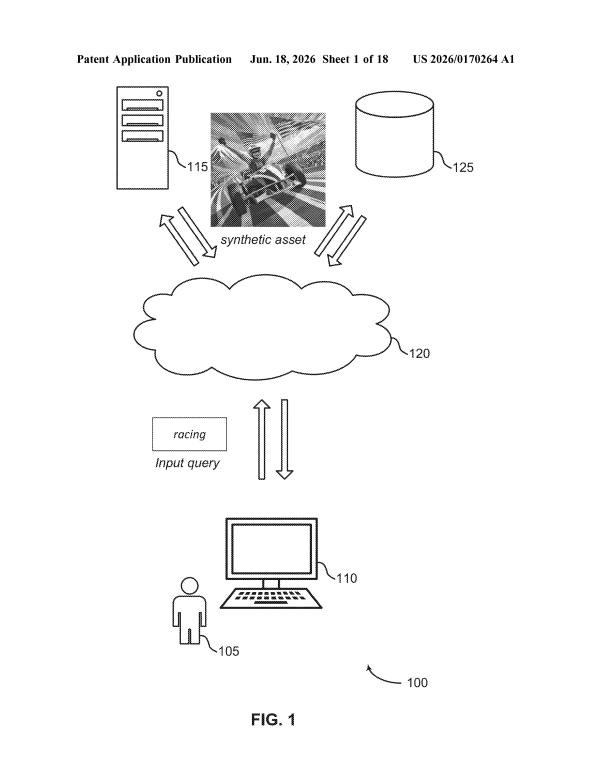
Most people struggle to describe what they want in a way an AI image tool understands. These filings cover systems that write the description for you, rewrite a weak one before the AI sees it, or translate a 3D model plus a short description into a finished image.
AI image tools tend to produce a different look every time, which breaks brand guidelines and character consistency. These filings cover ways to lock in a brand style, pull a style from a separate source, and keep the same character looking the same across multiple scenes.
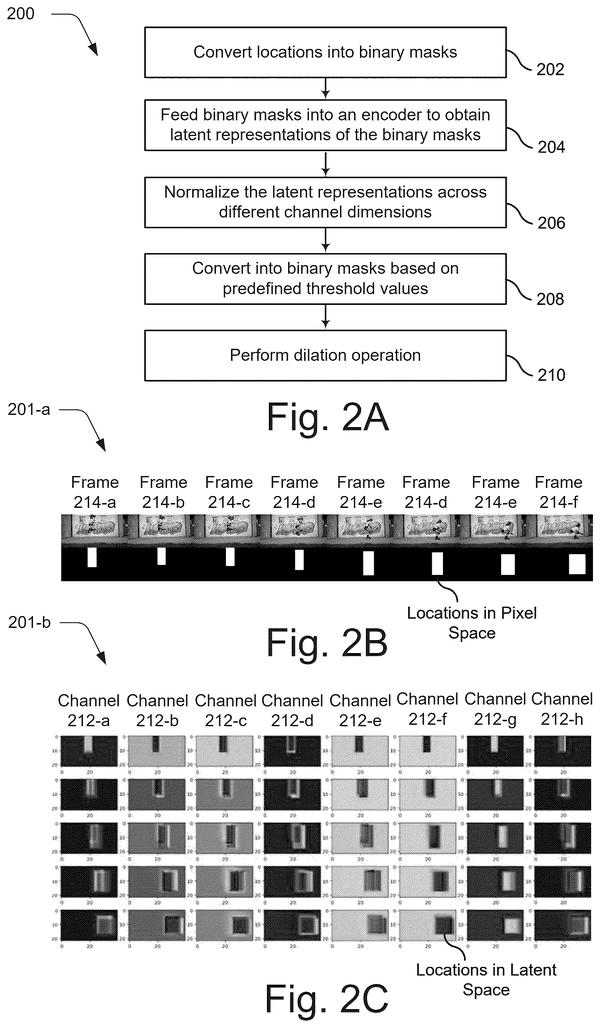
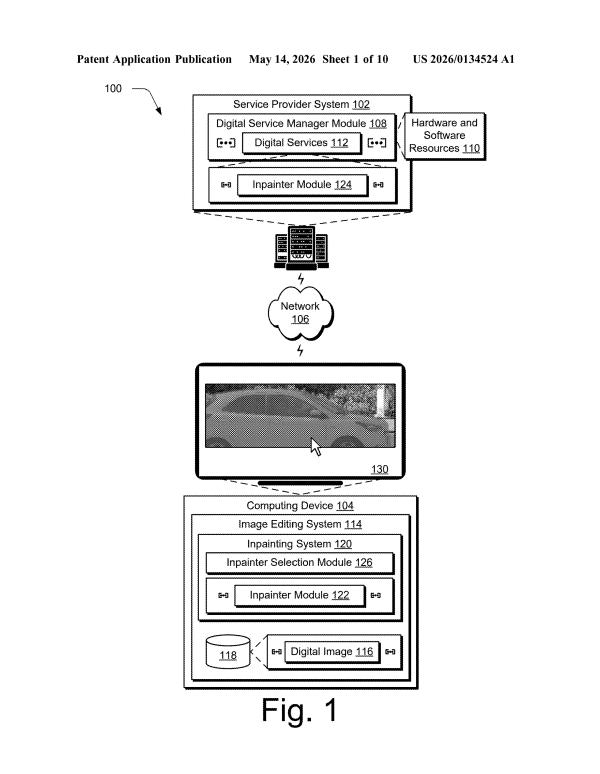
When AI fills a missing part of an image, the results often look wrong or muddled. These filings cover a two-pass approach for sharper fills, a system that reads how complex a gap is, a fix for mixed-up objects and locations, and tighter control over what the AI leaves out.
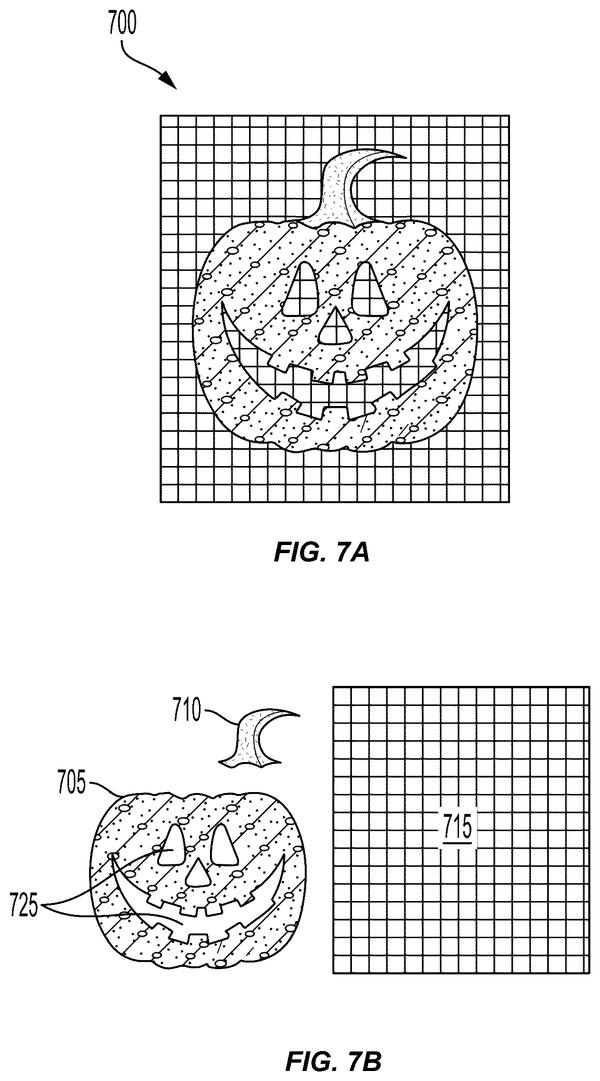
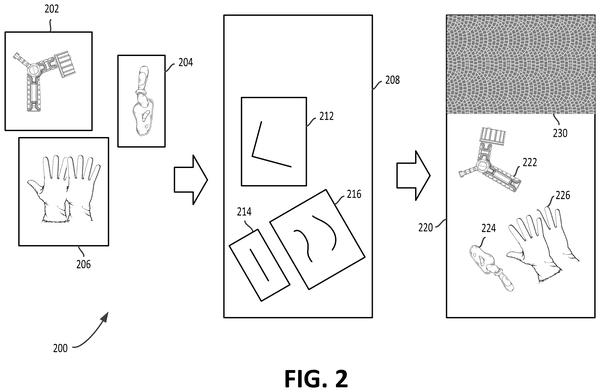
Reconstructing flat AI outputs into separate outline and fill layers lets designers edit generated images as real objects instead of bitmaps, extending control beyond the initial prompt.
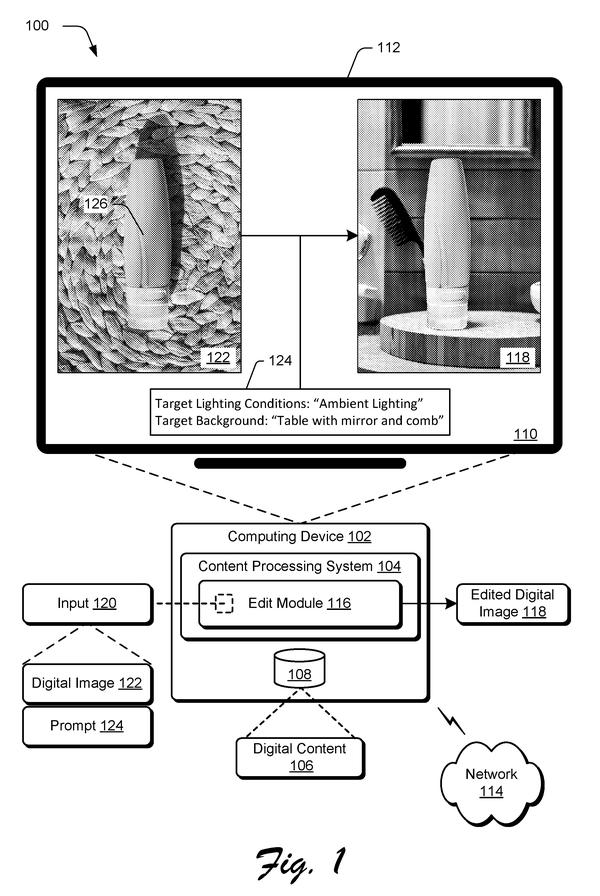
After methods for placing objects and blending styles, this filing moves to relighting: keeping product details legible when both lighting and backdrop shift from a text prompt.
After years of patents on object placement and style blending, Adobe now moves to the pixel level: generating complex materials like fur and glass with proper transparency instead of requiring manual cleanup.
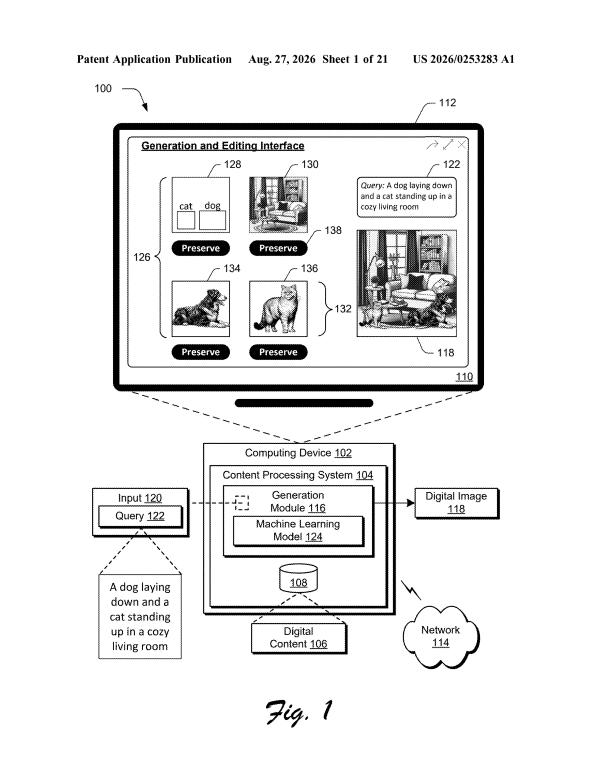
Generative suggestions with spatial reasoning extends the control toolkit to the ideation phase, letting users ask what should populate a scene rather than deciding that themselves first.
3D rotation and repositioning without regenerating the object solves a core consistency problem: keeping the same car recognizable when you ask it to turn or move in space, rather than getting a new one back.
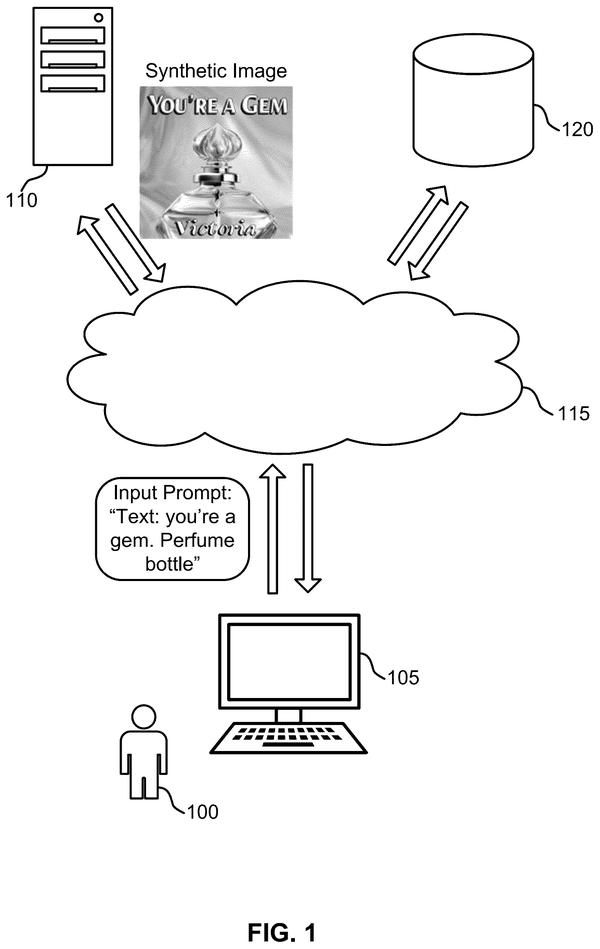
Readable text in product shots and signs would require the generator to check its own work mid-creation rather than hoping letters form correctly by chance. This filing shows Adobe treating legibility as a technical problem the model can learn to solve.
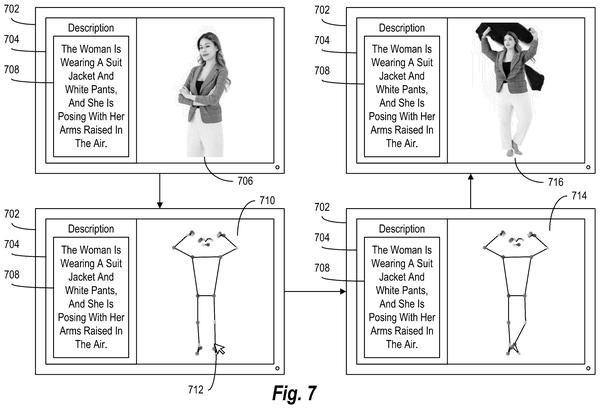
Users could fix awkward poses after shooting instead of reshooting or manually retouching. The patent reveals how Adobe plans to let photographers reposition subjects through natural language commands rather than traditional editing tools.
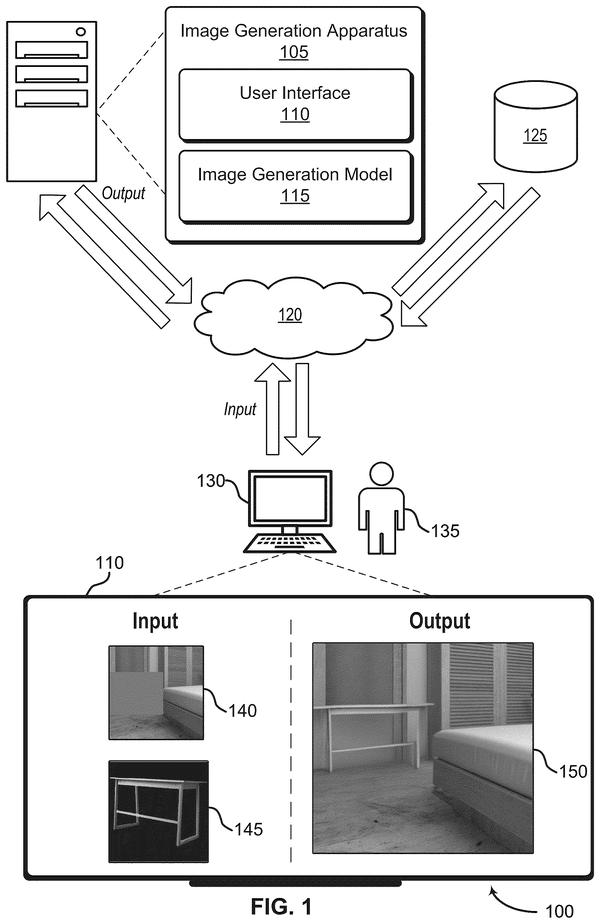
Automating shadow and light matching when inserting objects into photos, removing the manual work of adjusting each element separately. Confirms the tracker's focus on reducing hand-editing steps for composite consistency.
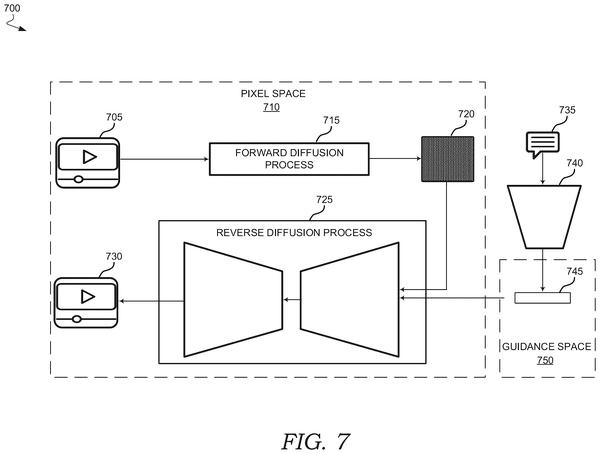
After patents on placing objects and blending styles, this filing shows how to enforce consistent motion across an entire object as it moves through a scene, preventing the shape drift and melting that typically plagued generated video sequences.
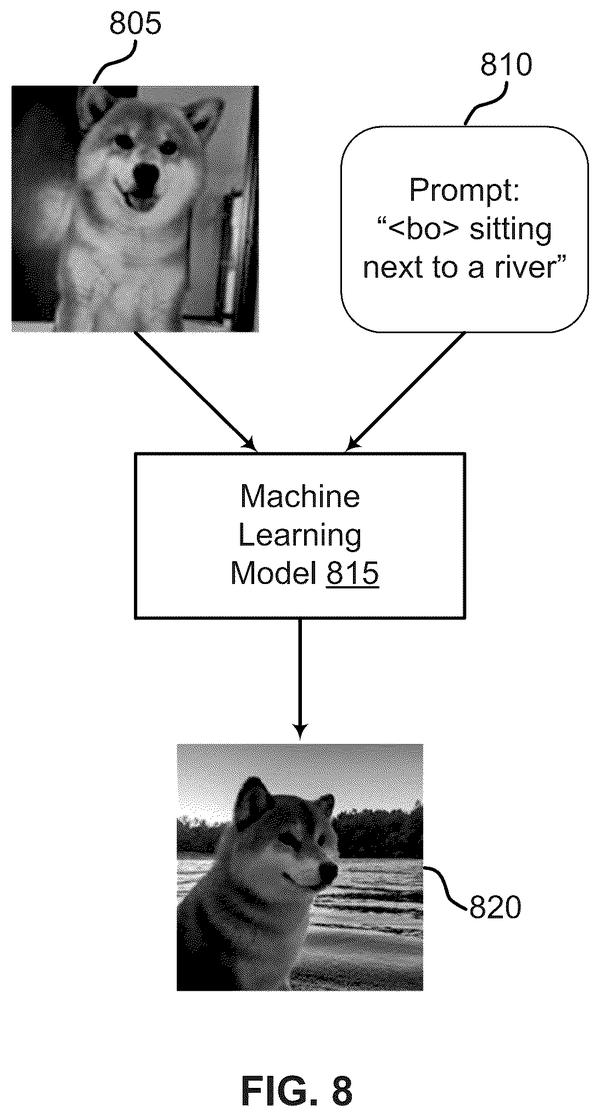
Lightweight adaptation from minimal examples lets the system recognize a specific subject without retraining the full model, preserving existing knowledge while personalizing output to individual objects or pets.
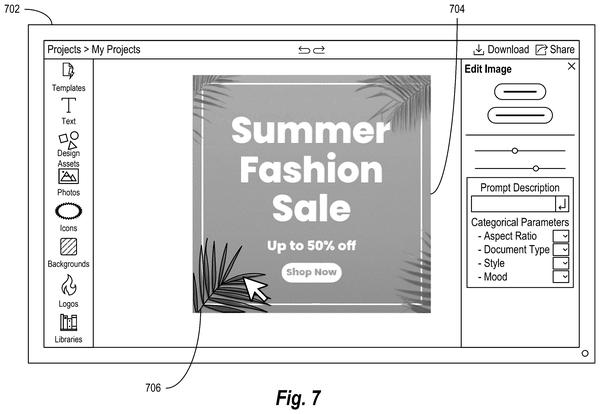
After establishing control over individual objects and styles, this filing extends that precision to text and layout, letting users revise wording and composition without regenerating the entire image.
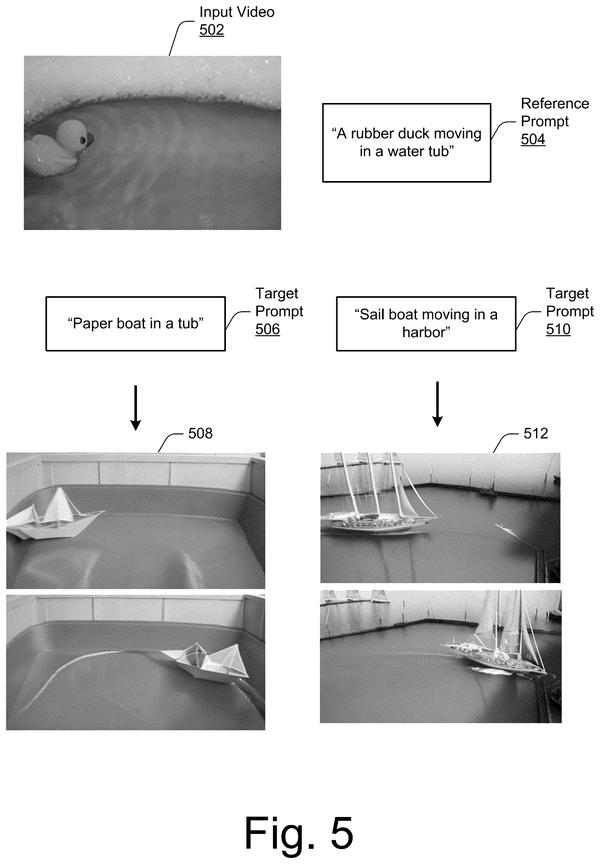
Bounding boxes at keyframes let users lock object position at the start and end of a generated video clip, solving the unpredictability that plagues most AI video generators when asked to move subjects across a scene.
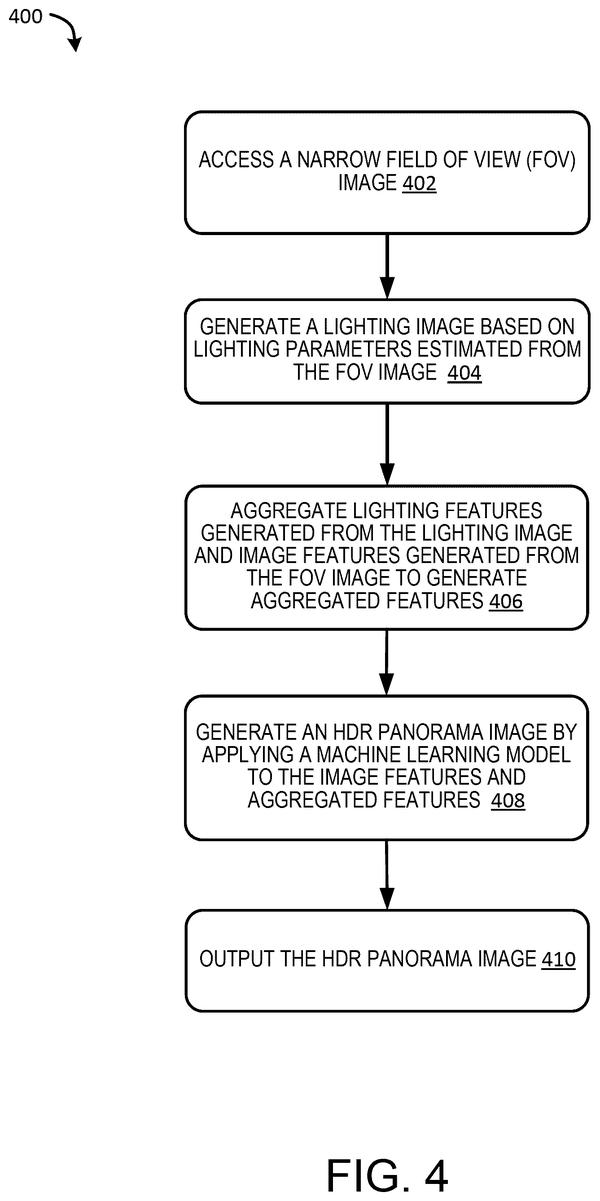
Inserted objects can reflect their surroundings believably when the AI reconstructs the full 360-degree environment from a single photo's limited view, then lets users fine-tune the lighting to match their edits.
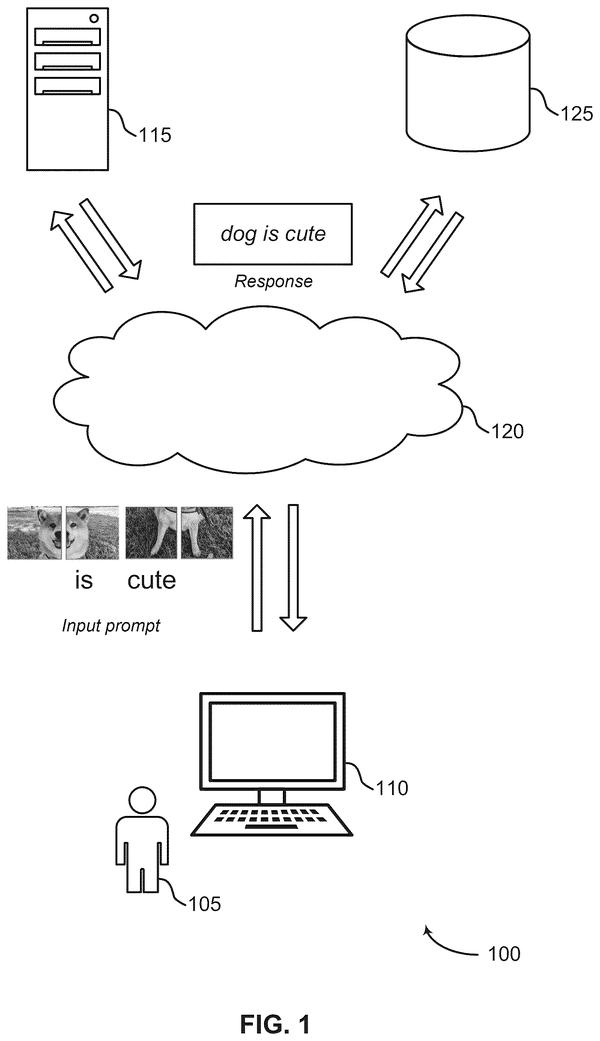
After Adobe's focus on controlling individual image elements, this filing widens scope to multimodal AI that processes photos and text together in one model, enabling richer contextual responses.
Constraining one model's training scope reduces computational waste in adversarial image generation, shifting focus toward refining the weaker participant rather than rebuilding both from zero.
Generating stand-in layouts with AI, then compositing real product photos into them, cuts out the physical staging step for bundle imagery. Confirms Adobe is moving toward automating composition itself, not just tweaking individual elements.
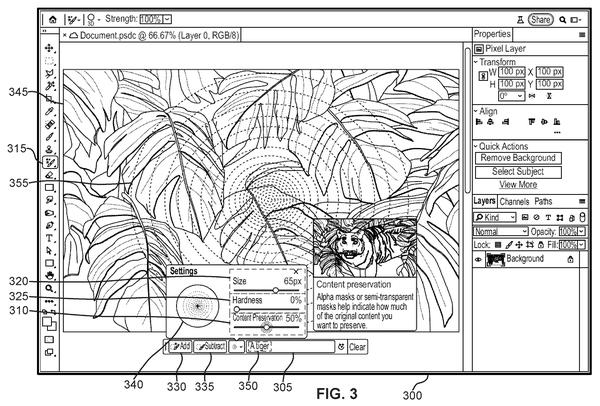
Graduated blending control lets users preserve varying amounts of original pixels within a selection, preventing the all-or-nothing replacements that make AI insertions look pasted rather than integrated.
Generating edits in isolation then compositing only the selected region back into the original photo prevents unwanted changes to surrounding areas and eliminates visible seaming artifacts.
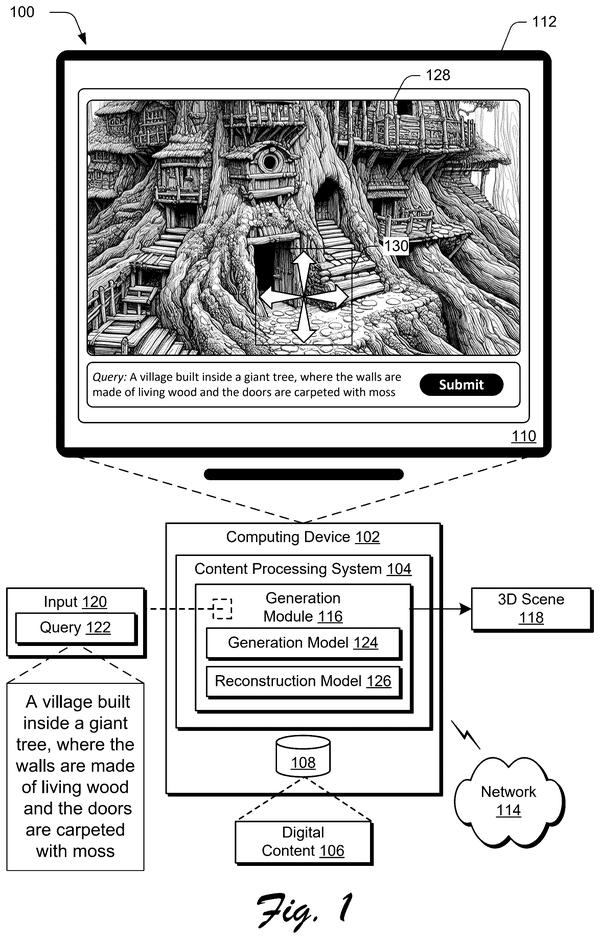
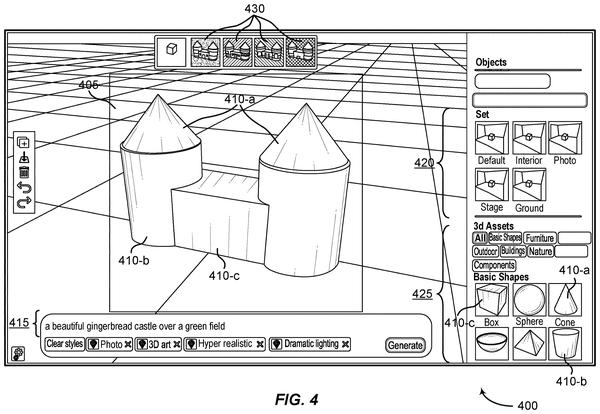
After mastering 2D image generation and object placement, Adobe moves into 3D space: converting text straight into explorable environments rather than static scenes.
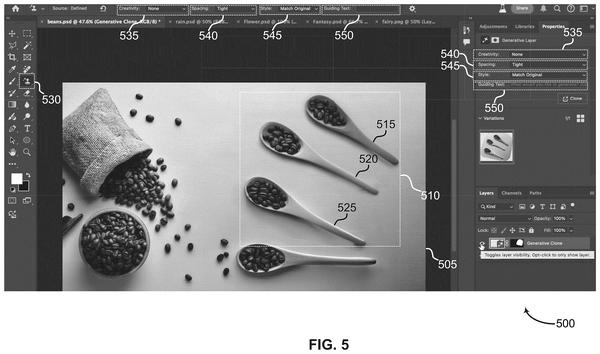
Cloning an object's exact outline and regenerating it to match a new location's lighting and perspective removes the manual fixing work that normally follows object placement in composites.
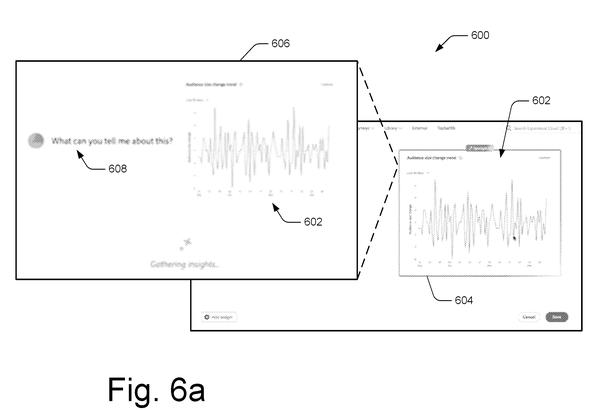
Anticipatory prompt generation from cursor position cuts the manual typing step by pre-analyzing what's under the pointer, streamlining the user friction that typically precedes AI image operations.
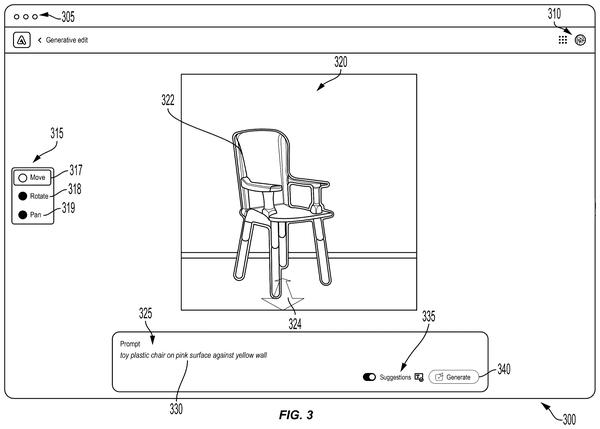
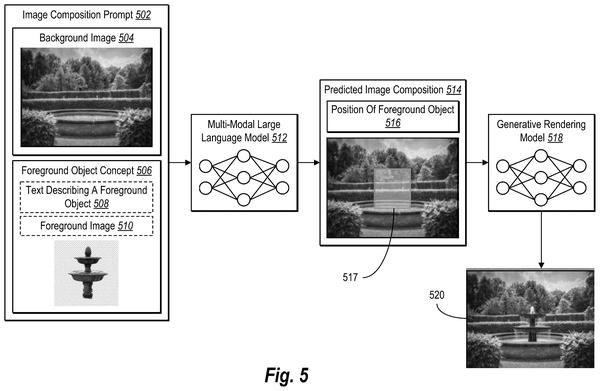
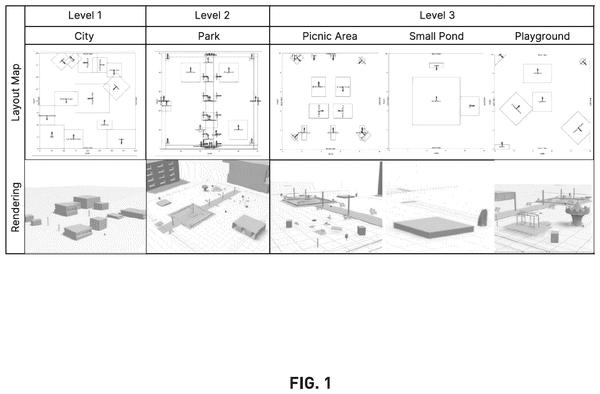
Automating spatial layout cuts the manual placement work that normally consumes hours of a 3D artist's time. A language model plans the scene structure before rendering, letting designers iterate from text rather than repositioning objects by hand.
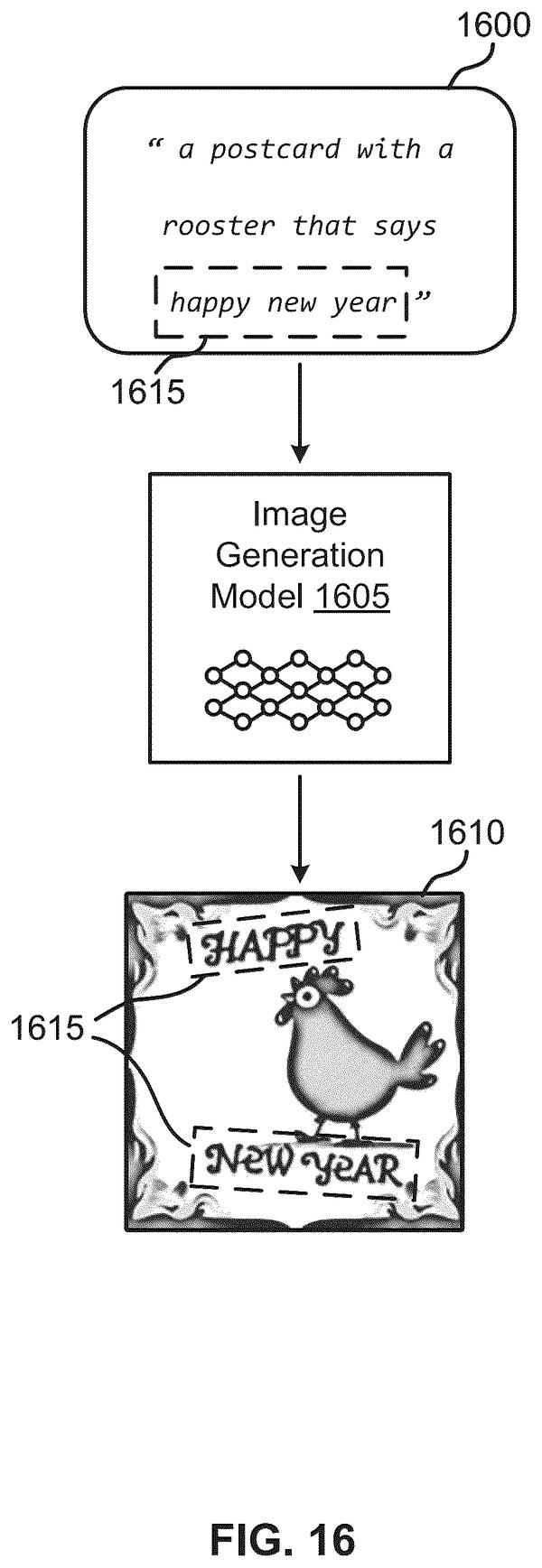
Rendering legible text in generated images requires isolating text processing from general image synthesis, keeping letter sequences from degrading into visual noise.
Keeping foreground and background visually coherent requires separating their prompts so each part gets dedicated attention instead of competing within a single model.
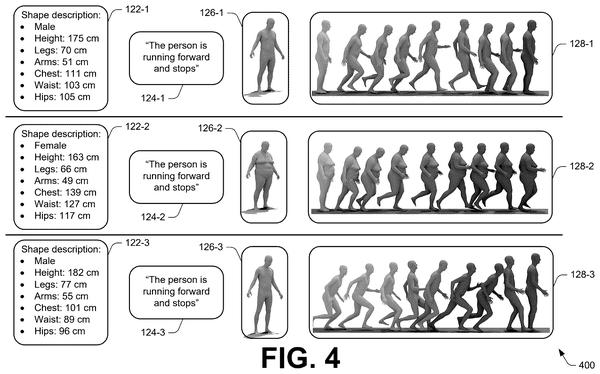
Realistic character movement means accounting for body type when generating motion. This filing shows how Adobe can make animated characters move in ways that match their actual build instead of applying one generic gait to every shape.
Users could generate on-brand product shots without laboriously tuning prompts or hand-labeling training data. The filing confirms Adobe is automating the style-capture step that currently forces marketers into trial-and-error workflows.
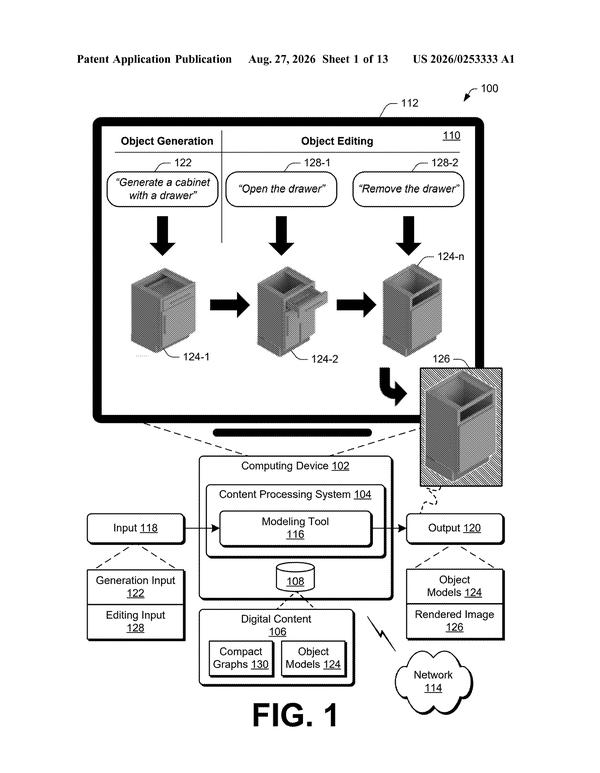
Keeping 3D object geometry stable across text edits. The patent describes how the system regenerates models from revised descriptions without losing structural coherence, extending Adobe's control layer deeper into the generative process itself.
Sequencing image generation into discrete layers lets the system resolve spatial relationships one step at a time, reducing compositional errors like misplaced objects.
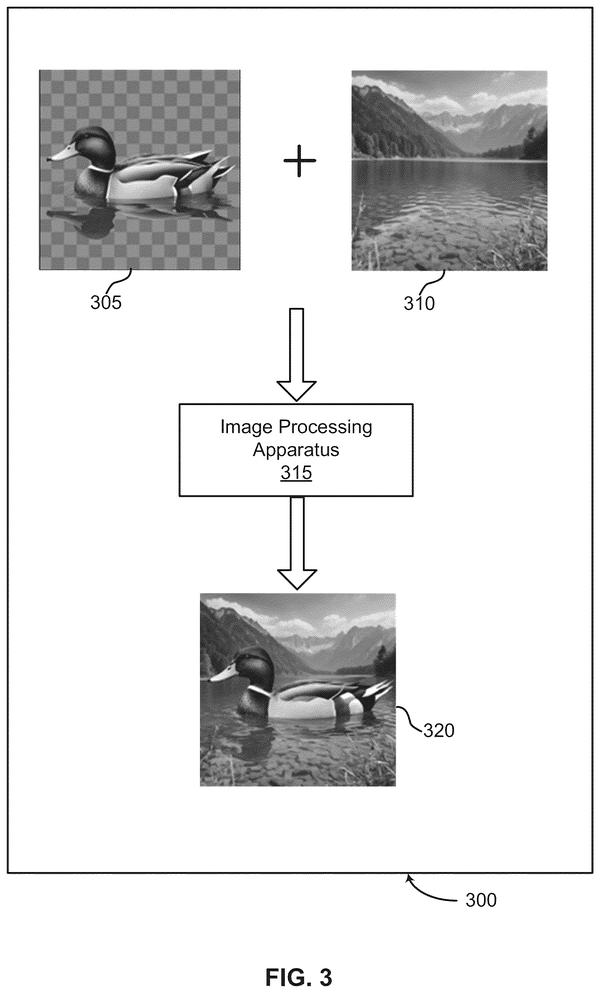
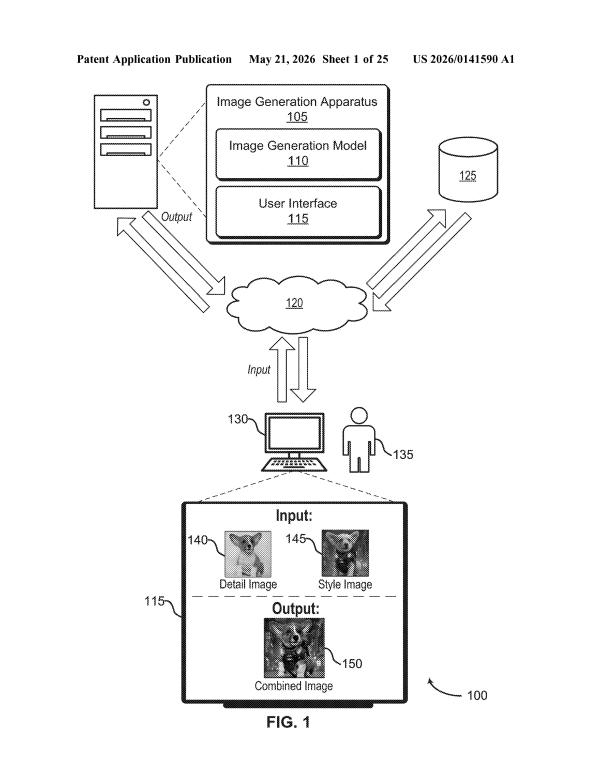
After establishing control over single-image generation, this filing shows Adobe pushing toward multi-source composition, where designers can pull pose from one photo, background from another, and lighting from a third without manual blending work.
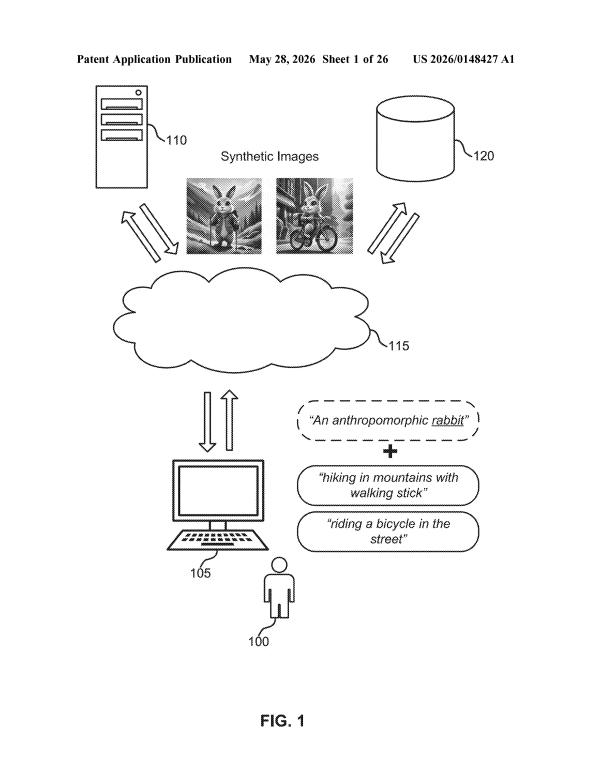
After mapping object placement and style consistency, this filing shows Adobe moving upstream: automating the prompt refinement step itself, so users don't have to debug their descriptions before generation even starts.
Bridging 3D geometry and text descriptions in one workspace lets designers anchor spatial layout while steering visual style, solving the mismatch between what generative models produce and what specific product shots require.
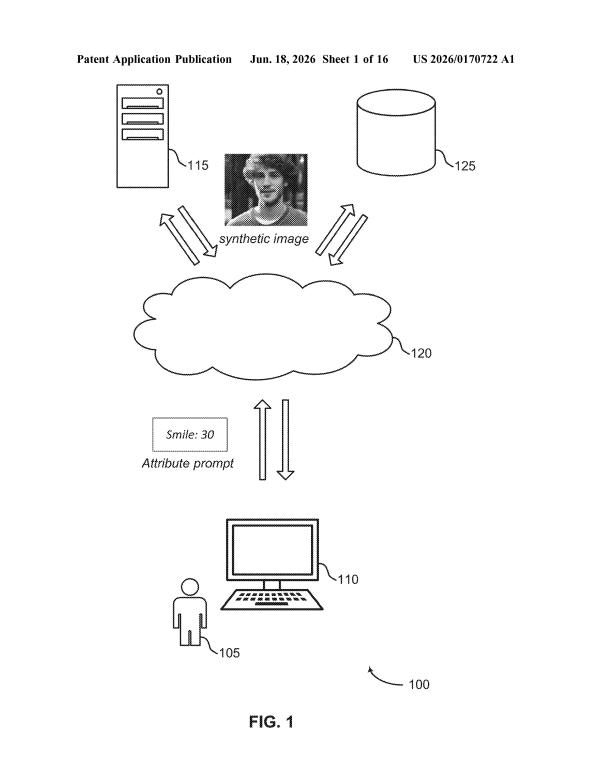
Slider controls replace vague prompts with numerical precision, letting users specify exact intensity levels for visual attributes before generation rather than through trial-and-error re-prompting.
Users could skip the trial-and-error of crafting detailed prompts by letting the system interpret casual descriptions and auto-generate the technical specifications image generators actually need.
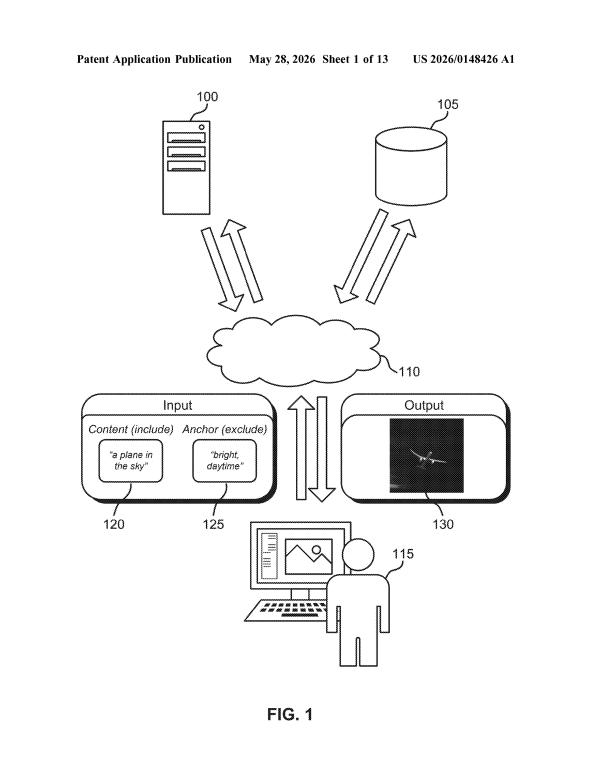
Users could finally stop rewriting prompts when unwanted elements keep appearing. The dual-stream approach lets the model balance what to include against what to exclude as separate, competing instructions rather than forcing both into a single messy command.
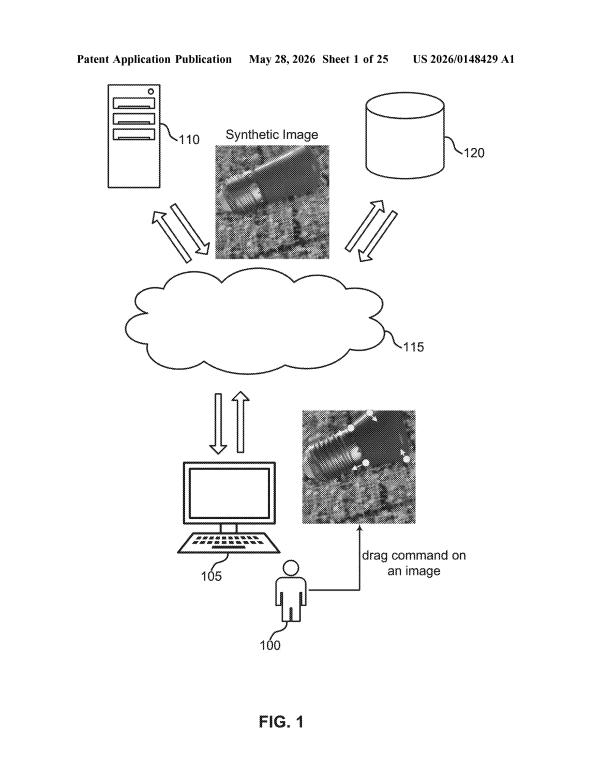
After sparse control points came drag-based editing: this filing shows how users can reshape individual objects by moving just a few anchor points, letting the AI infer realistic deformation rather than requiring manual masks.
Keeping a character's appearance stable across multiple scenes requires the model to maintain consistent features without requiring users to manually specify every detail each time.
Separating content from style as distinct inputs lets users mix visual elements without writing descriptive prompts, shifting control from language to direct image selection.
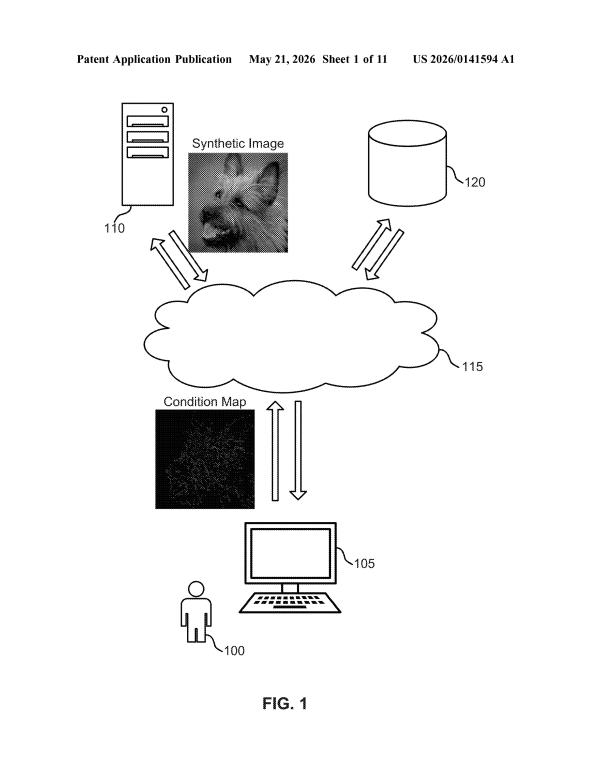
Users could compose images by sketching where objects belong rather than wrestling with text prompts to describe spatial relationships, letting layout control precede generation instead of following it.
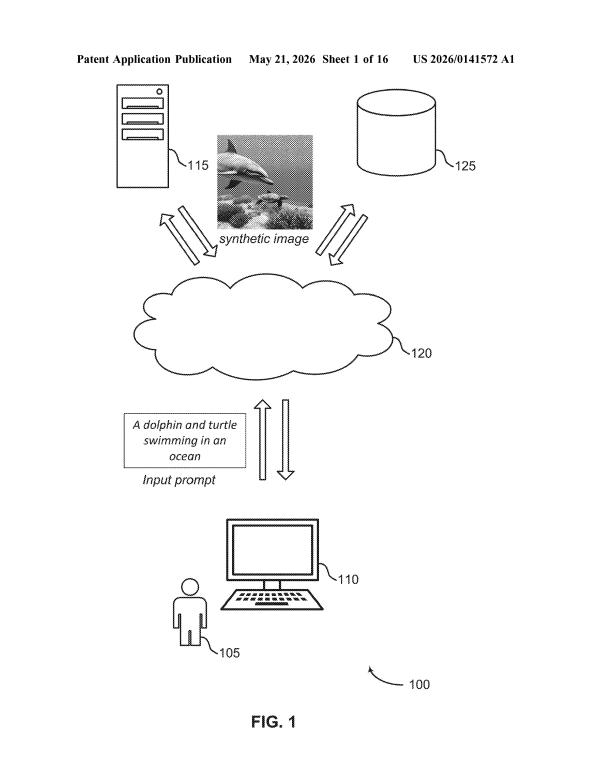
Within the spatial control watchlist, this filing focuses on preventing object misplacement before image generation even starts, catching compositional errors at the prompt-parsing stage rather than correcting them after rendering.
Getting detail-level coherence in filled regions requires a two-pass approach: one pass establishes global context and composition, the second refines texture and perspective matching within that frame.
Extracting visual style from reference images lets designers lock AI outputs to specific brand aesthetics instead of watching generated results drift toward generic templates.
Picking the right inpainting model matters when scenes vary wildly in visual detail. This filing proposes measuring complexity first so the system can route simple backgrounds to faster models and reserve heavier computation for dense, cluttered scenes.
Questions readers ask
Does this mean Adobe is about to release new AI image editing features?
Not necessarily. These are patent filings, which show what Adobe's engineers are researching and protecting, not confirmed product plans. Some ideas here, like slider controls or drag-to-transform editing, may show up in Photoshop or Firefly, but patents describe possibilities, not promises.
Why does Adobe keep patenting ways to control AI image generation instead of just making better generators?
Across this batch, Adobe's filings emphasize predictability over raw image quality: making sure structure, style, and brand identity come out the way the user intended. That suggests Adobe treats control as central to a usable creative tool, not a secondary feature.
What problem do these Adobe patents keep coming back to?
A recurring theme is getting AI output to match what a person actually specified, whether that's object placement, a brand's visual style, or a character's look across scenes. Several filings also target the inpainting and fill process itself, suggesting mismatched results are a persistent frustration Adobe keeps trying to solve from different angles.
Is this list of patents complete?
No. This is a living tracker that adds new Adobe filings on controllable AI image generation as they turn up, so the collection keeps growing over time and never settles into a fixed, final set of patents.
Want this weekly breakdown for a company we don't cover?
Patentlyze Pro →
The weekly email: the best of Big Tech's filings, in plain English. Free.