New Apple Patents for Eye and Hand Controls, and Where They Point
This tracker collects Apple's patents on gaze detection, hand gestures, and the software that turns both into commands for menus, sliders, and real-world objects. The pattern points to a control layer built to replace touchscreens, one tuned to stay accurate even when a gaze drifts or a gesture misses.
51 filings
· tracking since Apr 2026 · latest Nov 2026 · updates weekly
based on all tracked filings in this watchlist · refreshes every week
Apple has 45 filings here about letting people control devices using their eyes and hands, covering everything from where you look to how you tilt your wrist or touch your glasses frame.
The filings cluster most heavily around two areas: using your eyes to pick, scroll, and log into things, and using small hand or finger movements to control virtual objects in headsets and glasses.
What’s new in Apple's eye and hand controls
a dated entry each week this watchlist moves · older entries stay archived
Nov 5, 2026 1 filing joined
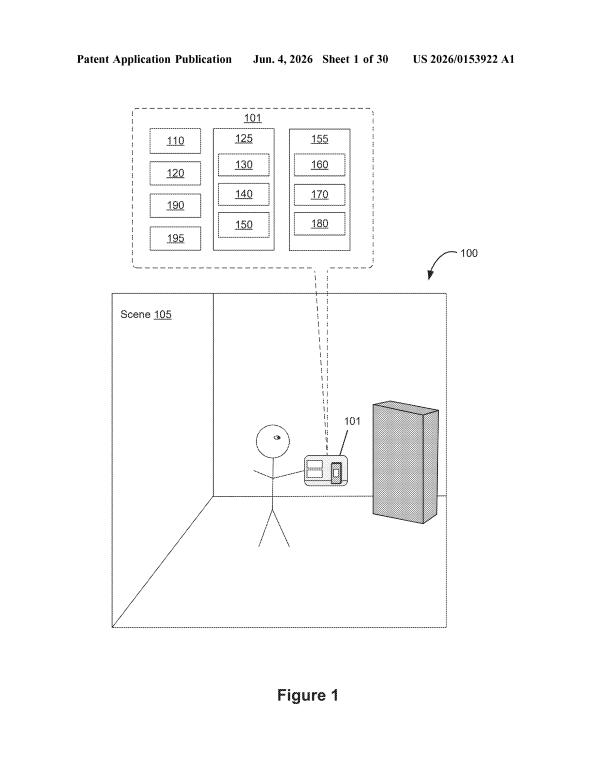
This week's filing covers a see-through display that zooms in on whatever your eyes focus on. The theme is using your gaze to control what you see.
This week's filings focus on two things: using your eyes to log in and navigate, and letting the headset tell your hands apart. Apple is exploring ways to make looking and touching feel more natural and secure.
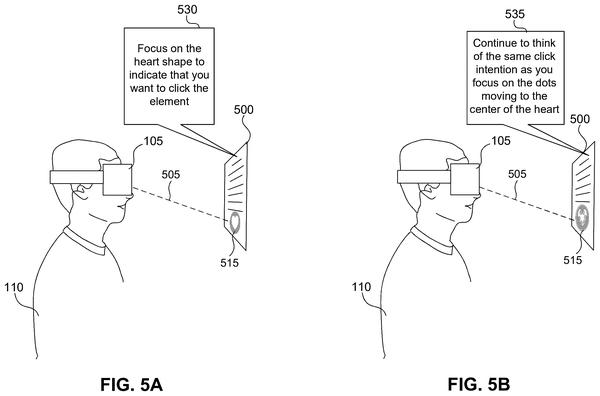
This week's filings focus on two things: letting your eyes do the clicking, and letting your hands invent new shortcuts. Apple is also looking at where to hide the cameras that watch your eyes inside glasses frames.
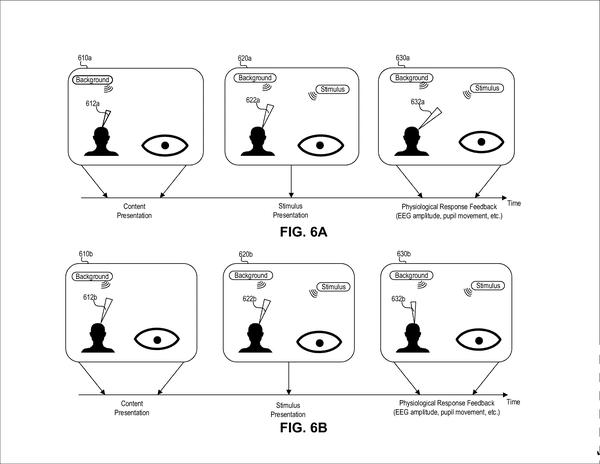
This week's filing adds a new angle: using sound, like bird chirps, to detect when your attention drifts while wearing a headset. It shows Apple exploring how the headset senses your mental state, not just your hands or eyes.
This week's filings all explore ways to control Apple glasses with your body: where you look, what you pinch, and where you touch the frame. Food tracking is the one outlier, suggesting the glasses may also watch what you eat.
This week's filings all explore new ways to control devices without touching a screen. Apple is looking at using finger movements on the headset glass, phone tilting, and even eye size as control methods.
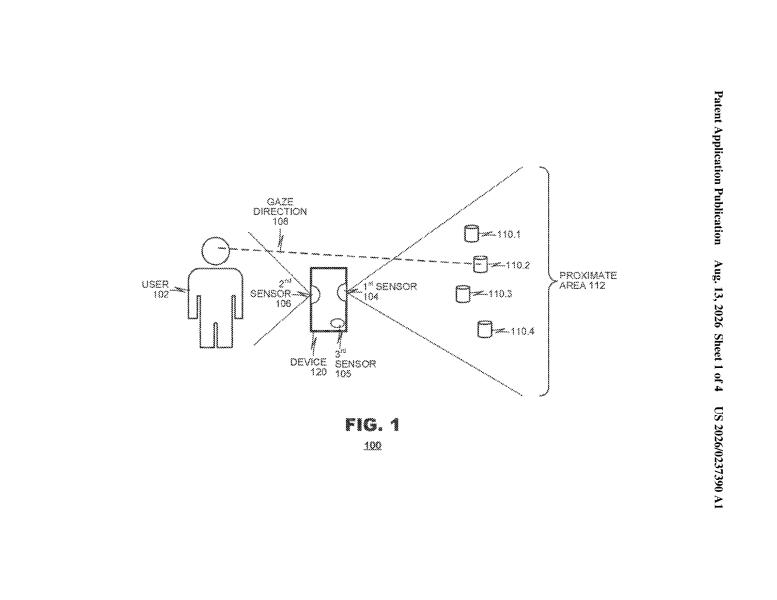
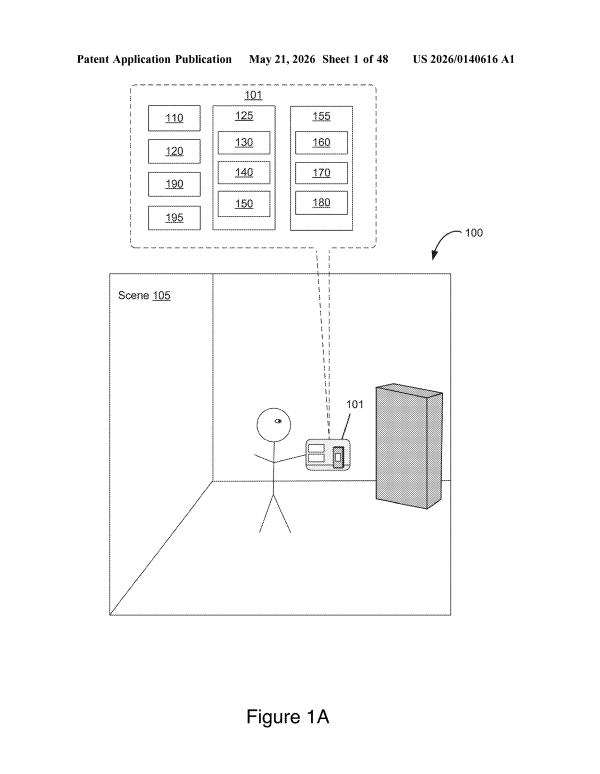
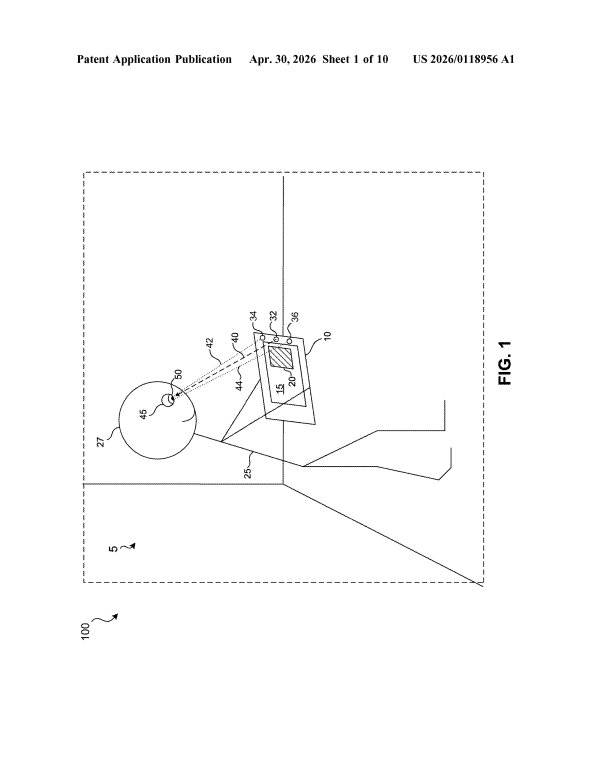
This week's filings all center on the phone knowing exactly where your eyes and hands are pointed. Apple is exploring ways to use that to log you in, scroll pages, mute your assistant, and pick out specific objects.
This week's filings focus on two things: letting your eyes and hands control what you see, and making those controls smarter. Apple is working on ways to filter out accidental moves, track hands in the dark, and let your pupils reshape the screen.
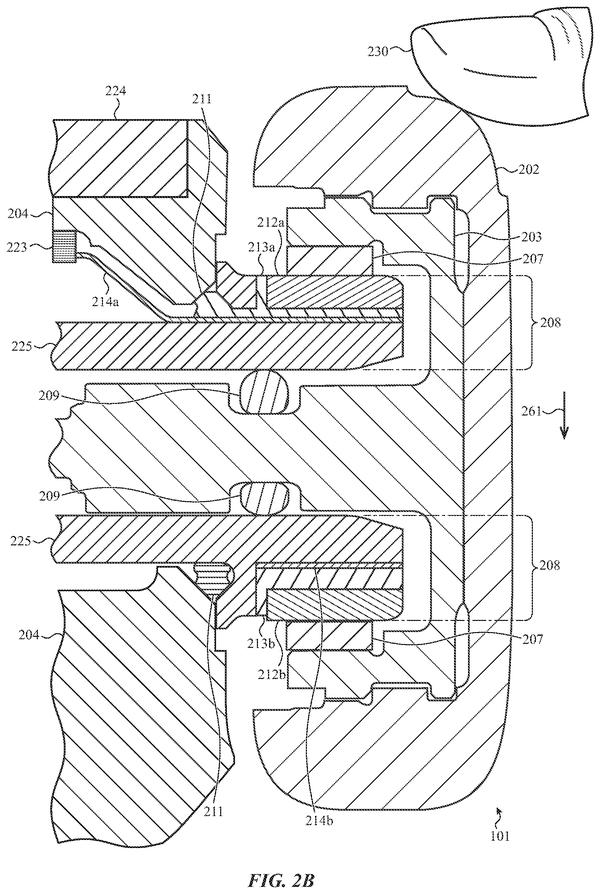
This week's filing focuses on the small dial on the side of Apple Watch and how hard a person presses it. Apple is exploring ways to turn press strength into a new form of control.
Both new filings deal with Apple teaching devices to read intent: one looks at how high your hand is to guess if you mean to type in the air, and the other judges whether a tap was on purpose or not.
The filing pace inside Apple's eye and hand controls
The focus areas inside Apple's eye and hand controls
the problems Apple keeps filing on · each with its three newest filings · new filings join every week
Eyes As a Control Surface 17 filings
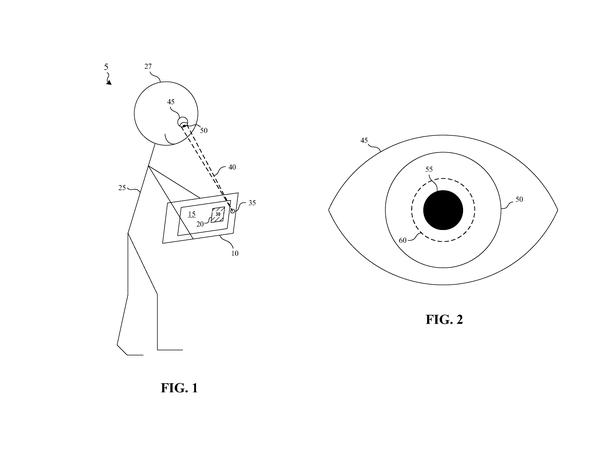
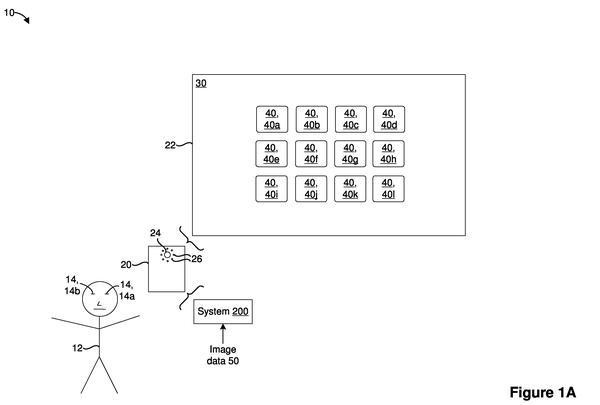
Looking at something is becoming a way to control it, not just see it. These filings cover using your gaze to move sliders, trigger corner shortcuts, aim a cursor, and pick what you want on screen.
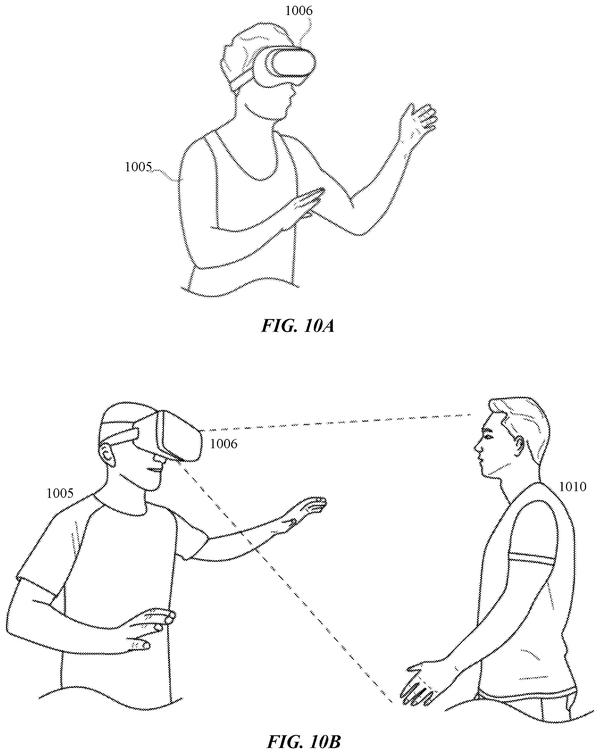
Waving, flicking, or pointing in the air could replace tapping and clicking. These filings cover gesture systems for opening menus, flipping between apps, controlling nearby devices, and acting on real-world objects.
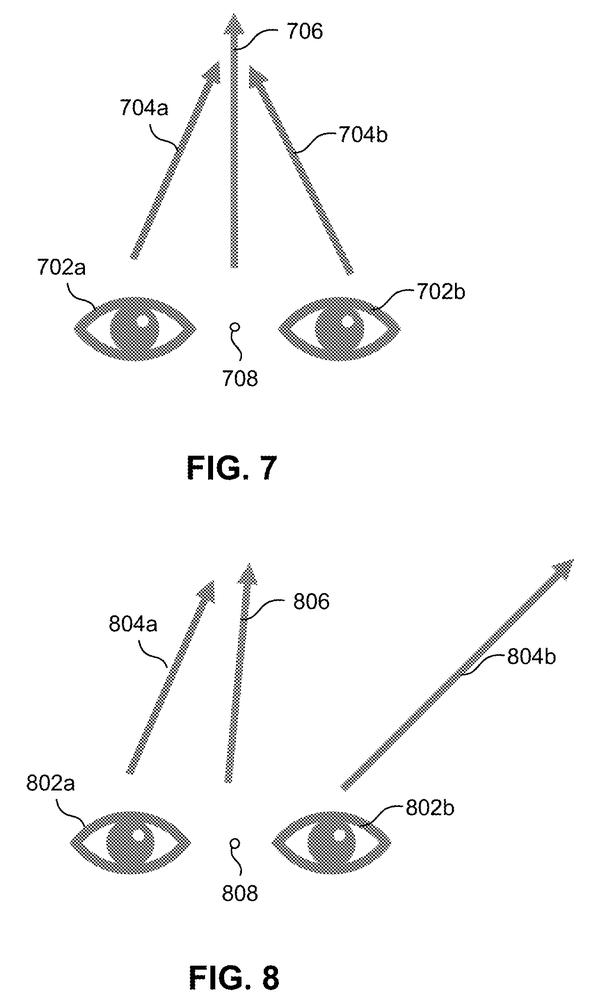
Getting eye tracking right is hard because lenses bend light and eyes move in three dimensions. These filings work on measuring, correcting, and mapping exactly where a person is looking.
Some actions need both your eyes and your hands working at the same time. These filings combine looking and moving to control playback, reframe photos, and run a head-worn device hands-free.
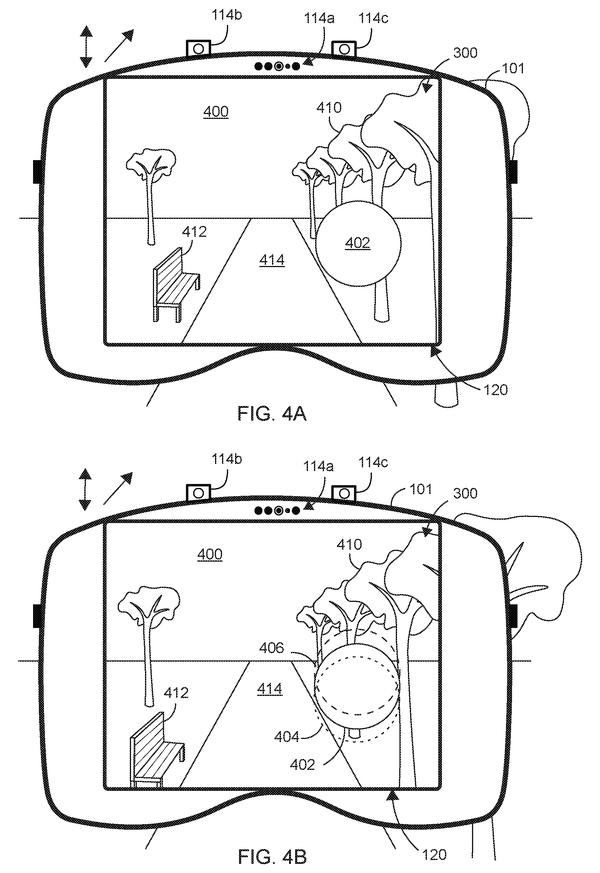
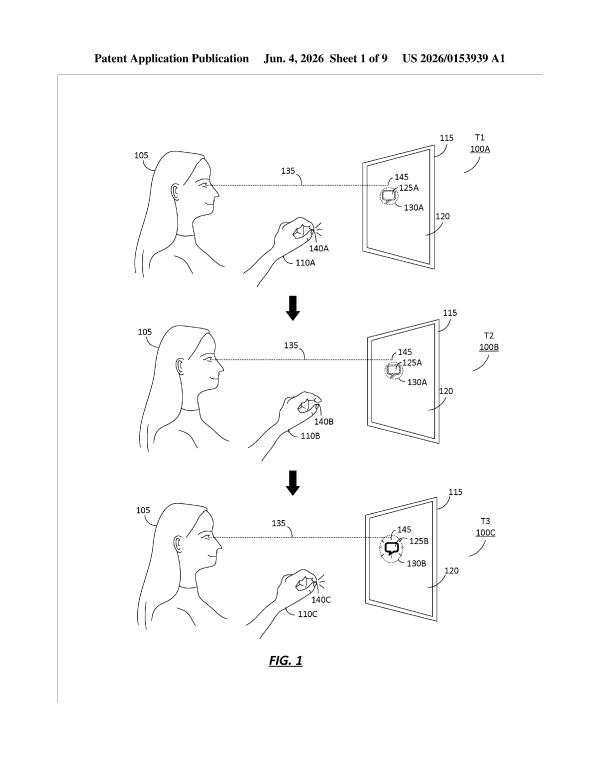
Magnification lag causes motion sickness in see-through displays. This filing proposes gaze-triggered zoom that freezes when eye movement starts, solving the vestibular mismatch that makes users nauseous during real-world use.
Users won't get locked out by poor positioning. The device learns to spot when its own view is degraded, then guides you to adjust rather than reject your eye.
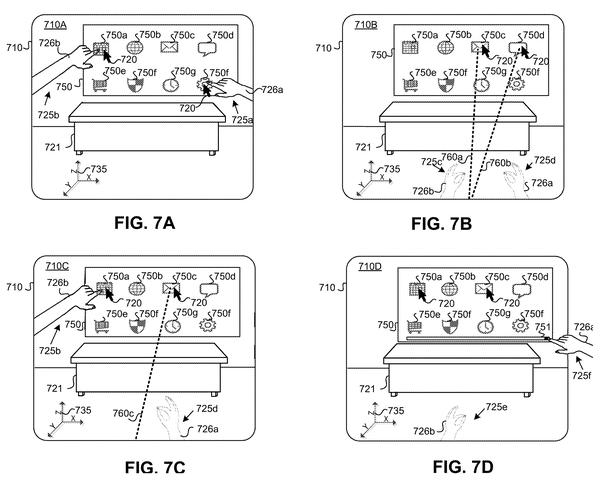
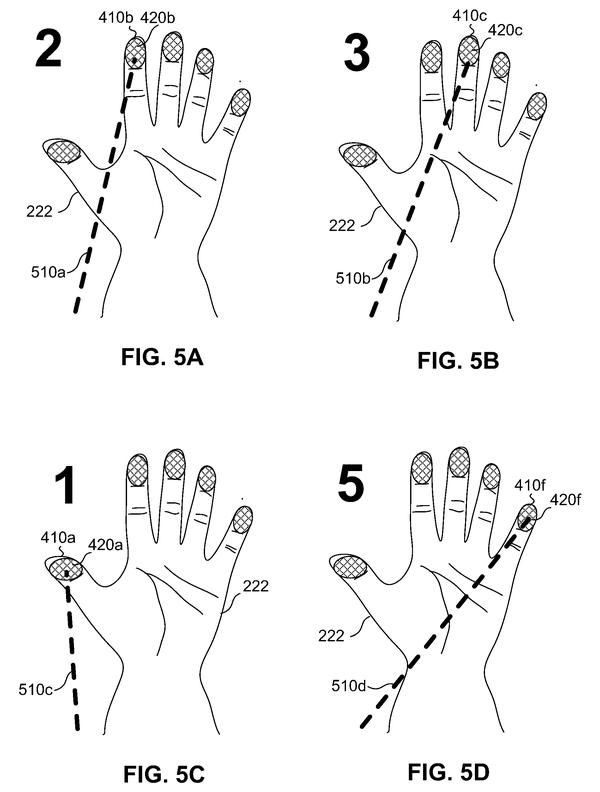
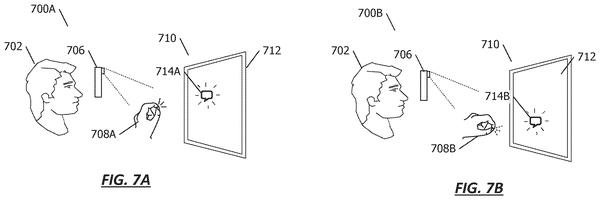
Asymmetric hand controls let users pick between precision (one hand pinches while eyes guide) and reach (the other hand stabs at distant targets), solving the trade-off between gaze accuracy and gesture reliability.
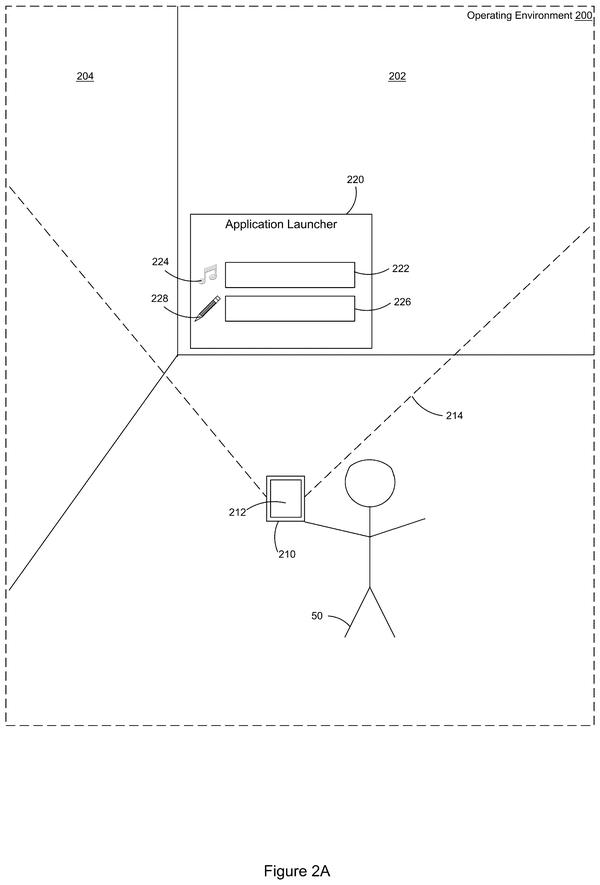
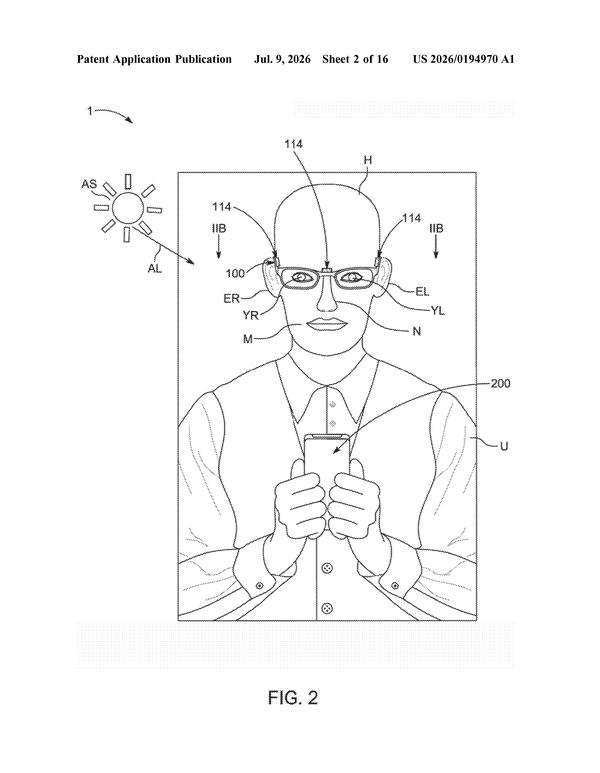
Screenless glasses need silent input methods. This filing maps fingertips as gaze targets, letting users enter codes by looking at their hand instead of speaking or touching.
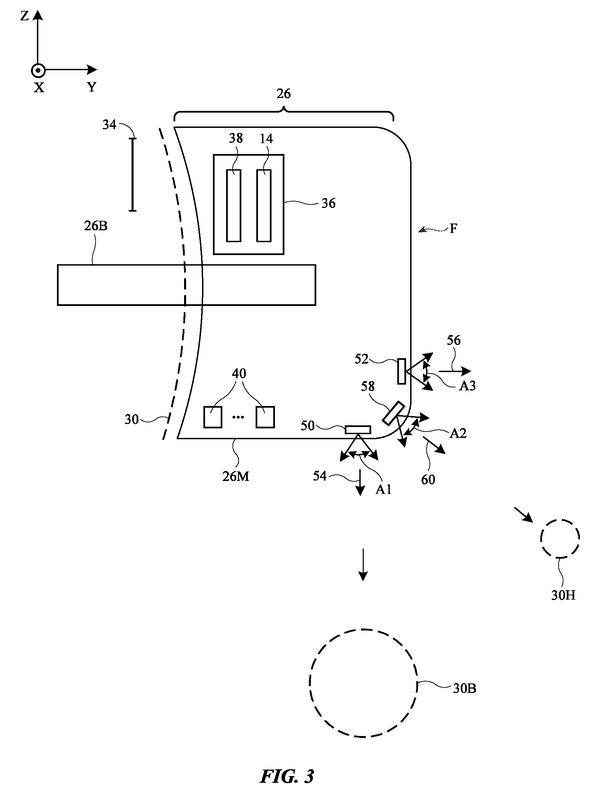
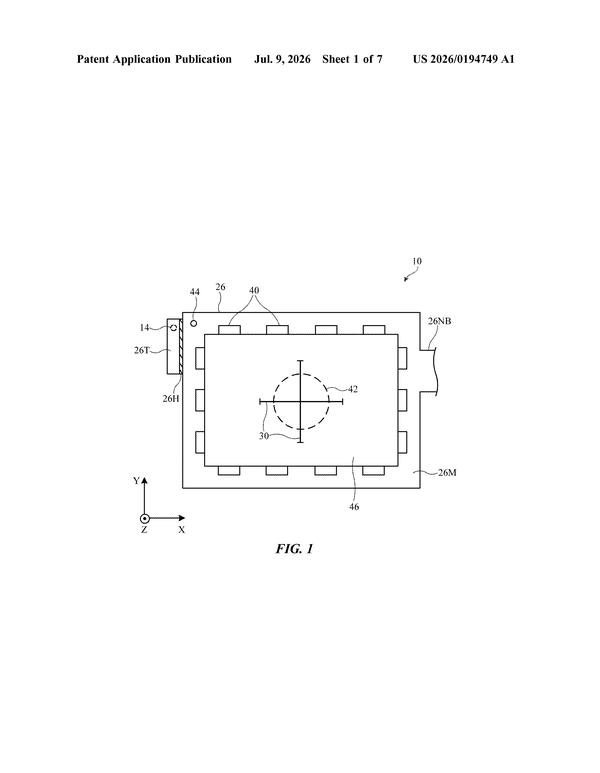
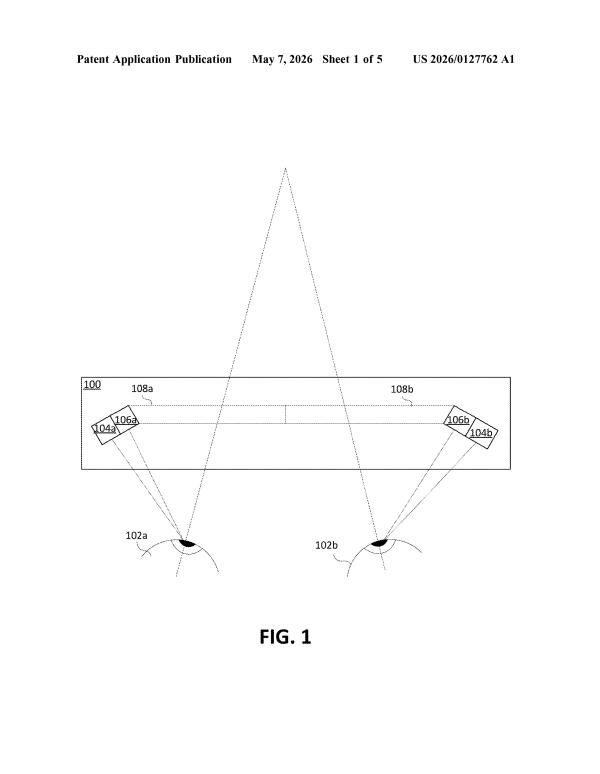
After years of filing on gaze detection hardware, Apple now proposes embedding the eye tracker directly into the display optics, eliminating the need for separate cameras.
Users could run existing flat-screen apps in 3D space without rewriting them. The patent describes a translation layer that converts gaze and gesture input into the touch events those apps already expect.
Eye and hand controls need a way to recognize custom gestures, not just preset ones. This filing shows Apple is building a learning system that lets users train their device on personal hand signals in real time, reducing friction at the setup stage.
Adjusting hit targets based on depth compensates for eye-tracking drift that compounds with distance, letting users reliably select spatially distributed UI elements in volumetric interfaces.
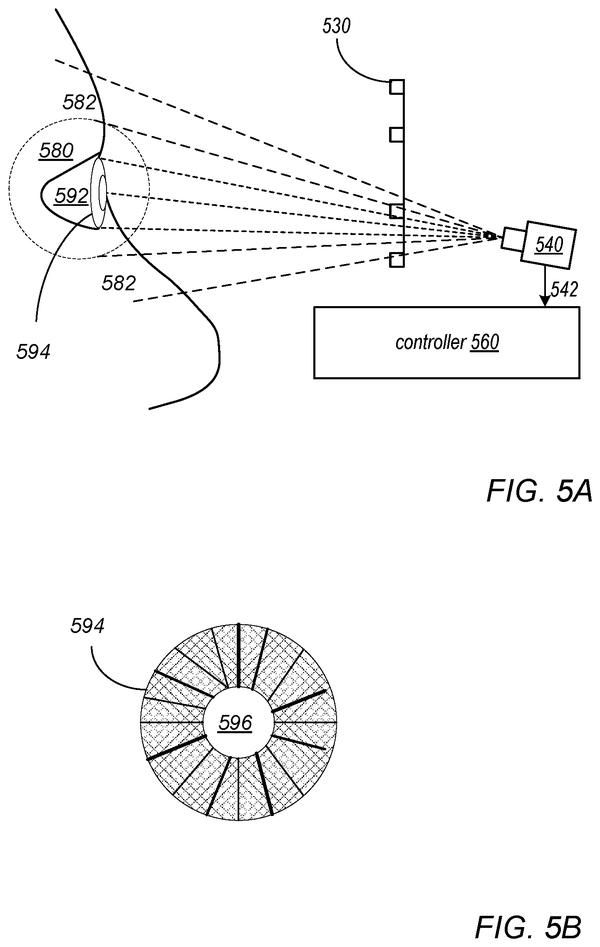
After patents on gaze targeting and hand gestures, this filing narrows how eye input actually registers a command: pupil constriction from bright spots replaces pinch gestures as the selection trigger, freeing hands entirely when they're occupied.
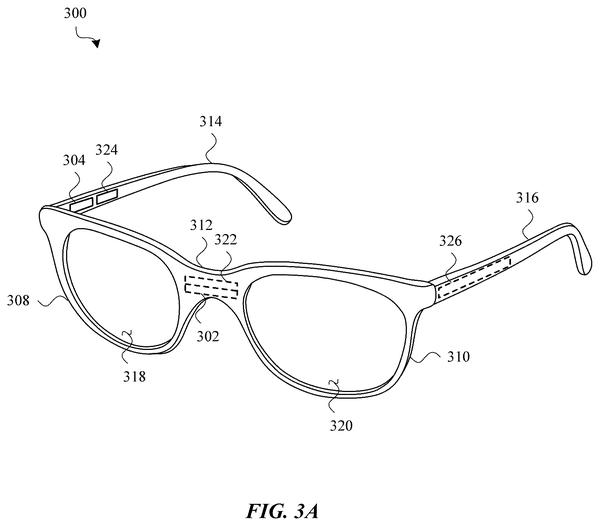
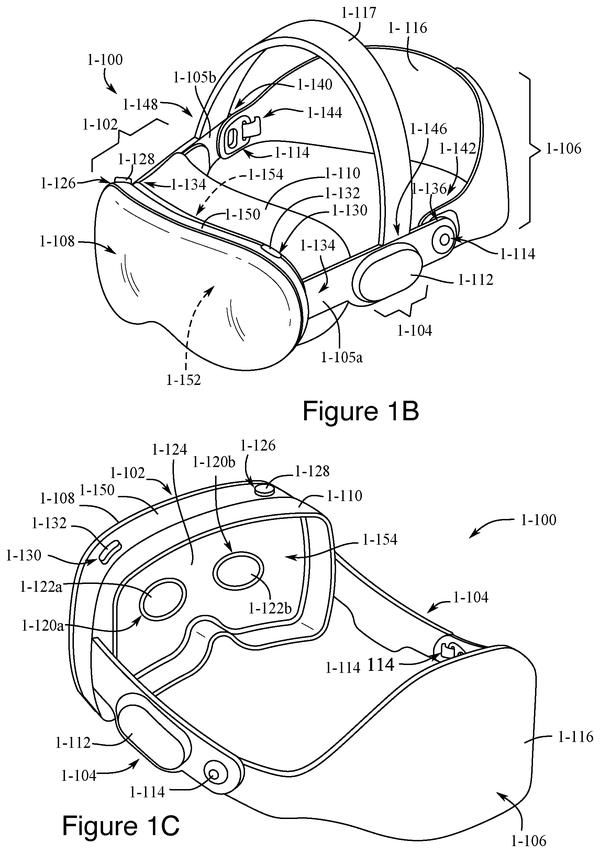
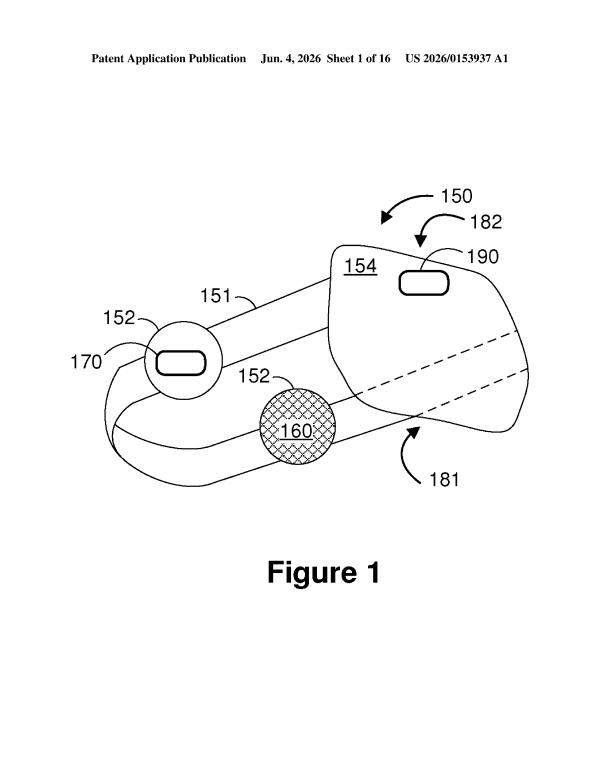
Cramming eye-tracking optics into the nose bridge solves the space problem that's kept gaze control off thin, wearable frames, moving the tech from lab prototype toward everyday glasses.
Eye movement toward an unexpected sound source signals attention lapses during guided meditation, letting the headset adjust coaching intensity or content in real time.
Resolving ambiguous food items requires the system to request real-time visual confirmation from the wearer. The patent shows gaze selection as the primary input method when image recognition alone falls short.
For glasses to work one-handed, the frame arms need to function as distinct input zones. This filing maps how touch location on left versus right arm routes commands to different functions, filling a gap between gaze tracking and physical control.
After mapping gaze for selection and hand gestures for commands, this filing solves the mode problem: how to let a single gesture (pinch plus movement) handle multiple operations without forcing users to switch input methods between move, rotate, and resize.
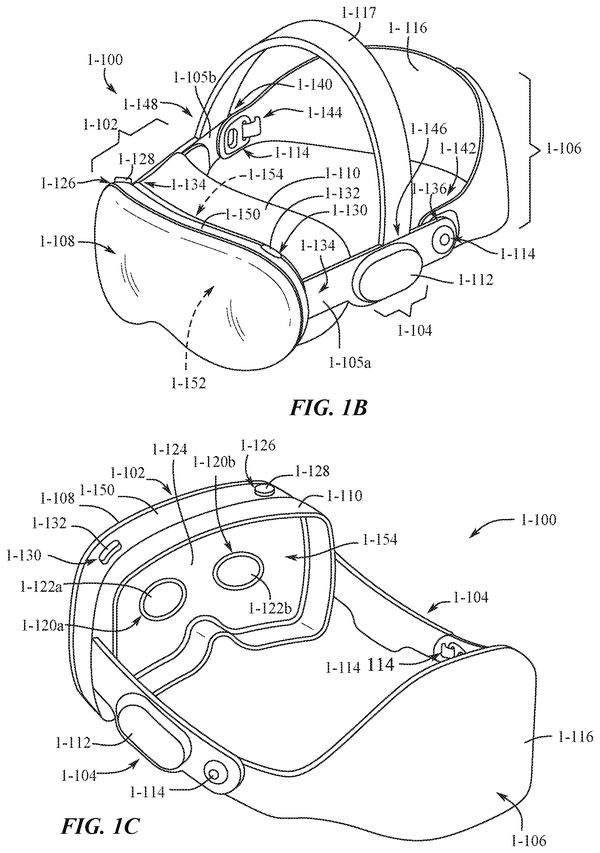
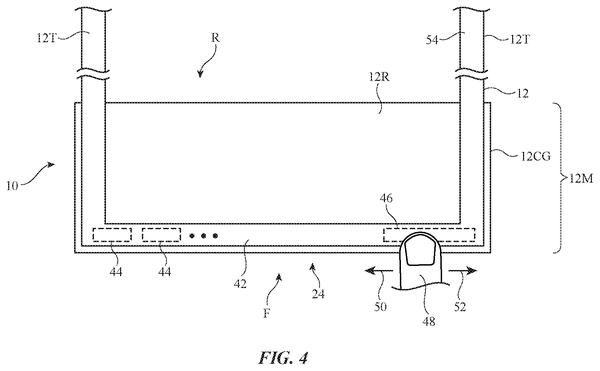
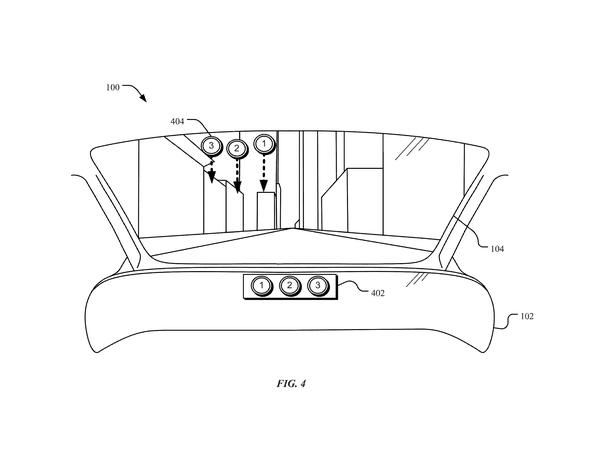
Touch sensors on the headset's front glass give users a physical surface to press and swipe without lifting their hands from their lap or breaking eye contact with the display.
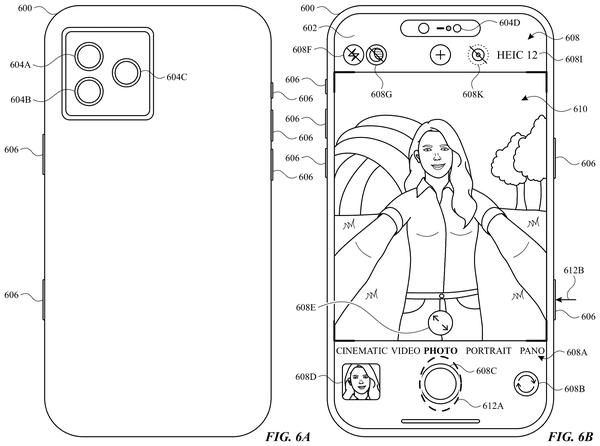
Hand position and device tilt now enter the control equation alongside gaze and gesture, letting the phone shift its input layer based on how you're physically holding it rather than requiring screen contact to change modes.
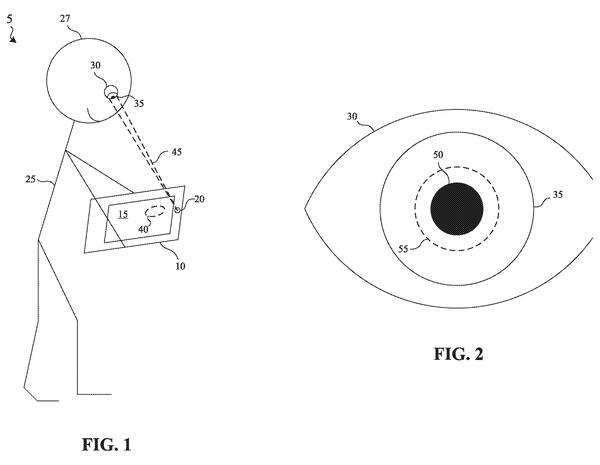
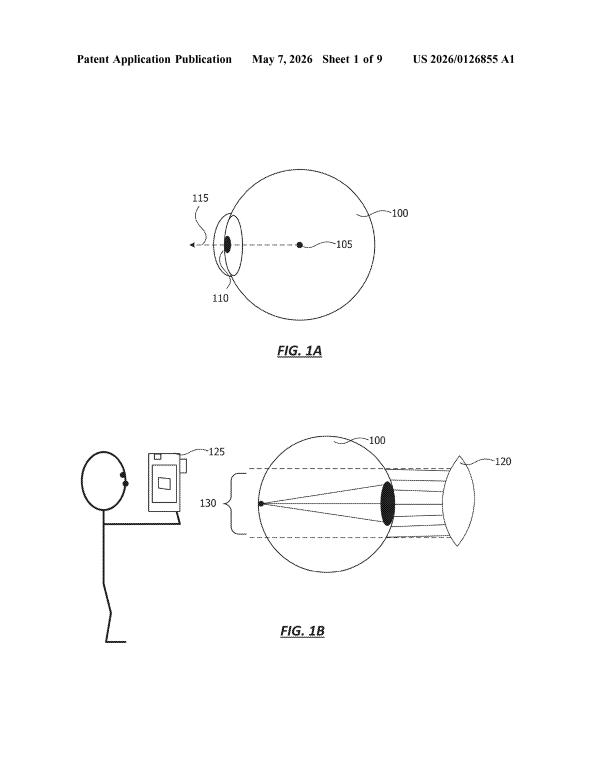
Expands pupil-size detection beyond basic gaze tracking: involuntary pupil dilation becomes an input signal, letting the system infer user interest and trigger commands without explicit gesture or eye movement.
Eye contact detection lets devices recognize when you're engaged with another person and suppress AI interruptions accordingly, extending the gaze-tracking work beyond menu control into real-world social awareness.
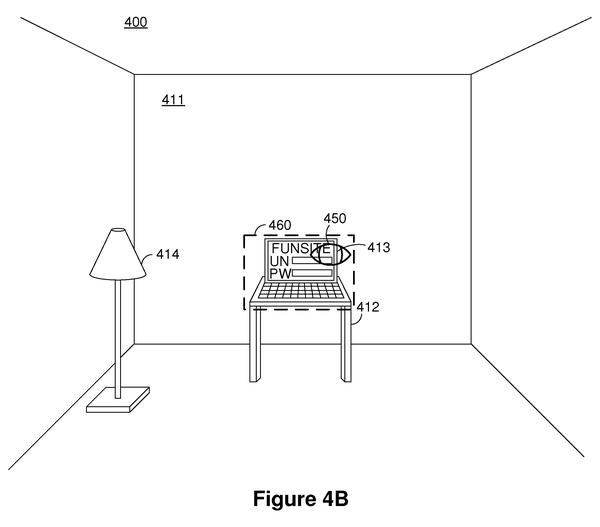
Gaze-based authentication extends eye tracking beyond menu control into device access, removing the password step entirely when a worn headset detects where you're looking.
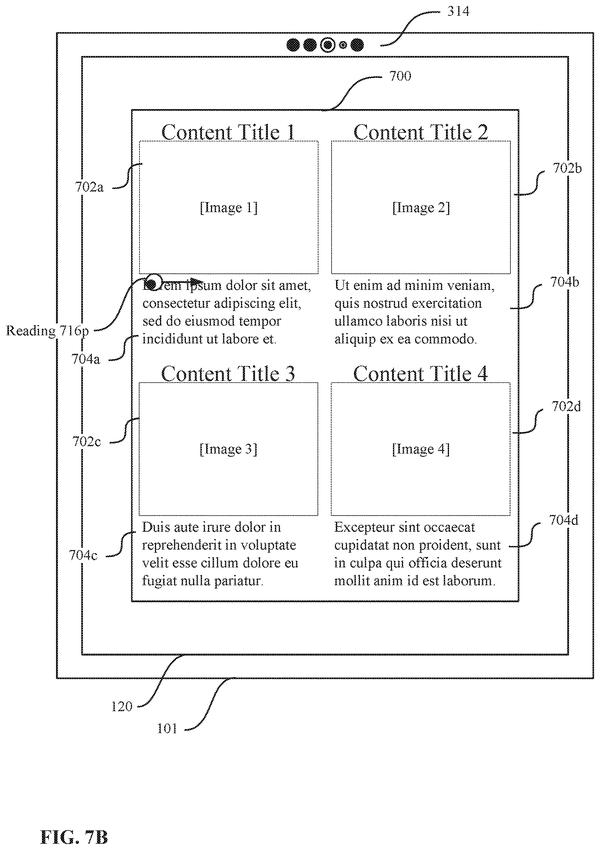
After mapping eye position and hand gestures for menu control, this filing moves into applying gaze-tracking to continuous content consumption, automating the scroll mechanic itself based on reading completion rather than user input.
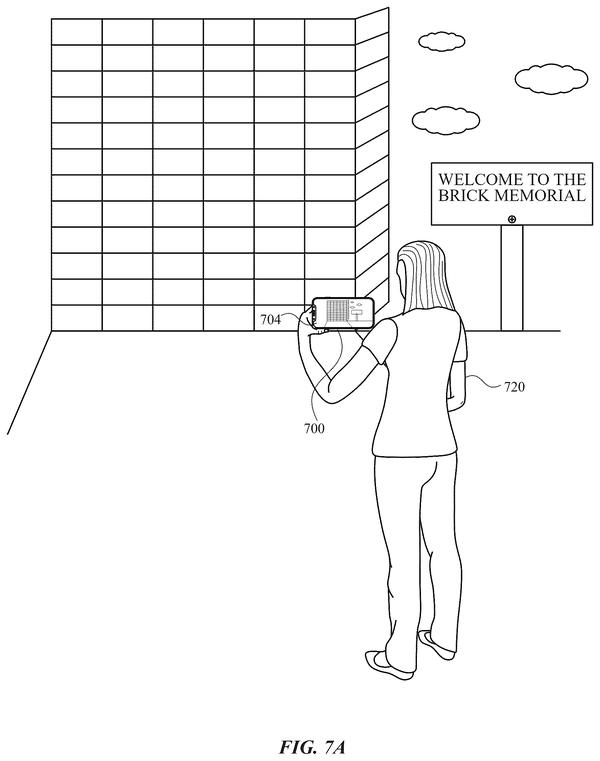
After gaze and hand tracking, the real challenge is mapping those inputs onto physical world objects. This patent solves the final step: matching what you point at to a specific building or storefront in a location database.
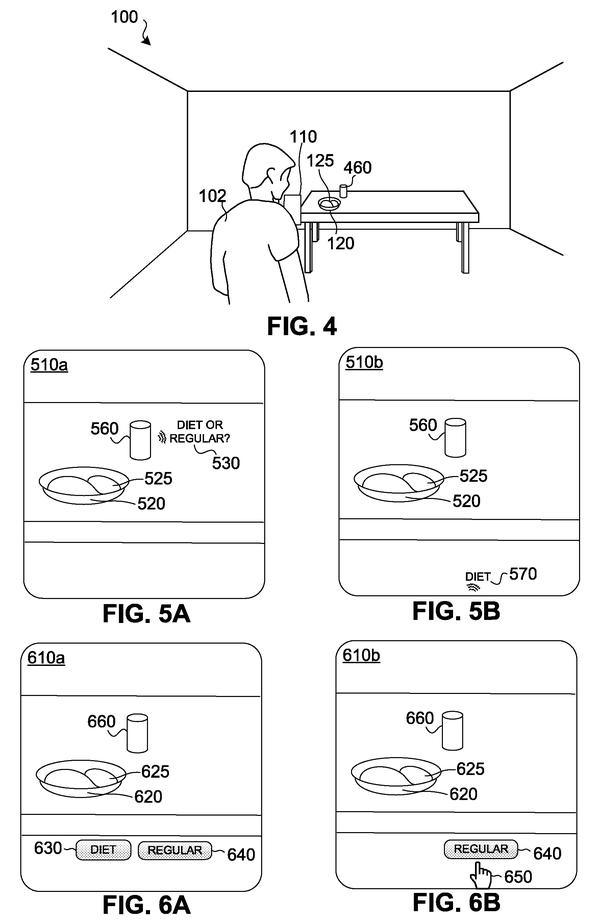
Extends hand gesture recognition to voice assistant control, solving the problem of commanding Siri without touching a device during tasks like cooking.
Extends the hand and eye control layer to include involuntary pupil response as a sensing input, letting devices read engagement without explicit gesture or gaze direction commands.
Hand tracking cameras lose the signal in dim lighting, breaking gesture control. Apple's infrared system keeps hands visible to sensors regardless of room brightness.
Dwell confirmation adds a buffer between gaze detection and command execution, preventing accidental activations when eyes naturally drift across the screen during normal viewing.
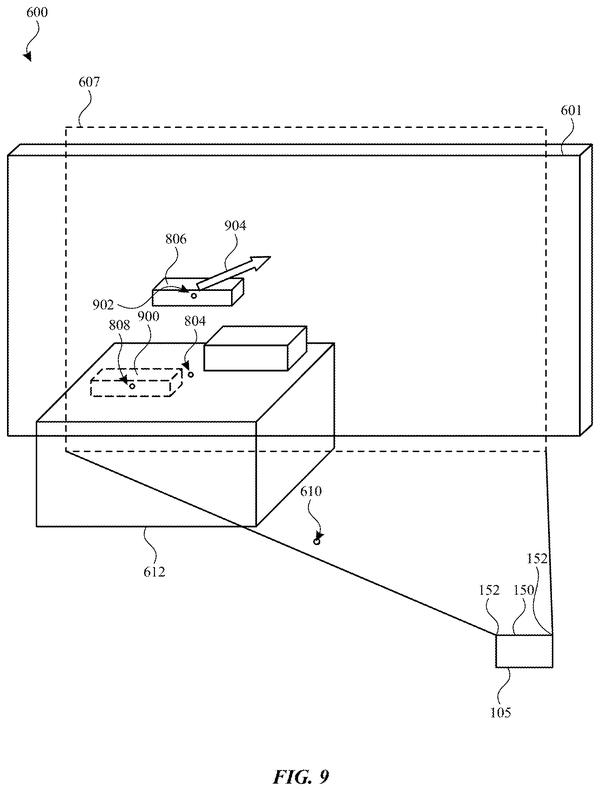
Batch moving AR objects without scattering them. The patent describes selecting and repositioning multiple virtual items as a unit, eliminating the tedium of adjusting each placement individually in headset environments.
After establishing that hand tracking needs to distinguish intentional gestures from incidental finger movements, this patent targets false positives by filtering out pinches that lack the pressure signature of actual user commands.
Preventing accidental unlocks requires confirming the user's visual attention is on the target device, not just that they're physically nearby. Apple's patent links gaze detection across devices to gate the unlock sequence.
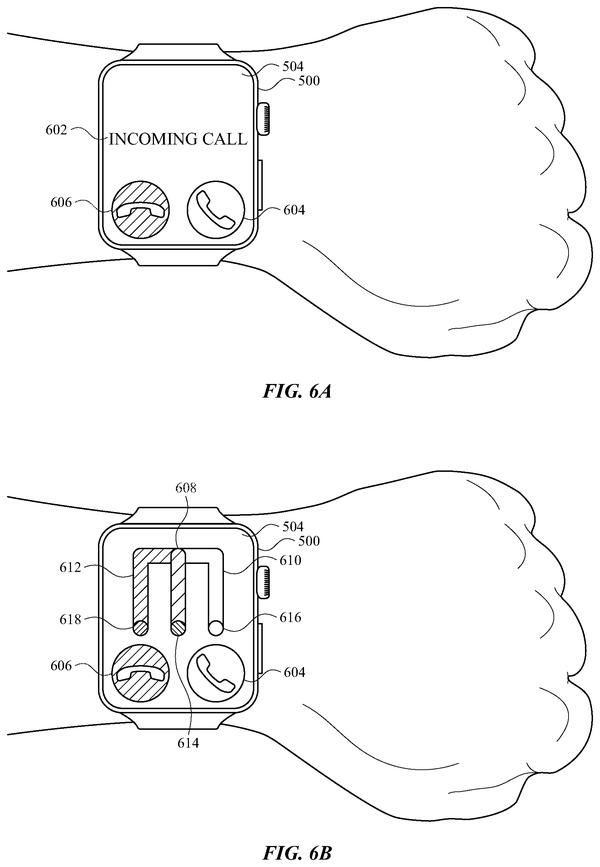
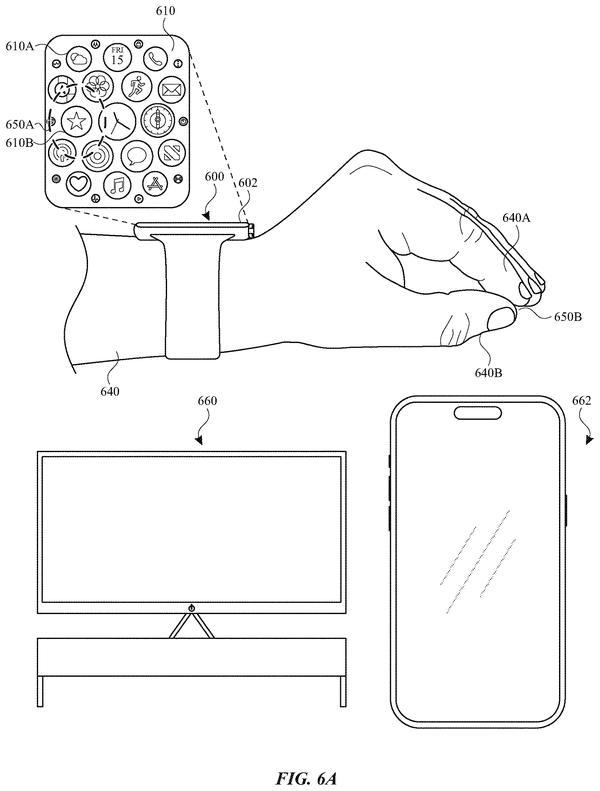
Distinguishing soft from firm presses on the crown expands the input vocabulary for wearable controls, letting a single physical gesture map to multiple commands based on pressure intensity.
Distinguishing idle hand position from active input by monitoring elevation against a virtual threshold helps the system reject accidental gestures during spatial computing, sharpening the signal-to-noise problem that plagues gestural interfaces.
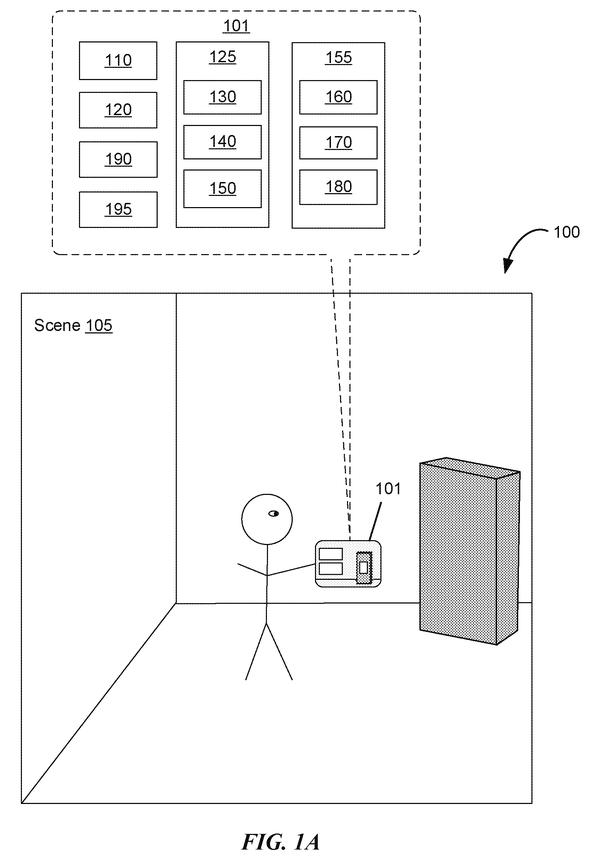
Moving your head while tapping a button in augmented reality is a recipe for phantom clicks. Apple's latest patent describes a system that watches how your device is moving and decides, based on that motion, whether your tap should actually do anything.
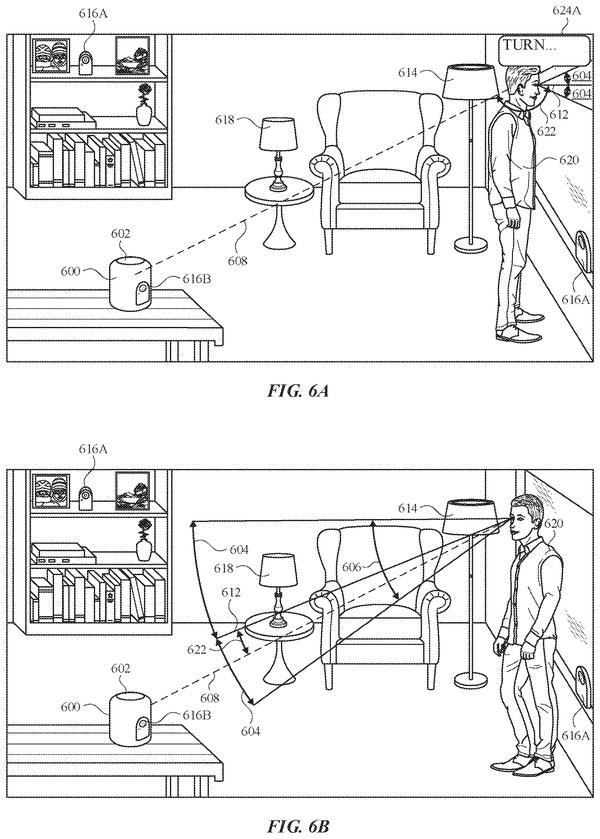
Users speaking vague commands like "turn that off" need the device to know which object they mean. Eye-tracking paired with environmental mapping lets the system narrow possibilities from a full room down to what you're actually looking at.
Identifying which physical object a user means requires gaze data tied to spatial position. This filing shows how eye tracking can pinpoint a specific lamp or device in a room, then route commands to it without voice disambiguation.
Switching to eye-only control when hand input becomes unavailable solves the messy-hands problem that keeps spatial interfaces from working in real kitchens, workshops, and other places where your hands stay busy.
The control layer gains a fusion point: hand position and voice timing combine to resolve what a gesture alone leaves ambiguous, letting a single motion mean zoom or pan based on concurrent speech.
Blurring gaze data before sending it to apps lets the headset preserve rendering fidelity while blocking apps from inferring medical or behavioral details from eye movement patterns.
Users could browse the app stack without committing to a switch, then decide mid-gesture whether to jump to an app or pull up notifications instead of locking into separate swipes.
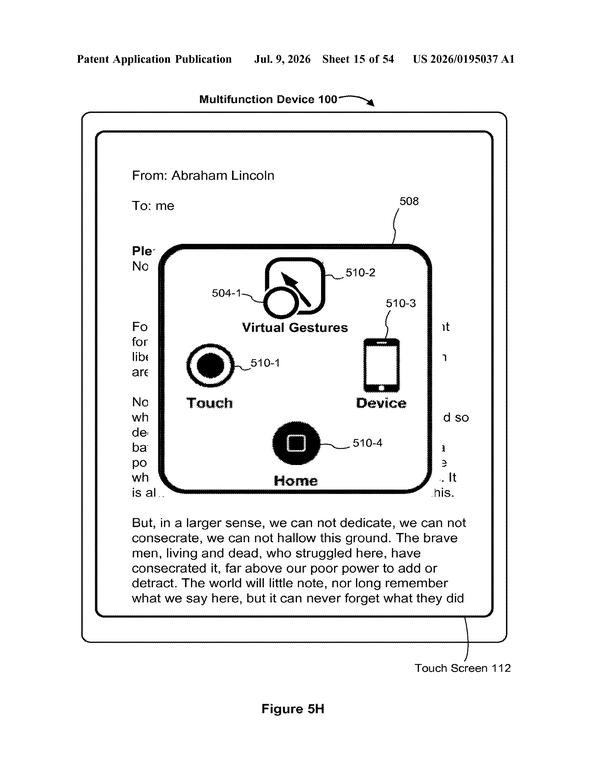
Eye and hand controls have focused on detecting what users intend. This filing shifts toward translating those intentions into app commands when direct touch isn't possible, mapping gestures like pinch and swipe through an on-screen proxy.
Pairing a low-power light-sensor system with a high-resolution camera lets the headset switch between them based on task demands, solving the battery drain that comes from running precision eye tracking continuously during long sessions.
The control layer expands beyond gaze and hand tracking into facial expressions, letting users command a headset through eyebrow raises and squints rather than external gestures alone.
Coordinating two hands simultaneously lets a single gesture change meaning based on context, multiplying the command vocabulary without requiring users to learn entirely new motions.
A gaze-locked marker that holds a slider value when you stare at it solves the friction of reaching for virtual controls mid-interaction, letting users adjust settings without breaking immersion or lifting their hands.
Users could see exactly where they'll land before committing to a tap, eliminating the guess work of VR input and making virtual interfaces feel as responsive as physical ones.
Expanding target zones after near-misses lets users recover from imprecise hand gestures without restarting, turning spatial interfaces more forgiving than touchscreen tapping.
Users could launch apps without breaking eye contact with their current task, just by glancing briefly at their hand and flicking. This fills a gap in the gesture-and-gaze system: a reliable way to invoke new functions while keeping hands free.
Distinguishing accidental glances from intentional stares lets the system hide controls until you actually need them, reducing visual clutter in AR/VR viewing.
Dynamic content repositioning based on eye position keeps text and UI elements in the viewer's optimal focal zone, addressing the fatigue and navigation friction that extended eye-controlled interfaces would otherwise create.
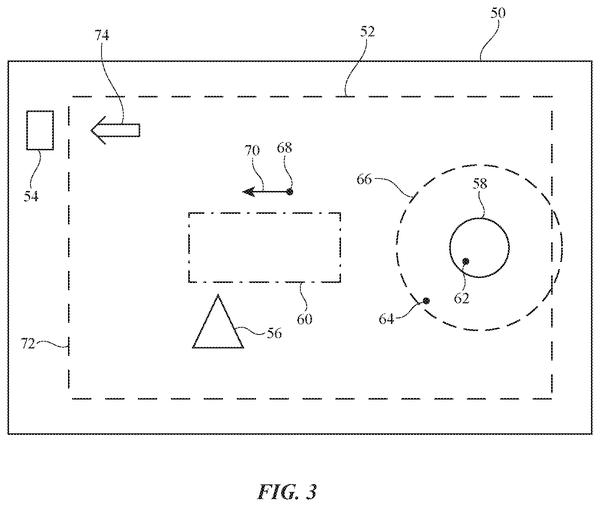
Eyes at the lens edge send garbage coordinates to the system; correcting this data prevents commands from misfiring when you glance toward the periphery of the display.
Triggering screen corners by gaze alone eliminates the need to move a physical input device, making hot corners accessible to users with limited hand mobility or those already wearing eye-tracking hardware for other control tasks.
Questions readers ask
Does this mean Apple will replace touchscreens with eye and hand control?
Not necessarily. These are patent filings, which describe research directions Apple is protecting, not confirmed products. The filings do show consistent investment in making gaze and gesture input accurate and forgiving enough to work as a control method, which suggests Apple is serious about the idea even if no shipping product uses all of it yet.
How does Apple's eye tracking avoid mistakes at the edge of the lens?
One filing in this watchlist describes a correction step that adjusts gaze data specifically when your eye looks toward the boundary of a headset lens, where tracking normally gets less reliable. It is a narrow fix aimed at a known weak spot in eye tracking rather than a general upgrade.
Can you control things outside a headset with these patents?
Yes, at least on paper. One filing describes gesturing at real-world objects like a door or a smart light to control them, which extends the gaze and gesture ideas beyond menus inside a headset. It is one of the more ambitious filings in the batch and worth watching for follow-ups.
What happens if I miss a gesture or look away by accident?
Several filings address exactly that. One widens the target area after a missed gesture so a slightly off pinch still registers, and another requires two hands together before an AR action fires, which cuts down on accidental single-hand triggers. The pattern suggests Apple is focused on tolerance for imperfect input.
Want this weekly breakdown for a company we don't cover?
Patentlyze Pro →
The weekly email: the best of Big Tech's filings, in plain English. Free.